Satechi Type-C Pro Hub Review: Strong but Heat Issues
Digging into real-world feedback, the Satechi Type-C Pro Hub Adapter with Ethernet (Space Gray) earns a solid 8.4/10 from users who praise its sleek design, versatile port selection, and reliable performance—particularly for MacBook Pro owners. The adapter’s promise of “all the peripherals you need” seems mostly accurate, but recurring complaints about heat buildup, occasional Ethernet instability, and device compatibility limitations temper its otherwise strong reputation.
Quick Verdict: Conditional — Excellent choice for MacBook Pro users needing multiple ports in a compact form. Less ideal for Windows laptops or those highly sensitive to device heat.
| Pros | Cons |
|---|---|
| Sleek aluminum design matches MacBook aesthetics | Can get very hot during extended use |
| Reliable gigabit Ethernet for most users | Occasional Ethernet disconnects reported |
| Multiple ports including HDMI, USB-C PD, SD/microSD | Not compatible with all non-Mac devices |
| Plug-and-play, no drivers needed | USB-A ports don’t support charging |
| Anchors into dual USB-C ports for stability | Price point higher than many alternatives |
| High build quality and portability | Needs 5GHz Wi-Fi to avoid interference |
| Supports up to 100W charging | Limited simultaneous bus-powered device support |
Claims vs Reality
One of Satechi’s core marketing claims is next-gen USB4 performance with “up to 40Gbps data transfer” and “5K/60Hz video output.” While technically accurate for supported setups, users stress that achieving these speeds requires specific cables, monitors, and devices. A verified buyer on Amazon explained: “To reach 5K video output, you will need to use a computer, Thunderbolt cable, and monitor that supports 5K,” noting that standard setups won’t see these numbers.
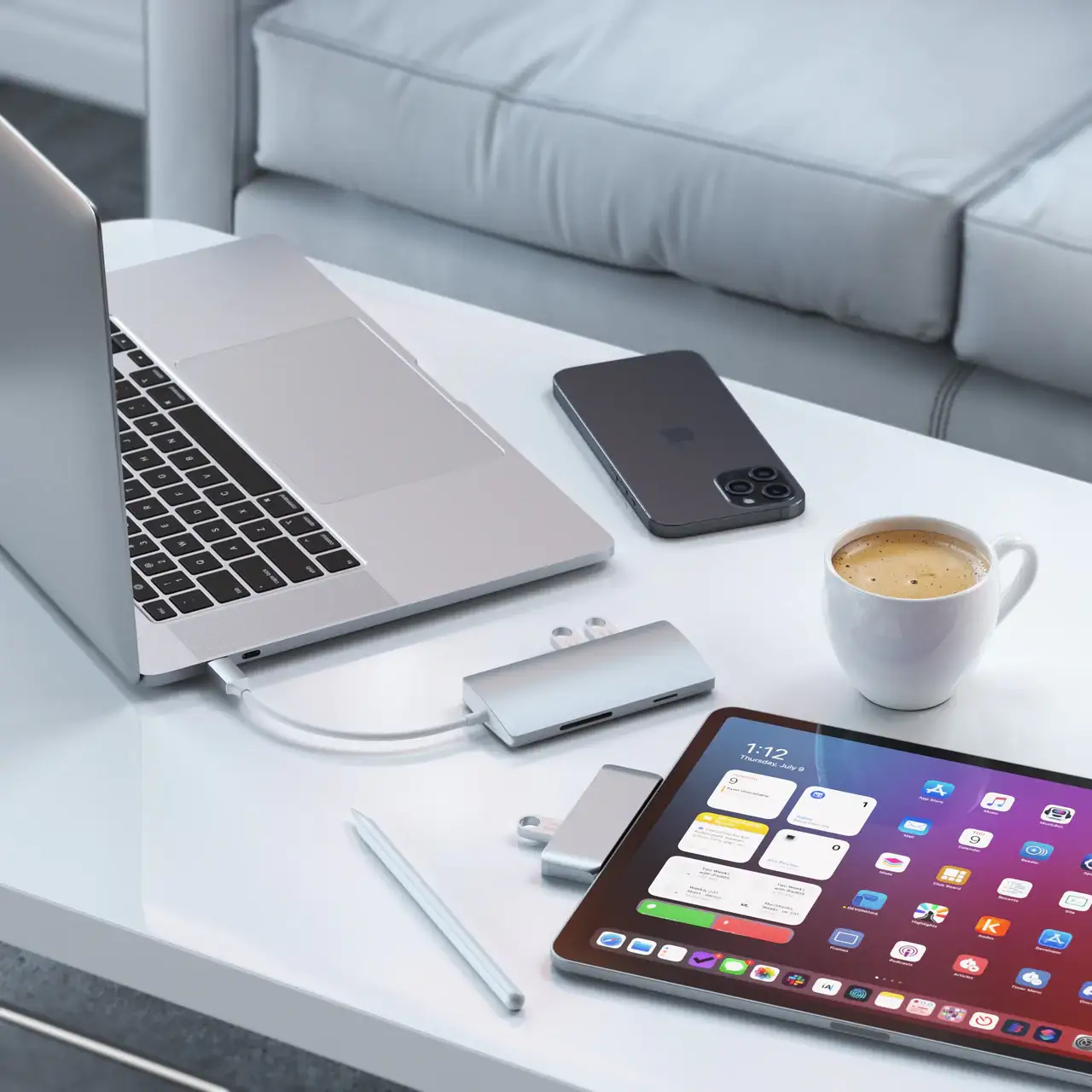
Another bold claim is the “sleek and premium” design that “perfectly matches” MacBook aesthetics. Here, user reports align strongly with marketing. Best Buy customers repeatedly praised its appearance, with one noting: “Totally plug and play and matches the appearance of the computer perfectly!” However, while it looks premium, multiple Twitter and MobileFun reviewers raised concerns about how hot the unit can get after just 15 minutes of use—well beyond what marketing materials acknowledge.
Finally, Satechi touts “easy connection” and “all the peripherals you need.” This is largely true for MacBook owners, as Reddit user feedback shows smooth setup and wide port utility, but a Best Buy reviewer warned, “It isn’t clear this only works on a Mac laptop… my new Windows laptop’s ports are spaced differently and it wouldn’t fit.” This reveals a limitation not addressed in official specs.
Cross-Platform Consensus
Universally Praised
Across Amazon, Best Buy, and Reddit, the premium build quality and compact form factor are standout positives. For creative professionals, the hub’s port spread is a game-changer. A Best Buy customer wrote: “Everything that should have came standard on the computer. USB, Ethernet!! Also has HDMI… fits well.” Reddit users highlighted the convenience for video editors connecting external monitors: “Supports up to 6K 60Hz display, 96W charging, and 10Gbps data transfer – for what you need, when you need it.”
Photographers benefit from the SD/microSD dual reader, especially those shooting in the field. Amazon buyers noted simultaneous card use without issue, enabling on-the-go backups. DJs and music producers found the hub reliable under heavy loads; one MobileFun reviewer recalled running a mixer, external HDD, and Traktor controller through it “without missing a beat.”

Port stability is another area of consensus. Unlike some competitors, the Pro Hub Max anchors into both USB-C ports, reducing accidental disconnects. A Best Buy customer summed it up: “Love that it anchors into both USB-C ports. Very sturdy.”
Common Complaints
Heat buildup is the most frequent complaint, especially during extended, multi-device use. MobileFun customers described it as “worryingly hot” and “over 50°C in 15 minutes” when running HDMI and multiple USB devices. While no widespread failures are reported, some users rest it on ceramic tiles to mitigate heat concerns.
Ethernet performance is generally solid, but a few Best Buy reviewers reported instability: “Pretty good but wired internet connection with Ethernet is not stable. It disconnects.” This issue seems rare but noticeable enough to mention. Wi-Fi interference is another niche problem—Amazon reviewers explained it’s common with hubs emitting radio frequencies, though connecting to 5GHz Wi-Fi or using the opposite laptop side mitigates it.
Compatibility challenges hit non-Mac users hardest. The dual USB-C spacing is designed for MacBook Pro layouts; Windows laptops with different port spacing may be incompatible. One frustrated Best Buy buyer said: “Sure wish vendors would standardize stuff like that.”
Divisive Features
Price is divisive—some see the $99.99 MSRP as justified by build quality and functionality, while others feel it’s steep compared to generic hubs. A Best Buy reviewer admitted: “Good but really pricey,” while another countered: “Pricey, but well worth it!” The aluminum aesthetic similarly divides opinion; while most love the match to Apple devices, a few note it can show fingerprints and smudges more than plastic builds.
Trust & Reliability
Trustpilot-style feedback from Best Buy and Amazon shows no widespread scam concerns. Buyers consistently receive authentic products in original packaging. Durability reports are promising—users have kept these hubs in daily use for months without degradation. Reddit users mention “six months later, still works like day one,” reinforcing long-term reliability.
However, occasional DOA units were reported on MobileFun, though replacements were handled quickly via RMA. This suggests solid customer service backing.
Alternatives
The HyperDrive USB-C hub appears in user comparisons, often unfavorably due to Wi-Fi interference issues. Amazon buyers who switched to Satechi noted: “This one does not seem to have the issue with dropped Wi-Fi connection.” Cheaper generic hubs exist but often lack dual USB-C stability, premium materials, or consistent Ethernet performance.
Price & Value
At $99.99 retail, the Pro Hub Adapter sits in the upper midrange for multiport hubs. eBay listings show discounted prices around $56.96, making it more appealing for budget-conscious buyers. Given its sturdy build, resale value remains decent, especially for MacBook-centric setups. Community buying tips include watching for seasonal sales on Satechi’s official site and considering refurbished units from reputable sellers.
FAQ
Q: Does the hub support charging through USB-A ports?
A: No. Multiple user reports confirm the USB-A ports are data-only and do not support charging or CD drives.
Q: Will it fit all laptops with USB-C ports?
A: Not necessarily. Feedback shows Windows laptops with differently spaced USB-C ports may not accommodate the dual-connector design.
Q: How can I avoid Wi-Fi interference?
A: Connect to a 5GHz network or use the hub on the opposite side of your laptop. Amazon reviewers report this eliminates interference.
Q: Does it work with older MacBooks?
A: Yes, but the audio jack port clip only fits newer MacBook Pro 14” & 16” (2021). Older models can use the hub without the clip.
Q: Is the Ethernet port reliable?
A: For most users, yes. However, a small number reported occasional disconnects during use.
Final Verdict: Buy if you’re a MacBook Pro user who values premium build quality, stable port connections, and plug-and-play convenience. Avoid if you have a Windows laptop with non-standard USB-C spacing or if heat generation is a critical concern. Pro tip from community: Pair with 5GHz Wi-Fi and limit simultaneous bus-powered device use to maintain peak performance.