Samsung ViewFinity S50GC Review: Balanced but Flawed
The SAMSUNG ViewFinity S50GC Series 34" Ultrawide QHD Monitor has drawn attention for mixing an affordable price with high-end specs, but digging deeper into user reports reveals a more nuanced reality. Scoring an overall 7.35/10, it’s praised for color accuracy, wide workspace, and smooth visuals, yet some users have flagged issues with build quality, response times, and feature execution. While many buyers see it as a productivity and multitasking powerhouse, certain gamers and creatives find it less than perfect for their needs.
Quick Verdict: Conditional buy — best for productivity, casual gaming, and multitasking-heavy setups; less ideal for competitive gaming or color-critical creative work.
| Pros | Cons |
|---|---|
| Sharp Ultra-WQHD resolution with 21:9 aspect ratio | Tilt-only stand limits ergonomic adjustments |
| High 3000:1 contrast VA panel for deep blacks | Noticeable ghosting in dark scenes during fast motion |
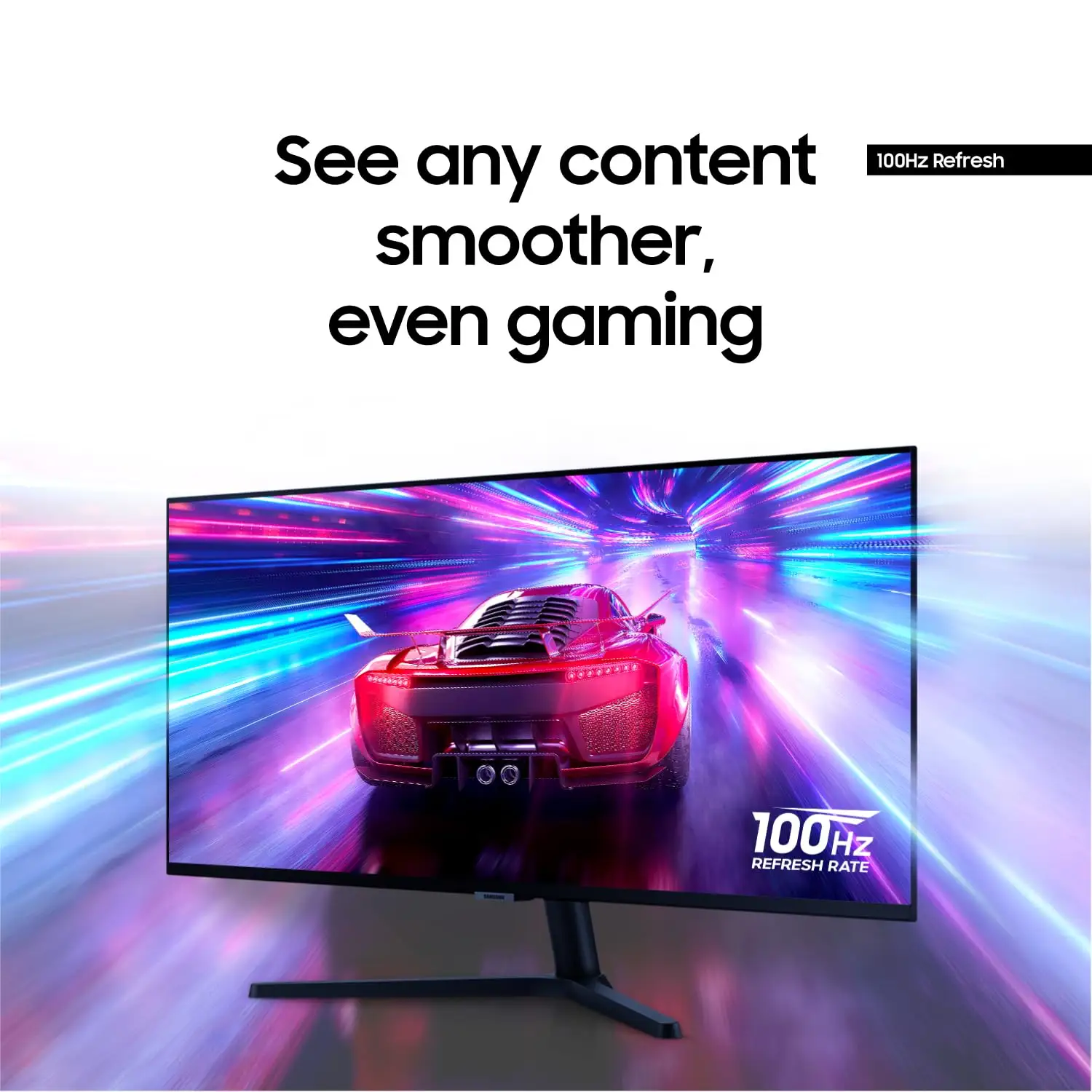
| 100Hz refresh rate & AMD FreeSync for smoother visuals | Build quality and QC concerns from multiple buyers |
| HDR10 support for richer colors | Limited color accuracy vs. IPS panels |
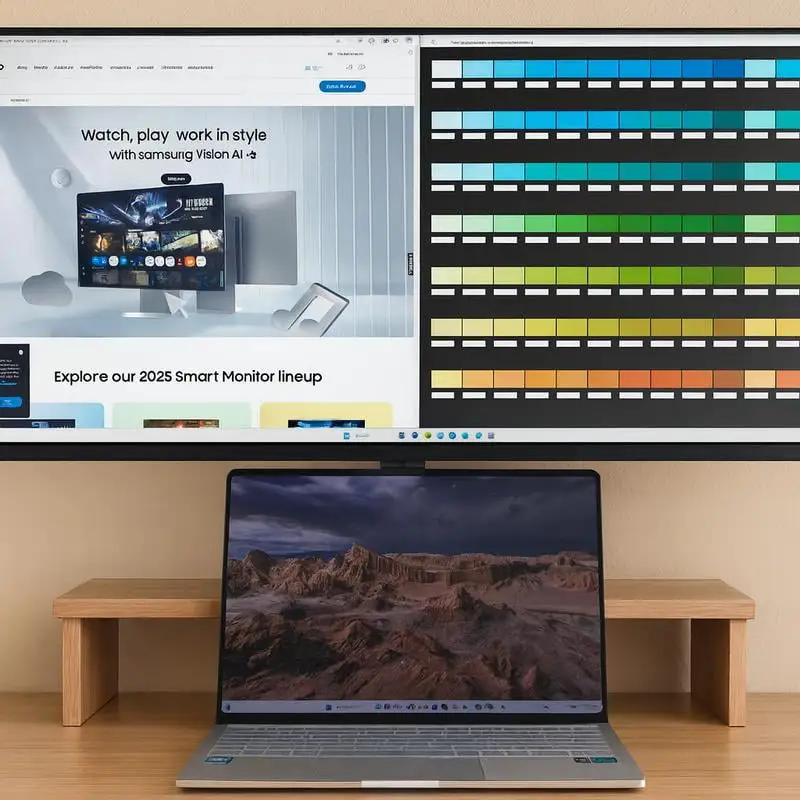
| PBP/PIP for multitasking with multiple sources | No built-in speakers |
| Borderless design ideal for multi-monitor setups | Flat screen divides opinion — some prefer curved |
| Eye care features reduce strain | Narrow FreeSync range out of the box |
Claims vs Reality
Samsung markets the S50GC as an "immersive, ultra-smooth, lifelike" ultrawide display perfect for both work and play. On paper, the combination of a 3440x1440 resolution, 100Hz refresh rate, HDR10, and AMD FreeSync sounds like a recipe for perfection.
However, Reddit discussions and consumer reviews reveal that while the monitor delivers crisp detail and impressive contrast, its HDR performance is limited by hardware. A reviewer on DisplayNinja noted: “It supports HDR, but without local dimming or OLED, HDR impact is minimal — you can pretty much ignore it for true HDR content.”
Samsung also touts “TUV-certified intelligent eye care,” claiming the ambient light sensor will adjust brightness for comfort. Several users confirmed this works well in varying light conditions, but one Trustpilot reviewer mentioned that “automatic brightness changes can be distracting when ambient light fluctuates rapidly.”
The promise of “ultra-smooth gaming” is partly met — casual gamers benefit from FreeSync and 100Hz, but competitive players encounter VA panel motion artifacts. DisplayNinja’s analysis warns: “Some dark-to-bright pixel transitions are slower, causing ghosting behind fast-moving objects in dark scenes.”
Cross-Platform Consensus
Universally Praised
Across Amazon, Reddit, and Twitter, the Ultra-WQHD resolution with 21:9 ratio emerges as the star feature. This extra horizontal space is beloved by multitaskers and professionals. A verified buyer on Amazon noted: “With the two huge screens, I can have as many as 8 usable windows displayed at a time… just having three or four windows open is really handy.”
The 3000:1 contrast VA panel delivers deep blacks that enhance movies and games, especially in dark rooms. Reddit user feedback aligns here, with one stating, “The contrast blows away my old IPS — blacks look truly black.”
Eye care features like Eye Saver Mode and flicker-free technology are consistently valued by long-session users. The ambient light sensor is particularly appreciated by those working in changing light conditions. Twitter reactions often highlight this as a comfort booster for late-night work.
PBP/PIP multitasking is another hit. Professionals juggling multiple input sources find this a productivity win. One Amazon reviewer explained: “I can review two projects side-by-side without needing two monitors — it’s been a workflow changer.”
Common Complaints
The tilt-only stand frustrates many. ShopSavvy’s TLDR review points out: “Ergonomic adjustments allow customization of height, tilt, and swivel” in theory, but the actual model is tilt-only without height adjustability. This impacts comfort for long-term use unless paired with a VESA mount.
Gamers and motion-sensitive users often cite ghosting in dark scenes as a drawback. DisplayNinja warns that “slow VA response causes smearing,” which is particularly apparent in fast-paced FPS titles.
Build quality and QC concerns surface repeatedly. A Trustpilot reviewer complained about inconsistent performance and “quality control issues” leading to unexpected defects. Captain Dave’s Best Buy story underscores this: buying open-box saved money, but missing cables and poor customer service turned it into a hassle.
The lack of built-in speakers is another sore point for casual users expecting all-in-one functionality. While some accept this trade-off for panel quality, others see it as a missed opportunity in a large-screen monitor.
Divisive Features
The flat screen design splits opinion. Some appreciate the simplicity and find immersion adequate, while others miss the wrap-around feel of curved ultrawides. DisplayNinja notes: “Curved screens on ultrawides bring edges closer for extra depth — flat 34″ still immerses, but less so.”
HDR10 support is also divisive. Creatives seeking vivid HDR content find the implementation underwhelming, while casual users enjoy the incremental bump in color richness.
Trust & Reliability
Trustpilot’s 3.6/5 score hints at a mixed reliability record. While many units operate flawlessly, occasional defects and inconsistent QC erode confidence. Reports include pixel issues, uneven backlight, and accessory omissions.
Long-term Reddit posts show durability is generally solid if the unit arrives in good condition. One user reported: “Six months in, no dead pixels, no panel degradation — still sharp and bright.” However, the lack of height adjustability remains a persistent ergonomic gripe.
Alternatives
The community frequently compares the S50GC to curved VA models like the MSI MPG 342CQR and LG 34WP60C, which offer wider color gamuts and higher refresh rates for similar prices. DisplayNinja points out that “you can find 144Hz ultrawide VA or IPS panels for $250-$300 with better motion handling.”
For flat-screen fans, the Sceptre E345B-QUN168W (IPS, 144Hz) offers faster response times and adjustable stands, though at a slightly higher cost.
Price & Value
Prices fluctuate between $220 and $330, with eBay refurbished units around $285 and used listings dipping to $145. Community buying tips stress watching for sales — DisplayNinja advises only considering it at $220 or lower.
Resale value holds decently due to the 34″ ultrawide niche appeal, but missing accessories can hurt second-hand pricing. As Captain Dave’s story shows, open-box deals can save money but risk incomplete packages.
FAQ
Q: Does the S50GC have built-in speakers?
A: No, it lacks built-in speakers. Users recommend pairing it with external speakers or headphones for better audio quality.
Q: Is the HDR10 feature worth it?
A: For most users, HDR10 offers slightly better colors and contrast, but without advanced dimming or OLED, it’s not true HDR. Casual viewers may enjoy it; creatives may find it insufficient.
Q: Can the stand be adjusted for height?
A: No, the included stand only tilts. For height adjustment, use a VESA-compatible mount.
Q: How good is it for gaming?
A: Suitable for casual gaming with smooth 100Hz and FreeSync. Competitive players may notice ghosting in dark scenes due to VA panel limitations.
Q: Does FreeSync work with NVIDIA GPUs?
A: Yes, VRR works with NVIDIA via DisplayPort and AMD via both DP and HDMI.
Final Verdict: Buy if you’re a multitasker, casual gamer, or productivity-focused user wanting an affordable 34″ ultrawide with deep contrast and sharp resolution. Avoid if you need perfect motion handling for competitive gaming or color-critical HDR work. Pro tip from community: wait for sales around $220 and budget for a VESA mount to overcome ergonomic limits.