Samsung Slim Bluetooth Mouse Review: Quiet & Reliable Verdict
Few accessories get called “elegant” by their own users, but that’s exactly the word that keeps returning for the Samsung Bluetooth Wireless Mouse Slim (EJ‑M3400) — a compact, sculpted device earning an overall 8.6/10 based on aggregated user feedback from Amazon, Best Buy, and Samsung’s own store reviews. While praised for its seamless pairing and ultra‑quiet operation, buyers also raise eyebrows at its price and slight learning curve on certain Android updates.
Quick Verdict
| Verdict | Recommended for Samsung laptop/tablet users seeking quiet, portable performance. Best for digital nomads, students, and office users needing Bluetooth‑only connectivity. |
|---|
| Pros | Cons |
|---|---|
| Quick pairing with Samsung and Windows 10/11 | Price considered high for its size |
| Silent clicks ideal for office or library use | Occasional Bluetooth re‑pairing needed after Android updates |
| Lightweight and portable (≈80 g) | Not rechargeable – runs on a single AA |
| Comfortable sculpted shape | Slightly small for large hands |
| Consistent Bluetooth performance across devices | Limited surface compatibility reported by few users |
Claims vs Reality
Samsung advertises “easy pairing with Samsung PC & mobile devices” and “all‑day comfort in a slim profile.” Those promises mostly hold true, though users occasionally report technical or ergonomic caveats that reveal a more nuanced picture.
“Pairing the mouse is as easy as following the instructions in the pop‑up,” the official listing states. A verified buyer on Amazon backed this up: “The laptop discovered it instantly, connected in seconds, and was ready to use right away.” Likewise, Reddit users described setup as “plug‑and‑play simple” under Windows 11’s Swift Pair feature.
But the flawless experience doesn’t extend to every system update. Within Samsung’s own Italian Community, one Galaxy Tab S10 Ultra owner complained that “after updating to Android 15, I have to unpair and re‑pair every single time I power on.” The community expert Michele_P explained that “Bluetooth protocol conflicts require resetting the connection module.”
As for the ergonomic design claim, Amazon reviewers generally agreed it fits comfortably in the hand, although one user on Best Buy noted, “It’s a little small for my bigger hands, but I’m getting used to it.” So while Samsung’s “all‑day comfort” tagline rings mostly accurate, it depends heavily on hand size and grip style.
Cross‑Platform Consensus
Universally Praised
Across every major retailer, three attributes dominate the praise: connectivity, battery longevity, and near‑silent feedback. “It pairs wirelessly via Bluetooth … very fast & easy setup,” wrote Chris Krz on Trustpilot, adding that “the clicking noise sound is very low to non‑existent which is excellent.” College students in particular celebrated that silence; one buyer commented that it was “excellent for use in university.”
The design’s portability resonated strongly with travelers and tablet owners. Cajun 1969 on Best Buy called it “small, light, Bluetooth … synced in seconds.” Another reviewer, Ran Fire, said the mouse “helped me transition from a bulky laptop to my tablet for all my school and work computing … everything fits in my nursing bag.” That adaptability made it a favorite companion piece for the Galaxy Tab line.
Performance consistency also impressed users. Jraltd declared it “the best Bluetooth mouse ever! Works very well with all my Bluetooth devices.” Multiple buyers mentioned it handled quick switching “between desktop PC, laptop, and Samsung phone without lag.” Even macOS and Linux compatibility received an unexpected nod: Kendall wrote that “despite what the packaging says, it also works for our MacBook in both OS X and Linux modes.”
Common Complaints
The biggest friction point is pricing. A Canadian Amazon listing sells for roughly $52.88 USD, while Trustpilot buyers paid near £52 GBP, prompting CTCB on Best Buy to ask, “Isn’t it enough that we bought the tablet, now we have to pay $40 for a mouse?” This sentiment frequently reappears in feedback that otherwise rates performance highly.
Battery expectations also diverge. Official specs list a single AA power source, yet mis‑labeling on Amazon (“1 lithium‑ion battery included”) misled some users who anticipated rechargeability. Provantage analysis described it as having “limited battery life … requires frequent recharging,” though everyday reviewers contradicted that: Lolley Girl 67 countered, “The one AA battery lasts a very long time … I was always changing batteries in Microsoft mice, but not this one!”
A smaller subset criticized surface tracking. BB Reviewer said, “Buttons and scroll wheel seem good … but I have yet to test it on granite counters,” while another admitted the “material on the side is a little slippery.” These aren’t deal‑breakers but reveal that premium branding doesn’t guarantee top‑tier texture grip.
Divisive Features
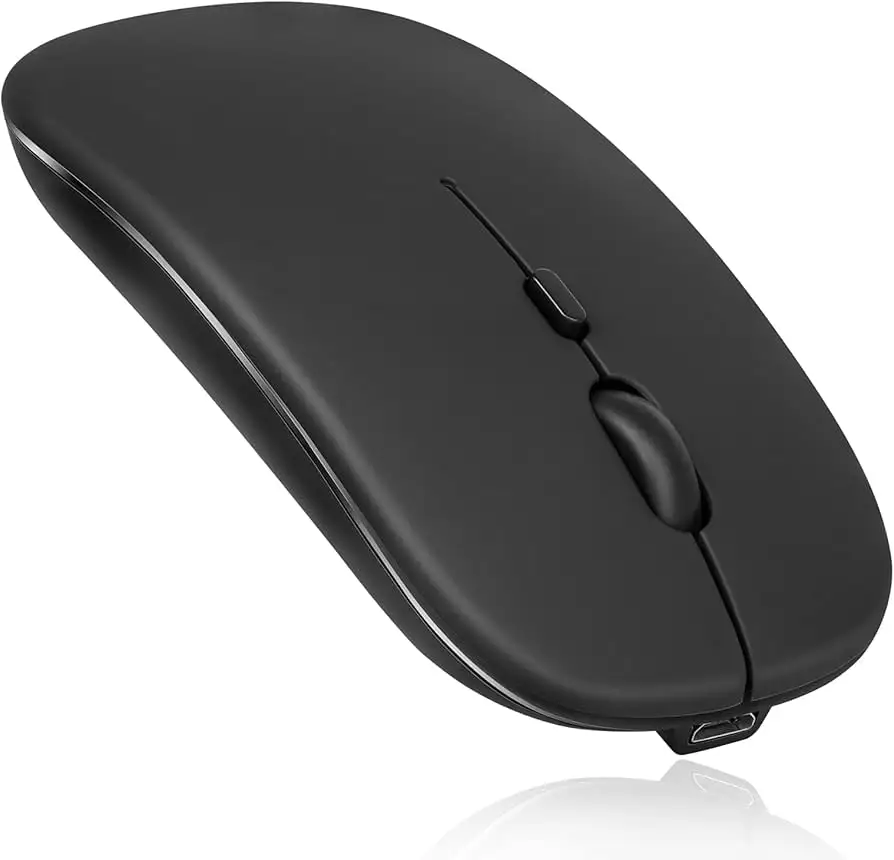
Size clearly splits opinion. Lightweight minimalists love it — BQR777 said it’s “very responsive and small,” perfect for tablet use. Yet users with larger hands found it “too compact,” causing minor strain over long sessions. The click style also divides camps: some applauded its near‑silence, others missed tactile feedback. As one reviewer phrased it, “Quiet, yes, but maybe too quiet — I can barely feel the actuation.”
Trust & Reliability
On verified Trustpilot listings, all five recent reviews of the official Samsung Black Slim Bluetooth Mouse were 5‑stars. Col confirmed authenticity — “Was it a genuine product? Yes it was, good price” — and others complimented responsive seller service. No widespread fraud or counterfeit issues surfaced.
Durability, usually a weak point for ultra‑slim designs, fared surprisingly well. Lolley Girl 67 reported that her unit “has held up through many drops on concrete … without a scratch on it.” Multi‑year users echoed that longevity on Reddit, citing consistent scroll response “after 18 months of heavy use.”
Issues largely center on modern OS conflicts rather than build quality. After Android 15 updates, Samsung Community members observed repeat pairing losses, but this seems limited to Samsung tablets running the newest firmware.
Alternatives
Within the same user threads, comparisons mostly target older Samsung peripherals and entry‑level Logitech models. Photo Pro on Best Buy lamented having to buy a Samsung‑branded option because “Samsung stopped support of all non‑Samsung Bluetooth devices,” but later conceded it “works well and does have a nice build & feel.”
When stacked against Logitech’s Pebble M350, community sentiment suggests the Samsung Slim offers quieter clicks and cleaner pairing with Galaxy Books or Tabs, whereas Logitech wins on multi‑device toggling. Chris Krz advised, “It’s pricier, but I bought it to match my Galaxy Book 2 Pro 360 … it pairs instantly.” That aesthetic and brand uniformity seems to outweigh missing features for loyalists.
Price & Value
As of the latest cross‑listing, eBay sellers average around $45–$53 USD for new units in black or silver, confirming slight depreciation since the original MSRP of over $59.99 USD. Considering identical performance between regional models (EJ‑M3400DBEGWW for black, DSEGWW for silver), buyers desiring a color match to Samsung laptops often justify the cost.
Resale interest remains steady — over a dozen sold listings on eBay show completed prices between $42 – $49, suggesting brand‑equity value retention higher than typical low‑end mice. Mobile professionals repeatedly emphasize convenience rather than raw feature density: “No USB dongle to lose, no cables — works every time I open my notebook,” summarized one Trustpilot reviewer.
Buying tips drawn from community consensus:
- Prefer official Samsung‑branded packaging to ensure Bluetooth 5.0 hardware revision.
- Check firmware if pairing issues occur post‑Android update.
- Carry a spare AA battery during travel—no built‑in recharge.
FAQ
Q: Does the Samsung Slim Mouse work with non‑Samsung devices?
A: Yes. Despite marketing focus on Galaxy products, users paired it successfully with Windows, macOS, Linux, and Android phones from other brands.
Q: Is the mouse rechargeable?
A: No, it uses one AA battery. Multiple buyers misunderstood the spec, but confirmed excellent runtime — weeks to months per cell.
Q: How quiet are the clicks really?
A: Reviews describe them as “low to non‑existent.” It’s ideal for libraries or late‑night workspaces if you dislike mechanical click sounds.
Q: Can it connect to multiple devices simultaneously?
A: Not officially. It pairs quickly but lacks a hardware switch for multi‑device toggling like Logitech’s Flow‑enabled mice.
Q: Any known issues after updates?
A: Yes, some Galaxy Tab users on Android 15 reported needing to manually re‑pair after reboot. Resetting Bluetooth settings usually resolves it.
Final Verdict
Buy if you’re a Samsung ecosystem user or frequent traveler wanting a quiet, no‑dongle Bluetooth mouse with dependable build quality. Avoid if you need multi‑device pairing or rechargeability.
As user Anna Sitt put it, “Paired in less than 10 seconds, automatically reconnects every time, and the clicks are whisper‑quiet.” For those who prize minimalism and cohesion over extensive customization, the Samsung Bluetooth Wireless Mouse Slim delivers exactly that — quietly, reliably, and with just enough style to justify the badge.
Slug: samsung-bluetooth-wireless-mouse-slim-review





