Samsung Slim Bluetooth Mouse Review: Conditional Buy Verdict
The Samsung Bluetooth Wireless Mouse Slim earns a strong 8.7/10 from cross-platform user ratings, with praise centering on comfort, effortless pairing, and multi-device compatibility. From university lecture halls to healthcare field visits, buyers find it a practical wireless companion — though a few note its premium price and occasional connectivity quirks after OS updates.
Quick Verdict: Conditional buy
| Pros | Cons |
|---|---|
| Slim, portable design fits easily in laptop bags | Higher price than non-Samsung alternatives |
| Quick, hassle-free Bluetooth pairing | Some surface tracking issues |
| Long battery life on single AA/AAA battery | Android update conflicts reported |
| Quiet click, low noise operation | Size may feel small for large hands |
| Reliable multi-device compatibility (Android, Windows, Mac) | Ergonomic feel not ideal for all users |
| Works without USB receiver | Requires re-pairing for certain OS versions |
Claims vs Reality
Samsung markets the Slim Bluetooth Mouse as “portable and elegant” with “all-day comfort” and “pairs up with ease.” Digging into buyer reports, the portability and comfortable grip largely hold true. A verified buyer on Amazon noted: “Convenient to use and with good performance, small size, easy to carry and store.” University users mention its subdued click and quick setup being practical for lectures.
The claim of “pairs up with ease” is widely validated. Trustpilot reviewer Chris Krz said: “No USB required & pairs wirelessly via bluetooth... paired in less than 10 seconds.” Reddit user u/Kendall shared it “works for our MacBook in both OS X and Linux modes” showing cross-platform strength. However, not all pairing is flawless — a Samsung Community post described that after updating to Android 15, “even if connected it doesn’t work until I disassociate and re-associate... every time I power on.”
Finally, Samsung promises “accurate tracking on any [surface] other than glass.” While most users report smooth tracking, some identify deficiencies. Reddit user “bb reviewer” admitted: “It has some problems with some surfaces but overall does what is necessary.” Surfaces like granite or certain glossy materials may challenge it.
Cross-Platform Consensus
Universally Praised
Comfort and portability dominate the praise. MobileFun buyer Anna Sitt expressed: “Very quiet when clicking making it excellent for use in university.” Field workers attest to its compact utility — Reddit user “ran fire” described pairing it with a Bluetooth keyboard case and fitting it into a nursing bag for work with patients, replacing a bulky laptop setup. Its compatibility extends beyond Samsung gear: Kendall highlighted use with “MacBook, Note Pro 12.2, and Android phones (LG and Huawei)” as “very useful.”
Bluetooth pairing speed is another recurring win. Cajun1969 shared: “Within literally seconds of purchase, I had all three synched.” The lack of a USB receiver is a plus for those on USB-C–only laptops. Anna Sitt noted benefit for her Book2 Pro at university: quick pairing and instant auto-connect on startup.
Battery efficiency garners high marks, especially for mobile professionals. LolleyGirl67 said: “The one AA battery lasts a very long time... I was always changing the batteries in the Microsoft mice, but not this one!”
Common Complaints
Price sensitivity crops up repeatedly. Best Buy reviewer CTcb conceded it “works as expected with no issues” but criticized that “it is specific for the Samsung product which raised the price to a higher than desirable amount.”
Surface tracking inconsistency affects some workflows — Kindle and granite counters draw reports of “some problems” or slippery side materials, particularly for larger-handed users. LolleyGirl67 found faux leather sides “a little slippery” though enjoyed the rest of the build.
OS update disruptions also bite into otherwise smooth usage. A Samsung Community post warned of Android 15 conflicts requiring frequent re-pairing, an inconvenience for daily tablet users.
Divisive Features
Ergonomics and size split opinion. For smaller hands or tablet use, its compact footprint is “perfect” as noted by Ande1: “Ideal size and works well with my Samsung Tab S 10.5.” But “bb reviewer” and others find it “a little small” for bigger hands. Similarly, ultra-quiet clicks delight library and lecture-hall users, but tactile feedback fans might prefer more pronounced click response.
Trust & Reliability
Trustpilot data shows no consistent scam concerns — items are described as genuine with “fast shipping, great communication.” Buyers appreciate subtle touches like magnet-held battery covers revealed by Col’s March 2024 review, making maintenance easy.
Long-term resilience emerges in anecdotal reports. LolleyGirl67’s mouse “held up through many drops on concrete... without a scratch.” This drop survival, coupled with continued performance, bolsters the product’s durability profile. However, buyer “photo pro” raises a cautionary note about Samsung ceasing support for non-Samsung Bluetooth devices after OS updates — not a mouse fault per se but an ecosystem lock-in consideration.
Alternatives
While several Samsung wireless mice appear across eBay listings, few match this model’s slim form factor and quiet operation. Competitors like the Samsung Wireless Laser Mouse (AA-SM7PWRB/US) receive praise for ergonomics and lower clearance prices (~$14.99) with added physical on/off switches, though they skew bulkier and more traditional in design.
For buyers prioritizing multi-surface tracking, alternative models tout working on couches and granite where some Slim Mouse users mention skips. However, none replicate the magnetized battery cover or whisper-click combination of the Slim.
Price & Value
Current market prices hover around $39.99 (Amazon, eBay open-box). eBay resales show steady demand with “no wear” stock selling quickly, suggesting residual value for brand-loyal consumers.
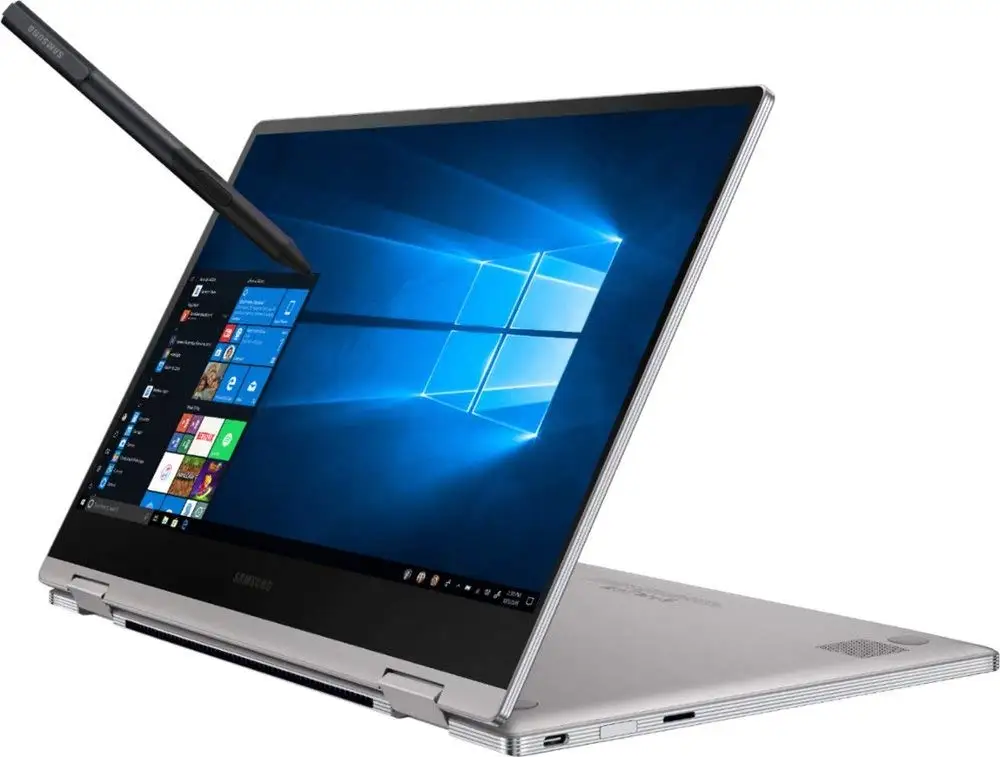
The premium tag relative to generic Bluetooth mice prompts strategic buying tips from community members: watch for bundle deals with tablets or laptops to offset standalone cost. Best Buy clearance stories (buyers snagging older Samsung mice for $10) hint that patience during promotions could yield significant savings.
FAQ
Q: Does the Samsung Slim Bluetooth Mouse require a USB receiver?
A: No — it pairs directly via Bluetooth 5.0. Users like Anna Sitt highlight this as ideal for laptops with only USB-C ports.
Q: How long does the battery last?
A: Reports indicate a single AA/AAA battery lasts weeks to months under typical use, with LolleyGirl67 praising “very long time” performance compared to other mice.
Q: Is it compatible with Apple devices?
A: Yes, Kendall confirmed it works with MacBook on OS X and Linux modes despite packaging focusing on Windows/Android.
Q: Can it work on any surface?
A: Mostly — but certain glossy and stone surfaces may pose tracking challenges per “bb reviewer’s” comments.
Q: How is the clicking noise?
A: Extremely quiet, making it a favorite in study or meeting environments. Anna Sitt called it “excellent for use in university.”
Final Verdict
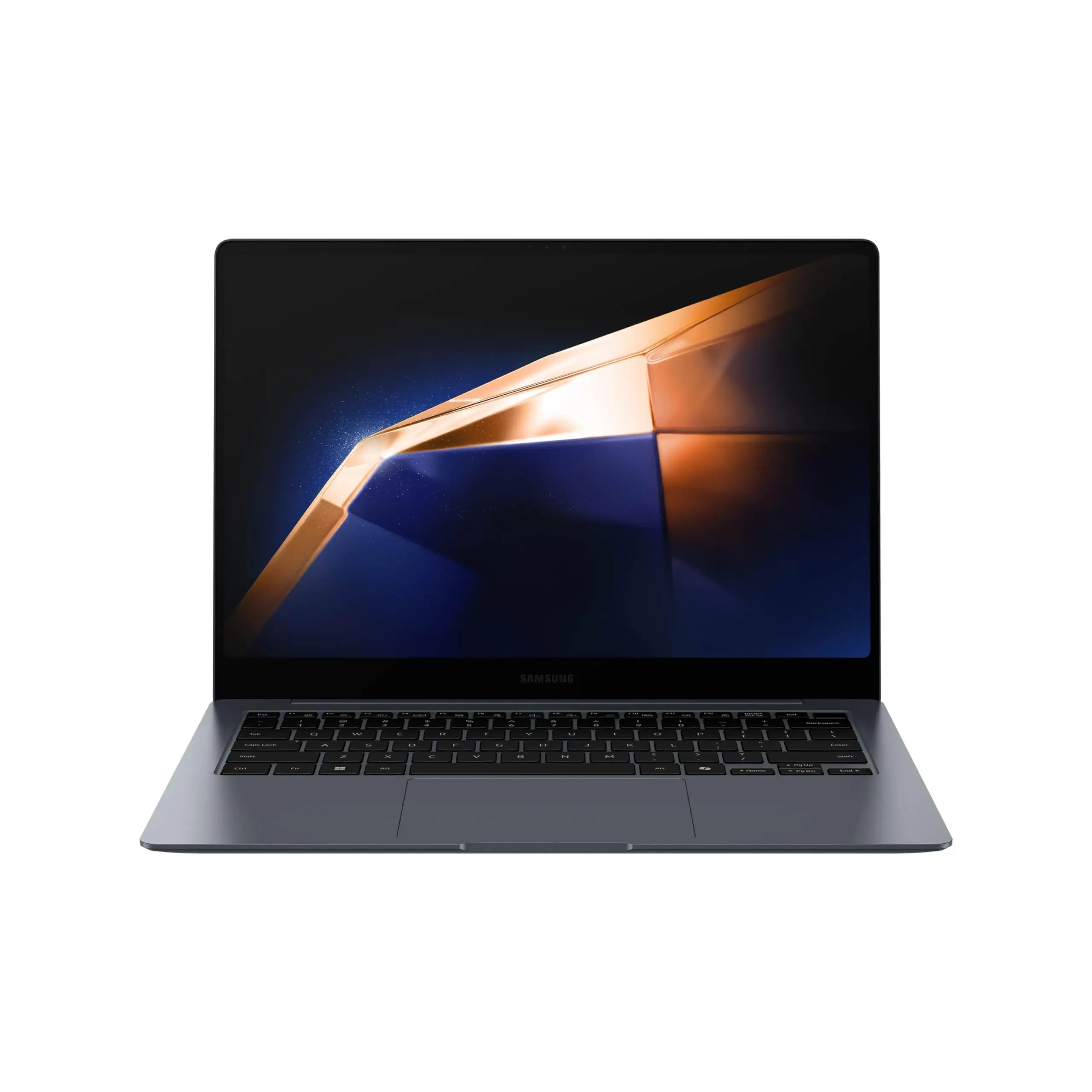
Buy if you’re a Samsung ecosystem or multi-device user who values portability, quiet operation, and quick pairing — especially for work in mixed OS environments. Avoid if you have larger hands needing full-size ergonomics or if surface tracking on tricky materials is critical. Pro tip from community: watch for bundle deals with Samsung laptops/tablets to mitigate price, and be mindful of OS update impacts on connectivity.





