Samsung Odyssey OLED G8 Review: Strong But Flawed
The Samsung Odyssey OLED G8 Curved Gaming Monitor earns a solid 8.4/10 from aggregated user reviews—praised for its immersive OLED visuals and speed, but hindered by quirks in HDR handling, connectivity choices, and the "smart TV first" interface that alienates some pure PC gamers.
Quick Verdict: Conditional
| Pros | Cons |
|---|---|
| Exceptional OLED contrast & color accuracy | HDR implementation seen as “washed out” by many |
| Fast 175Hz refresh rate & 0.03ms response time | Smart TV OS feels slow and intrusive for some |
| Sleek ultra-thin, curved design | Limited connectivity: micro HDMI/mini DP annoyance |
| G-Sync & FreeSync Premium Pro support | Occasional flickering, brightness shifts in HDR |
| Strong burn-in safeguards | Higher price than competitors with 240Hz |
| Smart features, Gaming Hub, streaming apps | No standard audio-out / headphone jack |
| Good ergonomic stand & CoreSync RGB lighting | Firmware and compatibility issues reported |
Claims vs Reality
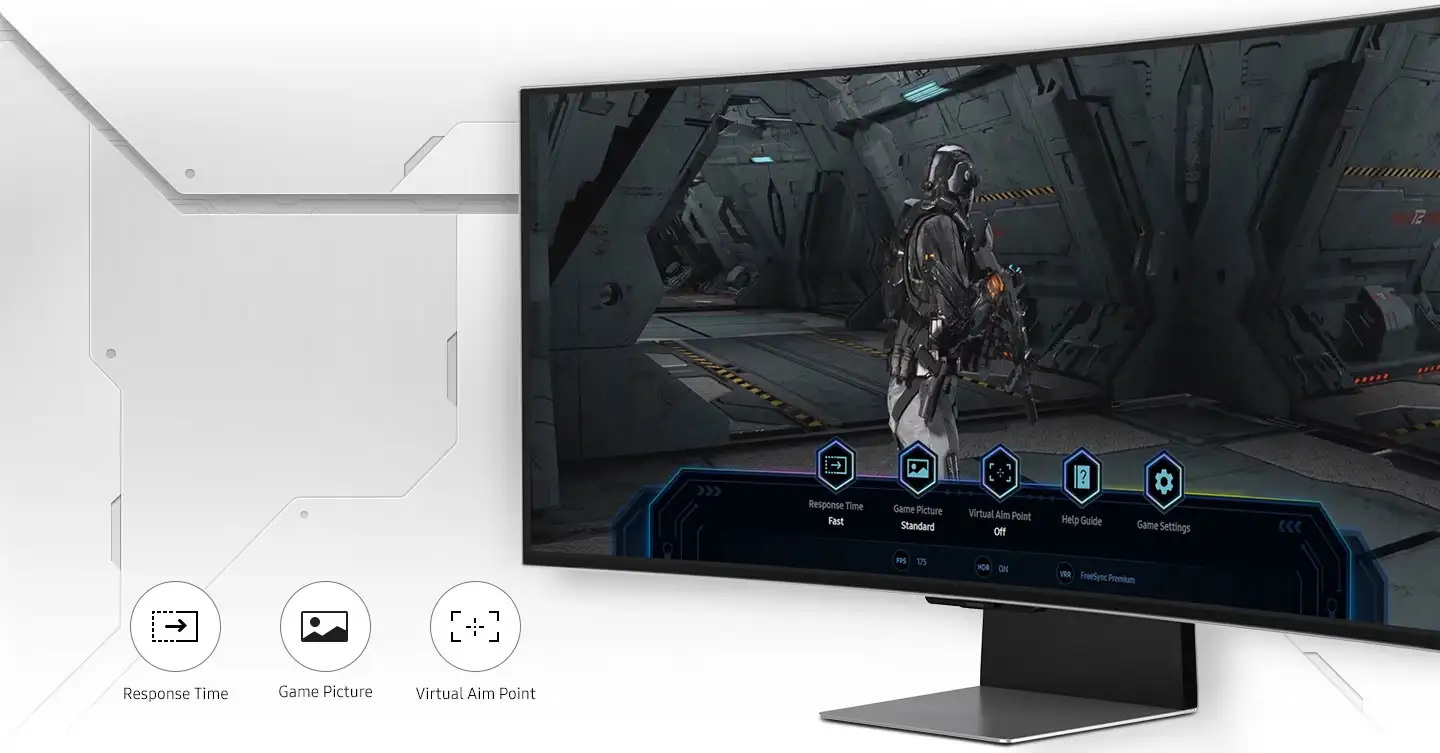
Samsung markets the Odyssey OLED G8 as a premium hybrid of high-performance gaming monitor and all-in-one entertainment hub. It promises “mesmerizing view in OLED,” “hair-raising 0.03ms response,” and “cloud gaming on demand” through its Gaming Hub.
In practice, that OLED brilliance is undeniable in SDR. A Best Buy customer raved: “Games that I have played on other monitors have never looked better… colors are gorgeously vibrant, adding to the immersive experience.” The ultrawide 21:9 screen has been called “like staring through a window into the game world” by a Trustpilot reviewer.
But HDR—a major selling point—comes under fire. Reddit user patent122 complained: “Everything just looks washed out in games. It makes all the dark colors much brighter… dark places don’t look grey in SDR and colors are better there.” Multiple users cite dynamic brightness changes in HDR with no way to fully disable, breaking immersion especially in desktop use.
Finally, while Samsung touts cloud gaming and streaming apps, some view the smart OS as baggage. One Best Buy buyer returned it because “the monitor seems to want to be a smart TV first and a monitor second.” This reflects a split between those leveraging multi-functionality versus those wanting simplicity.
Cross-Platform Consensus
Universally Praised
The OLED panel’s contrast ratio and color depth are applauded across Amazon.ca, Best Buy, PCPartPicker, and Reddit. Gamers immersed in titles like Warzone and Destiny 2 speak of “deep blacks and inky shadows” making night scenes striking. Professional video editors and filmmakers also highlight the clarity from 110 PPI pixel density: “Colors are phenomenal… works for gaming and editing,” said one filmmaker using it for dual purposes.
Its speed matches the visuals for competitive players—175Hz refresh and 0.03ms GTG response keeps motion blur nearly invisible. A Trustpilot reviewer with heavy daily use stated: "Owned it for a year now… no burn-in! Even after gaming, studying, and programming daily." This reassures OLED-skeptics worried about longevity.
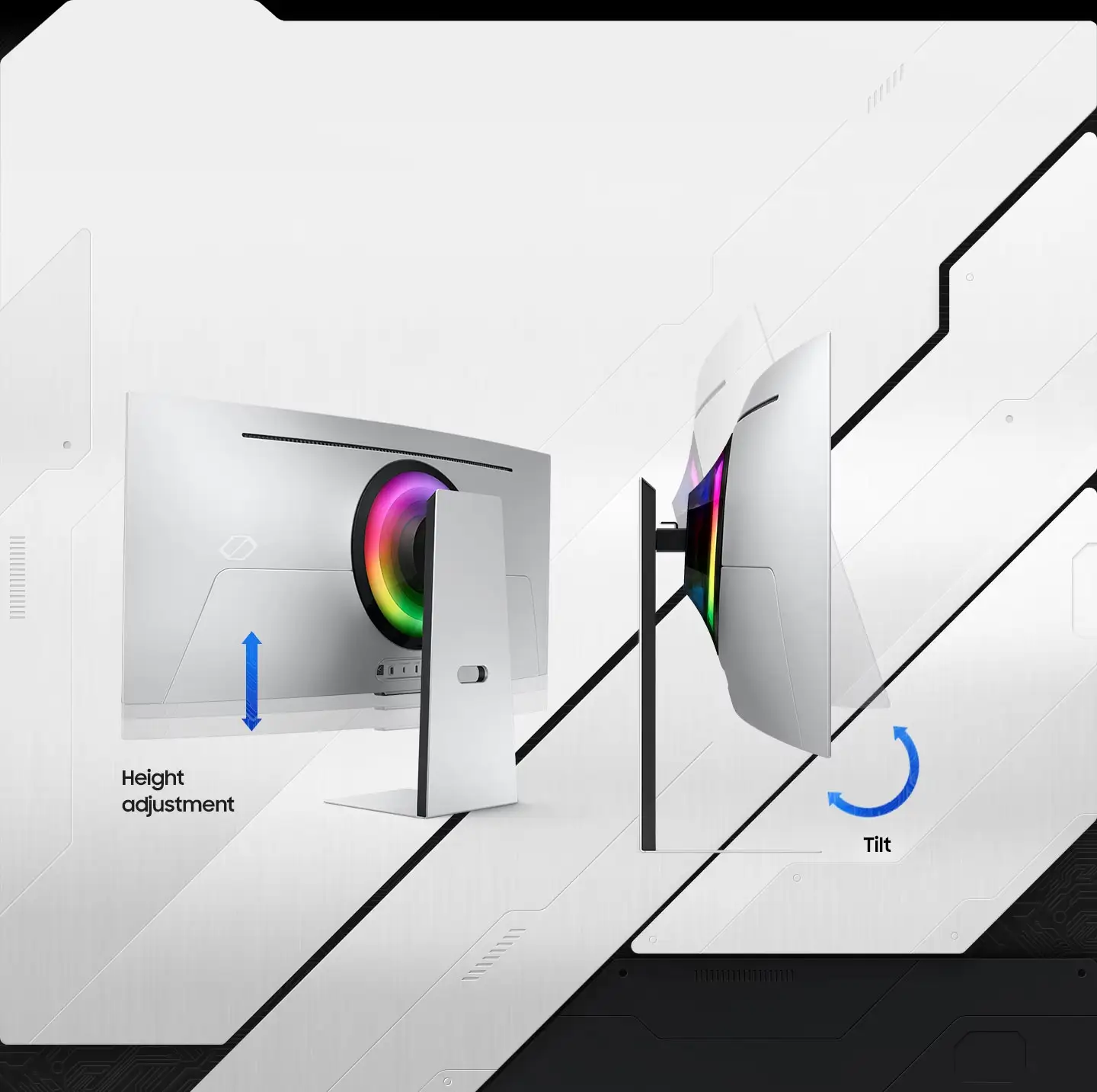
The design wins over users upgrading desks. The ultra-thin 3.9mm panel, height/tilt adjustments, and CoreSync lighting create a modern look. As Twitter coverage put it, “Epic screen. Epic play.” Ergonomic adjustability means marathon sessions are more comfortable, critical for streamers and work-from-home setups.
Common Complaints
HDR handling is the most frequent disappointment—it’s described as “absolutely broken” with washed colors and awkward brightness shifts in desktop mode. Users note Samsung’s Automatic Brightness Limiter (ABL) kicking in at unpredictable times: “Almost seems as flicker when I scrolled down on web… drives me really crazy.” Firmware updates have mixed success in fixing it.
Connectivity choices frustrate many. Limited to micro HDMI, mini DP, and few ports, it forces adapters and extra cables. One PCPartPicker reviewer called the I/O “brutal,” and a Tom’s Hardware forum user noted “no audio out… pretty rubbish in 2023.” The lack of full-size HDMI is seen as a cost-cutting measure to slim the profile but affects usability.
Tizen OS speed also draws criticism—even those who use smart features find menu navigation sluggish. Built-in functions like the Nvidia GeForce Now app cap resolution to 1080p/4K at 60Hz, bypassing ultrawide high refresh benefits unless you connect a PC.
Divisive Features
Smart TV integration splits opinion. For those streaming or controlling SmartThings IoT devices, it replaces needing a second screen. One Amazon.ca buyer loved “gaming hub provides instant access to streaming platforms and consoles, without downloads.” For purists, it’s clutter and complexity: “Smart OS feels like a TV with monitor functionality bolted on.”
Price-to-refresh rate is another fault line. At 175Hz, some dismiss it as “too slow” since competitors offer 240Hz cheaper. Others argue 175Hz suffices if prioritizing OLED quality over marginal frame gains: “People who buy this monitor want better visual quality.”
Trust & Reliability
Trustpilot and Reddit show that when functioning properly, the Odyssey G8 OLED maintains performance for months without notable panel degradation. Several users report “no burn-in after heavy daily use”. Burn-in safeguards—logo detection, screen saver—draw praise.
But hardware reliability issues exist: multiple buyers faced flickering lines or static after weeks, often requiring restarts. One Best Buy customer had a defective motherboard within 3 weeks, blaming poor engineering and noting replacements likely wouldn’t solve it.
Firmware dependency is a trust factor. Some HDR and brightness bugs only partially resolve with updates, leading to uncertainty. Regional warranty differences add risk; UK buyers claim 3 years of burn-in coverage, while US products may not match that.
Alternatives
When HDR dissatisfaction pushes buyers away, Alienware’s AW3423DW and AW3423DWF surface as direct OLED ultrawide competitors. A Reddit discussion suggested: “I might just sell it and get the AW3423DW later or go back to IPS.” Alienware’s models reach 240Hz, have more conventional ports, and avoid Samsung’s smart OS—but may lack CoreSync lighting and certain burn-in protections.
Price & Value
Recent eBay listings for used units show drops as low as $560–$700 depending on condition and missing parts, reflecting depreciation from $799–$1199 retail. Value is highest for those using its dual role (gaming plus streaming). Community members advise waiting for sales or open-box deals—one PCPartPicker user boasted: “Got an insane deal at $450… OLED is definitely the way.”
Price perception is tied to refresh rate; critics argue for lower MSRP to match 175Hz. Resale holds if the panel remains flawless; burn-in or firmware flaws cut it steeply.
FAQ
Q: Does the Samsung Odyssey OLED G8 support G-Sync as well as FreeSync?
A: Yes, it’s FreeSync Premium Pro certified and compatible with G-Sync, helping reduce tearing and stutter for both AMD and Nvidia GPUs.
Q: Will this monitor’s OLED panel suffer from burn-in quickly?
A: Multiple long-term owners report no burn-in after months of daily use, aided by Samsung’s safeguards such as logo detection and dimming during inactivity.
Q: Is HDR worth using on this monitor?
A: In games, some find it stunning; others say it appears washed out with brightness shifts. Calibration and firmware updates can improve it, but results vary.
Q: Can I use the smart OS without creating a Samsung account?
A: Functionality is limited without logging in. External devices work, but built-in streaming and smart home control require an account.
Q: Does it have full-size HDMI ports?
A: No—only micro HDMI and mini DisplayPort are offered, requiring adapters for standard cables.
Final Verdict
Buy if you’re a gamer or creator seeking OLED’s unmatched contrast and vibrant color in an ultrawide format, and you’ll use its streaming or smart control features. Avoid if you want straightforward PC monitor I/O, flawless HDR in all scenarios, or higher refresh rates for esports.
Pro tip from community: Calibrate SDR and HDR separately, disable unnecessary smart functions, and keep firmware updated for best results.





