Samsung Odyssey G5 Review: Strong Performance With Caveats
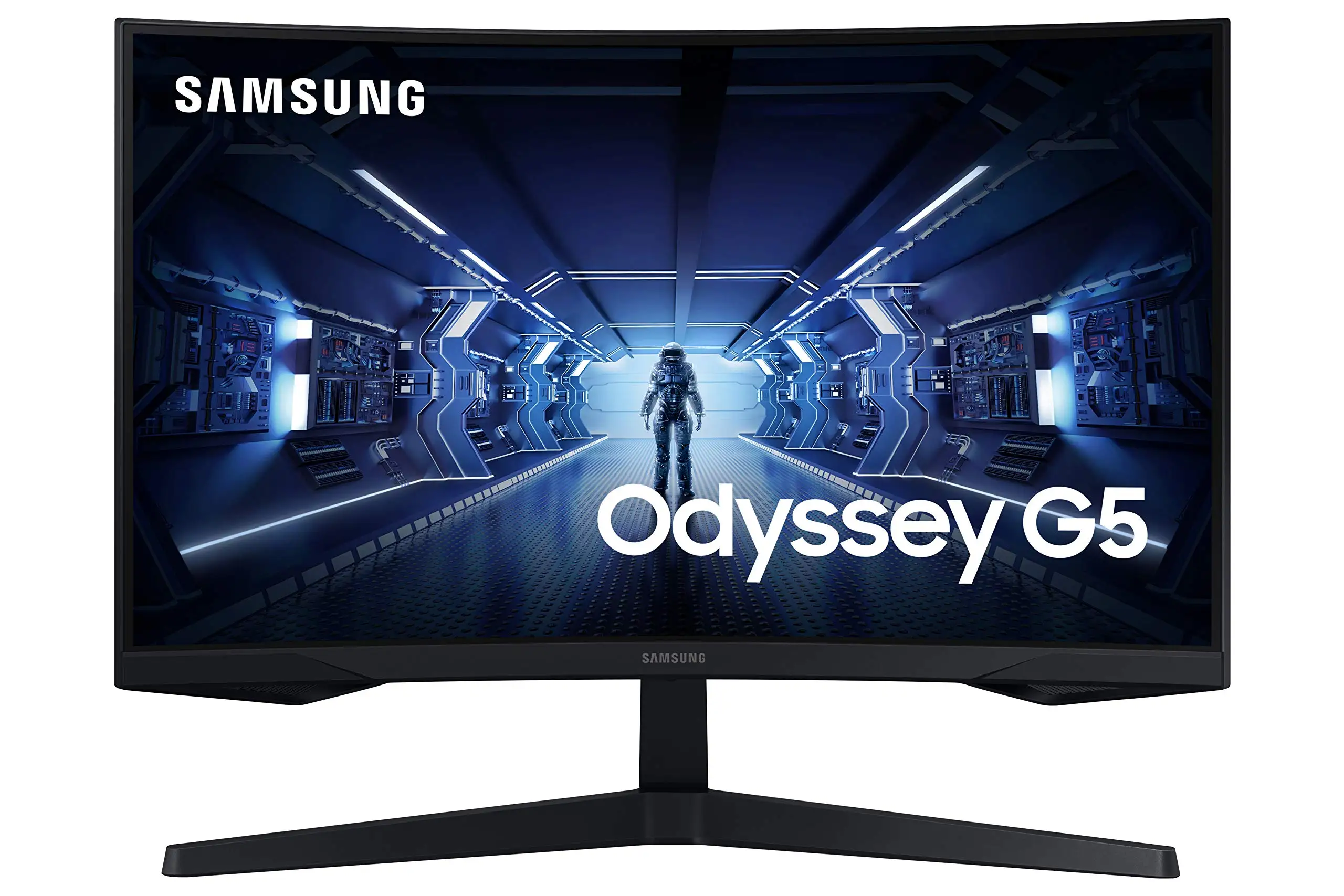
The SAMSUNG Odyssey G5 Series 27-Inch WQHD Curved Gaming Monitor packs specs that sound unbeatable for its price point, but the reality is more nuanced. Averaging between 4.3 and 4.7 stars on most platforms, it earns a strong 8.5/10 from aggregated user sentiment, fueled by praise for its immersive curve, sharp image quality, and fast performance — but tempered by design quirks and occasional color calibration issues.
Quick Verdict: Conditional
| Pros | Cons |
|---|---|
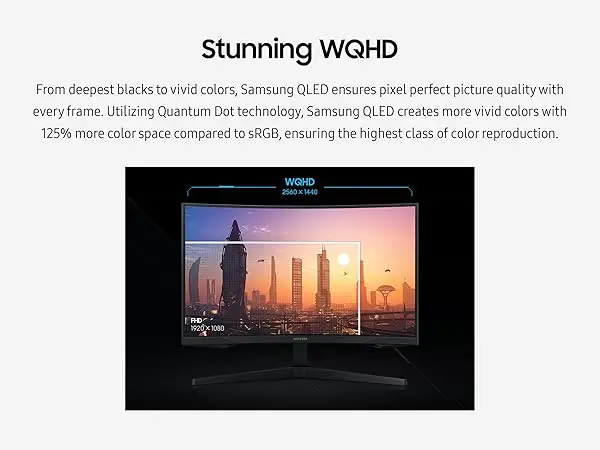
| Sharp WQHD resolution with 1.7× pixel density of FHD | Washed-out colors reported by some users |
| 144Hz refresh rate and 1ms response time | Stand tilt adjustment is difficult or misleading |
| 1000R curve matches human eye curvature | No built-in speakers |
| Strong FreeSync Premium performance | Limited input ports and connectivity options |
| Sturdy build and attractive design | HDR10 impact varies depending on content |
| Good value vs similar curved gaming monitors | Some reports of factory defects or shipping damages |
Claims vs Reality
Samsung promotes the Odyssey G5’s immersive 1000R curve as “matching the curvature of the human eye.” While official specs highlight reduced eye strain and deep engagement in games, multiple owners confirmed this effect. A verified buyer on Amazon noted: “It’s definitely solid and works great for my needs. Colors look good, brightness is good… the 180Hz is great as well though nothing mind blowing,” underscoring that the comfort is real, but the wow factor depends on the viewer.
On 144Hz refresh rate and 1ms response time, marketing promises “ultra-smooth action” without lag. Newegg reviewer feedback backed this up, with one user writing: “Full 144Hz frequency now in res above 1920x1080… Looks epic good!” However, several mentioned the need for high-quality DisplayPort 1.4 cables to achieve both max refresh and response rates, indicating a possible gap in plug-and-play ease.
Samsung touts HDR10 vividness as a color breakthrough. Best Buy reviewers enjoyed graphics, with comments like “best graphics and response time without having to spend too much money.” Yet others described the image as “washed out,” and HDR impact seemed content-dependent, suggesting real-world results don’t always match the “awe-inspiring graphics” promise.
Cross-Platform Consensus
Universally Praised
The monitor’s WQHD resolution consistently impressed gamers upgrading from 1080p. A Reddit user’s first impressions after a few days highlighted, “Going to 1440p was definitely more worth it over 1080p + it helps my boomer eyes.” For console gamers, the leap was equally striking. Best Buy reviewers running Xbox Series X noted “amazing monitor for gaming” with crisp visuals and no noticeable input lag.
Performance-minded PC players valued the high refresh rates and responsive panel for competitive titles. Newegg testimonies celebrated “lightning fast 1ms response times” and smooth FreeSync Premium operation in fast-paced games. This consistently benefited users in FPS genres, where reaction time determines wins.
Build quality and design aesthetics also garnered praise. One Newegg reviewer contrasted it favorably against older models, saying the stand “feels less scary to manipulate,” reinforcing that while tilt adjustment may be flawed, the base is otherwise solid.
Common Complaints
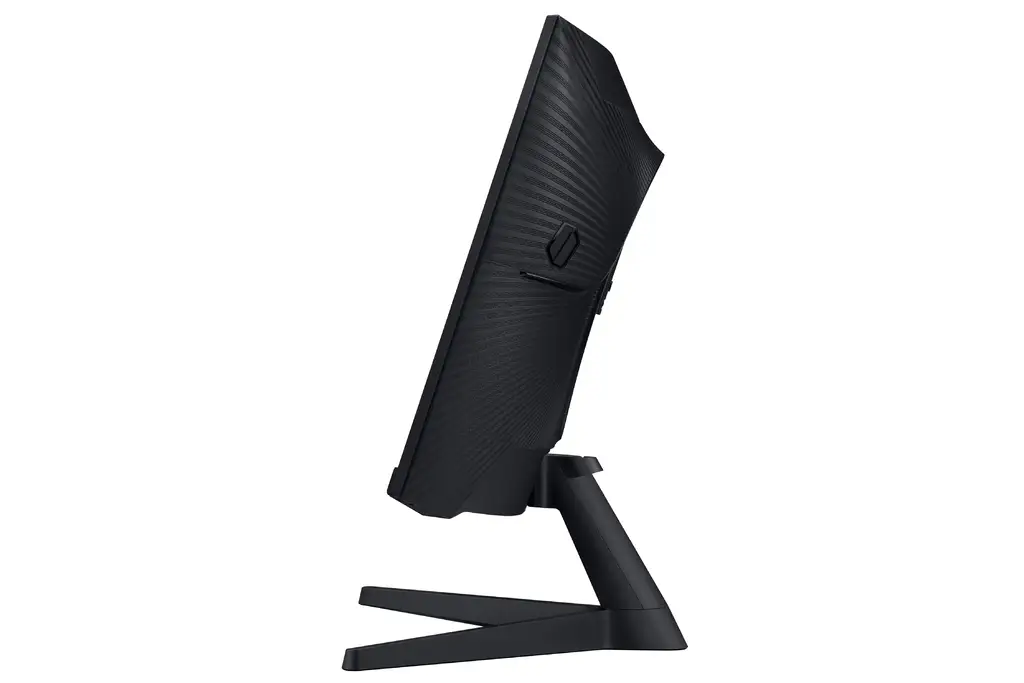
The most frequent frustration was with stand adjustability. Despite the official spec sheet claiming a tilt range of -2° to 18°, numerous buyers couldn’t get it to move. A Newegg user vented: “Instructions are useless as to telling me how to perform the screen tilting. It feels like the stand is 100% rigid.” This was more than a minor inconvenience for users without adjustable desks.
Color reproduction sometimes disappointed out of the box. While many were happy with saturation and sharpness, the “washed out” complaint appeared across Best Buy and Reddit threads. These color gaps particularly affect creative professionals or gamers expecting OLED-level vibrancy.
Another issue: no built-in speakers. While this is standard for gaming monitors, casual buyers still mentioned it as a drawback, with Amazon and Best Buy comments noting the need for external audio setups.
Divisive Features
HDR10 was the most debated feature. Some users felt it brought “deep dark blacks, luminous whites” in games, while others barely noticed a change, hinting at inconsistency.
The 1000R curve split opinion among first-time curved monitor buyers: some found it “better in terms of viewing comfort” than previous Samsung models, while others required an adjustment period.
Trust & Reliability
On reliability, most reports were positive post-purchase, with minimal mention of widespread defects. However, factory defects and shipping mishandling did appear sporadically. A Newegg gamer gave “my condolences to those… falling victim to factory defect and/or shipper mishandling,” cautioning potential buyers to inspect units on arrival.
Long-term durability stories are mixed; while Reddit and Best Buy posts from months in suggest consistent performance, some eBay listings reveal significant resale markets for damaged or “for parts” units, hinting at fragility during transit or after drops. This is not uncommon in curved panels, which can be more vulnerable to screen damage.
Alternatives
The LG Ultragear 27GR83Q-B was mentioned directly by Reddit users as a comparison target. That model’s faster 240Hz refresh rate would appeal to top-tier competitive PC gamers, but at a price. For those who prioritize immersion and affordability over raw speed, multiple buyers felt the Odyssey G5 hit a “sweet spot” without overspending.
Price & Value
Current eBay listings place new units between $209 and $279, with Amazon’s renewed stock around $265. This is well below some rival curved WQHD models, and resale values for functional units remain strong — reading between $180 and $250 depending on condition. Community advice leans toward buying new if possible, to avoid panel or curve damage from poor handling.
FAQ
Q: Does the Odyssey G5 support G-Sync?
A: Official specs list FreeSync Premium, but users confirmed it can work with G-Sync Compatible mode when paired with NVIDIA cards.
Q: Is the HDR noticeable in everyday use?
A: Many report HDR10 making darker scenes richer, though others find it subtle unless running HDR-optimized content.
Q: Can the stand tilt as described?
A: Specs claim -2° to 18° tilt, but several owners say adjustment is non-functional or overly rigid without risk of damage.
Q: Does this monitor have speakers?
A: No, it requires external speakers or headphones, which some buyers see as a drawback.
Q: What’s the benefit of the 1000R curve for non-gamers?
A: It can enhance viewing comfort for long sessions, especially for work involving wide documents or video editing.
Final Verdict
Buy if you’re a gamer upgrading from 1080p who wants immersive visuals and strong performance at a midrange price, and you’re prepared to handle your own audio setup. Avoid if stand adjustability and factory-calibrated color are critical for your workflow. Pro tip from the community: invest in a high-quality DisplayPort 1.4 cable to unlock the full refresh rate and response profile.





