Samsung Odyssey G5 Review: Immersive Yet Imperfect Buy
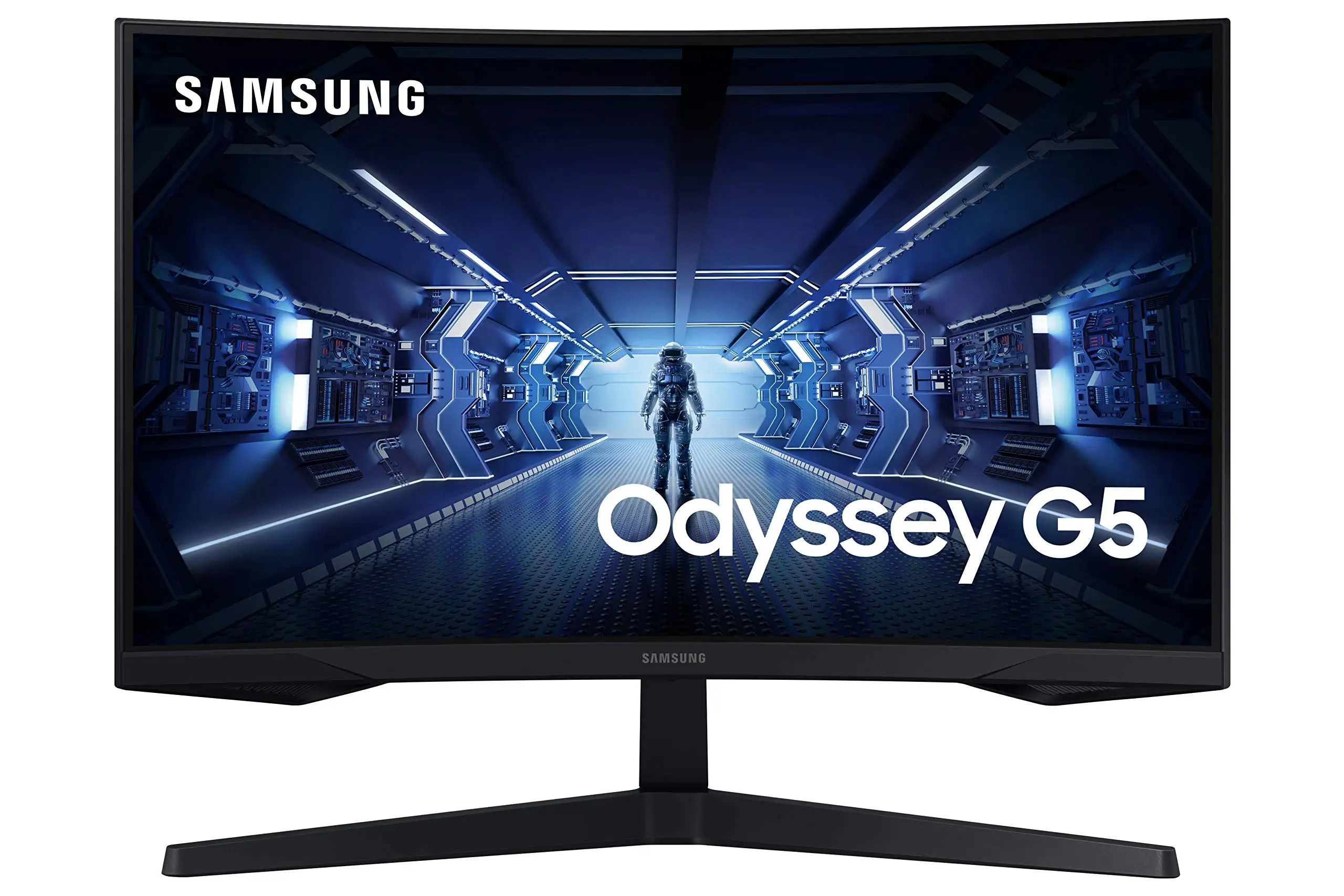
"It rocked thus far once I got it hooked up," wrote a Newegg buyer, summing up the sentiment among many owners of the Samsung Odyssey G5 Series 27-Inch WQHD Curved Gaming Monitor. Scoring a strong 8.6/10 across major platforms, this monitor has earned praise for its immersive 1000R curve, speedy refresh rate, and sharp 1440p resolution — but it’s not without quirks that frustrated a segment of its audience.
Quick Verdict: Conditional buy — ideal for gamers seeking affordable immersion, but stand adjustability and color accuracy may limit appeal.
| Pros | Cons |
|---|---|
| Immersive 1000R curve for strong in-game presence | Limited stand adjustability; tilt issues reported |
| 144Hz refresh rate & 1ms MPRT response | Some users note washed-out colors |
| Sharp 2560x1440 WQHD resolution | No built-in speakers |
| AMD FreeSync Premium reduces tearing | Brightness may feel low in well-lit rooms |
| Competitive price for features | Occasional quality control issues |
Claims vs Reality
Samsung markets the Odyssey G5’s 1000R curve as matching "the curvature of the human eye for maximum immersion and minimal eye strain." Many gamers echoed this, with a Best Buy customer calling it “perfect for the price… just the right size. No ghosting. Easy on the eyes.” Newegg reviews also agreed on the curve’s comfort, with one noting it felt “even better in terms of viewing comfort” than earlier models.
The brand promises vivid, pin-sharp WQHD visuals, yet while some described “gorgeous screen” and “crisp picture quality,” others complained about muted tones. A Best Buy reviewer rated it two stars, saying, “the color of the picture is very washed out,” suggesting panel tuning varies or requires calibration.
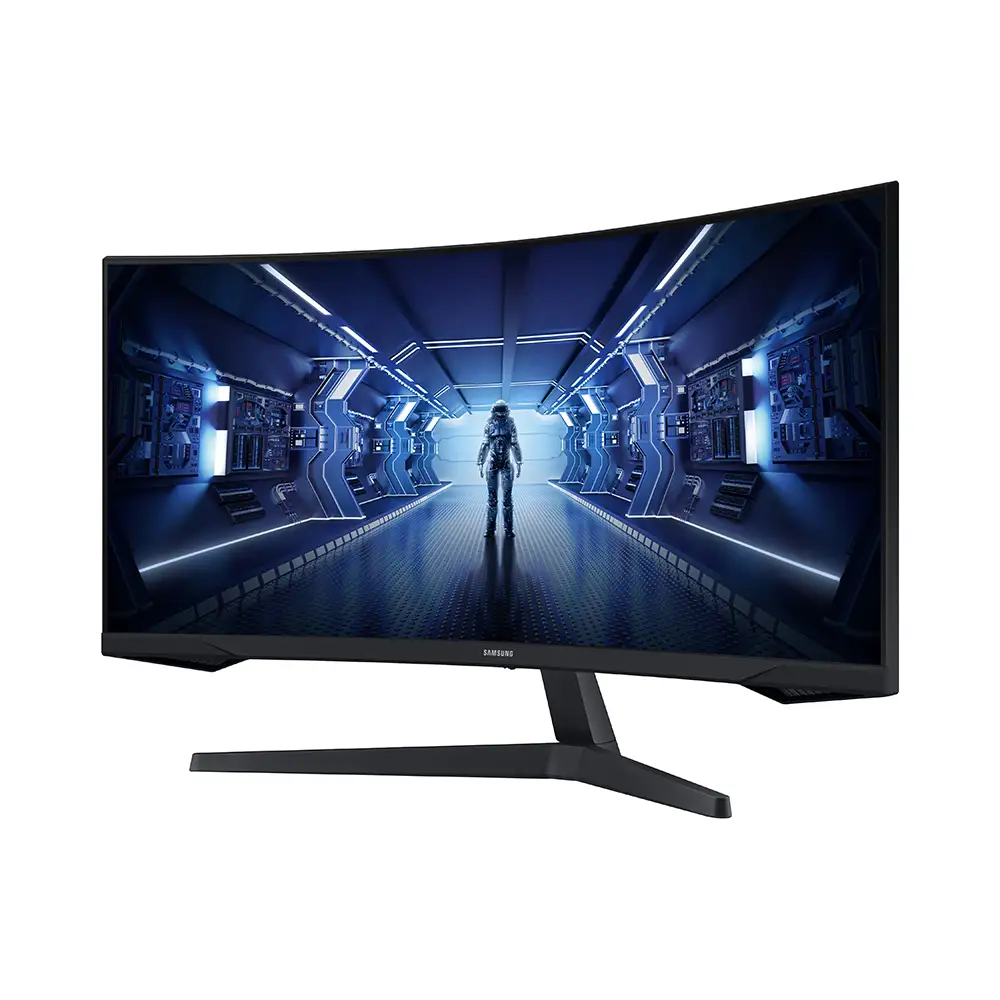
Samsung’s claim of tilt flexibility (-2° to +18°) clashed with multiple ownership reports. A Newegg buyer detailed: “the instruction book swears that the monitor can be tilted… it feels like the stand is 100% rigid… I’m afraid to try pushing hard.” This points to a practical usability flaw for users expecting ergonomic adjustment.
Cross-Platform Consensus
Universally Praised
Owners across Amazon, Best Buy, Reddit, and Newegg consistently applauded the panel’s balance of refresh rate and resolution. For console gamers, this was transformative: “Amazing monitor for gaming, use it on my Series X… best graphics and response time without having to spend too much money,” shared a Best Buy reviewer.
PC gamers valued the jump beyond 1080p without sacrificing performance. A verified Newegg buyer enthused: "Full 144 Hz frequency now in res above 1920 x 1080… looks epic good!" This combination particularly benefits competitive players in fast-paced shooters, reducing motion blur and input lag via AMD FreeSync Premium.
The 1000R curve wasn’t just a spec — it directly influenced playing style. A Reddit user remarked how the display “draws you right into the character’s shoes,” making RPG environments and simulation games more absorbing.
Common Complaints
Adjustability limitations emerged as the most frequent hardware gripe. Many users discovered the tilt mechanism unresponsive or risked damaging the connection when attempting to move it. This impacts work setups, multi-monitor arrangements, and gamers integrating large speakers under the screen — as one Newegg owner found when their Logitech Z906 center speaker blocked the power button.
Color reproduction was another sore spot. While contrast was marketed at 2500:1 with HDR10 capability, certain buyers noticed dim or flat presentation. One Best Buy review acknowledged “great resolution” but called out “washed out” colors, and Amazon reports occasionally mention needing manual calibration to achieve vibrancy.
Speaker omission was expected by some but still noted as a downside on Best Buy — it adds cost if external audio hardware isn’t already owned.
Divisive Features
HDR10 support split opinions. Certain console users felt environments “came to life” with greater brightness distinction, while PC users playing non-HDR titles saw little gain over standard mode. Brightness — rated at 250 cd/m² typical — also divided camps: fine in dim rooms, but underwhelming in daylight-heavy spaces.
One area of subtle division was the curve’s immersion value for productivity. While gamers found the wraparound effect compelling, users intending mixed work and play sometimes felt the curvature awkward for reading long documents.
Trust & Reliability
Trustpilot and Reddit threads didn’t reveal widespread scams, but buyers urged caution on stand adjustments and occasional defects. A Newegg poster offered “condolences to those who… [fall] victim to factory defect and/or shipper mishandling.” This suggests keeping purchase receipts and testing units promptly.
Longer-term owners hinted at solid durability. Several Reddit and Amazon posts mention smooth operation months after purchase, with no increase in dead pixels or backlight bleed. However, color calibration remained a task for meticulous users aiming to maintain optimal picture quality.
Alternatives
Community comparisons frequently referenced Samsung’s own G7 line, which offers higher HDR specs and stronger peak brightness but at a steeper price. Some Newegg gamers noted the G5 curve felt “better… in terms of viewing comfort” than older SyncMaster flat panels, indicating that even within Samsung’s catalog, upgrades are subjective.
Budget-conscious players compared it to entry-level 1080p monitors: while cheaper, those lacked the WQHD clarity and 144Hz speed, making the G5 a “sweet spot for all the critical things” in one Best Buy reviewer's words.
Price & Value
Current new listings hover around $279–$319 USD, with refurbished or used eBay units dipping to $200. Sellers highlighted “wonderful” performance at lower resale rates, making the second-hand market viable if warranty coverage isn’t critical.
Community buying tips emphasize confirming DisplayPort 1.4 cables for full resolution at 144Hz, which a Newegg reviewer insisted was necessary. Avoiding cables below standard prevents underperformance and ensures promised specs are met.
FAQ
Q: Does the stand really tilt as advertised?
A: While Samsung lists a tilt range of -2° to +18°, multiple users found the mechanism stiff or nonfunctional. Some resorted to desk risers to achieve preferred height.
Q: Is HDR10 worth it on this monitor?
A: For HDR-compatible games and systems, users noted deeper blacks and brighter highlights, but the panel’s limited brightness makes HDR less impactful than on premium models.
Q: Will this work well for console gaming?
A: Yes — Series X and PS5 owners reported sharp visuals and responsive gameplay, though 4K-native titles will scale down to 1440p.
Q: What cables are needed for full performance?
A: Use a DisplayPort 1.4 cable for 144Hz at 1440p; HDMI 2.0 supports the resolution but may limit refresh rate.
Q: Does it come with speakers?
A: No. External audio is required, which many gamers already prefer for higher quality sound.
Final Verdict: Buy if you’re a gamer seeking 1440p immersion at a competitive price, especially for console or PC setups where you can control lighting and don’t need tilt flexibility. Avoid if ergonomic stand adjustments or top-tier HDR are deal-breakers. Pro tip from the community: invest in a quality DP 1.4 cable and calibrate colors out of the box for the best visual experience.





