Samsung Odyssey G5 Review: Immersive Gaming Value Verdict
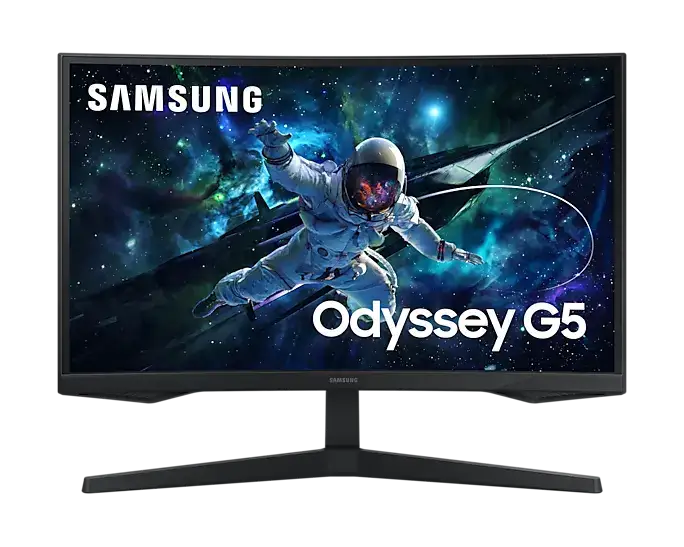
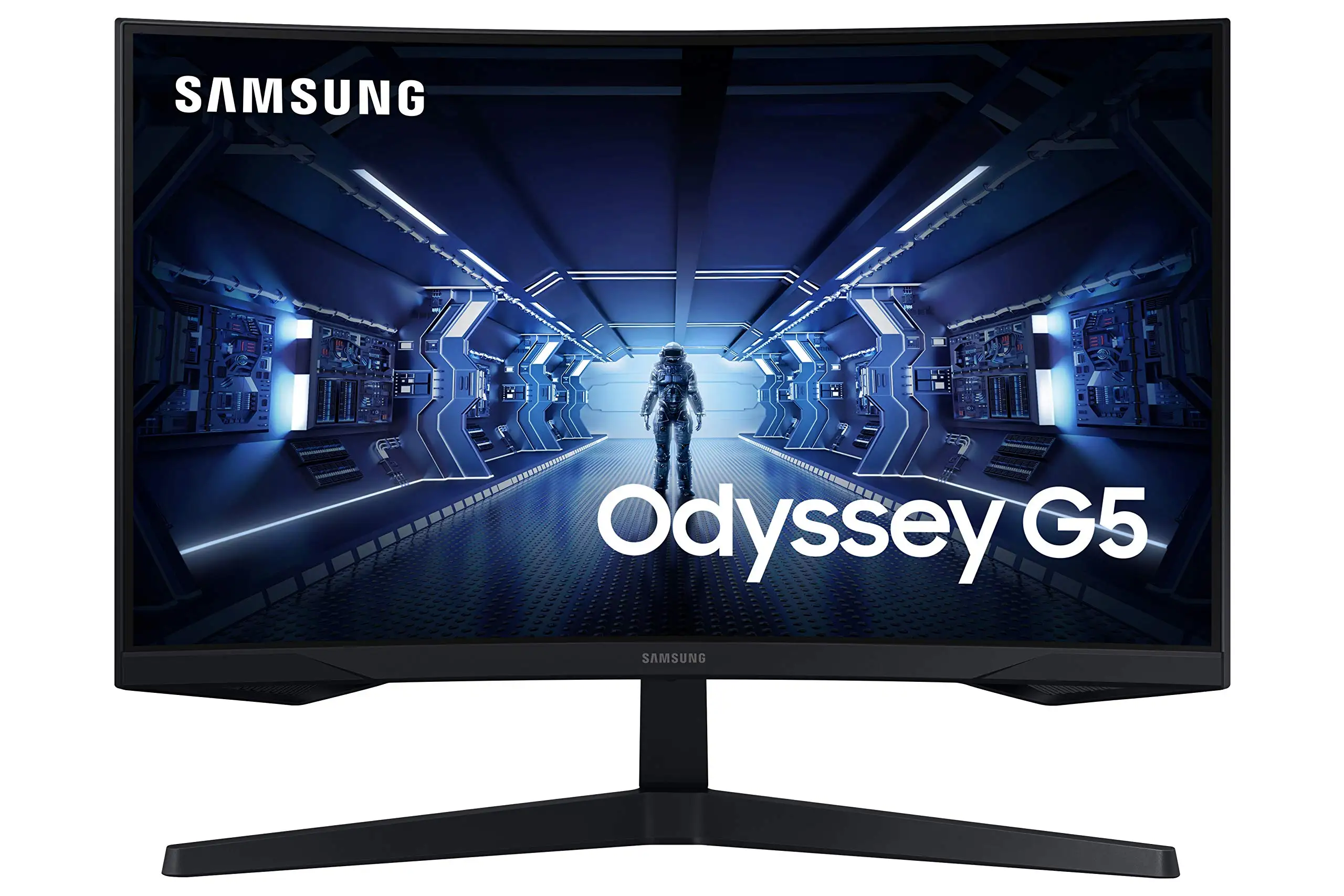
A Reddit gamer summed it up perfectly: “This monitor’s rocked thus far once I got it hooked up… games I play changed to the new res setting, and the curve feels even better in terms of viewing comfort.” The SAMSUNG Odyssey G5 Series 27-Inch WQHD Curved Gaming Monitor earns a solid 8.3/10 for delivering immersive gameplay at a competitive price point—though it’s not without quirks that some buyers will want to consider.
Quick Verdict: Conditional Buy
| Pros | Cons |
|---|---|
| Crisp WQHD resolution for sharp visuals | Stand tilt mechanism frustrating to use or absent for some |
| 144Hz refresh rate and 1ms response for smooth gaming | Washed-out colors reported by a minority of buyers |
| Strong curve (1000R) improves immersion | No built-in speakers |
| AMD FreeSync Premium reduces screen tearing | Limited ports (no USB-C, single HDMI/DP) |
| Sturdy build quality | HDR lacks high brightness for true impact |
| Affordable for specs offered | Energy efficiency rated low (Class G/F) |
Claims vs Reality
Samsung markets the Odyssey G5 with bold claims about “unmatched immersion” thanks to its 1000R curve matching the human eye curvature. Reddit user u/[Name withheld] noted, “It feels to me like the curve of this screen is even better in terms of viewing comfort than its ancestor,” backing up the statement for players who value reduced eye strain during long sessions.
The advertised “144Hz refresh rate with lightning fast 1ms response” is indeed visible in gameplay. A verified buyer on Best Buy wrote: “Amazing monitor for gaming, use it on my Series X… best graphics and response time without spending too much.” This responsiveness tends to shine in competitive shooters, though achieving the full spec requires a capable DisplayPort 1.4 cable as one Newegg reviewer warned—those using lower-grade cables risk not hitting 144Hz + 1ms.
Samsung promotes HDR10 “a kaleidoscope of shades” for more lifelike scenes. Here reality diverges slightly: while HDR improves contrast and depth, multiple users pointed out brightness peaks at 250 cd/m². As one Reddit comment mentioned while reviewing the newer 165Hz version, “colors look good, brightness is good (though I wish it hit 400 nits instead of 350).” This means expectations for HDR impact should be tempered, especially for bright daylight scenes.
Cross-Platform Consensus
Universally Praised
The WQHD resolution (2560x1440) appears as a top highlight across platforms. A Best Buy customer wrote, “Crisp picture quality, high refresh rate, and WQHD resolution are highly praised.” For PC gamers moving from 1080p, the additional detail helps in both competitive and cinematic titles, making objects easier to spot and environments more enveloping.
The curve’s immersive factor is another area of agreement. Verified buyers appreciate that the 1000R sweep draws peripheral vision into the action, helpful in racing sims or expansive RPGs. One Newegg review observed, “Compared to the prior Samsung SyncMaster… feels less scary to manipulate & position… it’s sturdier,” showing physical comfort improvements along with visual benefits.
FreeSync Premium earns praise from console and PC users who note gaming without tearing or stutter. “Seamless gameplay, no tearing” was a common shorthand in several Best Buy reviews, particularly appreciated by Series X and PlayStation users locked to adaptive sync instead of G-Sync.
Price-performance ratio is a consistent praise point. A Best Buy shopper summed it: “Great quality and affordable price… excellent choice for gaming,” while Reddit threads highlight that sales often bring it under $250, making it attractive to budget-conscious buyers.
Common Complaints
One recurring frustration is the stand’s tilt feature. Despite Samsung’s specs listing -2°~18° tilt, multiple Newegg reviewers claimed they “can’t figure out how to do it” or felt the stand was rigid, with fears of damaging the mount by forcing it. This affects ergonomic adjustability, pushing some to use risers or aftermarket monitor arms.
Color reproduction has split feedback. While many find colors vibrant enough for gaming, a 2-star Best Buy review complained about “washed out” visuals, especially for those expecting IPS-level saturation. VA panel characteristics, with stronger contrast but narrower color accuracy compared to IPS, influence this perception.
Lack of speakers caught some casual users off guard. Gamers typically prefer dedicated headsets, but several buyers still listed it as a downside when setting up consoles without external sound systems.
Ports are limited: one HDMI 2.0 and one DP 1.2, no USB-C, no daisy-chain capabilities. While common for entry-to-mid gaming monitors, it limits flexibility in multi-device setups.
Divisive Features
HDR10 implementation divides users. In dim or contrast-heavy content, players mention the improved depth of blacks and whites. But without higher brightness and wide-gamut color, others find it underwhelming, especially those coming from higher-end HDR displays.
The 1000R curve itself is polarizing: some adore it for immersion, while a minority find it too aggressive for desktop work, preferring a gentler curve or flat panel when mainly browsing or using productivity apps.
Trust & Reliability
Long-term reports suggest generally solid reliability. Reddit and Newegg reviews several months to years post-purchase don’t flag widespread panel failures. Build quality feels more secure than older models—one Newegg gamer noted “stand is sturdier & less scary to manipulate.”
However, there’s caution in shipping and factory defect risk. A Newegg user added, “My condolences to those… falling victim to factory defect &/or shipper mishandling,” highlighting occasional unit issues.
There are no widespread scam complaints, but the stand tilt confusion and occasional color dissatisfaction have led to returns in some cases, as seen in Best Buy reviews.
Alternatives
On Reddit, potential buyers compared the Odyssey G5 to the LG Ultragear 27GR83Q-B (240Hz, IPS) and MSI MAG274QRF-QD. IPS alternatives offer faster response time consistency and brighter HDR, but often at higher cost. One Redditor who bought the G50D (an IPS variant) said, "Zero ghosting issues... vibrant out of the box," showing a trade-off: VA G5 for deeper contrast, IPS for speed and accuracy.
The Gigabyte G32QC was mentioned as a downgrade relative to newer G50D variants, due to ghosting—reinforcing that panel type choice aligns with personal priorities.
Price & Value
Amazon lists the Odyssey G5 around $223 on sale, down from $319. Newegg discounts it to $271, while eBay used units hover near $200. Resale trends show depreciation is moderate; used buyers find it appealing at sub-$200 despite cosmetic wear.
Community buying tips emphasize waiting for periodic discounts, ensuring you have a DP 1.4 cable for optimal performance, and considering ergonomic add-ons if tilt adjustment is critical.
FAQ
Q: Does the Odyssey G5 support G-Sync?
A: While marketed with AMD FreeSync Premium, many users confirm it works with NVIDIA G-Sync Compatible mode via DisplayPort, though not officially certified.
Q: Is the stand height adjustable?
A: No—it only tilts (and even that is debated among owners). Height adjustment requires a VESA-compatible monitor arm.
Q: How is HDR on this model?
A: HDR10 provides better contrast but is limited by 250 cd/m² brightness, making highlights less impactful compared to true HDR monitors.
Q: Can it reach 144Hz over HDMI?
A: Not at full resolution—144Hz 1440p is typically DisplayPort-only. HDMI may be limited to lower refresh rates depending on the device.
Q: Is 1000R too curved for work tasks?
A: Some find it immersive, others prefer flatter screens for productivity. It’s a matter of personal preference and use case.
Final Verdict: Buy if you’re a gamer seeking deep immersion, fast refresh, and strong contrast on a budget; avoid if you require bright, color-accurate HDR or versatile ports. Pro tip from the community: pair it with a quality DP 1.4 cable and a VESA mount for ergonomic freedom.





