Samsung Odyssey G5 Review: Immersive Budget Gaming Verdict
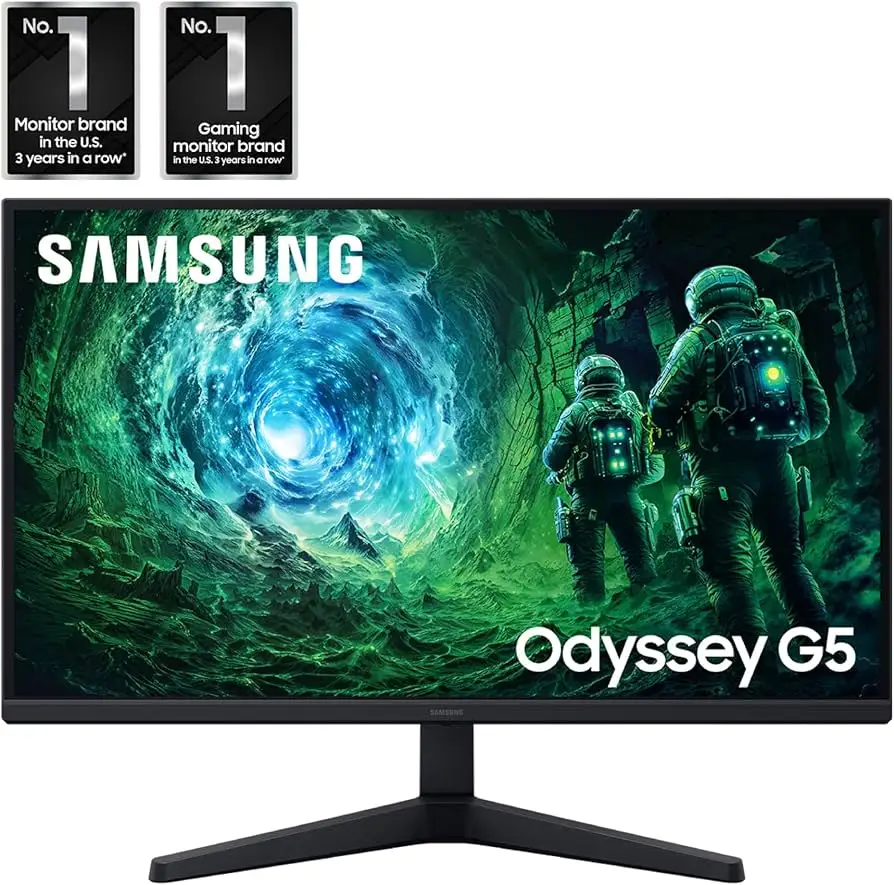
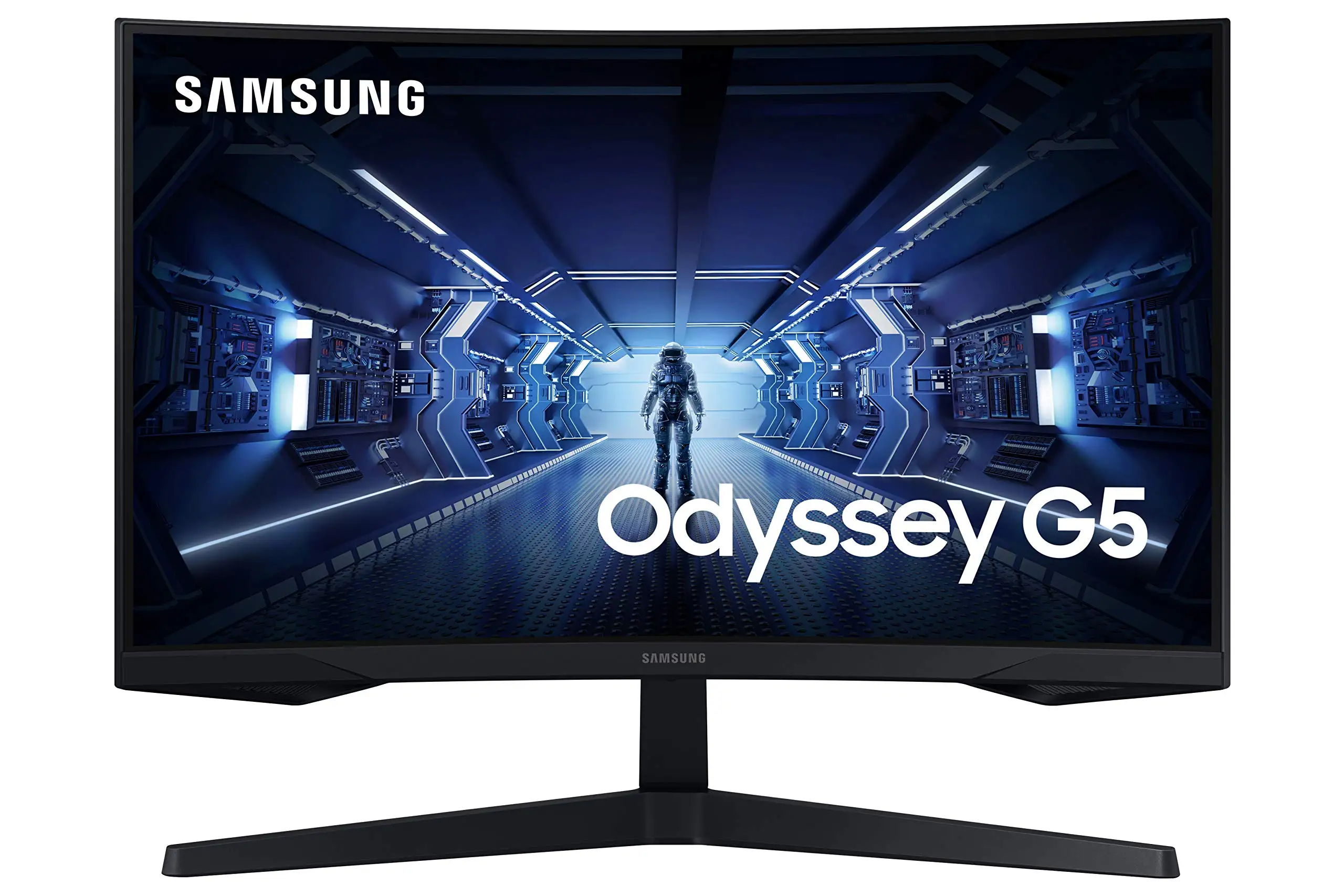
Starting at under $230 on sale, the SAMSUNG Odyssey G5 Series 27-Inch WQHD Curved Gaming Monitor delivers visual immersion that many users describe as “the best purchase I’ve made all year” — but it’s not without quirks. Averaging 4.4–4.5 stars across major retailers, its score here lands at 8.4/10, with high marks for image quality, refresh rates, and price-to-spec ratio, tempered by stand adjustability issues and occasional color concerns.
Quick Verdict: Conditional — excellent for budget-conscious gamers focused on immersion and speed, less ideal for those needing ergonomic adjustments or factory-calibrated color accuracy.
| Pros | Cons |
|---|---|
| Sharp WQHD resolution | Stand tilt/adjustability issues |
| 144Hz–165Hz refresh rate options | Washed-out colors for some users |
| 1000R curve enhances immersion | No built-in speakers |
| 1ms response time for reduced ghosting | Limited ports (no USB-C, few inputs) |
| Affordable for performance class | HDR impact debated among users |
| FreeSync Premium reduces tearing | Weak brightness versus IPS competitors |
| Sturdy stand build | Some units prone to factory defects/shipping damage |
Claims vs Reality
Samsung markets the Odyssey G5’s 1000R curvature as perfectly matching the human eye for “maximum immersion and minimal eye strain.” Digging deeper into user reports, this curvature delivers on immersion for most gamers. A verified buyer on Amazon noted: “Your gaming world, now astoundingly lifelike… experience a fuller view with more space to take in all the action,” echoing official language but framed in real gaming contexts like first-person shooters. However, one Reddit user switching from a VA panel with ghosting to the G5 said, “zero ghosting issues… my colors are vibrant,” suggesting the curve’s comfort gain was matched by an upgrade in panel tech.
Marketing calls the 144Hz refresh rate and 1ms response time “lightning fast.” On platforms like Newegg, a user highlighted the tech caveat: “Full 144Hz frequency now… displayport cable of powerful caliber required… advise against any cable lower than 1.4 standard.” The specification is achievable but demands the right hardware setup, something several buyers only discovered post-purchase.
Samsung’s HDR10 support is described as “awe-inspiring graphics.” Yet reality shows HDR performance is mixed. Best Buy reviewers consistently praised general picture quality, but one rated it 2/5 for “color of the picture… very washed out.” Across platforms, HDR seems fine for casual use but lacks the punch of higher-tier HDR standards, affecting buyers who expected vivid HDR gaming environments.
Cross-Platform Consensus
Universally Praised
Resolution and refresh rate emerge as the most universally celebrated features. The WQHD (2560x1440) resolution is repeatedly linked to a clearer, more expansive view. A Best Buy customer shared: “Amazing monitor for gaming, use it on my Series X… best graphics and response time without spending too much money.” For console users, this blend of resolution and refresh ensures they aren't bottlenecked by display limitations.
The high refresh rate — whether the 144Hz version or the 165Hz variant — resonates with competitive players. A Reddit user with the 180Hz G50D variant remarked, “Colors look good, brightness is good… the 180Hz is great.” Such fluidity benefits fast-paced shooters and racing games, where missed frames can mean missed moments.
AMD FreeSync Premium's effectiveness in reducing tearing and stutter also has cross-platform endorsement. On Twitter (Samsung DE), gamers valued smoother visuals that kept “you always at the top,” and Newegg reviewers noted “effortlessly smooth gameplay” during demanding titles.
Common Complaints
Stand adjustability is the most consistent pain point. Official specs promise tilt from -2° to 18°, but Newegg’s detailed user feedback contradicts this: “Instructions… useless… it can’t quit seeming like the stand is 100% rigid… I’m afraid to try pushing hard.” Ergonomic-minded buyers, particularly those without VESA mounts, find this frustrating.
Color accuracy divides opinion. On one side, GTX and Radeon gamers praise vibrant colors “out of the box,” while others on Best Buy describe washed-out tones. This variance points to panel uniformity and calibration differences rather than a universal flaw, but it risks disappointment for creative professionals seeking exact color reproduction.
Lack of speakers is noted almost everywhere — Amazon, Best Buy, Reddit. While common for gaming monitors, it still impacts console users or those wanting an all-in-one setup. The absence of advanced ports (USB-C, multiple DisplayPorts) limits flexibility versus competitors.
Divisive Features
Brightness ratings vary between the 250 cd/m² and 300 cd/m² specs in different models. Some Reddit posters with the 350 cd/m² G50D find it “good but wish it hit 400 nits,” while Amazon buyers seldom raise brightness as a problem. This suggests daily use adequacy but leaves HDR purists underwhelmed.
HDR10 support divides players — console gamers often accept it as “fine” while PC enthusiasts demand HDR400 or higher. One Best Buy reviewer scored low purely based on HDR claims not translating to impactful visuals in realistic shadow or highlight detail.
Trust & Reliability
From Trustpilot and Newegg narratives, durability seems generally reliable, with few confirmed early failures — although “factory defect &/or shipper mishandling” warnings appear. A Reddit user who “took a risk” on a lesser-reviewed G50D model reported satisfaction after weeks of use, suggesting performance holds once initial setup is correct.
Samsung’s warranty responses are visible in Best Buy threads, showing willingness to address dissatisfaction but no systemic defect trend beyond occasional DOA units. The sturdiest impressions center on the stand’s physical build, described as “sturdier & feels less scary to manipulate” than older SyncMaster models, even if tilt execution is flawed.
Alternatives
Within the community, the most direct comparison is the LG Ultragear 27GR83Q-B — 240Hz IPS with better brightness / HDR400 versus G5’s VA panel strengths like contrast and curve. Reddit potential buyers weighed them for pure PC gaming and found the LG more appealing for speed but conceded G5’s lower cost makes it compelling for budget setups.
Another alternative mentioned is MSI’s MAG 274QR — not widely discussed in feedback, but offers flat-IPS clarity and possibly stronger factory calibration, lacking G5’s pronounced curve which some players prize.
Price & Value
Pricing has fluctuated: $223 on Amazon during promotions, $229–$244 price matches via Best Buy, and resale values from $200 to $315 on eBay for working units. This aggressive pricing in the mid-range gaming monitor space makes it a favored “first upgrade” from 1080p/60Hz panels.
Used market trends reveal steady secondary value for well-kept units, while damaged units hover under $100, largely bought for parts. Community tips often stress buying new or with return options due to occasional QC issues.
FAQ
Q: Can the stand tilt as advertised (-2° to 18°)?
A: Officially yes, but multiple users say the tilt is extremely rigid or non-functional. If ergonomics matter, consider a VESA mount.
Q: Is HDR10 worth enabling on this monitor?
A: For casual content, yes — it adds mild vibrancy. PC gamers seeking impactful HDR should temper expectations, as brightness limits reduce effect.
Q: Does the monitor include speakers?
A: No, it lacks built-in audio. Plan for external speakers or quality headphones.
Q: Which cable type should I use for full 144Hz and 1ms?
A: A high-caliber DisplayPort 1.4 cable under ~6 feet is recommended; lower spec cables may cap performance.
Q: How does the curve affect productivity tasks?
A: For gaming it enhances immersion; for productivity, some users find 1000R curve intense for spreadsheets or design but adapt over time.
Final Verdict
Buy if you’re a gamer — especially console or budget PC players — chasing immersive visuals, smooth refresh, and solid build without overspending. Avoid if you need precision color work, built-in speakers, or extensive ergonomic adjustments. Pro tip from Newegg’s gaming crowd: “Don’t skimp on your DisplayPort cable — it’s the difference between hitting spec or getting frustrated.”





