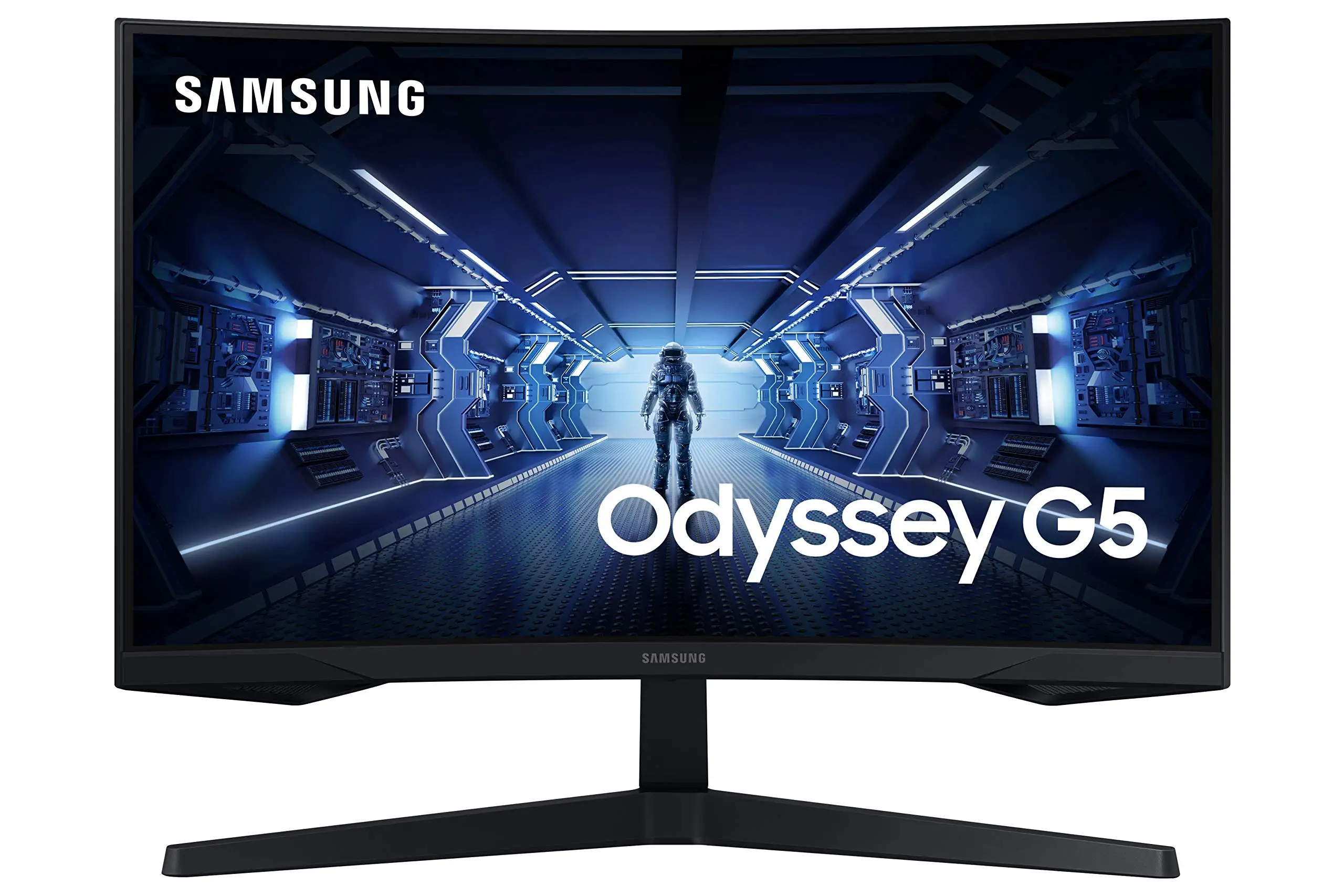
Samsung Odyssey G5 Review: Immersive 1440p Gaming Value
One Reddit buyer didn’t hold back: “About the best bang for buck as far as 1440p resolution goes.” That sentiment surfaces repeatedly across platforms when discussing the SAMSUNG Odyssey G5 Series 27-Inch WQHD Curved Gaming Monitor, a display that delivers strong gaming performance at a price many see as fair. Scoring around 8.5/10 from aggregated feedback, it stands out for its immersion and image clarity, though its stand design and occasional panel quirks temper the praise.
Quick Verdict: Conditional — excellent for gamers seeking immersion and high refresh rates at mid-tier budgets, but less ideal for those needing ergonomic stands or uniform QC.
| Pros | Cons |
|---|---|
| Stunning WQHD resolution and sharp image quality | Stand offers limited adjustability (tilt only) |
| Immersive 1000R curvature praised for gaming | Reports of dead pixels and ghosting in some units |
| Smooth 144Hz refresh with 1ms response | Some users found HDR underwhelming |
| AMD FreeSync Premium reduces tearing and stutter | Screen curve discomfort for certain productivity tasks |
| Competitive pricing for feature set | Panel lottery: brightness and color uniformity may vary |
| Sleek frameless design | No built-in speakers |
Claims vs Reality
Samsung’s marketing pushes “unmatched immersion” via its 1000R curvature, stating it “matches the curvature of the human eye for maximum immersion and minimal eye strain.” Many buyers echo the immersion claim. A verified Best Buy customer called it “perfect for the price...just the right size. No ghosting. Easy on the eyes.” However, a few found the curve more distracting than helpful for general desktop use — one noted that “any time I look at a browser...gave it a weird 3D look...hurting my eyes,” showing curvature may not suit everyone.
The “144Hz smoothness” promise is widely confirmed. A Newegg reviewer highlighted hitting “full 144Hz frequency...and full 1ms response time in res above 1920 x 1080” when using a proper DisplayPort 1.4 cable. Console gamers also benefit; one Xbox Series X owner said it “seamlessly runs... at 120 fps.” But at least one Best Buy buyer using a cheaper cable struggled to achieve advertised performance until upgrading their connection.
Finally, Samsung’s “truly realistic HDR 10” is more contentious. While the vividness and contrast impressed some, others found HDR washed out or indistinct from SDR. One Amazon buyer mentioned “HDR makes games look incredible,” while another admitted “not a fan of HDR so it doesn’t matter to me anyway,” suggesting it’s not a headline draw for all users.
Cross-Platform Consensus
Universally Praised
The WQHD (2560x1440) resolution consistently draws appreciation for clarity and screen real estate. For competitive FPS players, that’s translated to better spotting of enemies; a Best Buy gamer using it for Warzone said it “works fantastic for other games” too. Console players upgrading from 1080p reported notably cleaner visuals — one wrote that it “helps my boomer eyes” when gaming at 1440p.
Gamers also adore the refresh-rate-to-price ratio. Many describe moving from 60Hz to 144Hz (or 165Hz on some G5 variants) as transformative. Reddit player feedback on the G50D variant called the 180Hz model “very good” for minimal smearing and vibrant colors out of the box, especially for fast shooters.
The curved VA panel’s deep blacks and contrast (2500:1 static) resonate with RPG and sim fans who value immersion. A Best Buy reviewer summed it up: “The blacks are deep and crisp, response time is on point.” Complemented by AMD FreeSync Premium, the panel largely delivers on low-lag, tear-free play.
Common Complaints
Build ergonomics take the brunt of criticism. Numerous users on Newegg and Best Buy complain the tilt mechanism is stiff or unresponsive, fueling suspicion it’s effectively fixed. One Newegg buyer wrote, “Instructions are useless...feels 100% rigid & inflexible.” Height and swivel adjustments are notably absent, leading to awkward setups for dual-monitor users.
Quality control is another sore point. Reports of dead pixels, backlight inconsistencies, and even screen separation after about a year cropped up. Best Buy user “siny” lamented, “Screen started to separate from the frame...outside of warranty...Samsung wanted $219 for repairs.”
The steep 1000R curve divides opinion in desktop productivity scenarios. While gamers relish it, certain workstation setups suffer. One multi-monitor user noted noticeable straightened edges when moving windows side-to-side, calling it “a huge distraction” in dual setups.
Divisive Features
HDR performance divides buyers. Some highlight its vibrancy, others report washed-out colors depending on content and settings. Similarly, the VA panel’s response time is lauded by most but still raises ghosting concerns for a few — particularly those accustomed to fast IPS panels.
Trust & Reliability
Long-term reliability feedback is mostly positive, with many reporting over a year of daily use without image degradation. Best Buy’s “mark the man” praised “no problems at all now after 6 months of heavy use,” while others upgraded from prior Samsung models without regret. However, the scattered accounts of panel failure just after warranty and factory defects in shipment (“my condolences to those...falling victim to factory defect and/or shipper mishandling”) on Newegg underscore the importance of early testing and return windows.
Shipping damage and defect concerns are modest but present; multiple eBay listings note cracked screens in resale markets, indicating fragility during transit or handling.
Alternatives
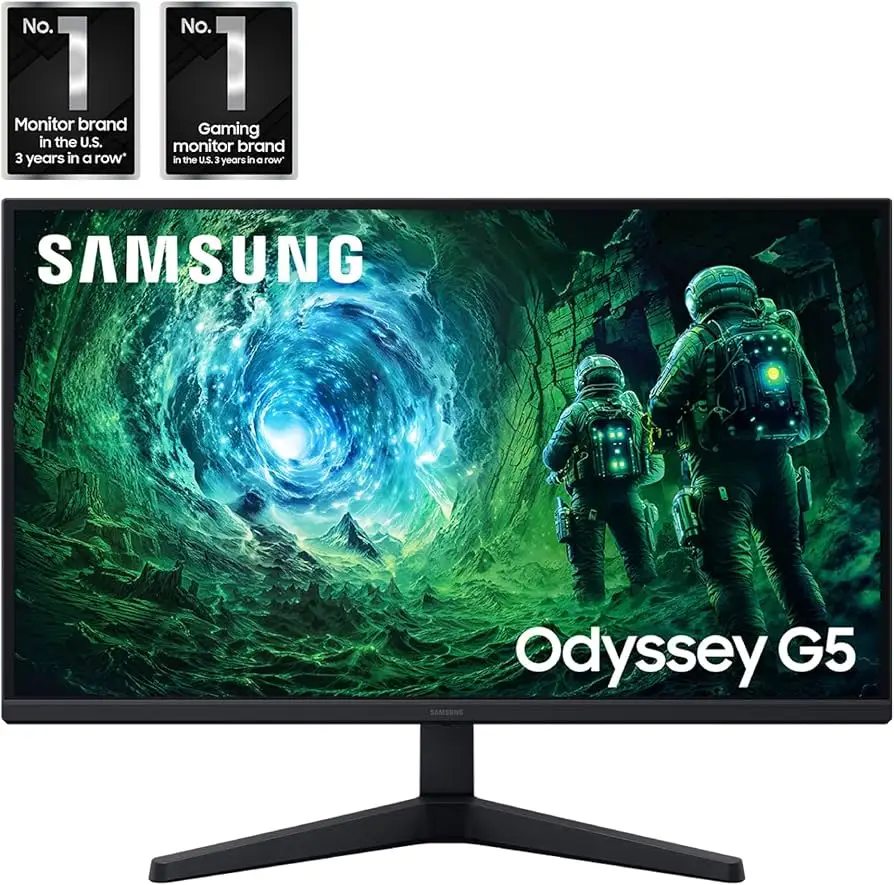
Within Samsung’s own lineup, the Odyssey G50D variant introduces a flat IPS panel at 180Hz with better ergonomics (adjustable stand), appealing to users turned off by extreme curvature. One Reddit early adopter declared, “Absolutely love the monitor...180Hz is very good,” suggesting motion clarity upgrades over VA.
Cross-brand, some buyers compare it to LG’s UltraGear 27GR83Q-B — a flat, 240Hz IPS with higher brightness (400 nits), better for eSports-oriented players who prioritize speed and viewing angles over contrast. However, these typically cost more than the G5’s street price.
Price & Value
On Amazon, pricing hovers around $223–$271 during promotions, down from $319–$369 MSRP. eBay resales often list used units near $180–$200, with damaged panels selling for under $100, indicating moderate depreciation. Many community members highlight its strong price-to-performance ratio; one Newegg gamer called it “a steal” after getting it for $244.
Buying tips from users stress verifying your DisplayPort cable is version 1.4 to hit full specs, testing for dead pixels immediately, and considering a VESA mount arm to overcome stand limitations.
FAQ
Q: Does the Odyssey G5 support 120Hz on Xbox Series X or PS5?
A: Yes. Multiple users confirm 120Hz operation at 1440p on Series X; one said it was “a great pair with this monitor,” though PS5 lacks native 1440p scaling in some modes.
Q: How effective is AMD FreeSync Premium on this monitor?
A: Feedback indicates it works well, significantly reducing tearing and stutter across a range of frame rates, particularly when paired with compatible GPUs.
Q: Can the stand tilt, swivel, or adjust height?
A: Officially tilt only (-2° to +18°), but some report tilt resistance so stiff it feels fixed. No height or swivel adjustments are built-in.
Q: How is HDR performance in real games?
A: Mixed. Certain users find HDR enriches colors and contrast in titles like Warzone, while others call it underwhelming or no improvement over SDR.
Q: Does the monitor have built-in speakers?
A: No — several buyers note the omission, so external audio hardware is required.
Final Verdict: Buy if you’re a gamer seeking an affordable 27-inch 1440p curved display with smooth high-refresh gameplay and deep contrast, and you can tolerate limited stand adjustments. Avoid if you demand wide viewing angles for color-critical work, flawless HDR, or ergonomic flexibility. Pro tip from Newegg buyer: “Don’t cheap out on your DisplayPort cable — get 1.4 spec, short length, and you’ll unlock its real performance.”