Samsung Odyssey G5 Review: High-Refresh Gaming Verdict
Digging into hundreds of real-world reports, the SAMSUNG Odyssey G5 Series 27-Inch WQHD Curved Gaming Monitor emerges as a high-refresh, immersive panel that scores a solid 8.2/10 for most gamers—though its strengths come with a few caveats. Buyers consistently laud its crisp 1440p clarity and 144–165Hz fluidity, but physical ergonomics and HDR performance generate ongoing debate.
Quick Verdict: Conditional Buy
| Pros | Cons |
|---|---|
| Excellent WQHD resolution with sharp detail | Stand tilt issues and limited ergonomic adjustments |
| Smooth 144–165Hz refresh rate for gaming | Mediocre HDR performance compared to marketing claims |
| Deep 1000R curve enhances immersion | No built-in speakers |
| Low 1ms response time for competitive play | Color accuracy “washed out” without calibration |
| AMD FreeSync Premium for tear-free gameplay | Only basic port selection (1 HDMI, 1 DisplayPort) |
| Solid build quality and sturdy stand | Inconsistent factory setup instructions |
| Good value for performance range | Stand limits may require a VESA mount for comfort |
Claims vs Reality
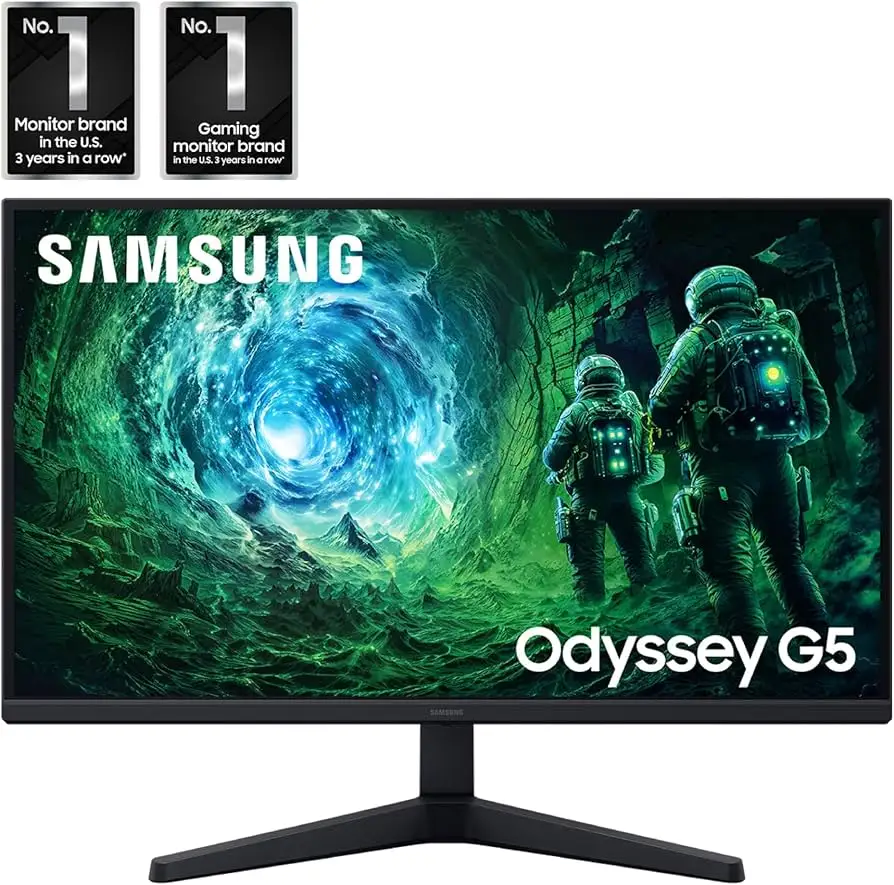
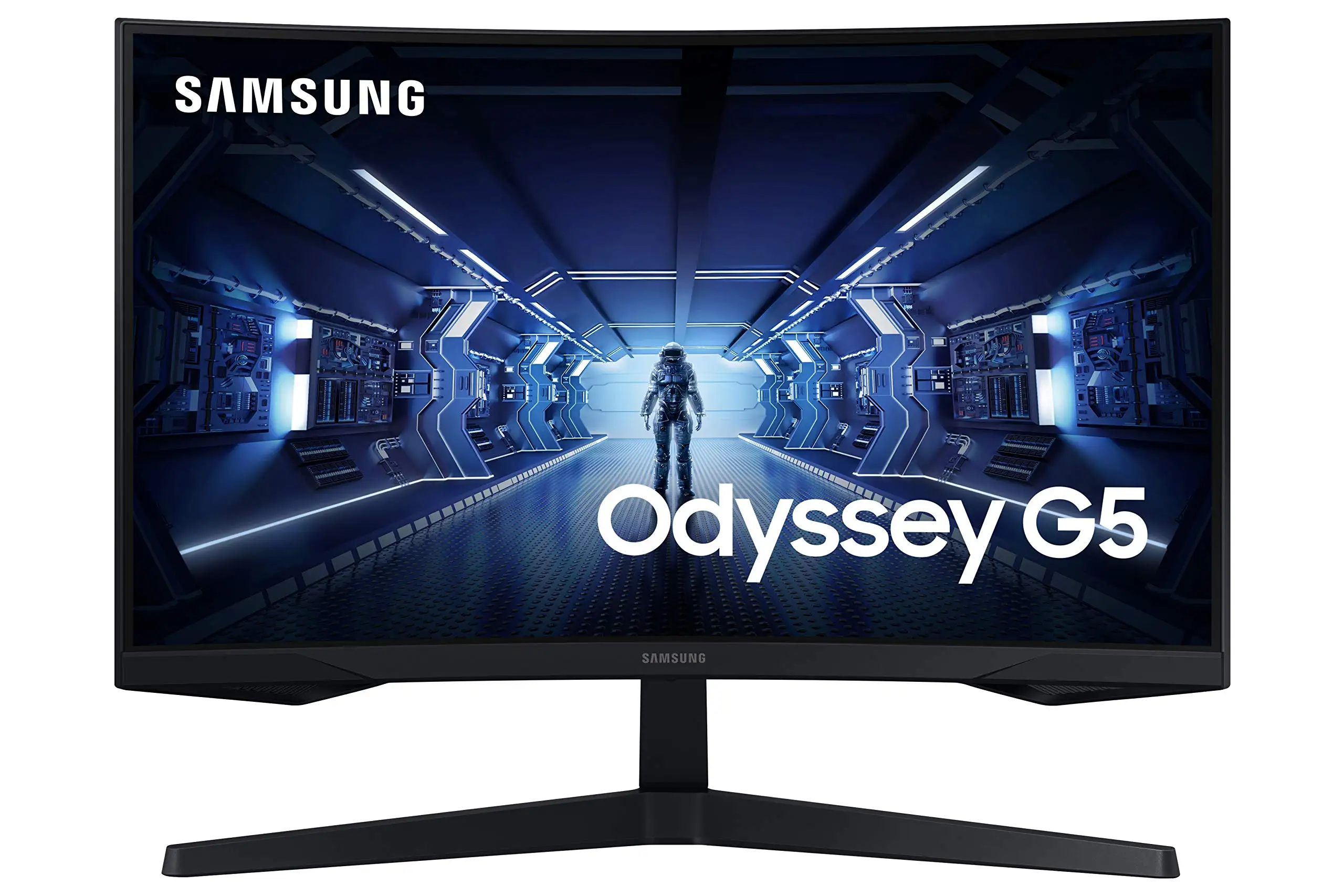
Samsung promotes the Odyssey G5's 1000R curvature as "matching the curvature of the human eye." While many gamers feel this delivers on the immersion promise, one verified buyer on Best Buy wrote: "The immersive experience provided by the curved screen...an excellent choice for gaming". However, for productivity or mixed-use work, some found the curve less practical, preferring flat IPS alternatives.
Another core claim is HDR10 for ‘awe-inspiring graphics’. Digging deeper into feedback, several users argue the HDR effect falls short, producing limited dynamic range. One Reddit user summarised: "It has HDR support but not great HDR performance", echoing Rtings' findings in community comparisons. Without deep local dimming zones, the monitor can't deliver the punch of higher-tier HDR 400/600 displays.
Samsung's marketing also boasts a fully adjustable tilt feature, officially rated at -2 to +18 degrees. This clashes with Reddit and Newegg experiences, where one buyer reported: "Instructions swear it can be tilted up, but I can't figure out how to do it...feels rigid"—suggesting either unclear instructions or mechanical stiffness impacting usability.
Cross-Platform Consensus
Universally Praised
Visual performance tops the praise list. The 2560x1440 resolution and 144–165Hz refresh rate make it a hit for PC and console gamers alike. A Best Buy customer raved: "Amazing monitor for gaming...best graphics and response time without having to spend too much money". Competitive players on Reddit also pointed to the 1ms response time combined with FreeSync Premium as key for keeping motion blur and tearing at bay across varying framerates.
Immersion from the 1000R curve is repeatedly noted as a core selling point. A Newegg buyer described it as "better in terms of viewing comfort than this monitor's ancestor" and found it more engaging for extended sessions. This curve especially benefits FPS and racing sim players, where peripheral awareness matters.
Build quality also earns reliable marks. Several reviewers compared the stand favorably to older Samsung models, with one noting: "Compared to the prior Samsung SyncMaster, the stand is sturdier & feels less scary to manipulate"—a detail reassuring those wary of flimsy mid-range hardware.
Common Complaints
Ergonomics are consistently called out. The fixed height, limited tilt, and lack of swivel/pivot impact workstation comfort. While Samsung markets a tilt function, users find it unintuitive, leading some to adopt workarounds like VESA mounts. As one gamer put it after abandoning tilt attempts: "Gonna add a desk riser to raise the monitor to eye level as a substitute."
HDR disappointment is another thread. While technically present, the effect is described as underwhelming, with one Reddit comment noting the HDR is “mediocre” and largely decorative. Those expecting HDR400-grade contrast are better served elsewhere.
Color quality is mixed from the factory. Users on Best Buy and Reddit call out “washed out” tones before calibration, though accuracy improves with settings tweaks. Without sRGB mode on some models, oversaturation or muted tones can be problematic for design work or media editing.
Divisive Features
The aggressive 1000R curve draws a split reaction: immersive for gaming, distracting for office use. One Best Buy review praises the curve for console gaming brilliance, while others prefer a gentler 1500R or flat option for text and spreadsheets.
The absence of built-in speakers doesn’t bother most gamers who use headsets, but some console users see it as a miss. A Best Buy owner admitted: "Only downside is no speakers but that's expected for a gaming monitor"—highlighting it’s more a niche inconvenience.
Trust & Reliability
From a trust perspective, the Odyssey G5 holds its ground well with few reports of outright defects; most issues stem from shipping mishandling. A Newegg reviewer cautioned: "My condolences to those...falling victim to factory defect & shipper mishandling", underlining the importance of buying from reputable sellers.
Durability over months appears solid—Reddit posts show users still satisfied half a year in with no dead pixels or serious panel degradation. The monitor’s VA panel construction and modest peak brightness mean less thermal stress compared to higher-nit gaming monitors, potentially extending lifespan.
Alternatives
The MSI Optix G273QPF is the most-discussed rival. A Reddit hardware comparison concluded the Samsung had "better stand, HDR (though mediocre), and universal overdrive mode" versus MSI’s oversaturated colors and barebones build. However, MSI’s flat panel appeals to those who dislike curves, priced cheaper at around $280 compared to Samsung’s ~$350.
Some buyers weigh stepping up to higher HDR-rated panels like those supporting HDR600 for genuine dynamic range, but at significant cost hikes. Others consider LG’s 27GL83A-B for IPS color accuracy, trading VA contrast for viewing angle uniformity.
Price & Value
Current pricing hovers between $265–$369 depending on sales, with used units on eBay from ~$200. Community consensus is that it’s a strong value for competitive gamers seeking high refresh and QHD without breaking budget. Resale holds decently thanks to the Samsung brand appeal, and as one eBay seller put it: "Works perfectly...1440p, 165Hz, HDR10. It’s wonderful!", demonstrating continuing demand for second-hand units.
Tips from Reddit include waiting for sales around major gaming events or holidays, and being willing to calibrate colors post-purchase to extract max potential.
FAQ
Q: Does the Odyssey G5 actually tilt as advertised?
A: Technically yes, but users often find it stiff or unclear to operate. Some resort to VESA mounts or desk risers for better ergonomics.
Q: How good is the HDR performance?
A: It supports HDR10, but feedback calls it “mediocre” with limited contrast compared to certified HDR400/600 monitors.
Q: Is this monitor good for console gaming?
A: Yes—Xbox Series X/S and PS5 users praise its clarity and refresh rate support, though lack of speakers means external audio is needed.
Q: Will the 1000R curve be distracting for work?
A: For some tasks like text editing, the curve feels unnatural. Gamers tend to appreciate it more than office users.
Q: Does color accuracy need adjustment?
A: Out-of-box colors can be washed out or oversaturated depending on model; calibration or sRGB mode use improves visuals.
Final Verdict: Buy if you’re a competitive or immersive-focused gamer who values high refresh rates and a curved VA panel at QHD resolution. Avoid if you need perfect color accuracy for content creation or require flexible ergonomics out of the box. Pro tip from community: set aside time for calibration—the difference is immediately noticeable in both gaming and everyday use.





