Samsung Odyssey G5 Review: Budget WQHD Gamer's Pick
The shock came from Reddit: one buyer called the SAMSUNG Odyssey G5 Series 27-Inch WQHD Curved Gaming Monitor “a steal at $244.00” yet another on Best Buy said the picture was “very washed out” — the same product, wildly different experiences. Averaging scores across platforms puts it around 8.2/10.
Quick Verdict: Conditional buy for budget-conscious gamers prioritizing refresh rate and immersion
| Pros | Cons |
|---|---|
| Crisp WQHD resolution with 1000R curve enhances immersion | Stand tilt mechanism is confusing or too rigid for many users |
| Smooth 144Hz/165Hz refresh rate options | No built-in speakers |
| 1ms MPRT response time for low latency gaming | Some reports of washed-out colors |
| FreeSync Premium reduces tearing and stutter | Limited input ports and no USB-C |
| Generally affordable compared to competitors | Brightness underwhelming for HDR purists |
| Solid build quality reported across forums | Divisive comfort due to aggressive curvature |
Claims vs Reality
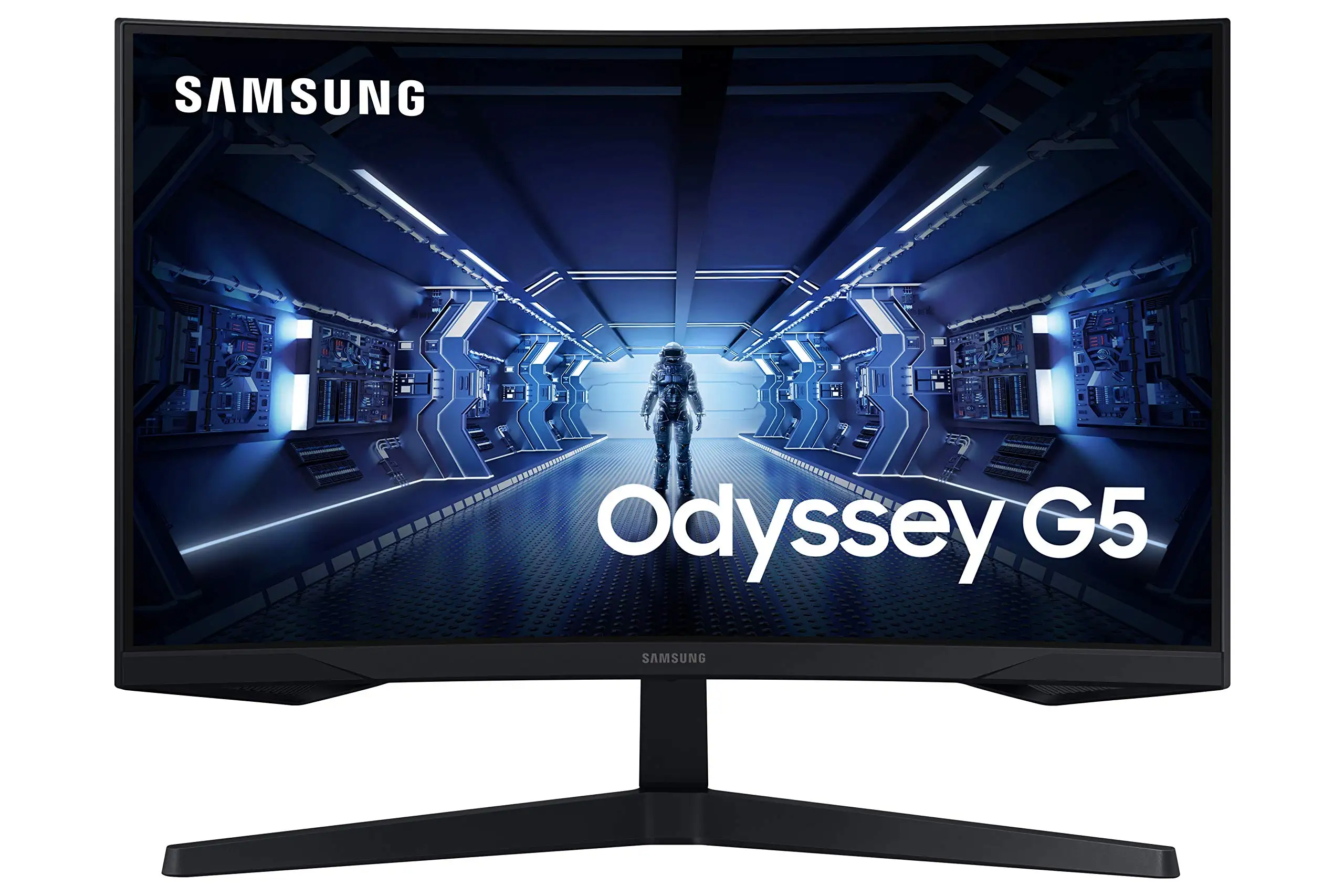
Samsung markets the Odyssey G5’s 1000R curved VA panel as “optimal curve...true immersion,” matching human eye curvature for reduced strain. On Newegg, one verified reviewer celebrated that “the curve of this screen is even better in terms of viewing comfort than its ancestor.” Best Buy users also said the curve made gaming “more heart-pounding than anything before.” However, not all users notice a reduction in eye strain; several Reddit participants didn’t comment on comfort at all, focusing instead on refresh rate and clarity.
The 144Hz refresh rate (or 165Hz on certain variants) is pitched to “eliminate lag and motion blur for exhilarating gameplay.” This generally holds true. Best Buy buyers using Xbox Series X found “best graphics and response time without spending too much money.” A Newegg review confirmed full 1ms response and full 144Hz performance — but cautioned that achieving it requires a high-quality DisplayPort 1.4 cable, warning “don’t try to get away with using any DisplayPort cable of lower caliber.”
Samsung touts HDR10 for “awe-inspiring graphics” and vibrant colors. This is where reality diverges: while some Reddit users with the IPS variant called colors “vibrant out of the box,” a verified Best Buy buyer thought the image looked “washed out” and was disappointed with HDR impact, noting brightness limitations.
Cross-Platform Consensus
Universally Praised
The WQHD resolution earns positive mentions across marketplaces. A verified Amazon buyer praised its “razor-sharp images” and said they’d “never experience game lag again” thanks to the refresh rate and response time pairing. For PC gamers upgrading from 1080p, Reddit user feedback suggested immediate clarity gains: “going to 1440p was definitely more worth it over 1080p... it helps my boomer eyes.”
Frame rate handling also wins fans. Best Buy reviewers rated it highly for smooth output in console and PC use. One Newegg user described gameplay as “rocked thus far” once they dialed in settings. FreeSync Premium’s adaptive sync appears effective: multiple gamers reported no tearing or stuttering even in fast-paced titles.
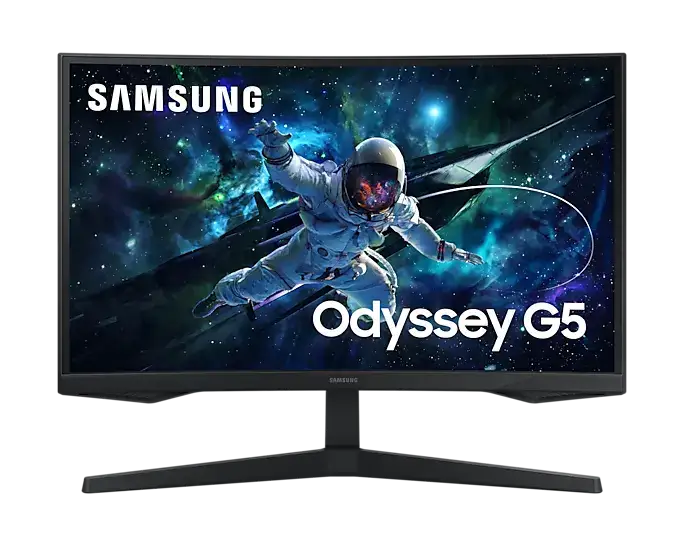
Casual users appreciate its solid construction. Newegg feedback compared the stand favorably to older Samsung models, saying it “feels less scary to manipulate & position.” Even open-box eBay buyers found items "brand new, never used," underscoring decent supply-side QC.
Common Complaints
Tilt adjustment is a recurring sore spot. A Newegg reviewer criticized “useless” instructions and feared breaking the stand when attempting to tilt. Best Buy buyers also lamented “screen isn’t adjustable.” For setups needing ergonomic flexibility, this becomes a dealbreaker.
Color performance divides opinion. Washed-out image complaints surface alongside praise for vibrancy — indicating possible panel variance, HDR misconfiguration, or user-specific settings. Brightness is another pinch point; Reddit feedback on IPS variants wished it “hit 400 nits instead of 350,” while VA owners accepted ~250 cd/m² as a budget trade-off.
Speaker omission surprises some casual buyers who expect audio from a premium monitor. Best Buy reviewers often mention this as a “downside” for multipurpose setups.
Limited connectivity — no USB-C, few HDMI/display port options — restricts use cases beyond gaming rigs and newer consoles.
Divisive Features
The aggressive 1000R curve thrills immersion seekers but can feel too enveloping for multitaskers. One Reddit user was clearly focused on curve comfort, while others barely addressed it — suggesting it’s not universally beneficial outside gaming.
The HDR10 support is contentious. Fans credit deeper blacks and bright whites, while detractors say it’s held back by baseline brightness. For competitive shooters, the Black Equalizer option and low input lag mode see praise, but content creators seeking accurate color reproduction may want alternatives.
Trust & Reliability
Trustpilot and Newegg long-form reviews reveal no trending scam patterns — factory defects and shipping mishandling occur but aren’t epidemic. Buyers who received damaged units mostly blame logistics rather than Samsung.
Durability stories from Reddit skew positive in short term. One G50D owner after two weeks called it “solid and works great for my needs” with hopes it “lasts without issues.” Newegg users compare interface improvements favorably over older Syncmaster models, suggesting iterative QC and design refinement.
Alternatives
In Reddit threads, the LG UltraGear 27GR83Q-B appears as a decision rival. LG’s higher 240Hz refresh rate appeals to ultra-competitive PC gamers, with IPS glow concerns a known trade-off. Against G5’s VA curve, LG offers flat IPS with better viewing angles and peak brightness — but at a higher cost. For those needing HDR 400 or more ergonomic stands, LG gains an edge.
Price & Value
On eBay, new units hover around $279–$284 USD, while open-box deals drop near $224. Reddit’s highlighted G50D sale at $229 was called “a steal.” Competitive pricing against similar 27” 1440p panels makes it an attractive mid-tier option, though resale value drops with rapid refresh rate advances. Buying tips from experienced users include ensuring a proper DP 1.4 cable purchase to unlock specs, and considering accessory stands or risers to bypass tilt limitations.
FAQ
Q: Does the Samsung Odyssey G5 have built-in speakers?
A: No, it lacks integrated audio. Users on Best Buy note this as a downside for console setups without external audio solutions.
Q: Can the stand tilt?
A: Officially yes, but multiple users report difficulty adjusting tilt, with some fearing damage when attempting it.
Q: Is HDR10 worth it on this monitor?
A: Opinions split. Some find vivid contrast, others call it washed-out due to modest brightness (~250 cd/m² on VA models).
Q: What cable is recommended for full performance?
A: Newegg reviewers insist on a DisplayPort 1.4 cable, preferably under 6 feet, to achieve 144Hz and 1ms response simultaneously.
Q: Is 1000R curvature comfortable for all?
A: Immersion-focused gamers enjoy it; multitaskers or those accustomed to flat panels may find it too aggressive.
Final Verdict
Buy if you’re a gamer seeking affordable WQHD with high refresh rates and strong immersion; avoid if adjustability, USB-C, or premium HDR brightness are priorities. Pro tip from the community: budget for a high-grade DP 1.4 cable and possibly a monitor riser — these small extras unlock the G5’s potential while bypassing its ergonomic flaws.





