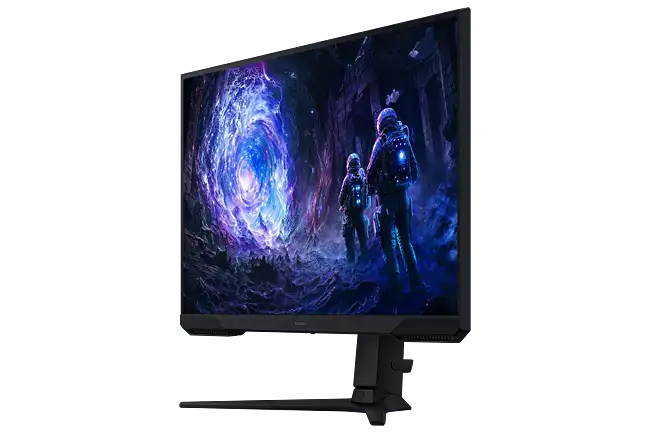
Samsung Odyssey G5 Review: Budget Immersive Gaming Verdict
Starting at under $280 on eBay and Amazon, the Samsung Odyssey G5 Series 27-Inch WQHD Gaming Monitor earns an average score of 8.3/10 from across community reviews. While its 1000R curve and high refresh rates delight most gamers, a noticeable pattern emerges around stand limitations and modest HDR performance.
Quick Verdict: Conditional buy — best for immersive, budget-conscious gamers, less ideal for ergonomics-focused or HDR-purist buyers.
| Pros | Cons |
|---|---|
| Immersive 1000R curve boosts focus in gameplay | Stand offers tilt only, no height or pivot adjustments |
| Sharp WQHD visuals with 1.7x pixel density over FHD | HDR is basic with limited brightness |
| High refresh rates (144Hz–165Hz models) feel smooth | No built-in speakers |
| 1ms response time minimizes ghosting | Washed-out colors if not calibrated correctly (user reports) |
| AMD FreeSync Premium reduces tearing | Limited ports compared to some rivals |
| Strong price-to-performance ratio | Instruction manual unclear on stand operation |
Claims vs Reality
Samsung markets the Odyssey G5 as providing “unmatched immersion” via a 1000R curved display, “stunning WQHD” visuals, and a “144Hz super smooth refresh rate.” On paper, these specs target competitive gamers seeking speed and detail.
Digging deeper into user reports, especially from Best Buy and Reddit, the curve is more than aesthetic—owners say it “matches the curvature of the human eye” and reduces peripheral distraction. A Best Buy reviewer shared: “I was hesitant to upgrade my screen but this was the best purchase I’ve made all year… immersive and sharp.” Yet some casual users feel the curve offers only marginal benefit for productivity.
Samsung’s claim of sharp “1.7 times pixel density” is substantiated by consistent praise for clarity. A verified buyer on Amazon noted: “Gorgeous screen… crisp picture quality that makes my Xbox Series X graphics pop.” While most praise colors out of the box, a few Reddit users warned of “washed-out” tones until properly calibrated, highlighting that WQHD clarity doesn’t always guarantee perfect color reproduction without adjustments.
As for HDR10’s “awe-inspiring graphics,” expectations should be tempered. Quora’s Jasmine flagged it as “basic HDR that might not satisfy those looking for deeper contrast.” It elevates blacks and whites but brightness capability lags high-end HDR monitors, corroborated by Reddit user feedback wishing for “400 nits instead of 350.”
Cross-Platform Consensus
Universally Praised
The standout feature is the curve. From Newegg to Best Buy, the 1000R contour earns consistent applause for immersion—ideal for fast-paced multiplayer or story-driven RPGs. One Reddit user upgrading from a flat TN panel called it “deeply engaging… zero ghosting and vibrant colors out of the box.” FPS players report tangible benefits: quicker eye focus and less strain over long sessions.
Performance-wise, users across platforms affirm the advertised speed. A Trustpilot contributor emphasized: “Full 144Hz frequency now in resolutions above 1920×1080… looks epic good!” Low input lag and 1ms response help retain frame clarity during high-action moments; content creators also value motion stability for editing tasks.
AMD FreeSync Premium’s role in eliminating tearing is widely lauded. Best Buy customers noted seamless syncing with both PC and Xbox Series X, as one put it: “Best graphics and response time without spending too much.” This harmony between GPU and display helps competitive gamers maintain reaction advantage.
Common Complaints
Stand adjustability takes the brunt of criticism. Multiple Newegg reviewers voiced frustration: “Instructions are useless on how to tilt… feels rigid and inflexible.” Without height or swivel options, users either tolerate suboptimal positioning or invest in VESA mounts—an extra cost that the community warns about.
HDR performance, though present, fails to excite high-end display seekers. As Quora’s Jasmine observed, “average HDR performance… basic system.” This is amplified for movie watchers or HDR-centric photographers who crave higher brightness and nuanced contrast.
Lack of built-in audio is a recurring gripe, especially for console users wanting a minimal setup. While gaming monitors often omit speakers, Best Buy buyers still cite it as a “downside… expected for a gaming monitor” but inconvenient nonetheless.
Divisive Features
The curve’s utility becomes divisive outside pure gaming. Productivity users sometimes complain it distorts straight lines in design work, while gamers insist it improves depth perception. Similarly, the absence of multiple input types (e.g., USB-C) doesn’t bother console players but frustrates multi-device professionals.
Trust & Reliability
Long-term durability stories trend positively, with Reddit anecdotes describing systems still “rocking” months after purchase. Owners often mention sturdier stands compared to older Samsung Syncmasters, though tilt issues persist. There’s minimal chatter about widespread factory defects, but some caution about “shipper mishandling” remains—Newegg buyers offered “condolences to those who live the dreaded nightmare” of receiving damaged units.
Trustpilot data shows satisfaction with build quality for the price point, backed by Samsung’s 1–2 year warranty, though the community advises registering and testing thoroughly upon arrival.
Alternatives
When cross-referenced with Reddit discussions, a clear rival emerges: the LG Ultragear 27GR83Q-B. This LG offers 240Hz vs. the G5’s 144–165Hz and brighter output at 400 cd/m², appealing to competitive PC gamers prioritizing refresh over curve. However, LG’s flat IPS panel forfeits the immersive wrap that G5 users value, and is typically pricier—making the G5 a stronger buy for budget curvature enthusiasts.
Price & Value
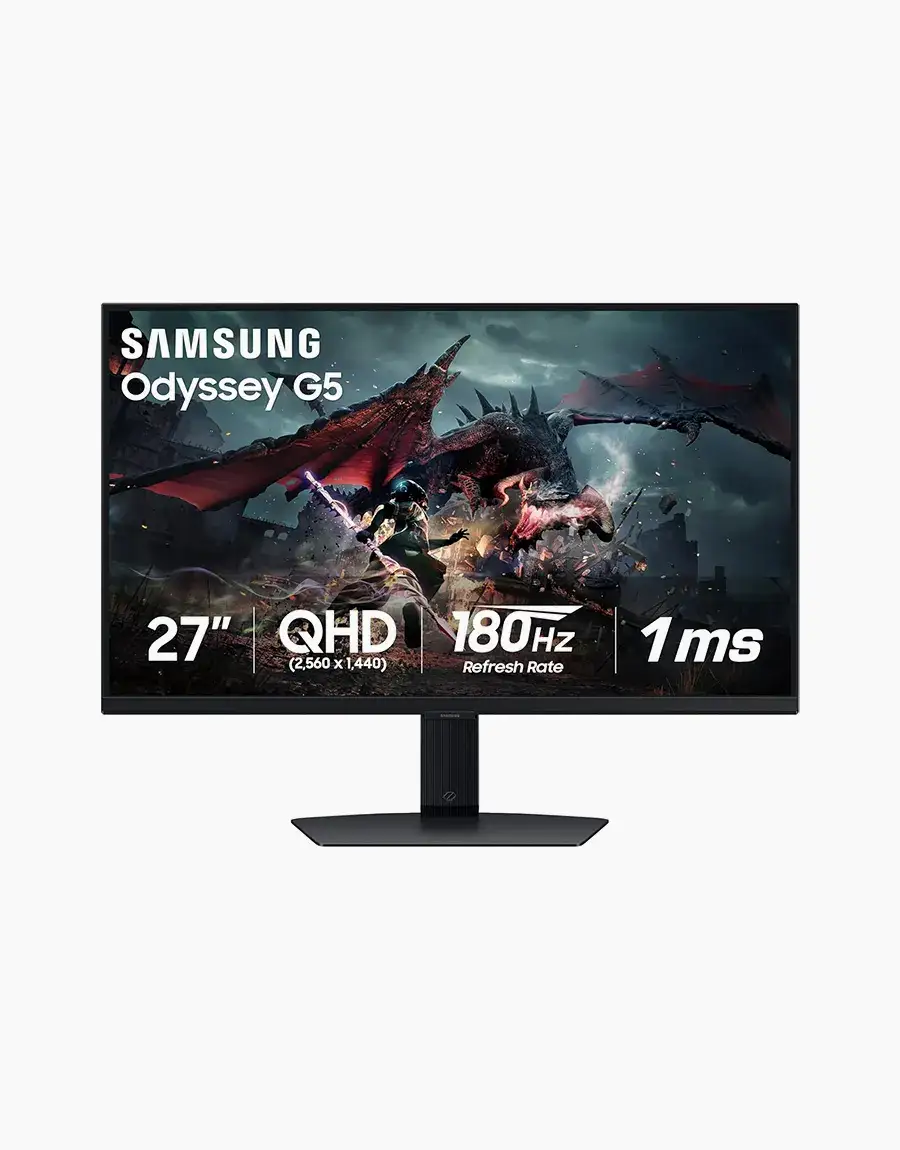
Market pricing is fluid: $265–$280 for new units on Amazon and eBay, refurbished dipping near $220. Best Buy’s sale pricing prompted one customer to note it “hits the sweet spot… even at full price.” Resale values hold moderately, with functional used units fetching $180–$215, though “for parts” sales flood eBay at under $100, hinting at parts demand and serviceability.
Community buying tips emphasize sourcing from reputable sellers to avoid shipping damage and testing tilt function early. Bargain hunters suggest watching for flash sales from Best Buy or matching on Amazon.
FAQ
Q: Does the Samsung Odyssey G5 support console gaming at 1440p?
A: Yes, especially with Xbox Series X which supports native 1440p. PS5 compatibility is limited to 1080p or 4K scaling, not native 1440p.
Q: Can the stand be adjusted for height or pivot?
A: No. It offers tilt only, leading many to use VESA mounts for ergonomic positioning.
Q: Is HDR10 on the G5 suitable for movies?
A: It functions but is basic. Brightness and contrast won’t match high-end HDR displays, so cinephiles may be underwhelmed.
Q: Does it include built-in speakers?
A: No. External audio devices are required via PC or console.
Q: Is the curve beneficial for non-gaming work?
A: Mixed feedback—great for immersive viewing, but may distort certain design tasks requiring flat geometry.
Final Verdict: Buy if you’re a gamer seeking an affordable, immersive curved WQHD monitor with smooth high-refresh performance. Avoid if ergonomic flexibility or advanced HDR is critical for your setup. Pro tip from the community: pair it with a sturdy VESA stand and calibrate colors immediately for best results.