Samsung Odyssey G5 Review: Budget Immersion Verdict
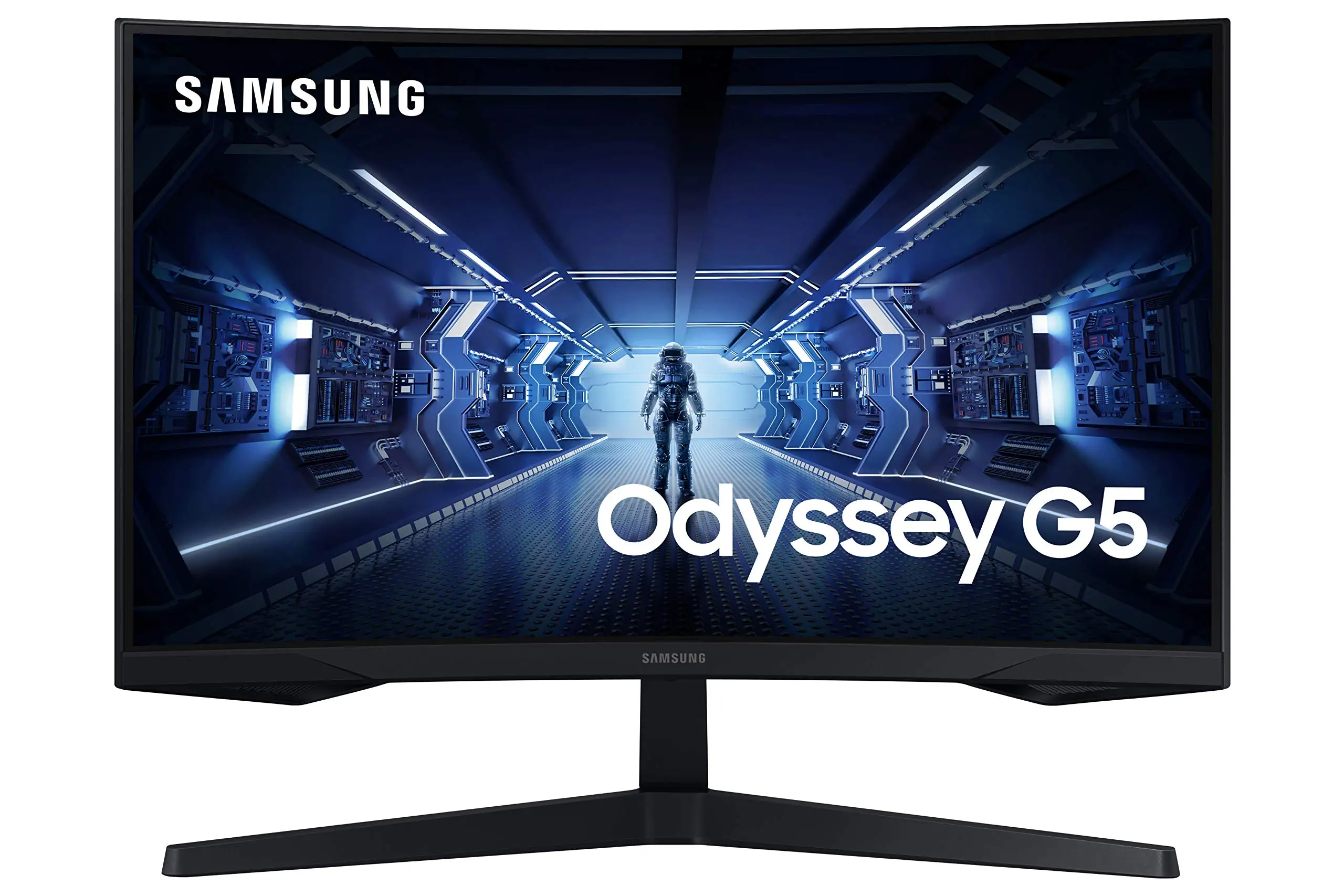
It’s rare to see a budget gaming monitor generate this much passion, but the Samsung Odyssey G5 Series 27-Inch WQHD Curved Gaming Monitor has managed exactly that — earning scores that swing from 3.5/5 on Samsung’s own site to 4.5/5 from Best Buy customers. Its appeal lies in a mix of high-end specs — 144Hz refresh rate, 1ms MPRT, 1000R curvature, and AMD FreeSync Premium — offered at mid-tier pricing. But digging deeper, the experience depends heavily on use case and expectations.
Quick Verdict: Conditional buy — excellent for immersive gaming on a budget, but limited in ergonomics and connectivity.
| Pros | Cons |
|---|---|
| Immersive 1000R curve enhances single-player gaming | Stand has very limited adjustability; tilt issues reported |
| Sharp WQHD resolution with good pixel density | No built-in speakers |
| Smooth 144Hz refresh rate with FreeSync Premium | Washed-out colors for color-critical work (without tweaking) |
| Low 1ms MPRT response for fast-paced gameplay | Limited ports (1 HDMI, 1 DisplayPort, headphone out) |
| Solid price-to-performance ratio | HDR10 underwhelms; brightness capped at 250 cd/m² |
| Lightweight and VESA mountable | Stand design can conflict with large peripherals |
Claims vs Reality
Samsung markets the Odyssey G5 as offering "true immersion" via its aggressive 1000R curve. In practice, several users confirm this — a Best Buy customer said: "The curved screen makes gaming feel more real; this was the best purchase I’ve made all year." Reddit posts echo this, particularly from players of atmospheric or open-world games, but competitive FPS gamers were more likely to note preference for flatter displays for tracking accuracy.
The company highlights “stunning WQHD” resolution with 1.7x pixel density over FHD. This claim lands solidly with those upgrading from 1080p. A Reddit user moving from a VA-based G32QC reported “zero ghosting issues… colors are vibrant out of the box.” Yet, multiple Amazon buyers observed colors that needed calibration, and one Best Buy reviewer bluntly noted: "The color of the picture is very washed out."
Samsung’s “lightning fast 1ms” spec is technically MPRT, which can only be achieved with certain settings. Newegg reviewers point out it also requires a high-grade DP 1.4 cable for full 144Hz + 1ms performance, warning others not to use lower standard cables.
Cross-Platform Consensus
Universally Praised
Where nearly everyone agrees is the value proposition. A verified Best Buy customer stated: "Amazing monitor for gaming… best graphics and response time without spending too much." Gamers upgrading from 1080p/60Hz find the jump in smoothness transformative. The WQHD resolution and 144Hz refresh rate consistently deliver a sharper and more fluid image; one Newegg review summed it up as "full 144 Hz frequency now in res above 1920x1080… looks epic good!"
The physical curve itself is another hit for immersion-focused users. Long Reddit threads compare it favorably to the older SyncMaster series, with one owner adding: “The curve feels even better in terms of viewing comfort.” Combined with FreeSync Premium, it creates a tear-free, stutter-minimized experience that console and PC gamers crossing the 100 fps mark immediately notice.
Durability and build quality at the price were also complimented. Newegg and Amazon buyers frequently mention “solid build quality” and “sturdier stand than prior models” in spite of the otherwise basic feature set. For users in cramped setups, its relatively light weight (4.5 kg with stand) and VESA mounting support are welcomed.
Common Complaints
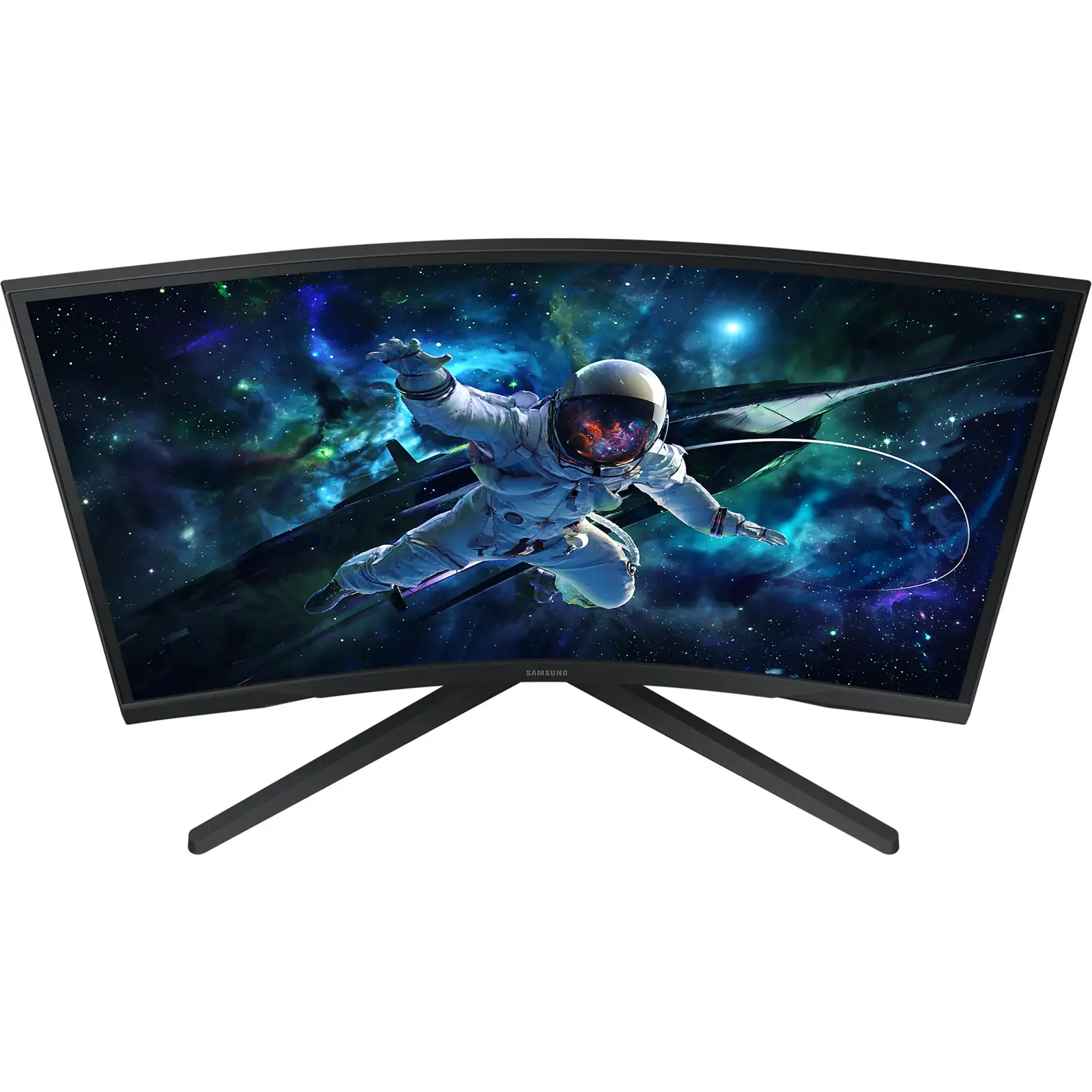
The single most cited flaw is the stand’s lack of adjustability. Multiple reviewers struggled with tilt; one Newegg buyer recounted: “It can’t quit seeming like the stand is 100% rigid… afraid I’ll break the connection between monitor and stand.” This makes it less ideal for those without a VESA mount or riser.
The display’s color performance divides opinions. Out-of-the-box settings pleased some — “colors are vibrant” said a Reddit user — but others complained those same settings produced lackluster contrast: "Screen size and resolution was good… color of the picture is very washed out" per a Best Buy review. HDR10 capability, while advertised, disappointed content consumers because the 250 cd/m² typical brightness limits HDR impact.
Connectivity is another sticking point. Buyers expecting multiple ports were surprised by the lone HDMI 2.0 and DP 1.2 inputs. One Best Buy reviewer wished for "more input ports like USB-C or Thunderbolt 3/4." The absence of speakers is tolerated by gamers using headsets, but casual multimedia users see it as a downside.
Divisive Features
The aggressive 1000R curve is loved by immersion-seekers but not universally embraced. Competitive gamers in Reddit discussions sometimes find it distorting for fast-paced FPS aim alignment. Similarly, the VA panel’s slower pixel response compared to IPS leads to polarizing views on ghosting — with some reporting “zero ghosting” and others noticing faint trails in dark scenes.
The HDR implementation is a split point: a subset appreciated "deep dark blacks and luminous whites" (Samsung site review), while others felt it underdelivered due to limited brightness and lack of local dimming.
Trust & Reliability
No widespread scam or defect patterns emerged, but there are scattered reports of factory defects or shipping mishandling. One Newegg customer offered condolences to “those who… fell victim to factory defect and/or shipper mishandling.” That said, multiple long-term owners praise its consistency six months or more in, noting no drop in sharpness or refresh stability.
The monitor’s relatively sturdy construction compared to older Samsung models is a recurring positive, with several owners mentioning a confidence boost when repositioning it on their desks. Buyers seeking peace of mind have also leveraged manufacturer warranties and, on refurbished eBay units, Allstate two-year coverage.
Alternatives
Discussion threads compare this model to the LG Ultragear 27GR83Q-B and MSI MAG274QRF-QD. Those leaning toward competitive esports favored the LG’s faster 240Hz IPS panel and higher brightness. A Reddit user who switched from a VA setup said the G50D IPS variant of the G5 line eliminated ghosting. However, for those prioritizing budget-friendly immersion over peak competitive performance, the G5 at sale prices regularly undercuts both mentioned competitors.
Price & Value
Street pricing ranges dramatically: Amazon US listings show around $295, while refurbished eBay units dip to $209.99 with warranty. Some users scored it for as low as $229–$244 during sales, calling it a “steal” for 1440p, 144Hz performance. On the resale market, lightly used units hover around $245, indicating stable demand.
Community buying tips emphasize waiting for sales, confirming DP cable quality before troubleshooting refresh rate/response issues, and factoring in the cost of a VESA mount if ergonomics are important.
FAQ
Q: Does the Samsung Odyssey G5 support G-Sync?
A: It’s not officially G-Sync certified, but many users run it with NVIDIA cards using “G-Sync Compatible” mode via DisplayPort with good results.
Q: Can you adjust the monitor height?
A: No. The stand only supports a limited tilt range, and multiple owners report difficulty tilting at all. A VESA mount is recommended for height/angle adjustment.
Q: Is HDR10 worth using on this model?
A: For most, HDR10 here offers minimal visual improvement due to low peak brightness. It’s more noticeable in dark scenes than in high-brightness highlights.
Q: Does it have built-in speakers?
A: No. Audio output is limited to a headphone jack; you will need external speakers or a headset.
Q: Is the 1000R curve distracting for programming or office work?
A: Some find it too aggressive for productivity tasks, especially on spreadsheets or precise design work. For gaming immersion, however, it’s widely praised.
Final Verdict: Buy if you’re a gamer seeking a budget-friendly jump to 1440p/144Hz with immersive curvature, especially for single-player and casual multiplayer titles. Avoid if you require extensive ergonomic adjustments, multiple device inputs, or HDR content watching. Pro tip: As one Newegg reviewer stressed — invest in a certified DP 1.4 cable to unlock the full performance.





