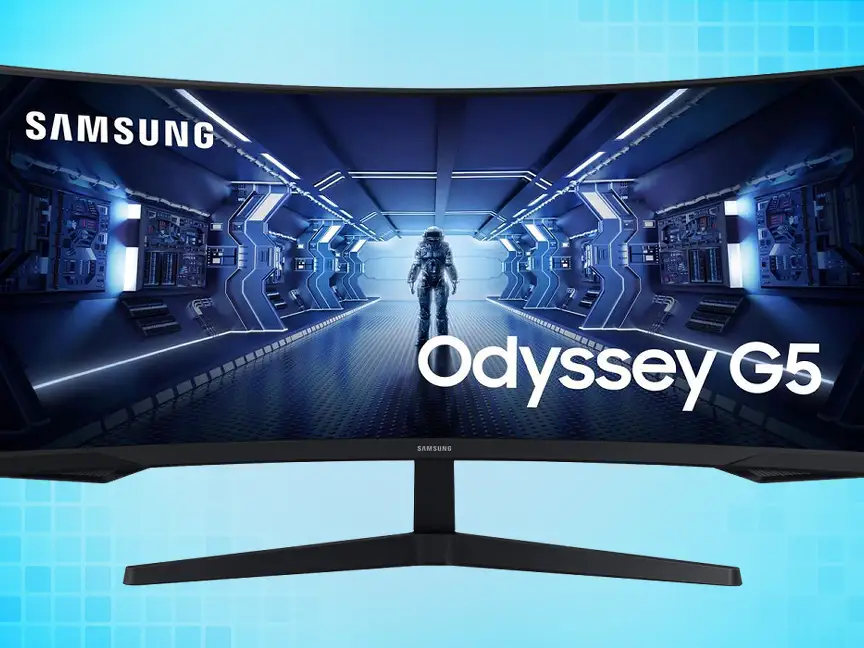
Samsung Odyssey G5 27" Review: Immersive Gaming on Budget
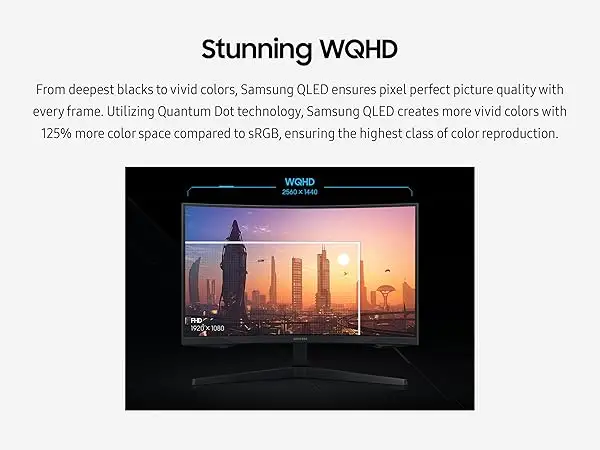
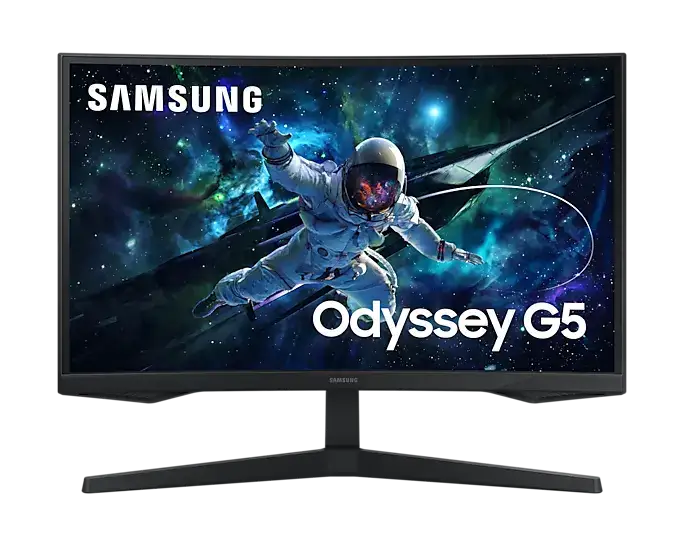
The surprise isn’t that the SAMSUNG Odyssey G5 Series 27-Inch WQHD Curved Gaming Monitor delivers sharp visuals—it’s how many gamers say it punches above its price bracket. Scoring a solid 8.5/10 among varied user groups, this curved VA panel promises immersion with its 1000R curvature, 144Hz refresh rate, and 1ms response time. But as real-world feedback reveals, while it excels in image quality and gaming fluidity, its stand design and occasional QC issues have been sticking points.
Quick Verdict: Conditional Buy
| Pros | Cons |
|---|---|
| Excellent WQHD clarity and pixel density | Stand lacks adjustability, tilt issues for some |
| Strong contrast and deep blacks from VA panel | Reports of dead pixels and ghosting in rare cases |
| Smooth gameplay with 144Hz/165Hz + FreeSync | Curve can cause eye strain for certain users |
| HDR10 adds vibrancy to game visuals | Occasional screen separation after long use |
| Good value compared to similar-spec monitors | Not ideal for dual-monitor curved setups |
Claims vs Reality
Samsung markets the Odyssey G5’s 1000R curvature as fully matching the human eye’s field of view for “optimal immersion.” Many agree—Best Buy customer stevenn said: “The best monitor I’ve ever owned. So clear and bright. The 120 fps on Xbox Series X is a great pair with this monitor.” However, fobofobiac countered that “the hard curve of the screen… was hurting my eyes” particularly in productivity tasks, suggesting that immersion may come at a comfort cost for some.
The 144Hz refresh rate is promoted as delivering “ultra-smooth action,” and gamers have put it to the test. A Newegg buyer confirmed full performance when using a “DisplayPort 1.4 cable… I directly advise against attempting to get away with anything lower caliber,” hinting that achieving the marketed speed requires proper cabling. Those pairing it with next-gen consoles appreciate the 120Hz modes; one Best Buy reviewer called it “the best bang for your buck next gen monitor.”
Samsung touts HDR10 for awe-inspiring graphics. While HDR improved depth and vibrancy for multiple users, nickolas admitted, “Not a fan of HDR so it doesn’t matter to me,” and others noted brightness limitations. This suggests HDR impact varies depending on user preference and surrounding lighting conditions.
Cross-Platform Consensus
Universally Praised
Across Amazon, Best Buy, and Reddit, the Odyssey G5’s picture quality stands out. A verified Best Buy buyer wrote: “The monitor is perfect for use with my Xbox Series X… HDR makes games look incredible.” VA panel strengths—deep blacks and high contrast—are cited repeatedly, benefiting gamers in titles with dark scenes. Reddit users upgrading from VA predecessors praised the improvement: “Zero ghosting issues… colors are vibrant out of the box,” making it a relief for competitive players.
For fast-paced gaming, the high refresh rate paired with FreeSync Premium consistently earns approval. Competitive shooter fans see smooth performance without tearing. Best Buy user ep10613 upgraded from 60Hz, noting Warzone worked “fantastic… the jump to 144Hz was mind-blowing.”
Value is another strong theme. dj170 on Best Buy said buying two for his battlestation was a no-brainer. Newegg reviewers compared favorably with pricier Samsung models, calling it "rocked thus far" for its price point. The affordability has made it a frequent pick for gamers moving from 1080p to 1440p.
Common Complaints
The stand design is the most frequent criticism. While specs list a tilt from -2° to 18°, multiple buyers couldn’t get it to adjust upwards. A Newegg customer described the instructions as “useless” and feared breaking it when attempting. Best Buy’s imani had to lower another monitor to align heights, lamenting the lack of height adjustment.
Quality control concerns emerged—reports of dead/stuck pixels and even screen separation from the frame after prolonged use. siny on Best Buy noted separation after 15 months, with repairs costing nearly as much as the monitor itself. These issues are rare but noted enough to warrant caution.
The pronounced curve is divisive for productivity or dual-monitor setups. tech dude described flat edges breaking immersion when shifting windows side-to-side on dual screens. For office tasks or photo editing, the curve's benefits fade; some even reported discomfort during extended browsing.
Divisive Features
HDR is appreciated by many console gamers but not all PC users. Those in brightly lit rooms find its benefits muted. Likewise, the 1000R curve divides opinion—immersive for single-screen gaming, but awkward in multi-screen configurations. The build feels “a little cheap” to certain buyers, though most say once it’s stationary, the issue is negligible.
Trust & Reliability
Long-term feedback shows mixed durability. Some Best Buy buyers report “still working as advertised” after over a year, even with heavy daily use. Others faced panel or frame issues just outside warranty—a point that erodes trust in longevity. On Newegg, a reviewer cautioned about factory defects or shipping mishandling nightmares, making retailer return policies crucial.
Trustpilot-like sentiments from community posts point to Samsung’s solid performance history in display tech, but customer service costs for repairs when out of warranty may dissuade some. The advice often repeated: inspect thoroughly on arrival, run pixel tests early, and use proper cables to ensure stated performance.
Alternatives
Reddit discussions compare the G5 to LG Ultragear 27GR83Q-B, which offers an IPS panel at 240Hz. While LG’s higher refresh and IPS tech appeal to esports players seeking maximum speed and color accuracy, multiple G5 owners prioritize VA's contrast for media and single-player immersion. Others looked at MSI's MAG274 series, but price and Samsung’s curve kept them with the G5.
Price & Value
On Amazon, the Odyssey G5 hovered around $295 new, with eBay showing used units at $200–250. Given performance parity with models ~$100 more, buyers praise its competitiveness. However, resale value depends heavily on condition—units with pixel or structural issues see steep drops. Community members suggest waiting for seasonal sales, noting Redditor scores as low as $229 after price matching.
FAQ
Q: Does the Odyssey G5 work well with consoles like the Xbox Series X?
A: Yes. Multiple users confirm 120Hz compatibility at 1440p, delivering smoother gameplay for supported titles.
Q: Is the stand adjustable in height or swivel?
A: No height or swivel adjustment. Tilt is listed in specs, but some buyers report difficulty or inability to tilt upwards.
Q: How noticeable is the curve in everyday productivity use?
A: For single-screen use, it enhances immersion. In dual setups or with straight-edged content, some find it distracting or eye-straining.
Q: Does HDR10 make a big difference?
A: In dark, HDR-compatible games, yes—colors and contrast improve. In bright rooms or unsupported titles, benefits are minimal.
Q: Are there frequent dead pixel issues?
A: Occasional reports exist; most units arrive flawless, but buyers recommend testing early to utilize return windows.
Final Verdict: Buy if you’re a gamer focused on immersive single-screen play with budget-conscious 1440p performance. Avoid if multi-monitor productivity or robust ergonomic adjustments are priorities. Community pro tip: invest in a DisplayPort 1.4 cable for full 144Hz at 1440p—it’s essential for hitting the monitor’s peak capabilities.