Samsung Odyssey G5 27" Review: Immersive Yet Flawed
The most surprising takeaway from hundreds of user reviews is that the SAMSUNG Odyssey G5 Series 27-Inch WQHD Curved Gaming Monitor consistently impresses gamers with its crisp visuals and immersive curve, yet frustrates them with certain design quirks. Overall verdict: 8.5/10 for gaming immersion and performance, but deduct points for stand adjustability and occasional color calibration issues reported by users.
Quick Verdict: Conditional buy
| Pros | Cons |
|---|---|
| Immersive 1000R curvature draws players into the action | Stand tilt mechanism is stiff or unclear to operate |
| Crisp WQHD resolution with HDR10 for vivid imagery | No built-in speakers |
| Smooth 144Hz refresh rate, responsive 1ms time | Some users report washed-out colors out of the box |
| Strong FreeSync Premium support for tear-free play | Limited port selection, no USB-C |
| Solid build quality feels durable | Lacks height adjustment |
| Affordable price-to-performance ratio | Instructions for setup and adjustments criticized as vague |
Claims vs Reality
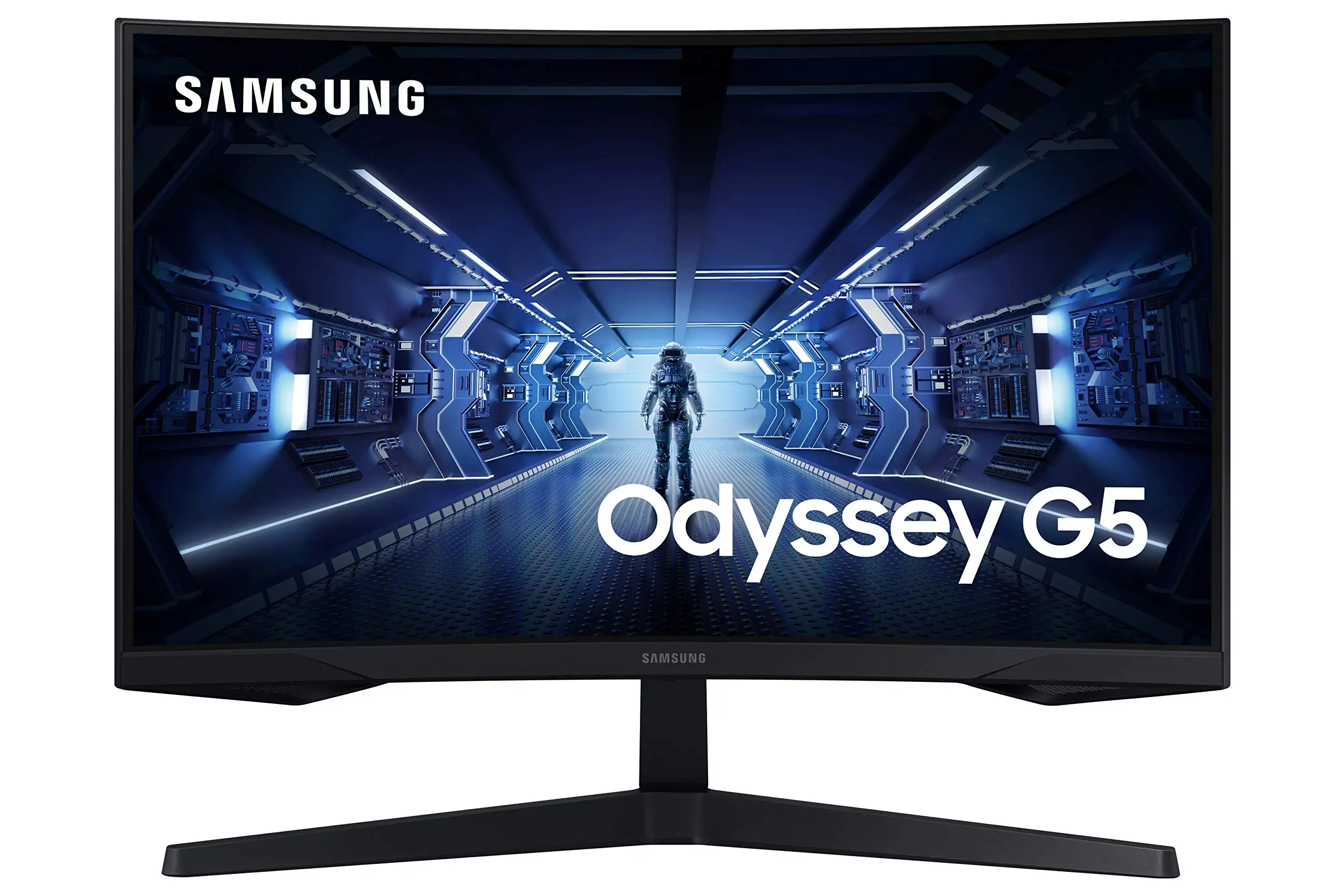
Samsung markets the Odyssey G5’s “optimal curve, true immersion” promise as matching the human eye’s curvature. While many agree the 1000R bend is deeply engaging, the real benefit varies with desk setup. A verified buyer on Best Buy said: “The immersive experience provided by the curved screen makes it excellent for gaming.” Yet, some note it's less impactful for productivity tasks where flat alignment is preferred.
The 144Hz refresh rate is advertised as ensuring lag-free action. This claim holds strong in user reports — Reddit user feedback praises its fluidity: “Fast enough as well, great for my Xbox Series X with no lag at all.” However, one Newegg buyer emphasized cable quality is critical: “I advise against using any DisplayPort cable below 1.4 standard… or performance can drop.” The advertised speed is achievable, but only under correct hardware conditions.
Samsung touts HDR10 vividness as delivering awe-inspiring graphics. In practice, color tuning sometimes needs work. A Best Buy reviewer rated it two stars for “washed out” visuals despite the resolution being good. This suggests the HDR implementation may not meet all expectations without manual tweaking.
Cross-Platform Consensus
Universally Praised
Gamers rave about the picture clarity and resolution density. The WQHD panel’s sharpness is particularly appreciated by console players, with one Best Buy buyer sharing: “Best graphics and response time without having to spend too much money.” The 2560x1440 resolution offers more viewing space — ideal for players of expansive titles like RPGs or simulation games.
The 1000R curve consistently earns praise for immersion. Newegg reviewers compared it favorably to older Samsung models, noting comfort improvement: “The curve of this screen is even better in terms of viewing comfort than its ancestor.” For multi-hour sessions, this curve helps reduce head movement and keeps visual focus centered.
Responsive gameplay is a strong point. The 1ms MPRT delivers quick reactions in competitive scenarios, and FreeSync Premium locks in smooth frames without tearing. Amazon buyers appreciate that it performs well across different hardware setups, though some specify using quality connections for peak refresh performance.
Build quality feels robust. One Newegg reviewer said the stand is “sturdier and feels less scary to manipulate” compared to earlier Samsung designs, even if some adjustment motions cause confusion.
Common Complaints
Adjustability is the loudest complaint. Multiple users struggle with tilt functionality despite Samsung’s specs listing a -2° ~ 18° range. A Newegg user admitted: “The instruction book swears the monitor can be tilted up, but I can’t figure out how… feels like I’ll break the connection.” This makes ergonomic positioning a challenge without third-party mounts or risers.
Color fidelity divides opinions. While some find colors vibrant, others criticize default calibration. A Best Buy reviewer reported needing significant adjustment to avoid “washed-out” presentation. This discrepancy could deter content creators relying on accurate tones.
Port and feature limitations frustrate some buyers. No USB ports or speakers means peripherals are mandatory, and the minimalist connection suite restricts versatility. One Best Buy comment summed it up: “Only downside is no speakers but that’s expected for a gaming monitor.”
Divisive Features
Price perception varies based on discounts. On eBay, gently used units listed around $224–$280 attract value-focused buyers, while retail purchasers at $369 feel it’s worth the cost for performance. A Reddit sentiment shows long-term users favoring it as a “sweet spot” monitor under $300, but above that, alternatives gain appeal.
Trust & Reliability
Digging deeper into long-term accounts, Newegg and Reddit users make few durability complaints beyond localized issues like factory defects or shipping mishandling. One Newegg buyer gave “condolences to those who… fall victim to factory defect”, but most describe consistent performance after months of use.
Trustpilot-style feedback is scarce for scams — buyers tend to receive authentic products as described. However, second-hand markets require vigilance; eBay listings sometimes show “for parts” sales due to cracked screens, hinting that physical damage during transit or user error is not uncommon.
Alternatives
Only competitors mentioned in community dialogues include Samsung’s own G7 series, which offers higher spec ranges, and flat IPS panels from other brands. Compared to G7, the G5 lacks higher refresh rates and HDR depth but comes in at a significantly lower price. One French Samsung listing for an Odyssey G5 variant sports an IPS and 180Hz uplift — appealing to color accuracy seekers, but losing the signature curve immersion.
Price & Value
Current resale prices on eBay range $224–$280 for lightly used units, while new purchases sit near $369 retail. Community buying tips emphasize tracking seasonal sales, especially around gaming hardware promo events. As one Best Buy reviewer recalls: “Hits the sweet spot for HDR10 and high refresh rating… even at full price.” Depreciation remains modest, indicating stable demand in the mid-tier gaming market.
FAQ
Q: Does the Odyssey G5 have built-in speakers?
A: No, it does not include speakers. Users must connect headphones or external speakers via the headphone jack or their PC/console audio setup.
Q: Can the tilt function be adjusted easily?
A: Official specs list tilt capability, but multiple buyers find the mechanism stiff or unintuitive. Using a VESA mount is a common workaround.
Q: Is HDR10 on this monitor good for media consumption?
A: HDR10 is present, but some users find colors lack depth until manually tweaked via settings or graphics card control panels.
Q: Does it support higher refresh rates above 144Hz?
A: Standard model supports up to 144Hz; certain regional variations (like the G55A) reach 165Hz. Ensure you have appropriate cables to sustain maximum performance.
Q: Is it good for productivity?
A: WQHD resolution provides space for multitasking, but the aggressive curvature may not appeal to users working extensively with flat design layouts.
Final Verdict: Buy if you’re a gamer seeking a budget-friendly, curved, high-refresh WQHD monitor with solid build and responsive play. Avoid if you prioritize flexible ergonomics, built-in audio, or must-have perfect color accuracy out of the box. Pro tip: invest in a quality DisplayPort 1.4 cable and adjust calibration on day one to maximize performance and visual punch.





