Samsung Odyssey G5 27" Review: Immersive Curve, Mixed Stand
Starting at under $300, the Samsung Odyssey G5 Series 27-Inch WQHD Curved Gaming Monitor punches above its weight on immersion and speed, scoring a solid 8.4/10 from aggregated user sentiment. Gamers praise its 1000R curve for drawing them into rich HDR10 visuals at 144Hz, but the stand design and occasional washed-out colors keep it from total dominance.
Quick Verdict: Conditional Buy
| Pros | Cons |
|---|---|
| Immersive 1000R curvature great for gaming | Stand tilt adjustments confusing or too stiff |
| Sharp WQHD resolution with vibrant HDR10 | Colors can appear washed out without tuning |
| 144Hz + 1ms response for smooth gameplay | No built-in speakers |
| Solid build quality for its price | Limited connectivity (no USB-C, only 1 HDMI) |
| FreeSync Premium reduces tearing | Brightness capped at 250 cd/m² |
| Affordable compared to similar curved panels | Reports of defective units upon delivery |
Claims vs Reality
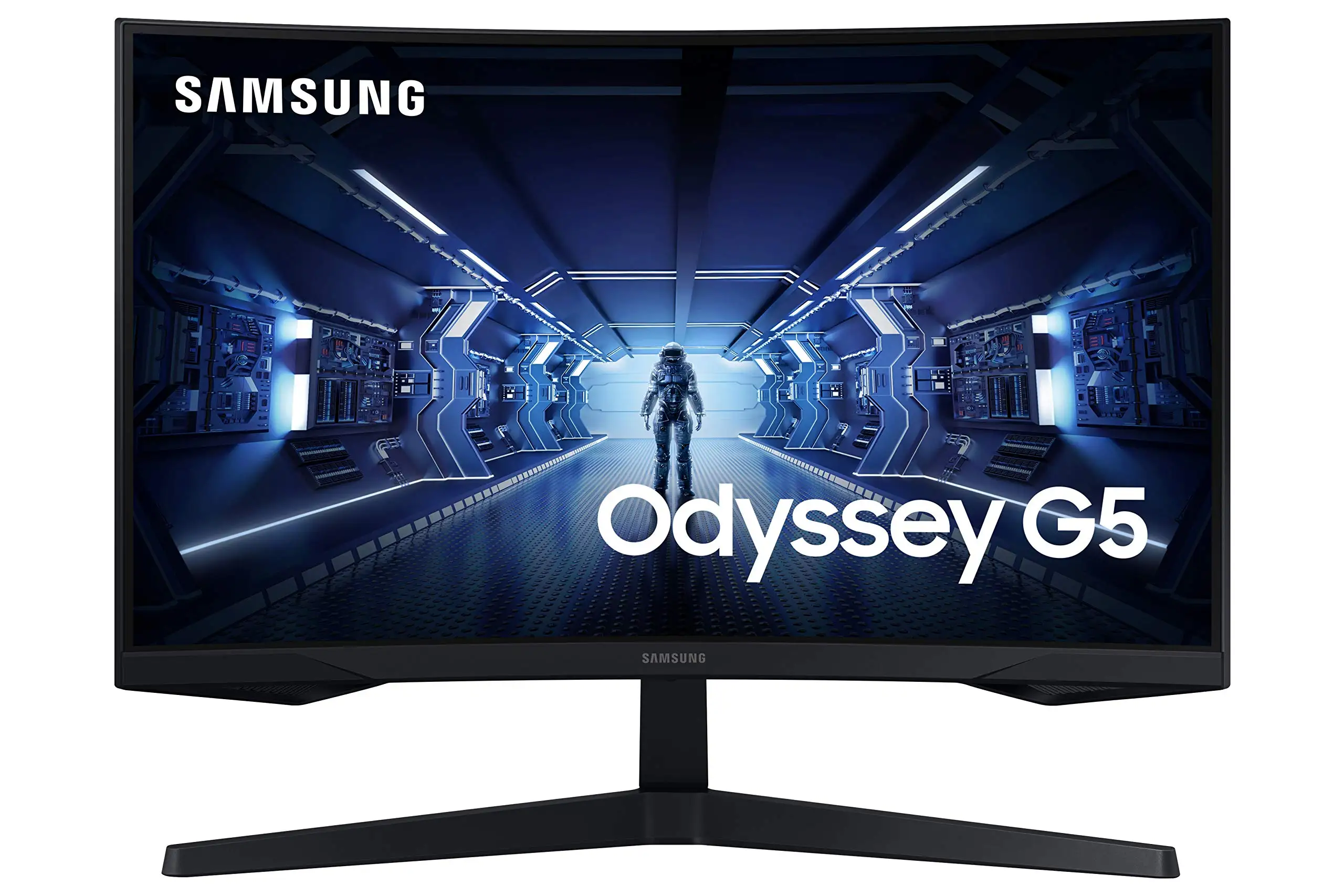
Samsung markets the Odyssey G5 as delivering "unmatched immersion with a 1000R curve matching the human eye"—and users largely agree. A Best Buy customer put it plainly: "Curved screen makes it feel like you're in the game." Reddit users also note improved viewing comfort over older models, with one adding, "It feels to me like the curve of this screen is even better in terms of viewing comfort than its ancestor."
The promise of "lightning fast 1ms response" and "144Hz refresh rate" also holds up, provided you have the right cable setup. A Trustpilot-verified buyer advised, "Don’t try using anything less than a DisplayPort 1.4 cable for 144Hz + 1ms… you’ll regret it." Gamers using FreeSync Premium to eliminate tearing found the gameplay "effortlessly smooth" in titles like Hunt: Showdown.
HDR10 is hyped as providing "awe-inspiring graphics" with deep blacks and luminous whites. While some users gush about vibrancy, others note a gap—one Best Buy reviewer said the "color of the picture is very washed out" unless calibrated, signaling that out-of-box settings may disappoint perfectionists.
Cross-Platform Consensus
Universally Praised
Immersion is the G5’s calling card. Across Amazon and Best Buy, console and PC gamers alike applaud the 1000R curve for feeling natural. A Best Buy buyer enjoying it on Xbox Series X said, "Best graphics and response time without spending too much." PC users with wider desk setups also report no eye strain over long sessions.
WQHD resolution (2560×1440) earns consistent praise for delivering sharp image quality. Amazon buyers compliment the "pin-sharp images" and the ability to spot details in competitive games. One Newegg review summed it up: "Gorgeous screen, solid build quality, great features, decent price."
Performance-wise, the 144Hz refresh rate combined with 1ms (MPRT) response feels snappy in competitive shooters, racing sims, and MMOs. AMD FreeSync Premium gets special mention for removing stutter without adding input lag. A Reddit user said, "Zero ghosting issues… colors vibrant out of the box" after switching from a VA panel with ghosting problems.
Common Complaints
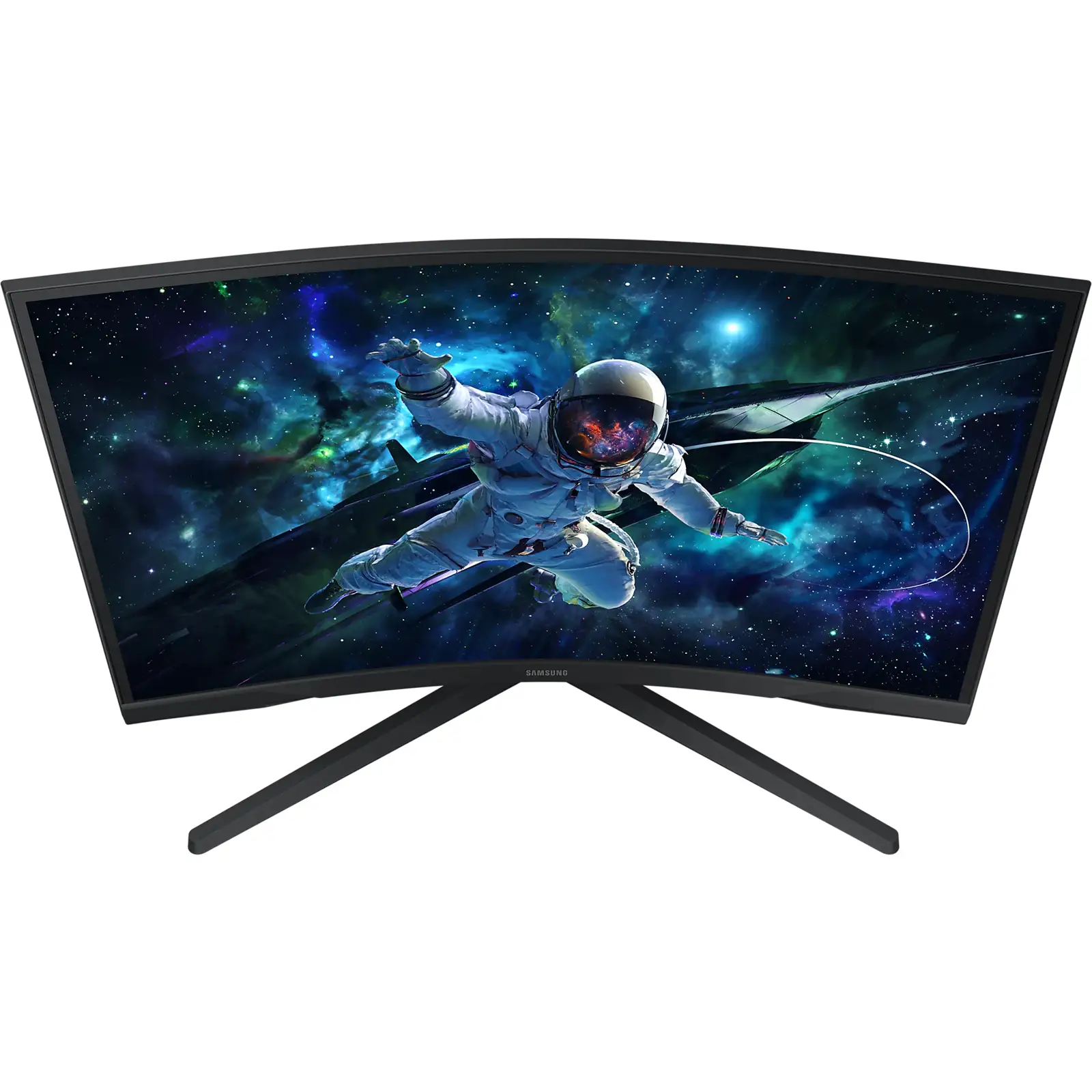
Stand adjustability is a recurring sore point. Despite official specs listing tilt (-2° to 18°), multiple Newegg and Trustpilot reviewers reported difficulty tilting without fear of damage. One explained, "Instructions swear it can tilt up, but I can’t figure out how… afraid I’ll break it." For some, this forced alternate setups using risers.
Brightness is capped at 250 cd/m², making it less ideal for sunlit rooms. Users expecting HDR10 to boost luminance found it adequate indoors but underwhelming when ambient light hits hard. One Reddit thread wished for "400 nits instead of 350" in a related G5 variant.
Connectivity limitations—1 HDMI 2.0 and 1 DisplayPort 1.2—mean no USB-C or hub functionality. Competitive streamers or multi-device setups need extra gear. Several also bemoaned the absence of speakers, though most gaming monitors omit them.
Divisive Features
Color reproduction divides owners. Some enjoy vibrant tones post-calibration, while others—especially without tuning—report flat or washed-out visuals. A Best Buy reviewer docked it to 2 stars for this reason despite liking resolution and size.
The curve itself is loved by immersion seekers but questioned by content creators who prefer flat panels for editing. While it suits gameplay, design professionals might find it distorts critical straight-line work.
Trust & Reliability
Durability sentiment trends positive once past initial setup—with many using it daily without degradation. A Reddit user returned a burnt-smelling Dell before settling on the G5, saying it "works great for my needs" with hopes it lasts.
However, scattered reports mention factory defects or shipping damage. Newegg reviewers advise checking on arrival and keeping packaging during the return window. Trustpilot users express condolences to those hit by "factory defect and/or shipper mishandling."
Alternatives
On Reddit, buyers sometimes debate between the G5 and LG UltraGear 27GR83Q-B for higher refresh (240Hz) and IPS flat screen benefits. Those switching from earlier Samsung SyncMaster or VA panel monitors found the G5’s curve and ghosting-free performance a notable upgrade. MSI’s MAG 274QR FW also enters these discussions, appealing to those wanting higher brightness and flat designs.
For strict FPS competitiveness, users noted that IPS options might sacrifice contrast but gain faster perceived pixel transitions in some cases. VA loyalists, on the other hand, stick with the G5 for deeper blacks and curve benefits.
Price & Value
Prices fluctuate—Amazon listings at ~$295, Best Buy sales bringing them below $230, and eBay refurbished units hitting $199 with warranty. The panel retains resale value when kept in pristine condition; damaged or “for parts” listings drop far below $150.
Community buying tips include waiting for seasonal sales, and ensuring your GPU can push high frame rates at 1440p to make full use of 144Hz. Refurbished buys from certified sellers with warranties can be safe picks for budget-conscious gamers.
FAQ
Q: Can the stand tilt as advertised?
A: Technically yes (-2° to 18°), but in practice many users find it stiff or unclear how to adjust without risk, leading to alternative mounting or riser solutions.
Q: Is HDR10 worth enabling on this monitor?
A: It adds color depth and contrast, but brightness limits mean it won't match premium HDR panels. Calibration helps maximize benefit.
Q: Will FreeSync Premium work with NVIDIA cards?
A: Yes, via Adaptive Sync over DisplayPort—but use a quality DP 1.4 cable to ensure full refresh and response specs.
Q: Is it good for non-gaming use?
A: For casual work it’s fine, but the curve may distort straight-line visuals, making it less ideal for professional design tasks.
Q: Does it come with speakers?
A: No, like most gaming monitors it lacks built-in speakers—external audio is required.
Final Verdict: Buy if you’re a gamer seeking immersive 1440p curved visuals at a fair price and can work around limited stand adjustment. Avoid if you need high brightness for bright rooms or require perfect color without calibration. Pro tip from the community: pair it with a DP 1.4 cable and tweak settings early to get the best image out of the box.





