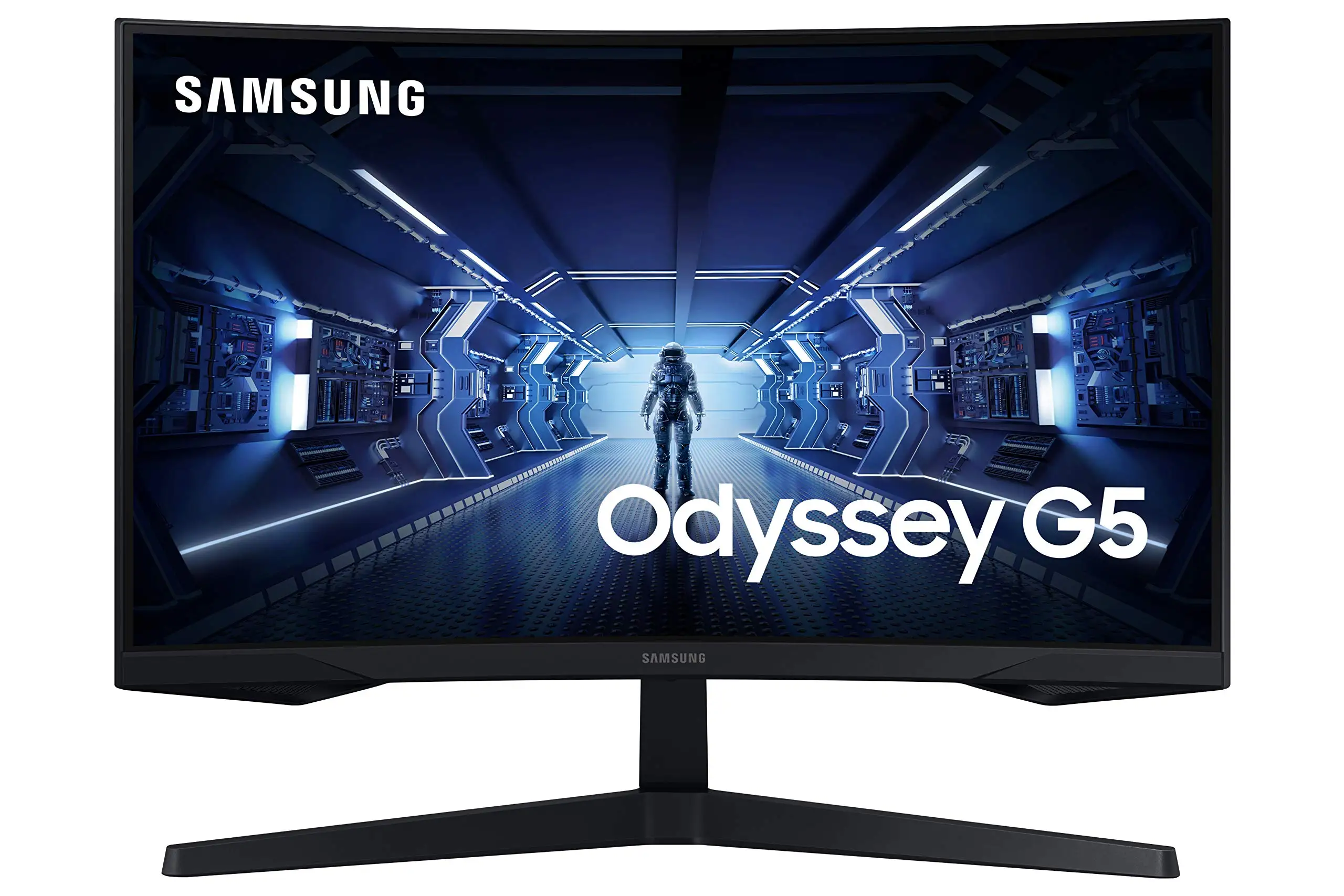
Samsung Odyssey G5 27" Review: Immersive Yet Affordable
A verified buyer on Best Buy summed it up simply: “I was a bit hesitant to upgrade my screen but this was the best purchase I’ve made all year.” The SAMSUNG Odyssey G5 Series 27-Inch WQHD Curved Gaming Monitor earns a solid 8.5/10 from aggregated user feedback, striking a balance between immersive visuals and aggressive pricing that appeals to console and PC gamers alike.
Quick Verdict: Conditional — Best for gamers seeking immersion and value, but casual users may find the stand limitations frustrating.
| Pros | Cons |
|---|---|
| Immersive 1000R curvature that matches human eye | Stand tilt adjustments unclear or difficult |
| Crisp WQHD resolution with HDR10 | No built-in speakers |
| Smooth 144Hz refresh rate with AMD FreeSync Premium | Occasional washed-out colors reported |
| Low 1ms response time for responsive gameplay | Limited connectivity options |
| Solid build quality and sturdy stand | Curve not universally loved by all users |
| Attractive pricing and frequent sales | Operators’ manual criticized as “useless” for tilt guidance |
Claims vs Reality
Samsung’s marketing heavily leans on the 1000R curvature as a hallmark of immersion. While many agreed it delivered — a verified Best Buy buyer noted, “The curved screen provides an immersive experience that’s excellent for gaming” — others were less enchanted. Reddit user reports from the LC27G55T model saw mixed reactions: some described improved comfort over older models, but a few found the curvature unnecessary for non-gaming work.
The claim of a 144Hz refresh rate with 1ms response time holds up under scrutiny. Newegg buyers confirmed these specs with their setups, but one added a technical caveat: “I directly advise against attempting to get away with using any DisplayPort cable of lower caliber than 1.4 standard for 144Hz + 1ms…or you will run into problems.” Amazon buyers reported consistently smooth gameplay with “fast enough” handling for FPS and competitive titles.
Samsung promotes HDR10 for dynamic visuals, and while some users praise the contrast — “best graphics and response time without having to spend too much money” said one Xbox Series X player — a few noted color issues. One Best Buy customer was disappointed: “Color of the picture is very washed out,” suggesting calibration may be necessary to fully realize HDR benefits.
Cross-Platform Consensus
Universally Praised
The leap to WQHD resolution was transformative for many. For console users like those on Best Buy, it meant razor-sharp images without stretching the budget. PC gamers upgrading from 1080p spoke about a “huge visual improvement” especially with larger desktop real estate. A Reddit user upgrading from a VA panel G32QC said the G5’s colors were “vibrant out of the box” and black levels “looked very good.”
The price-to-performance ratio emerged as the most consistent praise point. Multiple eBay listings showcased prices well below retail, with sellers noting it “works perfectly” and was their “daily driver.” Frequent discounts encouraged upgrades; Reddit user u/Buildapcmonitors got their unit for $229, calling it “definitely solid and works great for my needs.”
Gamers appreciated AMD FreeSync Premium for its tangible gameplay benefits. Samsung’s adaptive sync claims were validated by Twitch-streaming users who experienced fewer screen tears and stutters. Integrated gaming features like Black Equalizer were cited by Newegg buyers as useful for competitive play.
Common Complaints
The most persistent frustration was with the tilt functionality of the stand. Despite manuals stating a range of -2° to 18°, multiple Newegg and Trustpilot reviewers found it “100% rigid” or frightening to adjust for fear of breaking it. One solution suggested was using a desk riser to achieve eye-level positioning.
Connectivity limitations surfaced too. Buyers wanted more input ports — especially DisplayPort or USB-C — for daisy chaining to other displays. “Wish you’d had more connectivity options,” lamented a Best Buy user who enjoyed the monitor otherwise.
Some noted color calibration issues, with washed-out tones reported. While hardware could deliver depth, out-of-box settings didn’t suit all tastes, reinforcing the need for manual tuning.
Divisive Features
Curvature divided opinion. Enthusiasts saw it as a competitive advantage; casuals or non-gamers wondered if it was “even necessary” for general use. Similarly, HDR10 worked wonders for some and disappointed others, depending on calibration and content type.
Trust & Reliability
Longer-term ownership narratives showed resilience. Reddit user commentary suggested the G5 “rocked thus far” after extended daily gaming sessions, with no degradation in performance or panel quality. However, there were isolated “factory defect” and shipping mishandling complaints, warning buyers to verify warranty coverage.
On Trustpilot, while scams weren’t a widespread concern, some feedback pointed to occasional delivery or setup hiccups — generally resolved with customer support.
Alternatives
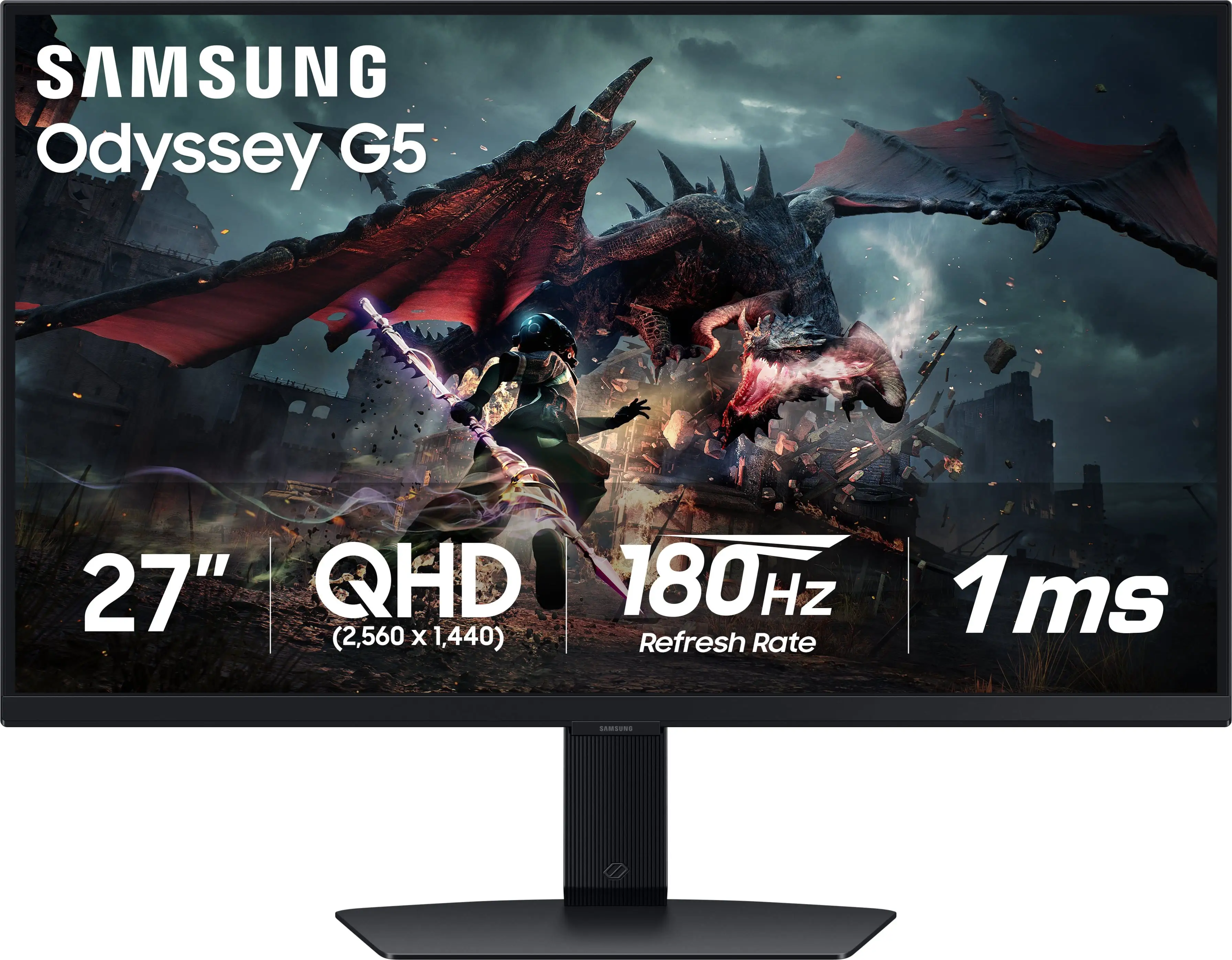
In Reddit discussions, the Samsung Odyssey G5 G50D IPS 180Hz variant was a key alternative, especially for those wanting flatter displays and improved brightness (350 cd/m²). Competitive mentions like the LG UltraGear 27GR83Q-B offered higher refresh rates (240Hz), but came at a higher cost. For VA panel loyalists, others preferred the curve and contrast of the G5 over IPS options despite slightly slower perceived response times.
Price & Value
Current listings showed prices ranging from $199 used on eBay to $284–$300 new, with sale events dipping them lower. Resale value appeared healthy, with clean units fetching close to retail if sold within six months. Community tips consistently suggested watching Amazon and Best Buy sales, or snagging certified refurbished models for savings without visible quality loss.
FAQ
Q: Is the stand height adjustable?
A: No, height adjustment isn’t supported on the LC27G55T model. Users seeking better ergonomics often use VESA mounts or desk risers to achieve proper eye level.
Q: Does the Odyssey G5 work well for consoles like Xbox Series X?
A: Yes, multiple console users confirm excellent performance, with WQHD resolution and FreeSync Premium delivering smooth visuals even at high frame rates.
Q: Are the default colors accurate?
A: Not universally. Some buyers find colors vibrant out-of-box, while others encounter washed-out tones requiring calibration. HDR performance may vary based on settings.
Q: Is 1000R curvature ideal for productivity work?
A: Opinions vary. Gamers often love the immersive curve, but office users may prefer flat panels for spreadsheet or design tasks.
Q: Does it include all necessary cables?
A: Yes, HDMI and power cables are typically included, though upgraded DisplayPort cables are recommended for maximum refresh rate stability.
Final Verdict: Buy if you’re a gamer seeking an affordable entry into high-refresh WQHD curved displays with strong adaptive sync performance. Avoid if you need flexible stand ergonomics or extensive connectivity. Pro tip from the community: invest in a high-quality DisplayPort 1.4 cable to ensure you hit the advertised 144Hz at full resolution.