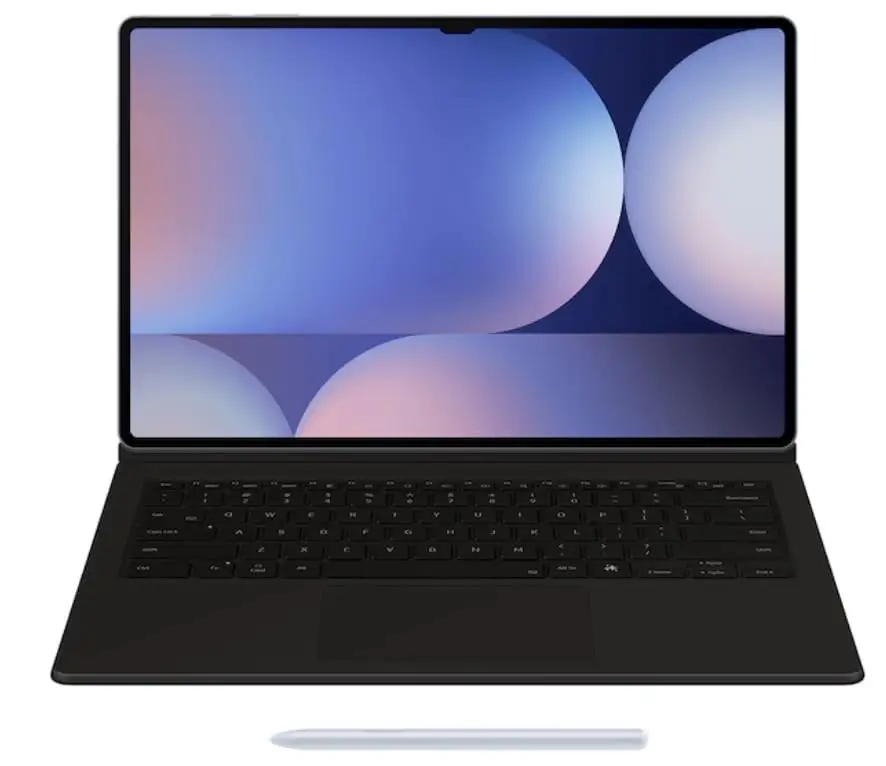
Samsung Galaxy Tab S10 Ultra Review: Top Performer Verdict
A Reddit user described the Samsung Galaxy Tab S10 Ultra as “hands down the best tablet I’ve ever used” — a sentiment echoed across Best Buy, Yandex Market, and Samsung’s own forums. With its 14.6-inch Dynamic AMOLED 2X display, integrated Galaxy AI tools, and bundled S Pen, this flagship slate draws praise for productivity, creative work, and entertainment. Aggregating cross-platform sentiment, it earns a solid 8.7/10 from real-world users.
Quick Verdict: Yes — for creators, multitaskers, and Samsung ecosystem fans.
Conditional for those prioritizing portability or iPadOS-exclusive creative apps.
| Pros | Cons |
|---|---|
| Stunning anti-reflective AMOLED display | Heavy at ~718g, cumbersome for handheld use |
| Powerful Mediatek Dimensity 9300+ performance | High starting price; charger not included |
| Long battery life (10–16 hrs reported) | Awkward front camera notch |
| S Pen included, low latency | Some Galaxy ecosystem features glitch with Buds/watches |
| Robust Galaxy AI suite | Android creative app library less extensive than iPadOS |
| IP68 water/dust resistance | Slim bezels cause accidental touches |
Claims vs Reality
Samsung markets the Tab S10 Ultra’s anti-reflective screen as perfect for outdoor work. While owners on Best Buy agree it “reduces glare in sunlight” and helps with visibility, Yandex Market contributor noted that “even on the sun, no glare,” reinforcing the claim.
The Galaxy AI Note Assist promise of effortless note-taking drew strong endorsement. A Reddit user said: “Able to listen and record then create notes during class…the note taking is easily [the] best feature.” The transcription and summarization capabilities lived up to expectations, especially for students and meeting-heavy professionals.
Samsung touts gaming-ready performance. Benchmarks aside, real users report consistent high frame rates in demanding titles. One Best Buy reviewer said it “handles any mobile game you can think of” — yet some power users pointed out that for ultra-heavy creative workloads, Apple’s M4 iPad Pro still edges ahead in raw performance.
Cross-Platform Consensus
Universally Praised
The display quality is the crown jewel. A Yandex Market buyer wrote, “Dynamic AMOLED 2X…2960x1848 and 120Hz — like sitting in a cinema.” This benefits film buffs, illustrators, and trade show presenters. Best Buy user tjb360 uses the tablet at events: “Bright, crisp, sleek, and thin…love the anti-glare screen.”
Performance wins broad acclaim. For multi-app multitasking, YouTube content creators, and gamers, Best Buy’s spkr called it “slender & powerful…multi-tasking is a boon.” The Mediatek Dimensity 9300+ chip impressed Russian users: “Faster by 18% CPU, 28% graphics compared to the Pro model…games, video editing…no lag.”
Galaxy AI features resonate with productivity-driven personas. Professionals cite Note Assist’s ability to turn meetings into organized briefs, while creatives enjoy Sketch to Image “fun time sink” potential. The S Pen’s included status — unlike Apple Pencil — proved a clear value win.
Common Complaints
Portability is a sore spot. At ~718g, users find it heavy for prolonged handheld use. Digit’s review noted it “is not a device you’ll want to carry around casually.” Yandex Market comments echo this, saying “you’ll feel it in your bag.”
The absence of a bundled charger irks buyers. One Yandex reviewer sighed, “In the box no power brick…such is policy; buy separately.” This oversight affects those relying on 45W fast charging, already described as “slightly slow by 2024 standards” by Digit.
Ecosystem integration isn’t bulletproof. A Galaxy Buds 3 Pro owner complained on Yandex Market about connection glitches and lack of seamless device switching, undermining Samsung’s marketing around cross-device flow.
Divisive Features
The camera setup polarizes buyers. Some value the 12MP ultrawide front for video calls, while others dismiss rear cameras as “shlyapa” (garbage) per a Yandex Market post. Professionals in music or document work barely factor camera quality into purchasing decisions.
Android’s creative app gap vs. iPadOS fuels debate. Digit points out that while One UI and Galaxy AI elevate productivity, “iPadOS supports a wider variety of creator-centric apps,” influencing illustrators and 3D artists’ platform choice.
Trust & Reliability
Durability scores high thanks to the IP68 rating and Armor Aluminum frame. Users mention accidental drops and exposure to water without damage. Samsung’s seven-year update promise (to Android 21, security until 2031) reassures buyers planning long-term adoption.
On the flip side, marketplace caution arises from regional model variations — one Yandex Market buyer received a Latin American variant without Russian region settings. While the tablet functioned fine, such mismatches can surprise buyers expecting local defaults.
Alternatives
The primary cited competitor is Apple iPad Pro M4. Digit’s analysis shows Apple’s tablet outstrips the Tab S10 Ultra in benchmark scores and creative app availability, making it a better fit for video editors and 3D designers. For pure productivity, gaming, and Samsung ecosystem integration, the Tab S10 Ultra fights back with its bundled S Pen and expandable storage — a feature iPad Pro lacks.
Price & Value
eBay listings in May 2025 show new Wi-Fi 256GB models around $840–$879, down from Best Buy’s launch at $1,199. Refurbished or open-box units dip below $800, while 1TB configurations push $1,092+. Resale value benefits from long-term software support and the premium build.
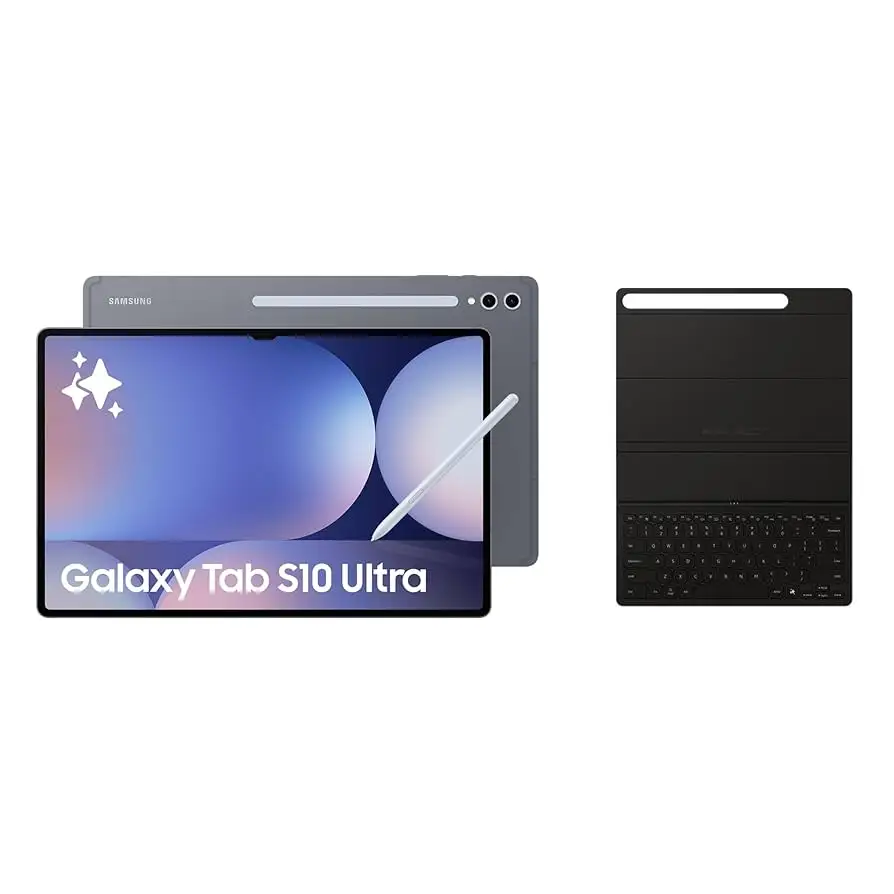
Community tips suggest waiting for Samsung’s promotional bundles (keyboard covers or Buds discounts) to maximize value. Buyers warn to budget for the 45W charger if fast charging matters.
FAQ
Q: Does the Tab S10 Ultra come with an S Pen?
A: Yes, it ships with an IP68-rated S Pen in matching color, offering 2.8ms latency and magnetic charging.
Q: How long does the battery last in real-world use?
A: Users report 10–16 hours depending on workload, with light use stretching multiple days.
Q: Can it replace a laptop?
A: For many, yes — especially paired with Samsung’s keyboard cover and DeX mode. Heavy creative pros may still prefer desktop/laptop for app variety.
Q: Is it good for gaming?
A: Yes, it runs demanding titles at high frame rates, staying cool via a large vapor chamber.
Q: What drawbacks should I expect?
A: Bulkiness, no included charger, some glitches in Samsung’s ecosystem, and fewer pro creative apps vs. iPadOS.
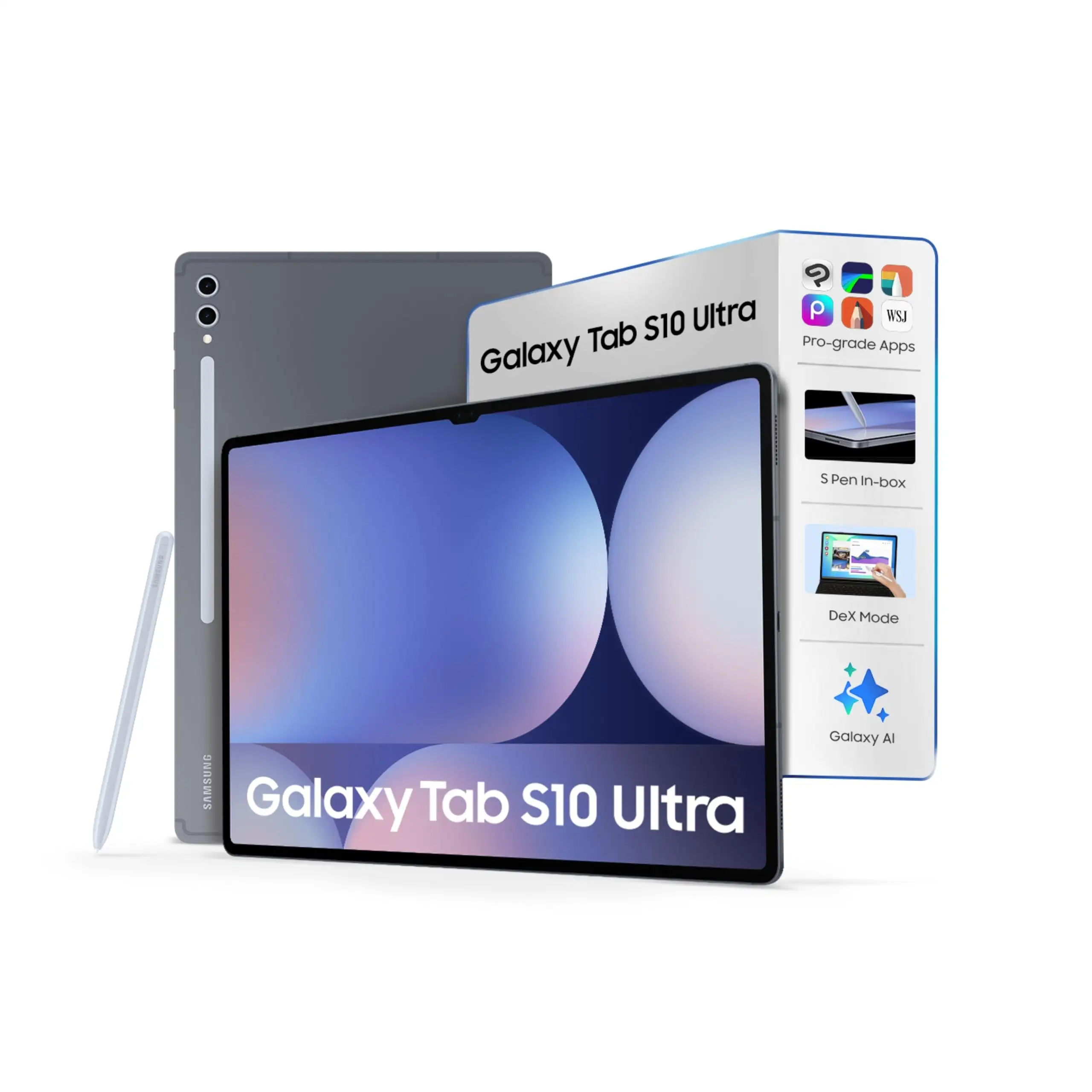
Final Verdict: Buy if you’re a creator, multitasker, or Samsung ecosystem loyalist seeking a large, premium screen with integrated AI tools. Avoid if portability or exclusive iPad creative software is a priority. Pro tip from the community: “Wait for Samsung’s bundle deals — getting the keyboard cover or Buds at half price makes the high entry cost much easier to swallow.”