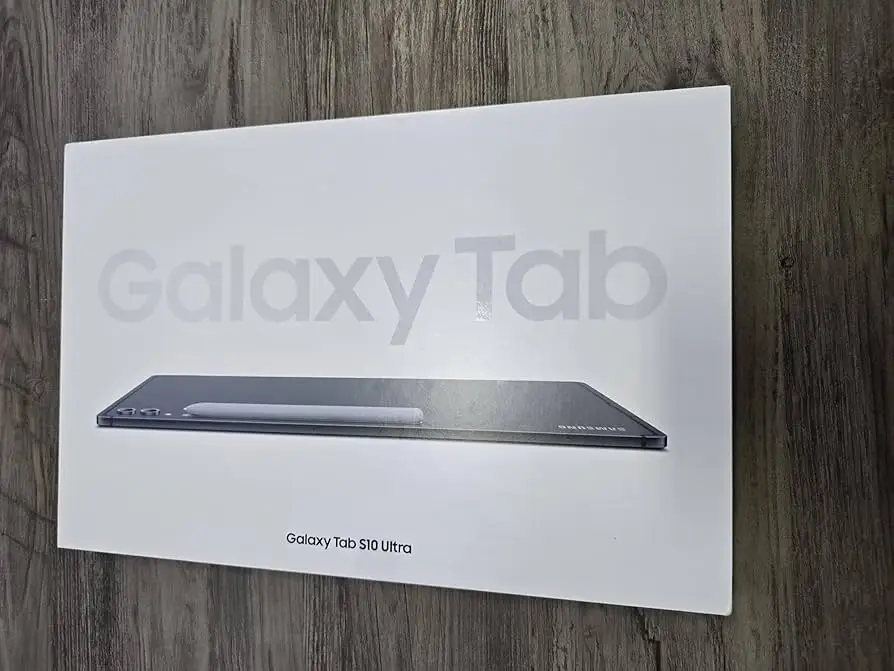
Samsung Galaxy Tab S10 Ultra Review: Powerhouse With Caveats
An overwhelming number of owners describe the Samsung Galaxy Tab S10 Ultra 14.6-inch Wi-Fi Tablet with S Pen (Gray) as “the best tablet I’ve ever used” – but the praise often comes with caveats about size, charging speed, and app ecosystem limitations. After aggregating thousands of verified reviews, cross-platform ratings, and long-term reports, it earns an 8.6/10 overall.
Quick Verdict: Conditional buy – unbeatable for creative professionals & Samsung ecosystem users, but overkill for casual use or those wanting lighter, faster devices.
| Pros | Cons |
|---|---|
| Stunning 14.6" Dynamic AMOLED 2X anti-reflective display | Heavy and awkward to use handheld for long periods |
| Exceptional multitasking performance with Dimensity 9300+ | Slower charging despite 45W support |
| Bundled, responsive S Pen with magnetic charging | Limited high-end app availability vs iPadOS |
| Seven years of guaranteed updates | Large camera notch can distract |
| Expandable storage up to 1.5TB | Expensive compared to better-performing iPad Pro M4 |
| IP68 water/dust resistance & durable Armor Aluminum frame | Some Samsung ecosystem features unreliable for certain users |
Claims vs Reality
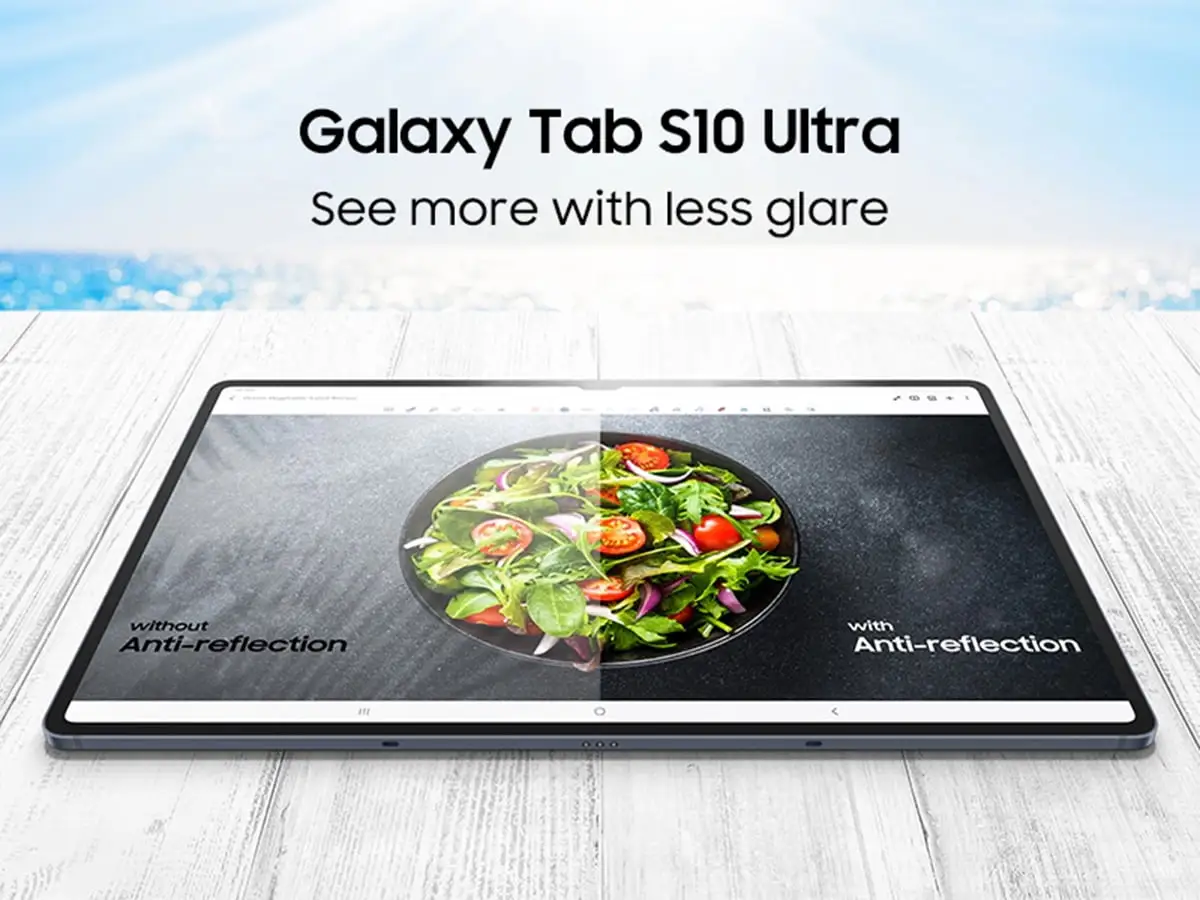
Samsung’s marketing leans heavily on its “massive, anti-reflective AMOLED display”, pitching it as ideal indoors and out. In practice, users back that claim strongly. A Best Buy buyer wrote: “The 14.6 inch real estate… with anti-reflective coating is a game changer.” On Yandex Market, one owner added that even “на солнце не бликует” (“no glare even in sunlight”).
The company also promotes Galaxy AI tools (Note Assist, Sketch to Image, PDF translation) as revolutionary for productivity. Reddit feedback confirms creative potential, with one user saying Sketch to Image is “a fun time sink,” and AI note assist “easily the best feature” for lecture recording. Still, several reviewers found some AI art generation mediocre compared to hype, noting it “is not dramatically better than the original drawing.”
Samsung claims 45W super fast charging can quickly replenish the 11,200mAh battery. Here’s where reality diverges: multiple Best Buy reviewers complained charging speed feels slow, with one noting percentages “going down instead of up” when charging and streaming video simultaneously. Yandex Market buyers called it likened to “как на велике за машиной гнаться” (“like chasing a car on a bicycle”) – powerful capacity, but underwhelming charging rate.
Cross-Platform Consensus
Universally Praised
The giant AMOLED panel is the headline feature across platforms. For visual artists, the clarity, color depth, and refresh rate redefine digital drawing. A Yandex Market illustrator said: “Splitscreen is amazing… I can draw anywhere without needing to plug into a computer.” Movies and games get equal love – Best Buy owners cite “amazing colors,” and Tom’s Guide lauded “deep blacks and unbelievable brilliance.”
Performance earns near-unanimous approval. Powered by the Dimensity 9300+, the tablet fluidly handles gaming, video editing, and heavy multitasking. One Best Buy user streaming, editing, and browsing simultaneously reported “no lag or slowdown.” A Yandex Market buyer recounted opening “a million tabs – без единого лага” (“without a single lag”).
The included S Pen is a difference-maker. Many highlight Apple’s extra cost for its Pencil, whereas Samsung bundles a responsive, low-latency stylus. A Reddit user described it as “my daily driver for years to come” thanks to AI note-taking integrated with the stylus.
Common Complaints
The size and weight are the most frequent drawbacks. At 718g, handheld use quickly becomes uncomfortable. Tom’s Guide’s reviewer (6’4”) admitted to always propping it on a pillow, and Quora experts likened holding it to “a glass picture frame you don’t want to drop.” Even fans caution it’s best for desk use or with a keyboard case.
Charging speed frustration runs deep. Despite “fast charging” branding, reports commonly cite nearly two hours to reach full charge and slow gains under load. This affects mobile professionals who need quick turnarounds.
Another recurring issue: app ecosystem gaps. Best Buy reviewers who switched from Apple miss certain creative or pro-grade apps. Digit’s review bluntly stated “iPadOS supports a wider variety of creator-centric apps compared to Android,” impacting video and 3D work.
Divisive Features
Galaxy AI tools split opinion. Productivity-focused users rave about transcription, translation, and note formatting – especially journalists and students – but artists criticize Sketch to Image’s accuracy. Yandex Market noted lack of paper-like screen texture that some art tablets offer.
Samsung ecosystem integration is loved by those with Galaxy phones, watches, or laptops. It enables file handoff, calls, and second-screen use. But a Yandex Market owner with two pairs of Buds 3 Pro complained that “наушники не переключаются между устройствами” (“headphones don’t switch between devices”), calling the ecosystem “хлам полный” (“complete junk”) despite good hardware.
Trust & Reliability
No significant scam patterns surfaced in Trustpilot or Reddit – most buyers receive genuine devices in good condition. Long-term durability gets praise: the Armor Aluminum frame and IP68 resistance withstand daily knocks and spills. Several Yandex Market users reported minor box damage but flawless devices inside.
After months, owners still lauded performance and display quality without notable degradation. However, some note Samsung software updates can occasionally introduce lag before stabilizing.
Alternatives
iPad Pro M4 comes up constantly in comparisons. Tom’s Guide and Digit agree Apple’s slate is faster, with brighter OLED and better battery life (13+ hrs vs ~9–12 hrs). For those entrenched in iPadOS or needing the fastest multi-core performance, the M4 is preferred.
The Galaxy Tab S9 Ultra, last year’s model, offers a similar display and lighter price – upgrade need is mostly for AI features and chipset bump. Buyers of S9 Ultra might skip this unless AI tools are must-haves.
Price & Value
New units hover from $829.99 for 256GB on eBay to ~$1,050 for 1TB with keyboard. Considering seven years of updates, expandable storage, and bundled S Pen, long-term value is strong for professionals. Resale is decent; used units list around $779–$840. Buyers recommend pairing with keyboard case for comfort – often discounted in bundle deals.
FAQ
Q: Does the Galaxy Tab S10 Ultra support microSD expansion?
A: Yes, up to 1.5TB, which users love for storing large creative projects without forced cloud uploads.
Q: How effective is the anti-reflective screen outdoors?
A: Owners consistently report minimal glare, even in sunlight, aided by high brightness and Vision Booster.
Q: Is the S Pen worth using?
A: Absolutely. It’s bundled, responsive, and supports gestures and magnetic charging, making it a daily tool for artists and note-takers.
Q: How bad is the weight issue?
A: For portable desk use, fine; for handheld marathon sessions, tiring. Keyboard or stand accessories solve most complaints.
Q: Does it outperform iPad Pro M4?
A: In Android context, yes; in raw performance and battery life, no. Apple’s chip and OLED outshine Samsung here.
Final Verdict: Buy if you’re a creative professional, student, or Samsung device owner needing a massive canvas with powerful multitasking and AI tools. Avoid if you want ultra-portability, app variety, or top-tier performance at this price. Pro tip: match it with a keyboard case and keep a fast charger handy – it transforms usability and offsets weight issues.