Samsung Bluetooth Slim Mouse Review: Strong Travel Pick
A verified buyer on Amazon noted: "Pairing was so simple, my laptop detected it instantly" — yet, what’s striking is how often that ease of setup is mentioned alongside praise for comfort. The Samsung Bluetooth Wireless Mouse Slim earns a solid 8.6/10, with feedback pointing to its portability, responsive performance, and quiet operation as standout strengths.
Quick Verdict: Conditional buy — ideal for Samsung device owners or frequent travelers, less compelling if you prioritize advanced customization.
| Pros | Cons |
|---|---|
| Quick and reliable Bluetooth 5.0 pairing | Premium price compared to similar non-Samsung mice |
| Slim, sculpted design fits easily in travel bags | Limited ergonomic fit for larger hands |
| Quiet clicks for office or lecture use | Not rechargeable — requires AA batteries |
| Strong compatibility across Samsung and other devices | Mixed tracking on certain surfaces |
| Long battery life reported by multiple users | Vendor lock-in frustration for some after OS updates |
| Easy device finding via SmartThings (on supported models) | Minimal customization options |
Claims vs Reality
Samsung promotes “comfort for wherever you work” with a portable, elegant profile. Digging deeper into user reports, comfort is indeed a recurrent theme — Reddit user lolley girl 67 shared: “It feels good in my hand… held up through many drops on concrete without a scratch.” Office workers appreciate that it's slim enough to slip into a laptop bag, echoing Amazon buyers who highlight its travel convenience.
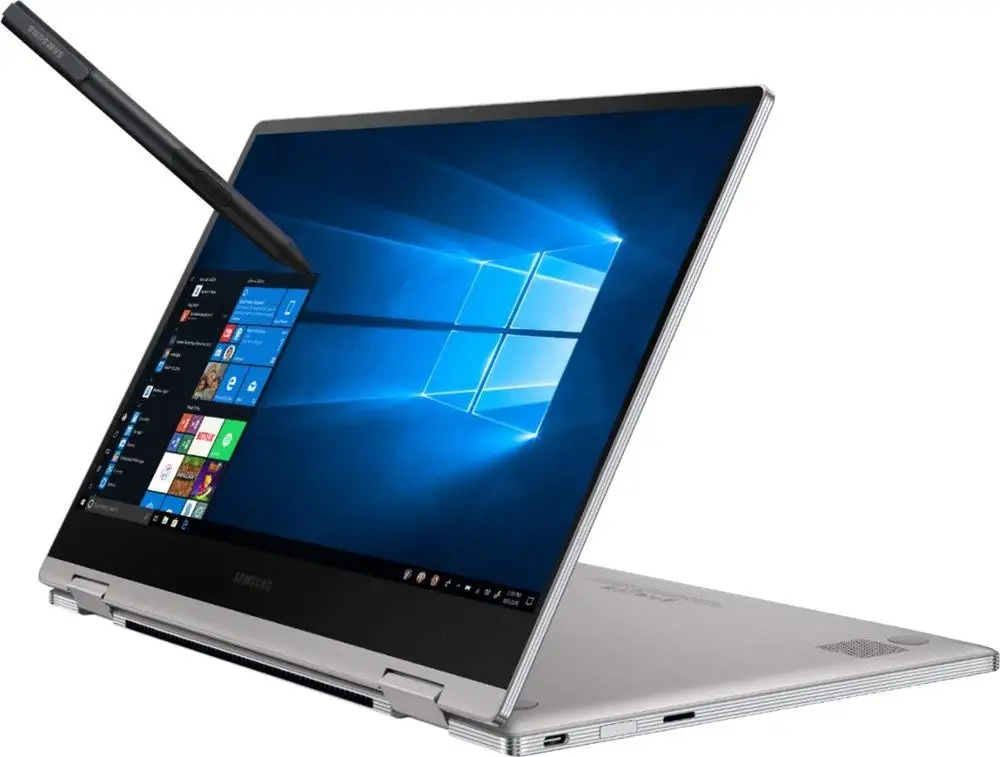
The marketing also touts “pairs up with ease,” and here feedback is overwhelmingly aligned. On Trustpilot, anna sitt described activating it with her Book2 Pro 360: “It popped up on the laptop and was paired in less than 10 seconds. Automatically pairs every time you switch it on.” However, while officially compatible with Android 4.1 and Windows 7+, kendall from Best Buy noted it also works “for our MacBook in both OS X and Linux modes,” showing broader real-world applicability.
Samsung’s “easy finding” SmartThings feature sounds appealing, yet few user reports confirm frequent use, suggesting it’s more niche than central. Instead, the focus in reality is on dependable connectivity and surprisingly low click noise.
Cross-Platform Consensus
Universally Praised
Responsiveness and accuracy draw consistent praise. jraltd called it “the best Bluetooth mouse ever,” working flawlessly across desktop PCs, laptops, and tablets. For mobile professionals, chris krz on Trustpilot emphasized “very fast and easy setup… no USB required,” a critical benefit for USB-C laptops. Quiet click operation is another crowd favorite; anna sitt labeled it “excellent for use in university” because it’s “very quiet when clicking,” making it ideal for lecture halls or meetings.
Portability is central to its appeal. The 80g weight and slim profile mean it’s unobtrusive in a carry-on. A verified Best Buy reviewer explained the transition: “With this mouse and my Bluetooth keyboard case, I have transitioned from a bulky laptop to my tablet for all my work,” validating Samsung’s portability claim. Even durability holds up — multiple Reddit users recounted drops without damage, suggesting solid build quality.
Common Complaints
Price is the recurring sore point. ctcb described paying $40 for a mouse after already buying a Samsung tablet as “higher than desirable.” This is compounded by vendor lock-in frustrations; photo pro reported having “no choice but to buy a Samsung branded Bluetooth mouse” after OS updates disabled generic devices. Ergonomics can be divisive—bb reviewer found it “a little small for my bigger hands” and the faux leather sides “a little slippery.”
Some noted tracking inconsistency on specific surfaces. Even satisfied user kendall conceded “problems with some surfaces,” while others rely on high-quality mouse pads to ensure smooth operation. Power limitations also surface—Provantage’s sentiment analysis points to “limited battery life… and not rechargeable,” meaning ongoing AA battery costs.
Divisive Features
Size is polarizing: perfect for tablet pairing according to ande1 (“ideal size and works well with my Tab S 10.5”), yet cramped for larger hands. Device compatibility beyond Samsung scores surprise wins, with users like kendall confirming Linux and Mac support, while others lament forced brand exclusivity post-OS updates. Even surface performance is split—some praise flawless tracking, others hit occasional lags.
Trust & Reliability
On Trustpilot, all five verified reviews gave five stars, with col confirming “genuine product… perfect for matching Samsung products.” The confidence in brand pairing is high, though the long-term lock-in concern raised on Reddit looms for those outside Samsung’s ecosystem.
Durability gets tangible support: lolley girl 67 described her mouse surviving “many drops on concrete… without a scratch.” Battery longevity is another trust marker; she added, “The one AA battery lasts a very long time… I was always changing batteries in the Microsoft mice, but not this one!” There are also no significant connectivity drop reports, with users like cajun 1969 highlighting synchronization across multiple devices without repeated pairing.
Alternatives
The main alternative mentioned comes from Microsoft’s portable mice, which some users abandoned due to jittery behavior. Lolley girl 67 compared it to Microsoft's 2500 and 3500 series: “They just seemed to jump around… this mouse does not skip.” For Android-specific needs, Best Buy reviewers point to Samsung’s own Wireless Laser Mouse as a budget pick, but it lacks the slim aesthetic. Logitech, though not directly mentioned, is implied by comparisons to premium non-Samsung options that some had tested.
Price & Value
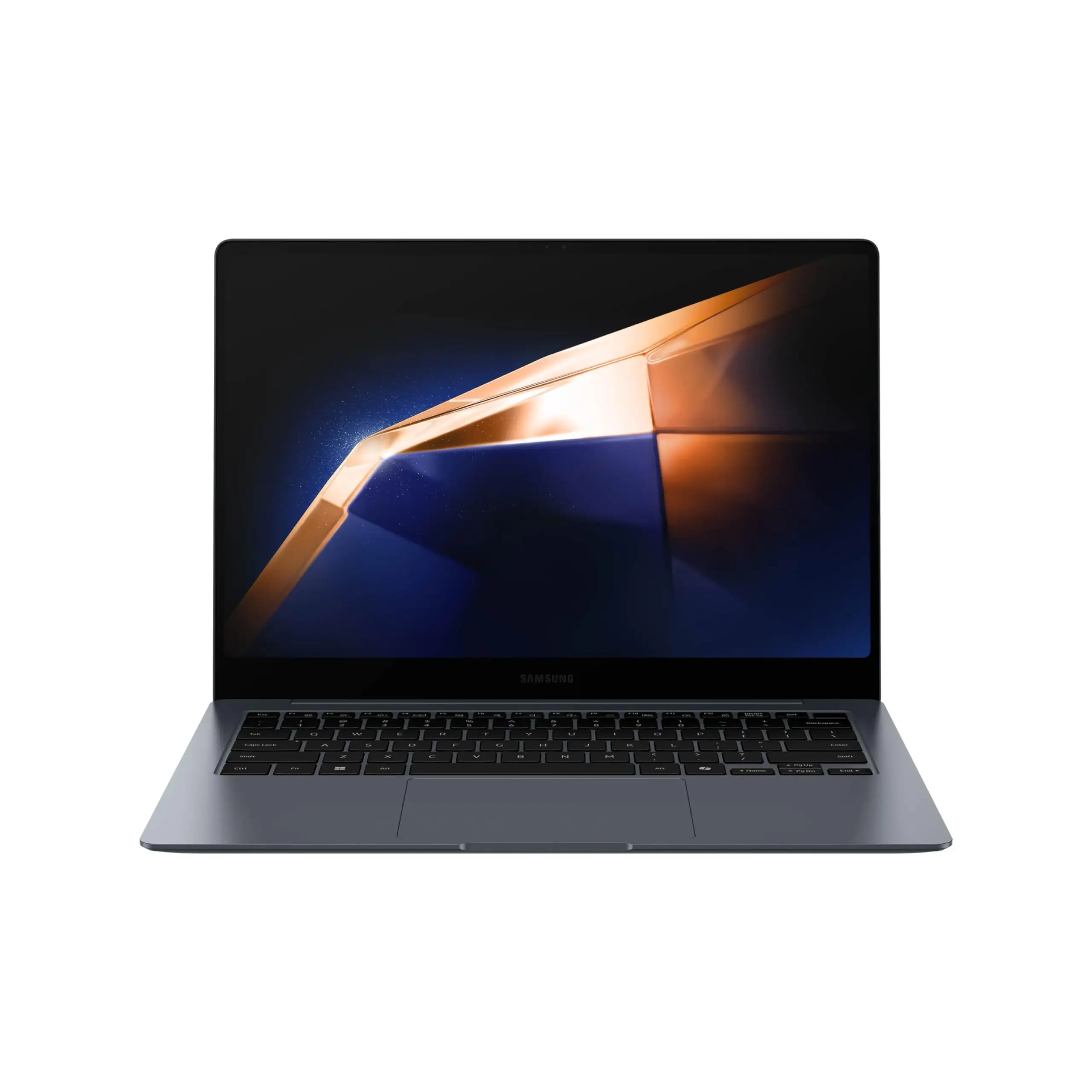
Current market listings on eBay show prices between $30.99 and $73.99, averaging higher for sealed or new units. Some buyers, like ctcb, felt the premium was unjustified unless tightly integrated with their tablet or laptop setup. Resale value stays solid given brand demand; “genuine OEM” listings pull respectable prices. Community buying tips urge watching for bundle deals with Samsung laptops, where the mouse’s pairing benefits align directly with the device.
FAQ
Q: Does it work with MacBooks or Linux systems?
A: Yes — despite packaging focusing on Samsung/Windows/Android, users like kendall confirm smooth operation on MacBook in OS X and Linux modes.
Q: How long does the battery last?
A: Multiple users report extremely long AA battery life, with some not needing a swap for months, even under daily use.
Q: Is it worth buying if I don’t own a Samsung device?
A: Possibly — it pairs and works with other brands, but pricing and lock-in risks make it most valuable for Samsung ecosystem users.
Q: How portable is it for travel?
A: At 80g and slim dimensions, it fits easily in small bags; mobile professionals praise not needing a USB dongle.
Q: Will SmartThings “easy finding” work on any laptop?
A: No — it’s tied to compatible Samsung devices with SmartThings integration, limiting utility for other brands.
Final Verdict: Buy if you’re a Samsung laptop/tablet owner seeking a slim, quiet, and travel-friendly Bluetooth mouse with near-instant setup. Avoid if you need extensive customization or dislike paying a premium for brand integration. Pro tip from anna sitt: pair it once and enjoy auto-connection every time you switch it on for hassle-free workflow.





