Samsung Bluetooth Slim Mouse Review: Strong but Pricey
A verified buyer on Trustpilot summed it up simply: “Pairs wirelessly via Bluetooth… in less than 10 seconds.” That speed and ease are hallmarks of the Samsung Bluetooth Wireless Mouse Slim, a sleek, portable input device averaging 4.5/5 stars across platforms. Our verdict: 8.6/10—a strong choice for Samsung ecosystem users, but with caveats around price and some OS quirks.
Quick Verdict: Conditional
| Pros | Cons |
|---|---|
| Instant pairing with Samsung devices | Higher price compared to similar mice |
| Slim, portable design | Reports of Bluetooth connection issues after OS updates |
| Quiet clicks and smooth tracking | Not fully ergonomic for larger hands |
| Long battery life (1x AA or AAA) | No rechargeable option |
| Works across Android, Windows, Mac | Sensitivity limited to 1000 DPI |
| Durable build, withstands drops | Limited customization features |
Claims vs Reality
Samsung markets the mouse as “portable and elegant,” promising “all-day comfort” and “easy pairing.” Digging deeper into user reports, that pairing claim holds up—Best Buy customer cajun1969 described syncing three devices “within literally seconds of purchase.” Trustpilot reviewer anna sitt reinforced this, noting the mouse “automatically pairs every time you switch it on.”
But “all-day comfort” is more nuanced. While many users on Best Buy and Reddit praised the compact sculpt, bb reviewer admitted it felt “a little small for my bigger hands,” with side materials “a little slippery.” Comfort seems optimal for average hand sizes, but not universally ideal.
Samsung’s 1000 DPI spec implies decent accuracy for office work and moderate gaming. A verified buyer on Amazon lauded “accurate tracking… even on my bed sheets, couch, [and] table,” suggesting real-world tracking exceeds typical low-DPI limitations—but advanced gamers may find sensitivity control lacking.
Cross-Platform Consensus
Universally Praised
Portability is the undisputed winner. The mouse’s 80g weight and slim build make it a favorite among tablet and ultrabook users. Best Buy reviewer ran fire highlighted how it allowed them to “transition from a bulky laptop to my tablet for all my school and work related computing.” Travel professionals value its resilience too—lolley girl 67 recounted multiple drops “on concrete… without a scratch on it.”
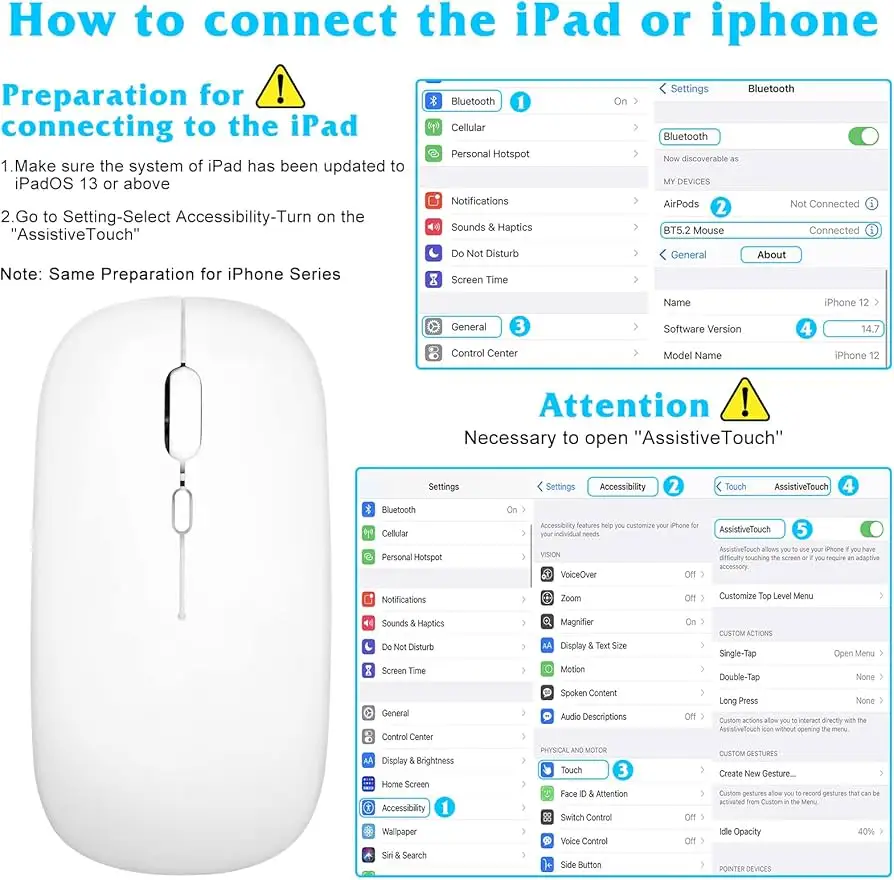
Pairing simplicity benefits both tech novices and multi-device pros. Chris Krz on Trustpilot said activating it “popped up… and was paired in less than 10 seconds,” while kendall appreciated having “one mouse for [MacBook], [Galaxy Note Pro], and Android phones” without hassle.
Battery longevity is another common win. Despite a single AA or AAA cell, blu 22 claimed “battery life seems to last a very long time,” with lolley girl 67 adding, “I was always changing the batteries [on Microsoft mice], but not this one.”
Common Complaints
Price consistently frustrates buyers. ctcb called out the $40 tag: “Isn't it enough that we bought the tablet, now we have to pay $40 for a mouse?” eBay listings track between $30–$54 new, making the official price feel inflated for a basic 1000 DPI device.
Some mechanical downsides emerge for certain hands and surfaces. bb reviewer noted slipperiness from faux leather sides, while kendall mentioned “problems with some surfaces” despite overall performance. Those with larger hands are more prone to finding the device too small.
A newer complaint concerns Android 15’s Bluetooth handling. Samsung Community user requiem of_a_lightfall reported needing to “disassociate and reassociate” the mouse every tablet restart post-update, hinting at OS-level quirks that hurt daily workflow.
Divisive Features
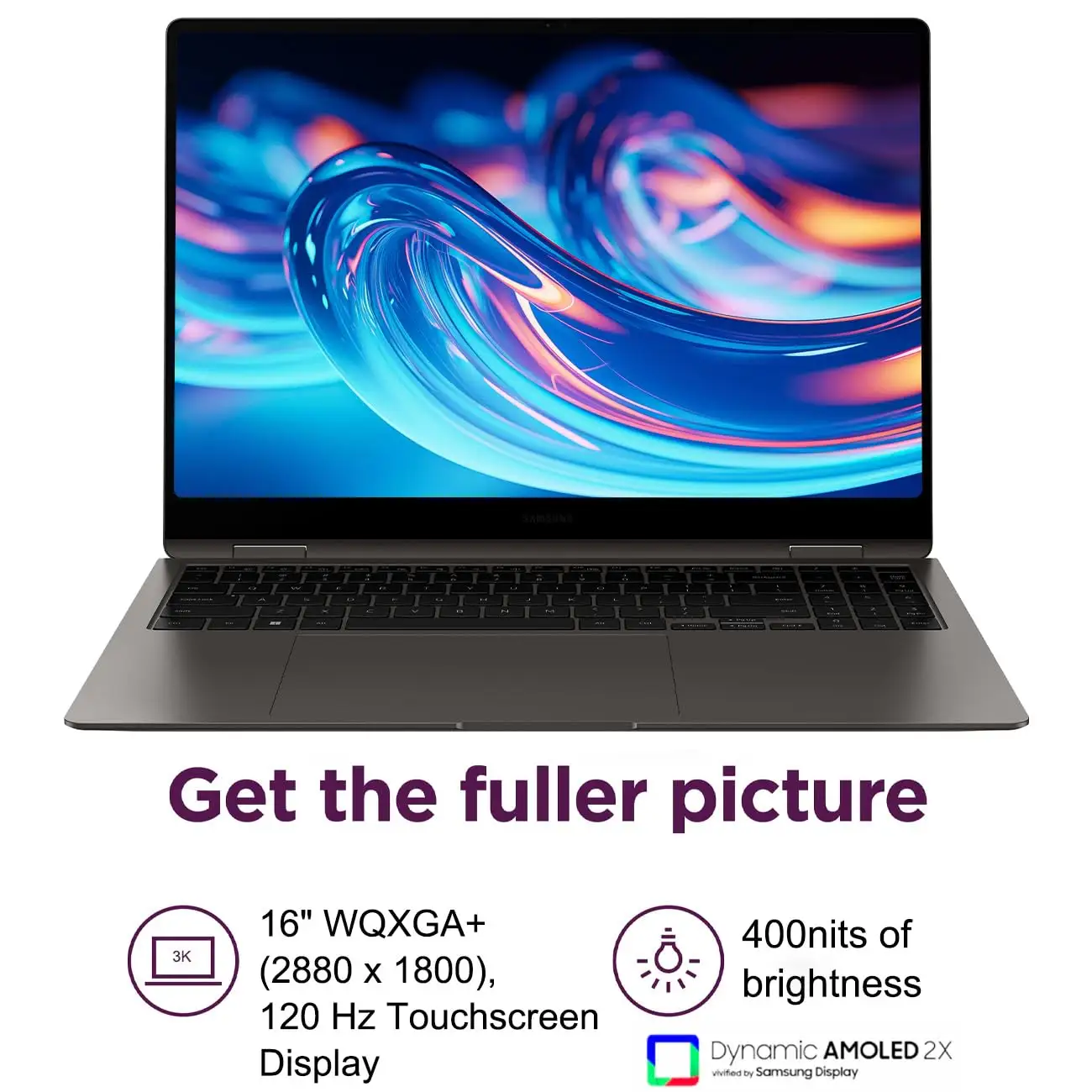
Design gets split reviews. Minimalists love it—Trustpilot user col bought it specifically to “match my silver Galaxy Book 2 Pro 360,” while bqr777 praised the “responsive and small” feel for tablet use. Large-handed users, however, find comfort compromised over long periods.
Bluetooth-only connectivity works perfectly for those avoiding USB dongles. Yet, as photo pro noted, Samsung’s choice to cut support for “all non-Samsung branded Bluetooth devices” post-Android Lollipop forces brand lock-in—good for brand loyalists, bad for mixed-device households.
Trust & Reliability
Durability stories give confidence. lolley girl 67 described the mouse surviving “many drops on concrete… without a scratch,” while brendy 44 pushed its compatibility limits with a Samsung Smart TV and found it “activates options… [they] didn’t know was there.”
Trustpilot reviews indicate genuine product delivery and function—col stated it arrived fast, “held on by magnets” for battery cover access, confirming solid build quality. Long-term reliability is hinted at by older Best Buy reviews still rating it 5 stars years later, suggesting consistent performance over extended use.
However, the brand’s ecosystem lock-in creates an undercurrent of distrust for non-brand peripherals. photo pro’s frustration at losing generic mouse support overnight remains a relevant caution for potential buyers, especially in environments where OS updates are frequent.
Alternatives
Within Samsung’s own lineup, vertical and multi-pairing models (seen on eBay) offer higher DPI and ergonomic shaping for similar or slightly higher prices. Brands like Logitech and Microsoft in the $30–$50 range provide more DPI flexibility and rechargeability—though Trustpilot reviewers note they opted for Samsung units purely for aesthetic and ecosystem harmony. If you need rechargeability or programmable buttons, competitors may be stronger fits.
Price & Value
Official retail hovers around $37.99–$52 depending on region, but resale prices from eBay show $30–$54 for new/open box. Value hinges on ecosystem loyalty—Samsung fans see it as a premium match to Galaxy Books and Tabs, while cross-brand users find it overpriced relative to USB/Bluetooth hybrids.
Community advice leans toward purchasing during bundle deals with tablets or laptops, or sourcing from verified eBay sellers to avoid paying full MSRP. ctcb’s admonition about “extra cost after the tablet purchase” echoes widely for budget-conscious buyers.
FAQ
Q: Does the Samsung Bluetooth Wireless Mouse Slim work with non-Samsung devices?
A: Yes—for Windows, Android, and Mac, but some OS updates (e.g., Android 15) may require re-pairing and could affect compatibility.
Q: What battery does it use?
A: One AA or AAA (varies by model batch). No built-in recharge option. Battery cover is magnetically attached for easy access.
Q: Is it good for gaming?
A: Light office or casual gaming only—its fixed 1000 DPI isn’t suited for high-speed competitive play.
Q: How durable is it?
A: Multiple users reported it surviving drops onto concrete without visible damage, indicating solid physical resilience.
Q: Can it connect to multiple devices?
A: It pairs easily between devices but lacks true multi-pair simultaneous switching—manual re-pairing is needed.
Final Verdict
Buy if you’re a Samsung tablet or Galaxy Book user seeking a slim, reliable travel mouse that pairs instantly and lasts months on a single battery. Avoid if you require high-DPI gaming, full ergonomics for large hands, or rechargeable convenience. Pro tip from kendall: keep it as a “single mouse for all Bluetooth devices” to simplify your bag load—just be mindful of OS updates that could change pairing behavior.





