Samsung Blu-ray Player Review: Conditional Buy Verdict
A verified buyer on Amazon noted: “Unboxing it from Amazon packaging we found a brand new box along with the DVD player that still had the protective coating on it… easy to hook up, easy to program. The screen is unbelievably clear.” Yet not all experiences were as polished—some users warned refurbished units could freeze mid‑movie or fail to connect to Wi-Fi. That’s the paradox of the SAMSUNG Blu-ray DVD Disc Player with Wi-Fi (Renewed), a device averaging 4.1/10 in reliability but scoring high in streaming convenience.
Quick Verdict: Conditional Buy
| Pros | Cons |
|---|---|
| Excellent Blu-ray and DVD picture quality | Intermittent Wi-Fi stability issues |
| Built-in Wi-Fi enables smart streaming apps | Some units freeze or skip during playback |
| Fast setup process for most users | No front power indicator light |
| Sleek, compact design | Remote ergonomics and backlight limitations |
| Affordable refurbished pricing | Slow boot/load times compared to newer models |
| Works with Netflix, YouTube, Pandora, Hulu | Refurb quality control inconsistency |
| Ethernet connectivity for stable streaming | Occasional incompatibility with certain formats/security |
Claims vs Reality
Samsung promotes the player’s Full HD 1080p playback via HDMI as a premium viewing upgrade. Digging deeper into user reports, this claim holds strong—multiple buyers, including a Best Buy reviewer, praised “picture as good as players costing much more.” Even Reddit user feedback confirmed detail and clarity when streaming Netflix or playing Blu-ray discs.
Built‑in Wi-Fi is marketed as a seamless gateway to streaming apps, from Netflix to Hulu. While installation was “simple to set up” for some, others faced relentless dropouts. One Trustpilot reviewer recounted having to “re-enter the SSID and WEP key with no luck” repeatedly, despite other household devices connecting fine, highlighting a gap between advertised wireless ease and actual performance.
Samsung’s DVD upscaling promise also earned mixed reactions. On the plus side, standard DVDs “look better… colors clean and vivid” according to Best Buy buyers. Yet when the player struggled with certain discs—or froze entirely—those improvements meant little. As one Amazon reviewer bluntly wrote: “What good is a Blu-ray player if it cannot play movies?”
Cross-Platform Consensus
Universally Praised
The standout praise centers on video quality. From Consumer Reports tests to casual buyers, the player’s upscale performance delighted movie lovers. A Best Buy reviewer said it “basically turns our plain TV into a smart TV,” streaming Hulu and Amazon in sharp HD. For second rooms or bedrooms, Twitter user feedback found it “great for kids or a secondary room… apps load fairly fast” even without Wi-Fi reliance by using Ethernet.
Ease of setup is another point of consensus. Buyers consistently reported installations taking “about 10 minutes” from box to streaming—a boon for less tech-savvy owners. One Trustpilot customer described plugging in HDMI and Ethernet cables, entering Netflix credentials, and being streaming-ready in minutes.
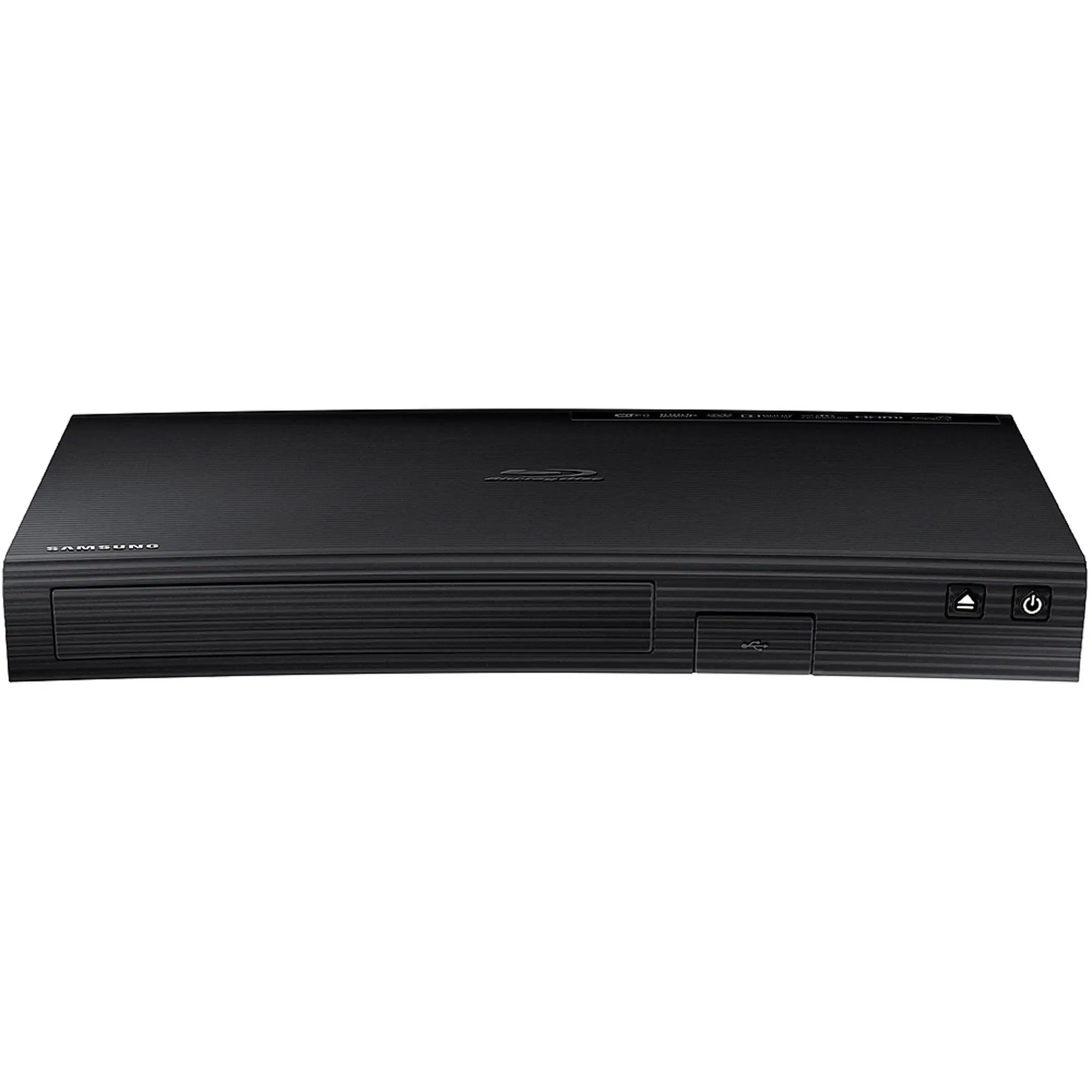
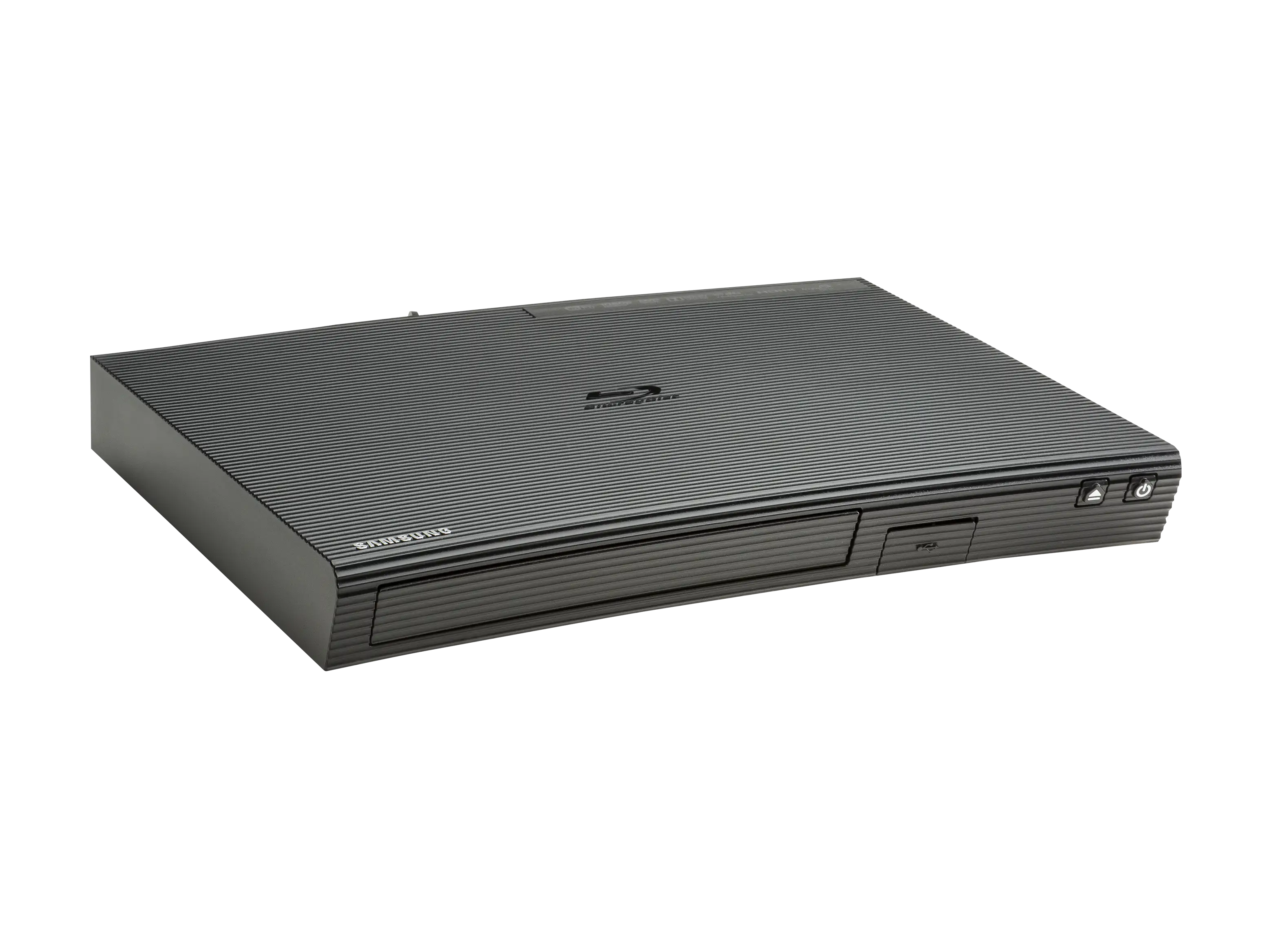
Its compact form factor appeals to space-conscious users. Several noted it being smaller and lighter than prior players without sacrificing picture quality—a fit for tight media centers and even RV setups.
Common Complaints
Wi-Fi connectivity instability dominates complaint threads. Reddit users described the frustration of being “asked to connect to the internet” despite a confirmed network connection, requiring tedious reconfiguration after every power off. On Trustpilot, others flatly stated: “It will not connect to Wi-Fi… customer service said it was my Wi-Fi’s fault.”
Playback reliability is the other major sore point, especially with refurbished units. Grinding noises, skipped chapters, and freezing within minutes of a Blu-ray were recounted often. “Player froze up at random places within the first 10 mins… back it went to the store,” one reviewer lamented.
Slow boot and load times further erode satisfaction. The 1‑minute‑plus wait from power-on to menu aggravated users accustomed to snappier devices. Remote design flaws—like non-backlit keys—made nighttime navigation a chore.
Divisive Features
The inclusion of smart apps creates a split. Streaming fans loved accessing Netflix, Vudu, Pandora directly. But others with smart TVs found this redundant and ignored the apps entirely. Similarly, refurbished pricing divides opinion: budget‑minded buyers called it a “great bargain,” while skeptics saw refurbs as gamble prone to quality defects, with one Amazon user warning, “A refurbished item that obviously never was refurbished.”
Trust & Reliability
Concerns over refurbishment quality permeate reviews. Trustpilot logs multiple cases of units failing “after a few months,” undermining faith in longevity. Reddit threads corroborate this with “still slow and almost ready to throw it out the window” sentiment after a year of ownership.
Yet, pockets of long-term success exist. A Twitter reviewer shared: “I bought a refurbished unit over one year ago and it is still working fine.” Such endurance hints that with proper vetting—or luck—buyers can escape early failure traps.
The absence of front-panel indicators also erodes trust for some, as there’s no visual power confirmation. Minor to some, but for remote use across the room, it’s an ongoing nuisance.
Alternatives
Community members often pivot to Panasonic Blu-ray players when Wi-Fi issues sour their Samsung experience. One Reddit user swapped to a Panasonic with a rear adapter and reported “works great” with stable connections. Sony’s BDP‑S1700 also surfaces as a recommended model thanks to faster startups and simpler interface.
These competitors trade some of Samsung’s app integration for more consistent core playback and build quality—especially relevant for users prioritizing Blu-ray reliability over smart streaming.
Price & Value
At $149.99 USD for Samsung’s renewed unit, it undercuts many new players with similar capabilities. eBay resale listings hover between $27–$40 for tested, remote-included versions, suggesting moderate wear resilience. Buying tips from seasoned users include seeking Geek Squad certified refurbished classifications or seller guarantees to mitigate risk.
Some budget hunters advocate Ethernet use to sidestep Wi-Fi weaknesses and extend refurb lifespan. Others warn that while the upfront savings are tempting, repeated failures may erase those benefits.
FAQ
Q: Does this player support 4K Ultra HD Blu-ray discs?
A: No. It plays standard Blu-ray discs and upscales DVDs to 1080p, but not native 4K UHD discs.
Q: Can I connect it without Wi-Fi?
A: Yes. An Ethernet port allows direct wired internet, which many owners prefer for stable streaming.
Q: Is there an indicator light for power status?
A: No. Several users mentioned you must check via TV input to confirm it’s on.
Q: Does it come with an HDMI cable?
A: Some packages include a CubeCable HDMI; however, multiple buyers on Twitter noted they had to purchase one separately.
Q: Will it work with Mac for media sharing?
A: Not directly—earlier models lacked Mac‑compatible PC Share software, per Reddit reports.
Final Verdict: Buy if you want an affordable, compact streaming Blu-ray player for secondary setups and can tolerate occasional quirks. Avoid if your primary need is flawless, daily Blu-ray playback—especially relying solely on Wi-Fi. Pro tip from the community: connect via Ethernet and vet the refurb source to maximize longevity.





