Roku TV Remote Review: Mixed Verdict on Reliability
A surprising number of Roku owners describe the Roku TV Remote Control as both a convenience and a persistent frustration, leading to a split verdict of 6.5/10. While many praise its compatibility, ease of use, and integration with Roku TVs, others are dismayed by durability issues, awkward button placement, and app connectivity pains.
Quick Verdict: Conditional — worth it for Roku TV users seeking simple setup and integrated controls, but reliability concerns and intrusive ads in the companion apps can sour the experience.
| Pros | Cons |
|---|---|
| Simple setup with Roku TVs | Durability issues (buttons becoming hard to press) |
| Works across all Roku TV brands | Awkward side button placement causes accidental presses |
| Voice control and shortcut buttons | App alternatives plagued by ads and connection issues |
| Can replace multiple remotes for TV and streaming | No direct channel number input |
| Mobile app offers private listening | Some remotes lose charge quickly or fail to hold charge |
| Rechargeable model available | Many reports of poor customer service follow-up |
Claims vs Reality
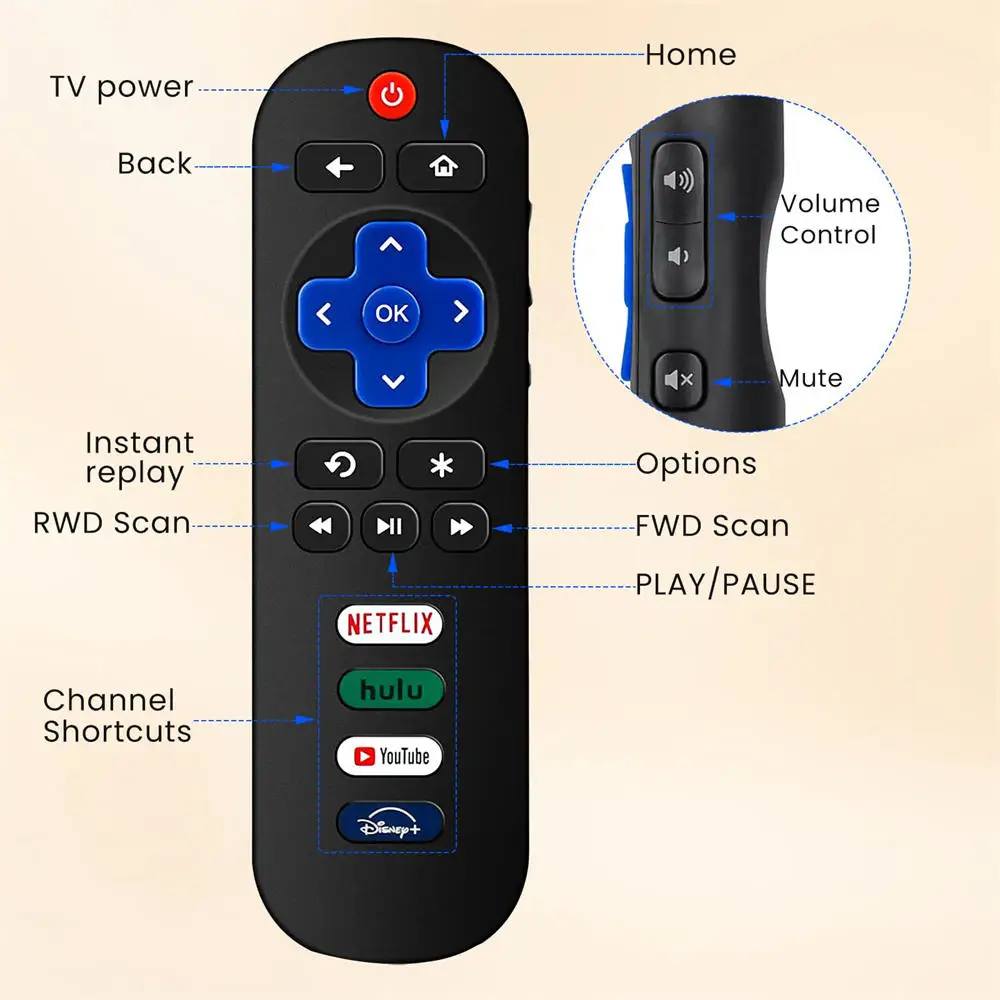
Roku markets the remote as an “easy-to-use” controller with voice search, TV power/volume/mute control, and preset streaming shortcuts, touting compatibility with all Roku TV brands. On paper, this suggests a near-universal, hassle-free experience.
In reality, several Trustpilot users warn that newer remotes suffer from declining build quality. One Roku Community poster said, “Down and right have to be pressed really hard with a fingernail to get it to move… manufacturing defect for sure.” Others found the right arrow button “almost unusable” within months of purchase, contradicting the “ideal upgrade” promise.
Rechargeable convenience is another claim for the Roku Voice Remote Pro. While some Redditors love it — “Been using this remote for a year now, haven’t needed or bought a battery since” — others report charging failures: “I plug it in and it says it’s charging… several hours later, it has no charge.” This gap between marketing and long-term performance is significant for heavy users.
On app integration, Roku promotes the mobile app as a seamless backup option. Many do find it invaluable when the physical remote is lost, but repeated complaints on the App Store and Chrome Stats note slow connections, intrusive ads, and missing features like private listening on some third-party remote apps.
Cross-Platform Consensus
Universally Praised
Across Amazon, Roku Community, and Reddit, users appreciate the plug-and-play setup for Roku TVs. A verified buyer on Amazon wrote, “Ready to control your Roku TV in just one step.” This appeals strongly to non-technical households and seniors.
Voice search is another standout. For users with mobility issues or those watching from across the room, pressing the mic button to launch apps or change inputs is genuinely useful. Reddit user feedback confirms that switching from IR to Roku’s Wi‑Fi Direct remotes eliminates line-of-sight problems: “Once I switched over to the voice remote, I got rid of the repeater and haven’t looked back.”
The rechargeable Voice Remote Pro wins fans among those tired of swapping AAA batteries. A Redditor described it as “the best move… I can point this remote in any direction and it responds quickly.” For parents, the lost remote finder function has real-world value during hectic evenings.
Common Complaints
Button reliability is the most persistent issue. Trustpilot threads are filled with users describing volume or directional buttons becoming stiff or unresponsive within months. One owner noted, “Volume buttons are very hard to get a response. Resorting to using the TV remote just for volume.” These failures often occur before a year of ownership, sparking accusations of design flaws.
Ergonomics also take hits. On Roku’s own forums, a user complained, “I’m constantly hitting mute whenever I pick the remote up… side location is not ideal!” This placement frustrates both left- and right‑handed users, and some resort to DIY modifications to avoid accidental presses.
App-based remotes, while handy in emergencies, receive harsh criticism for ad overload. One Chrome Stats reviewer wrote, “Waaaay too many ads! It’s 1 every time I hit a button!” Connectivity drops and lag further limit their reliability, especially for those without stable Wi‑Fi.
The lack of numeric keypad support for direct channel entry is a dealbreaker for some. As one Roku Community poster put it, “When are they going to come up with a remote with direct channel access (numbers) and a last channel button?”
Divisive Features
Private listening is loved by night owls but loathed by those who encounter rapid battery drain or headphone jack wear. A Quora user explained, “The 3mm jack works for a while, then it wears out quite quickly, not to mention it absolutely sucks up the batteries.” Some sidestep the issue by pairing Bluetooth headphones to the mobile app instead.
Hands-free voice control on the Pro model splits opinion. Voice command fans enjoy launching content without touching the remote, but others find accidental activations annoying or prefer push-to-talk for privacy.
Trust & Reliability
Digging deeper into Trustpilot and Roku forums reveals a pattern: remotes often fail within 6–12 months, and replacements may develop identical faults. Several users accuse Roku of “ghosting” after promising replacements. One wrote, “Customer service says they are sending me a new remote but without a design change, I foresee a continual loop of failure every six months.”
Some long-time Roku fans are reconsidering loyalty. A Trustpilot reviewer warned, “Retailers will desert the brand… unless Roku fixes this properly, I’ll probably vote with my feet.” Others allege that firmware updates have removed functionality from older remotes, eroding trust.
Alternatives
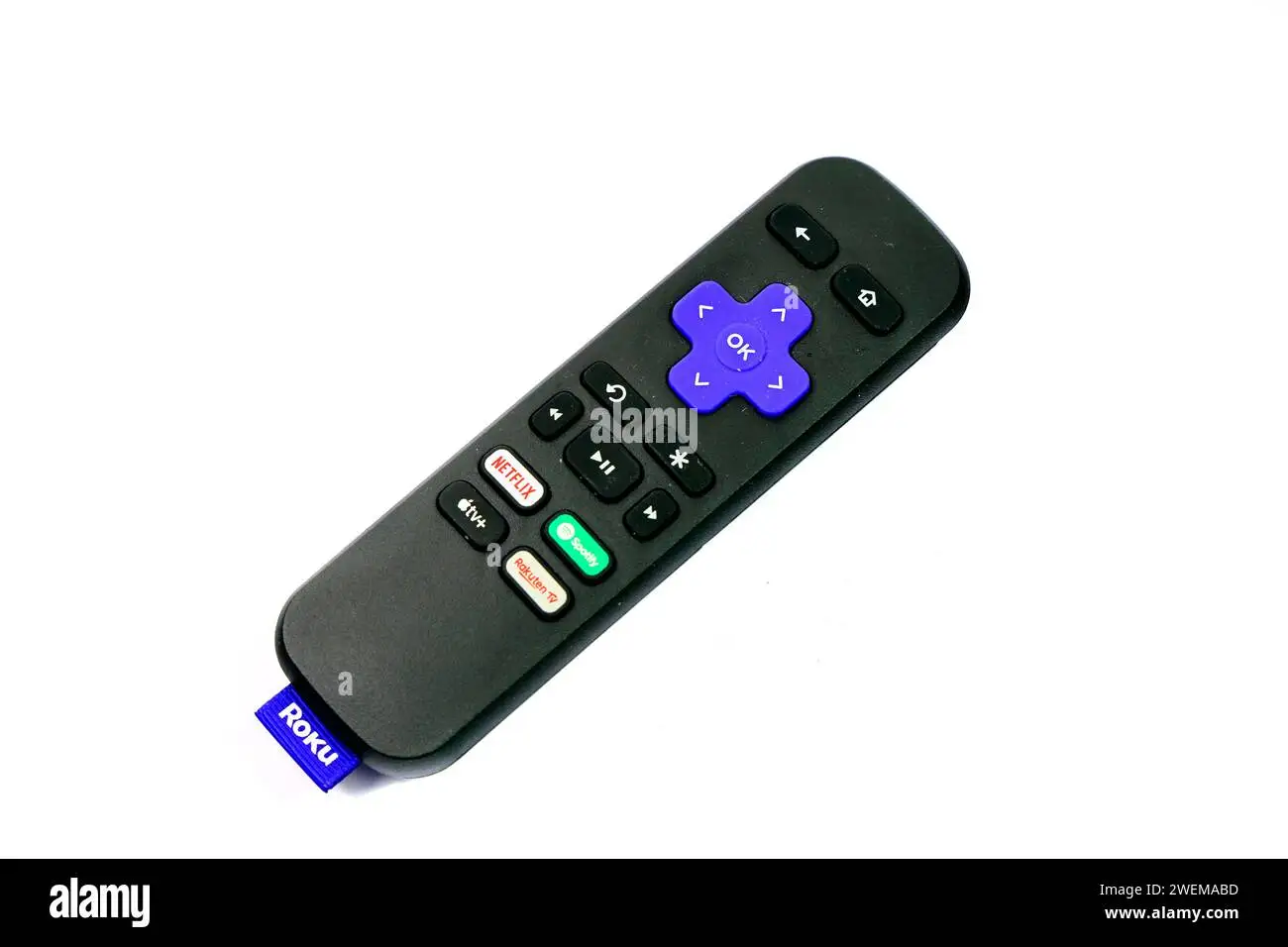
Community members suggest the One For All URC‑7935 Streamer for those who don’t need Wi‑Fi Direct. It’s programmable, supports obscure TV functions, and avoids Roku’s side mute button. Another option is using universal UEI remotes, which can provide number keys — useful for antenna TV. However, these lack Roku’s voice and app integration.
For purely app-based control, the official Roku mobile app is more stable than many third-party offerings, though it still depends on Wi‑Fi and can’t power on TVs without CEC support.
Price & Value
New official Roku Voice Remotes retail for around $15–$20, while the Voice Remote Pro sells for about $30 on Amazon. eBay listings show used units between £11–£38 depending on model and condition, with Pro versions holding value better. Bargain hunters can find open-box programmable alternatives for under $10.
Redditors advise waiting for sales or bundling with a new Roku device. Some also recommend keeping a cheap IR backup to avoid downtime if the main remote fails.
FAQ
Q: Does the Roku TV Remote work with all Roku devices?
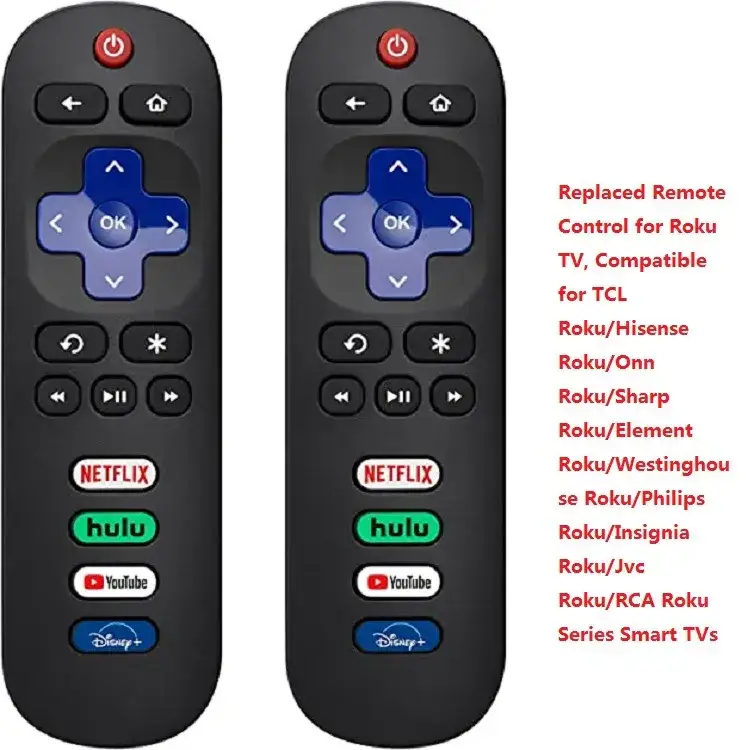
A: No. The Roku TV Remote is designed for Roku TVs only, not Roku players or audio devices. For Roku players, you need the Roku Voice Remote or Voice Remote Pro.
Q: Can I program channel numbers into the Roku remote?
A: Not on official remotes. Some universal remotes can send number commands to Roku TVs or live TV guides, but this won’t work in most streaming apps.
Q: How long does the Voice Remote Pro battery last?
A: Many report weeks between charges, but some units have charging issues or drop charge quickly. A stable USB charger and careful cable use help.
Q: Is the mobile app a full replacement for the physical remote?
A: Mostly — it can control navigation, volume, and private listening, but it can’t turn on TVs without CEC, and connection depends on Wi‑Fi.
Q: Why do my remote’s buttons get hard to press?
A: User reports suggest premature mechanical wear in newer models. If under warranty, request a replacement; otherwise, consider an alternative remote.
Final Verdict: Buy if you’re a Roku TV owner seeking instant setup, voice control, and integrated power/volume in one remote. Avoid if you need long-term durability or direct channel entry. Pro tip from the community: keep the Roku mobile app installed as a backup, and if you choose the Pro model, monitor battery performance early to catch defects within the return window.





