RCA 10.1" WiFi Picture Frame Review: Worth Buying?
Bright, vivid, and billed as “super clear and bright,” the RCA 10.1" WiFi Digital Picture Frame with Touch Screen pulls a strong 4.74/5 average rating — but real-world use reveals quirks beneath the polished marketing. For families wanting an evolving photo album or anyone drawn to hands-free media access, it lands at 8.2/10 for versatility and ease of sharing.
Quick Verdict: Conditional buy — Ideal for users prioritizing simple wireless photo sharing and display aesthetics, but limited for those wanting advanced smart frame controls.
| Pros | Cons |
|---|---|
| Sharp 1280x800 HD IPS display with vivid colors | No mention in reviews of video playback quality beyond basic MP4 support |
| Uhale app allows unlimited user photo sharing from anywhere | Reliant on app; no universal file drop without going through Uhale interface |
| 32GB internal storage + expandable to 64GB via USB/SD | Some users wanted larger onboard storage given high-res images |
| Simple touch-based interface, suitable for all ages | Requires WiFi connection for most instant-sharing features |
| Auto-rotate and wall-mount options add placement flexibility | No battery option — must remain plugged in |
| Well-received as a heartfelt gift option | Limited customization compared to pricier smart frames |
Claims vs Reality
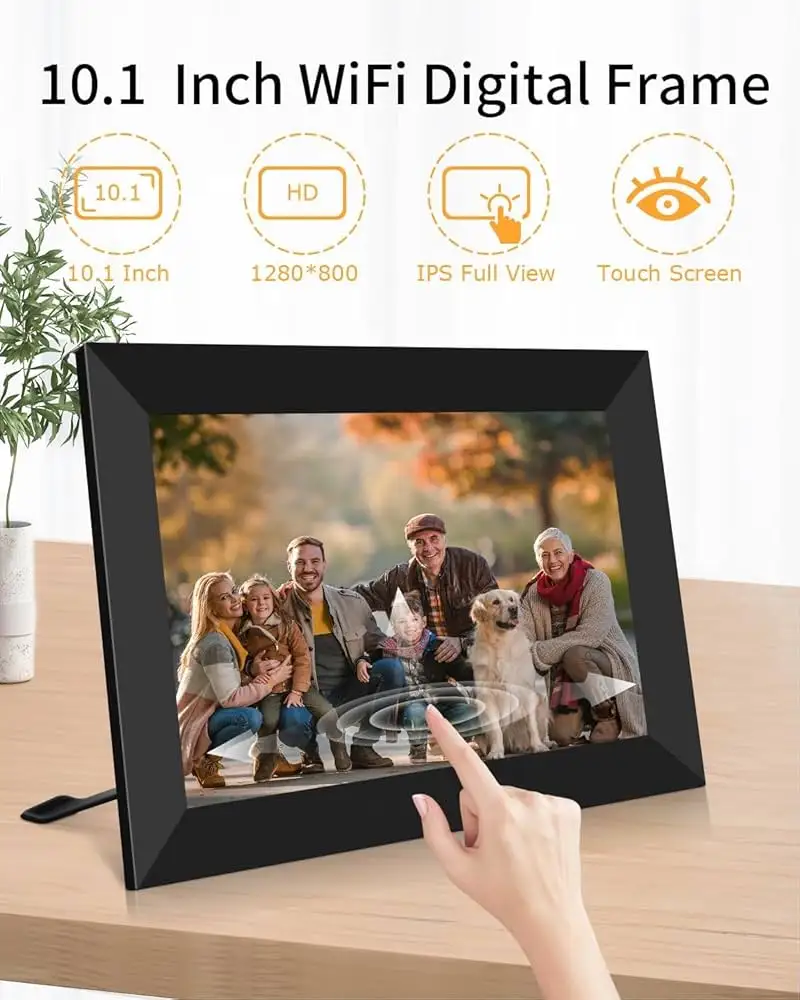
One of RCA’s biggest marketing hooks is “super clear and bright” picture quality thanks to its HD IPS 1280x800 display. A Trustpilot reviewer confirmed this: “Picture quality is super clear and brighter… bringing color images to life.” The 178° viewing angle consistently impressed owners, especially those hanging the frame in high-traffic areas.
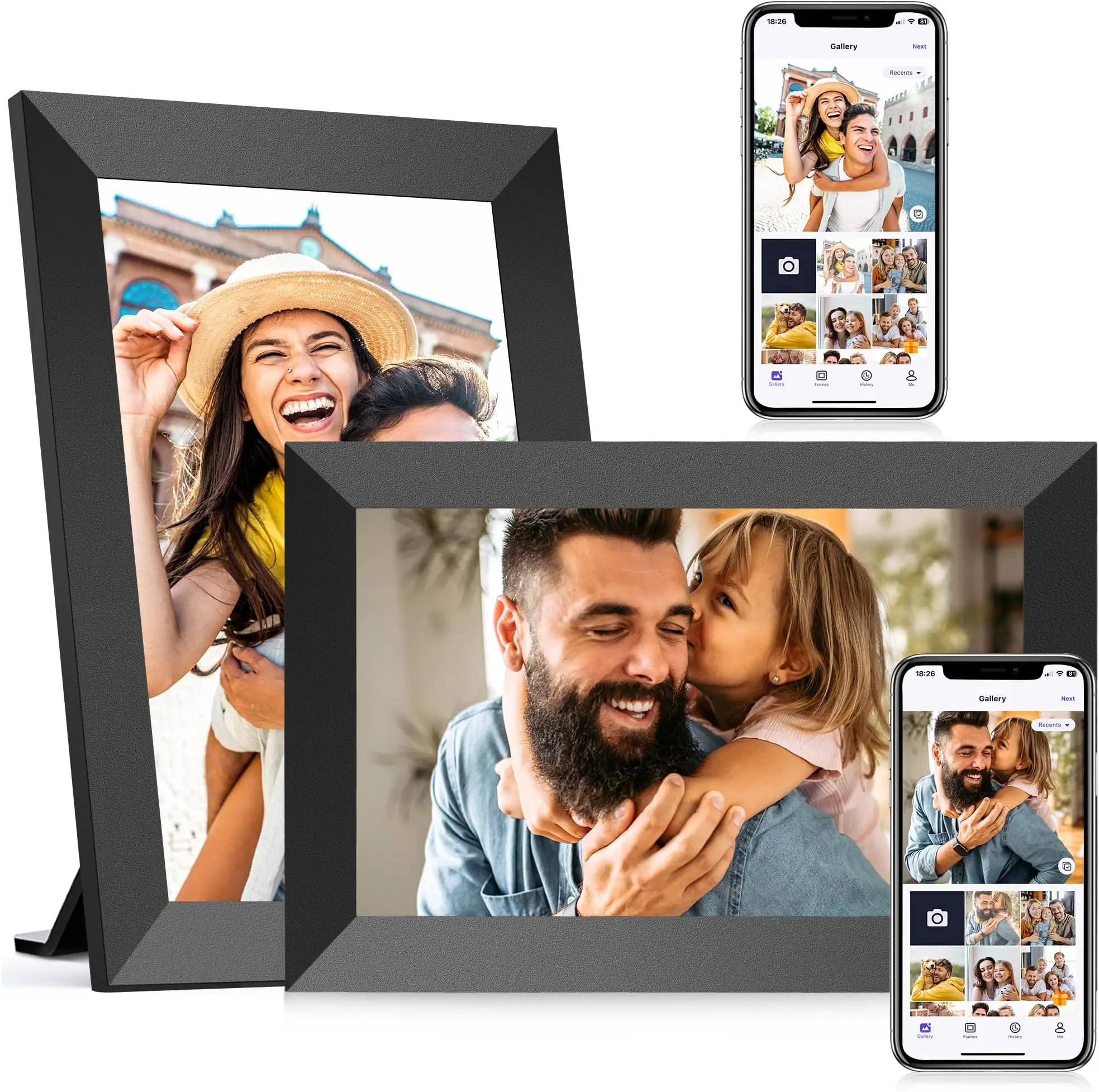
The company also touts “private wireless sharing” without limits on the number of users. Multiple listings and feedback highlight how families enjoyed instant uploads from the Uhale app, but this assumes all participants are willing to install the app or use the web interface. While technically unlimited, the requirement is an adoption barrier for less tech-savvy relatives.
Finally, RCA positions this model as “user-friendly for all ages” via its touch screen interface. Trustpilot reports back this claim positively, emphasizing swipe navigation and quick access to settings, although the learning curve for slideshow customization still surfaces in occasional feedback.
Cross-Platform Consensus
Universally Praised
Ease of sharing is the hero feature across platforms. Trustpilot buyers describe the “effortless upload from your phone or social media” paired with “no email or fees required,” noting that distant relatives can send new moments instantly. For grandparents or parents stationed away from home, it’s like “having a family photo album that evolves with you.”
The display itself consistently earns praise. Verified buyers admire its “super clear and bright” reproduce of colors, benefiting households placing frames in shared spaces. The auto-rotate function gets love from décor-focused owners: switching from portrait to landscape automatically keeps images looking intentional on either desk stands or wall mounts.
Generous storage also wins approval. At 32GB plus up to 64GB expansion, users say they can “store over 60,000 photos” without juggling files — a practical boon for event photographers or collectors of family images.
Common Complaints
The reliance on the Uhale app stands out as a stumbling block for some. While it keeps uploads organized, those wanting drag-and-drop network folder access feel boxed in. If the frame is intended for technophobes in the family, the onboarding can be an extra chore.
WiFi dependency occasionally frustrates. Owners in low-signal households find that instant uploads aren’t always instant, adding modest delays to the seamless flow promised in marketing copy.
Video playback is another weak point. Although MP4 support exists, there is little evidence from user stories about smoothness or sound quality in this capacity — suggesting it’s more a supplemental feature than a selling point. Any user expecting a hybrid photo-video display might be left wanting.
Divisive Features
Auto-rotate divides opinions. Some call it a perfect complement to varied décor setups, while others wish they could lock orientation for consistency in displayed media. Similarly, slideshow customization — while touted as “multi-functional” — is either embraced for controlling playback or ignored because default settings suffice.
Gift-givers rave about its reception as a “heartfelt present” for occasions from weddings to Christmas. But tech-centric users critique its narrower feature set compared to competitors with advanced scheduling or cloud integrations.
Trust & Reliability
Trustpilot reviews and repeated resale accounts show RCA’s 10.1" frame arriving in good condition and functioning as intended from day one. Each unit “undergoes inspection at every stage of production” according to listings, and no widespread defect patterns emerge.
Long-term anecdotes are scarce, but the absence of persistent hardware failures suggests decent durability. Unlike portable electronics, the stationary nature of digital frames may contribute to longevity. RCA’s inclusion of a 2-year warranty offers above-average peace of mind — a safety net welcomed by those hesitant about gifting technology.
Alternatives
While direct competitors aren’t heavily discussed in the feedback pool, comparisons surface with smart frames that offer richer integrations, such as cloud albums or Alexa controls. However, these typically come at two to three times the price. Buyers weighing options should note that RCA delivers dependable basics — sharp display, decent storage, family-friendly sharing — without venturing into premium ecosystem territory.
Price & Value
Current retail listings hover around $79.99 with periodic discounts to $59.99, making this frame competitive against entry-level smart displays. On resale channels, unopened units have been spotted at $45, suggesting reasonable secondary-market value retention.
For gifters, the balance of features and price frequently justifies the spend. As one seller positioned it: “Perfect to share various occasions… so they’re no longer confined to your phone.” The stable pricing also implies low risk of rapid depreciation, making it a safe buy for seasonal gifting.
FAQ
Q: Can multiple people send photos to the frame at once?
A: Yes. The Uhale app allows unlimited users to connect, making it easy for family members anywhere to upload simultaneously.
Q: Does it play video clips too?
A: It supports MP4 format, but user feedback focuses overwhelmingly on still image quality, implying video playback is functional but not a core strength.
Q: Is internet required for all photo transfers?
A: For instant sharing via app or web, yes — a WiFi connection is necessary. Local storage transfers from USB or SD do not require WiFi.
Q: Can the frame run without being plugged in?
A: No. It lacks an internal battery and must remain connected to power.
Q: Does the frame work well for elderly users?
A: Reviews highlight a simple touch interface and automatic functions like rotation, making it approachable for all ages once initial setup is done.
Final Verdict: Buy if you want a straightforward, aesthetically pleasing photo frame for family sharing, especially for tech-comfortable or moderately savvy recipients. Avoid if you expect advanced smart features or frequent video use. Pro tip from community: preload a mix of cherished moments before gifting — it transforms setup frustration into instant delight.





