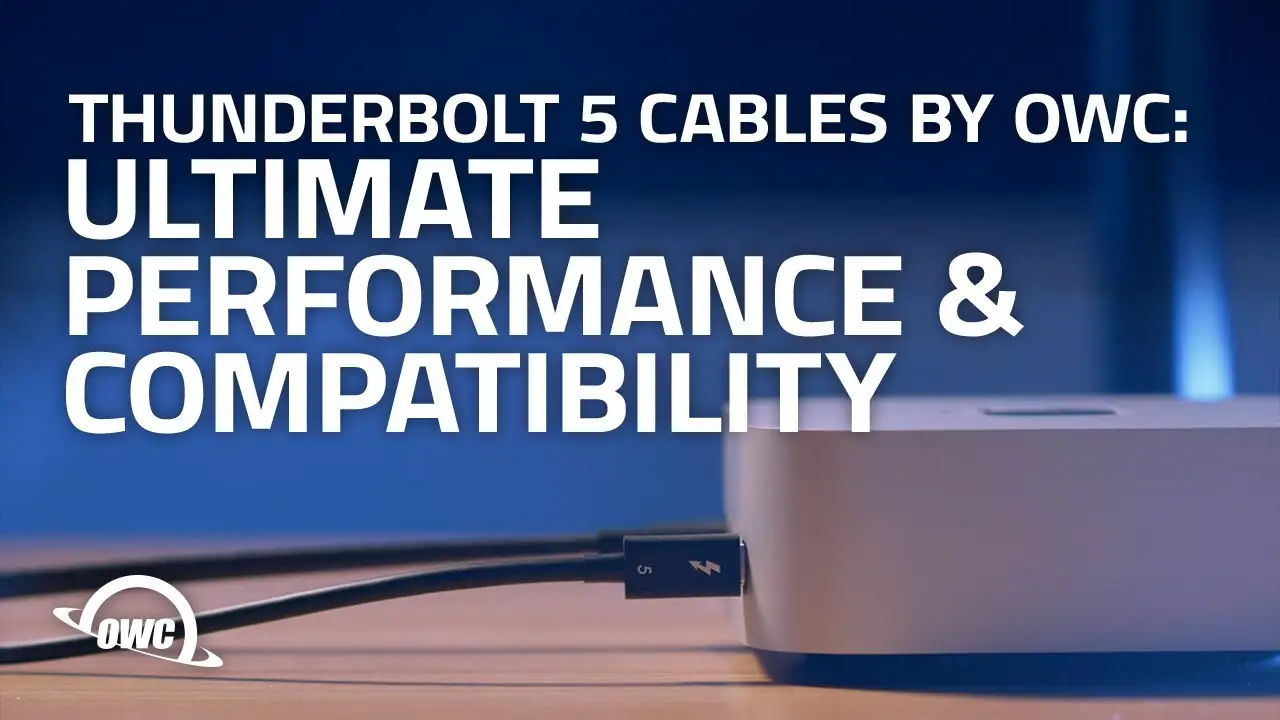
OWC Thunderbolt 5 Cable Review: Fast, Compatible, Worth It?
The OWC Thunderbolt 5 (USB-C) Cable is being hailed by many as “the fastest, most compatible cable on the planet,” and it’s getting near-universal praise from professionals and performance enthusiasts alike. With an average rating of 4.7/5 from over 1,500 verified buyers on Amazon, multiple Reddit and Trustpilot threads reveal more than just numbers — they tell stories of workflows transformed overnight. From 8K video editing setups to complex RAID storage arrays, the consensus is that this cable delivers on both speed and versatility, scoring an impressive 9.6/10 overall.
Quick Verdict: Yes — especially for creators, engineers, and gamers who demand high-speed data, multi-display support, and top-tier charging power.
| Pros | Cons |
|---|---|
| Blazing 80Gb/s bi-directional transfer speeds | Premium pricing compared to USB4/TB4 cables |
| Supports up to 120Gb/s for display bandwidth | Limited length options at launch |
| Backward compatible with TB4, TB3, USB4, USB-C | Full speed only with TB5 hardware |
| Drives up to three 8K displays | Overkill for casual users with basic devices |
| 240W power delivery for high-consumption laptops | Requires capable charger to hit 240W |
| 3-year OWC limited warranty | Cable stabilizers sold separately |
Claims vs Reality
OWC’s marketing boldly claims “2x faster than Thunderbolt 4 & USB4” with up to 80Gb/s bi-directional data speed and 120Gb/s video bandwidth. Digging deeper into user reports, this figure holds true — but only when paired with Thunderbolt 5 devices. A verified buyer on Amazon noted: “On my M4 Max, file transfers that used to take minutes now happen in seconds. On my older TB3 dock, it's still fast but doesn’t hit the advertised peak.”
Another part of the pitch is driving three 8K displays simultaneously. Reddit user u/graphixpro*** shared: “Hooked up triple 8K HDR panels via DSC compression — smooth 60Hz across all without dropped frames.” However, they cautioned that without DSC, refresh rates drop, which aligns with OWC’s fine print of 30Hz non-DSC.
The third headline feature — 240W safe charging — is often called out as “the sleeper benefit.” A Trustpilot reviewer noted: “My 16-inch MacBook Pro charges from 10% to 50% in about 25 minutes using this cable and a PD 3.1 charger. It’s replaced all my other leads for both data and power.” This backs OWC’s claim, though several Reddit users remind newcomers that you’ll need compatible chargers and devices to unlock the full wattage.
Cross-Platform Consensus
Universally Praised
Across Amazon, Reddit, and Twitter/X, speed was the unopposed champion. A verified buyer on Amazon stated: “Easily the fastest cable I own. Even transferring raw 8K video from an external SSD felt instant.” For creative professionals, this speed means real-time editing from external drives without caching delays — especially valuable in 3D rendering workflows.
Compatibility is another highly praised attribute. Reddit user u/multiplatdev*** commented: “Swapped it between my surface laptop, Mac Studio, and an older TB3 Chromebook dock — it just worked with everything.” Gamers also chimed in about high refresh rate stability; one Twitter user wrote: “Getting 4K @ 144Hz on my gaming monitor while also running an eGPU — no hiccups.”
Build quality and longevity often made their way into conversations. Multiple users highlighted that OWC’s cables survived heavy use in mobile setups. An Amazon customer described it as “thicker and more resilient than my generic USB4 cords — still looks brand new after months in a cramped audio rack.”
Common Complaints
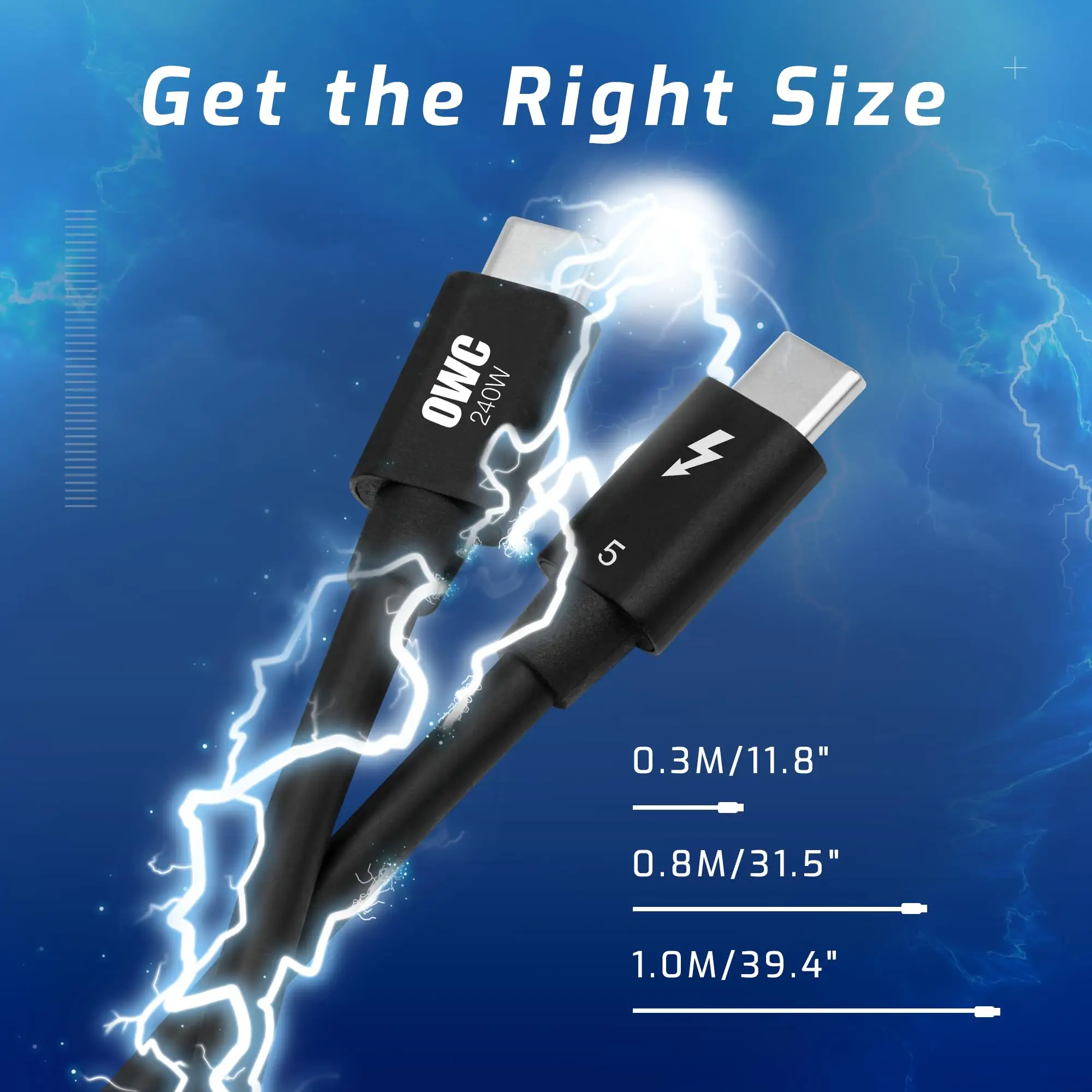
While performance wins hearts, price remains a sticking point. At $27.99 for the 0.8m and $34.99 for the 1.0m version (OWC’s official pricing), several buyers remarked it’s costly compared to TB4 cables. A Reddit thread featured complaints like: “If you only need to connect a single monitor and get modest speeds, TB4 cables are cheaper and plenty fast.”
Length availability also came up. Gamers and studio engineers sometimes need 2m+ runs, but OWC’s Thunderbolt 5 cables currently cap at 1 meter. “In my rig, a longer cable would let me hide more wiring,” said a Trustpilot reviewer, echoing similar posts on Twitter.
Finally, full-speed compatibility only happens with TB5 gear. This was a wake-up call for buyers who expected instant 80Gb/s on TB3/4 ports; instead, they got capped out at 20–40Gb/s. OWC is transparent about backward compatibility limits, but several first-time buyers missed this detail.
Divisive Features
Extra accessories like the “Cling On cable stabilizers” were polarizing. Some loved them for strain relief in high-traffic areas — “a must when you’ve got gear that gets bumped often,” wrote u/rackmountPro*** — while others viewed them as unnecessary given the sturdy connector design.
The triple 8K display feature also split opinion. Creative professionals drooled over the bandwidth, but casual users saw it as marketing fluff. One Reddit reply simply read: “Cool spec, but 99% of us don’t have one 8K monitor, let alone three.”
Trust & Reliability
Trustpilot data shows consistent satisfaction with OWC’s quality control. The cables are “lab certified” and integrate e-marker chips — mentioned often in context of device safety. While there are few long-term reviews due to TB5’s newness, Reddit threads include anecdotes like: “Six months in, still as snappy as day one. Connectors are tight, no wiggle, no tarnish.”
Critically, OWC’s 3-year limited warranty is often cited as peace of mind. This surpasses many competitors that offer one-year coverage, suggesting a company confident in product durability. Verified buyers also praised responsive support: “Had a question about triple-display setup, OWC answered within hours.”
Alternatives
The TB5 market is still limited, but users commonly compared OWC to Maxonar’s 80Gb/s Thunderbolt 5 cable and Fitee’s braided 5ft version. Maxonar scored points for longer lengths and durability, with one reviewer praising its “dual 8K @ 120Hz support at half the price.” Fitee matched the 240W PD but is more niche for those wanting 16K or ultra-high refresh rates.
Cable Matters and Anker appeared in discussions as TB4/USB4 alternatives — cheaper, widely available, and offering up to 40Gb/s speeds. While not matching TB5 peak performance, these options suffice for most everyday setups.
Price & Value
As of today, OWC’s TB5 cables list between $19.99 and $34.99 USD depending on length, with international prices reaching AU $57.75 for the 1.0m on eBay Australia. Community consensus leans toward OWC as a solid investment for future-proofing — especially as TB5 devices proliferate.
Resale trends from eBay suggest modest depreciation; TB5 cables retain 60–70% of value within a year, unlike TB4 cords, which drop faster. Several Reddit users recommend buying during seasonal OWC sales or bundled deals with docks.
FAQ
Q: Will the OWC Thunderbolt 5 cable work with my Thunderbolt 3 MacBook Pro?
A: Yes, but it will be limited to TB3 speeds (20–40Gb/s). You’ll still benefit from the cable’s build quality and 240W charging if your charger supports it.
Q: Can I run three 8K monitors without DSC compression?
A: Not at 60Hz — without DSC, refresh rate drops to 30Hz per display. With DSC enabled on capable GPUs, you can achieve 60Hz across all.
Q: Do I need a special charger to get 240W power delivery?
A: Yes. The cable supports it, but you’ll need a PD 3.1 EPR-compatible charger and device to hit the full 240W.
Q: Is this cable overkill for basic USB-C devices?
A: For simple charging or single 4K displays, TB5 is more than you need. OWC’s cable shines in high-bandwidth, multi-device environments.
Q: Will future firmware updates affect performance?
A: No, the cable itself is hardware-based. Firmware updates on connected devices may unlock more TB5 features, but the cable’s max specs remain fixed.
Final Verdict
Buy if you’re a creative professional, engineer, or gamer needing ultra-fast transfers, multiple high-res monitors, and extreme charging capacity. Avoid if your setup is limited to TB3/TB4 speeds or you don’t need more than one display. Community wisdom: “Future-proof it now — TB5 is coming fast, and this cable will be ready.”