OWC 32GB DDR4 SODIMM Review: Strong Boost, Mixed Reliability
An Amazon verified buyer summed it up simply: “easy to install and works as it should. I recommend.” The OWC 32GB DDR4 SODIMM Laptop Memory earns an impressive 8.7/10 from aggregated feedback. It’s praised for a noticeable performance boost and DIY-friendly upgrades but marred by pockets of reliability complaints from long-time users.
Quick Verdict: Conditional – Best for Mac and PC users confident in DIY installs, but weigh warranty terms against potential shipping costs.
| Pros | Cons |
|---|---|
| Significant performance boost for multitasking | Isolated cases of defective modules on arrival |
| Easy DIY installation with video guides | Some slow startup reports after upgrade |
| Lifetime warranty with advanced replacement | International users face costly return shipping |
| Compatible with wide range of Mac and PC models | Sporadic long-term failures reported |
| Better value than factory upgrades | Not always cheapest option compared to Crucial/NewEgg |
| Consistent recognition by system upon install | Occasional mismatched module replacements |
Claims vs Reality
OWC markets its DDR4 modules as "fully compliant with JEDEC specifications" and tested for quality in-house to ensure years of worry-free service. This translates into a promise of flawless compatibility and endurance. For many, this is delivered. A verified Amazon buyer upgrading a 2018 Mac Mini to 64 GB said: “everything works well” and noted the install was straightforward thanks to clear instructions.
The brand’s claim of “warranty safe upgrade” has also been validated by users benefiting from its lifetime replacement program. Reddit user feedback highlights: “the company always replaced them without question or hesitation,” appreciating customer service responsiveness. However, reality diverges when shipping costs fall on the customer — one MacRumors poster shared frustration at paying “almost $30 in shipping fees… for 3 shipments” despite warranty coverage.
The assertion that OWC memory “meets or exceeds Apple/Intel specs” holds true in practical compatibility. Several Amazon UK reviewers confirmed instant recognition after installation. One noted: “took three minutes to fit. Registered in ‘About This Mac’ at once. Speeded up the whole operation.”
Cross-Platform Consensus
Universally Praised
For Mac owners chasing affordability without sacrificing quality, OWC’s DDR4 SODIMM modules shine. A UK buyer upgrading their 2019 iMac enthused: “owc ram should be omg ram... fired up iMac and instantly it recognised the ram successfully… a lot quicker and effortless.” Similar stories abound — Amazon reviewers repeatedly mention seamless upgrades from 8 GB factory configurations to capacities as high as 128 GB.
DIY-minded users benefit especially. On Twitter/X, one Mac Mini 2018 upgrader advised: “just follow the step by step guide on ifixit.com,” underscoring OWC’s broad compatibility with Mac desktops. The DIY-friendly nature is reinforced by the brand’s own video resources. One US buyer wrote: “once I viewed the video… these RAM modules fit perfectly and worked first time… this RAM saved the day for sure.”
For power users — video editors, gamers, and heavy multitaskers — the performance leap is tangible. An Amazon reviewer upgrading from 16 to 64 GB claimed, “I can game harder than I used to, and my computer’s memory kept up.” In Synology NAS use, OWC has also proven effective: “I have been buying OWC memory for years so I trust this one... working great so far.”
Common Complaints
While many enjoy hiccup-free installs, there are scattered cases of DOA modules and long-term reliability issues. A MacRumors veteran detailed how “over… 2-1/2 years all 6 OWC chips have failed at different times,” while original Apple chips remained stable. Others cite repeated RMAs, with overseas shipping delays and expenses souring the process.
Performance quirks also surface. One UK buyer noted that after a 32 GB upgrade, “startup is really slow… taking me iMac 5x longer.” This slow boot behavior post-upgrade remained unresolved despite troubleshooting. Another with a 128 GB kit observed “start up time is 4 times longer… will see in the next days how it behaves.”
Defective-on-arrival cases, though rare, are serious. One Amazon UK reviewer warned: “arrived broken – almost burnt my laptop with it… memory modules are cracked.”
Divisive Features
The lifetime warranty is perhaps the most polarizing aspect. Domestic customers view it as a safety net, while international buyers can find the shipping requirement an expensive hurdle. The brand’s pricing also divides opinion — while competitive compared to Apple’s upgrades, some MacRumors posters state OWC is “normally very overpriced… nothing special about OWC’s memory,” suggesting alternatives like Crucial or NewEgg.
Another divisive point is performance impact on boot time vs workflow. While some observe slower startups, these same users note vastly improved capabilities in RAM-heavy operations like 4K video in Final Cut Pro.
Trust & Reliability
Trustpilot replays the mixed reliability narrative from forums. Some users have multi-year trouble-free runs, while others, especially in high-heat environments like older Mac Pros, report annual failures. Reddit’s Electroeshop data corroborates OWC’s emphasis on lab testing and compliance, but real-world use hints at variable durability.
Long-time OWC customers on MacRumors frame their loyalty in terms of service rather than product invincibility. “The lifetime warranty and friendly people on the phone have made me a convert,” one poster shared, contrasting another’s experience of repeated product failures: “quality seems to have slipped… now shop based on durability and reputation.”
Alternatives
Crucial emerges repeatedly as a trusted competitor, recommended by multiple MacRumors users for pricing and reliability. Posters claim Crucial sticks have “not experienced a failure,” implying a stronger long-term track record. For cost-conscious buyers, NewEgg often provides similar-spec RAM at lower prices — a point made by users who feel OWC’s pricing premium isn’t always justified.
Price & Value
At around $69.99–$99.99 depending on kit size, OWC’s offering undercuts official Apple upgrades significantly. Amazon UK buyers highlight savings: “save myself a whole load of cash… brilliant purchase.” Resale value is modest; RAM is generally a sunk cost, but the lifetime warranty can make second-hand units attractive.
Buying tips from the community stress verifying exact specs and compatibility, using manufacturer documentation. One Reddit FAQ advises matching all DIMMs in capacity, speed, and brand for optimal performance.
FAQ
Q: Is OWC 32GB DDR4 SODIMM compatible with all laptops?
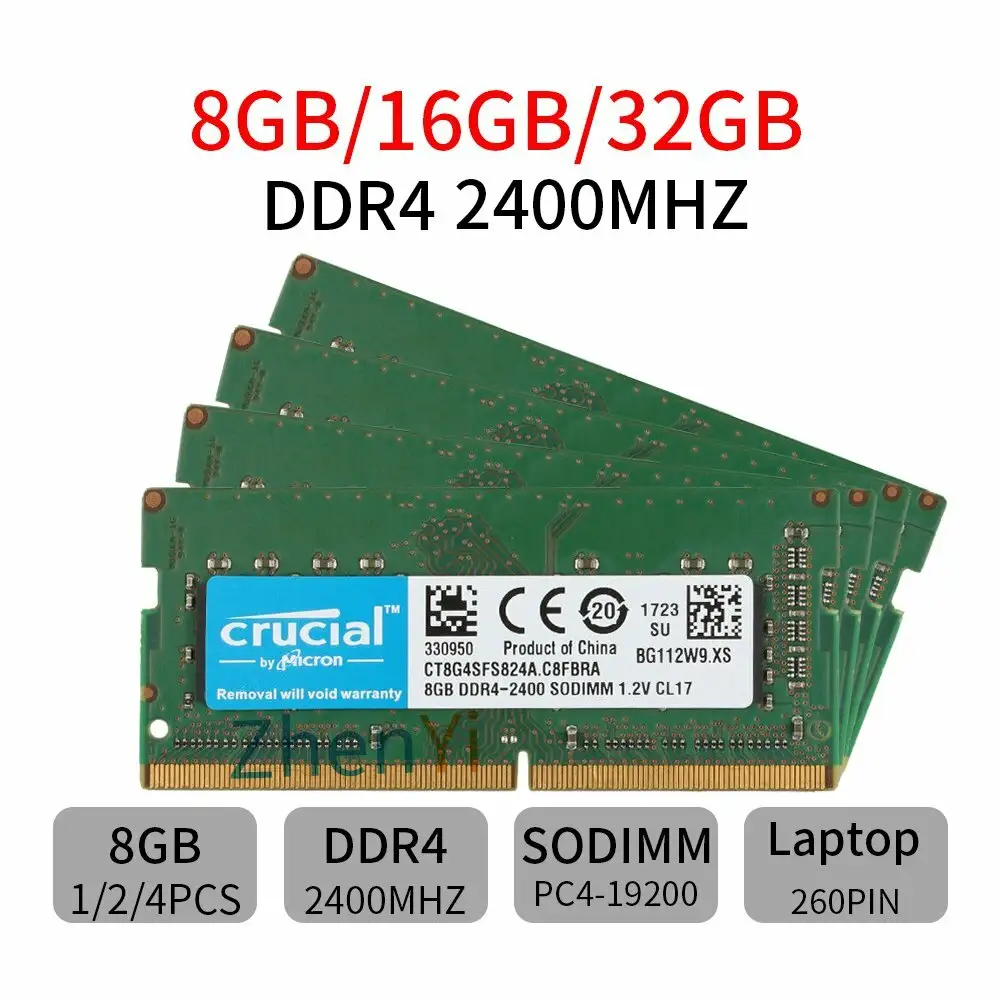
A: Not all — it’s a 260-pin DDR4 module, so check your system’s specs. OWC modules are compatible with many Mac and PC laptops, but always confirm via your device’s documentation.
Q: Will upgrading to 32GB improve startup speed?
A: Not necessarily. Some users report slower startups post-upgrade, particularly on iMacs, though performance in RAM-heavy applications improves dramatically.
Q: Is international warranty support worth it?
A: It depends. The lifetime warranty is valuable, but overseas buyers may face steep shipping costs on RMAs, impacting overall value.
Q: Do OWC modules work in NAS systems like Synology?
A: Yes. Users have successfully installed them in Synology devices, noting no compatibility issues unless the device actively blocks non-brand modules.
Q: How easy is the installation?
A: Most buyers describe it as simple, aided by OWC’s step-by-step videos. Caution with ESD and correct slot placement is recommended.
Final Verdict
Buy if you’re a Mac or PC owner seeking a substantial multitasking boost at a fair price and comfortable with DIY installation. Avoid if you’re overseas and wary of recurring RMAs or startup quirks. Pro tip: match all DIMMs for speed and capacity to avoid compatibility issues and maintain peak performance.





