NETGEAR GS208 Switch Review: Reliable, Easy Network Expansion
The NETGEAR Gigabit Ethernet Switch (GS208) is one of those rare networking devices that earns close to unanimous praise across platforms — pulling an impressive 9.5/10 score from a wide range of home, office, and gaming users. Its quiet, plug‑and‑play operation and rock‑solid reliability have positioned it as a go‑to choice for expanding wired networks in a world otherwise obsessed with Wi‑Fi. As one verified Best Buy buyer summed up: “Stable from the time we started using… compact, easy set up, works great.”
Quick Verdict: Yes — particularly for home offices, gamers, and small businesses who want effortless, reliable wired expansion.
| Pros | Cons |
|---|---|
| Simple plug‑and‑play setup | Bright LED indicators (no off switch) |
| Silent, fanless operation | No wall mounting holes |
| Energy‑efficient design (IEEE 802.3az) | 1‑year warranty only |
| Eight gigabit ports for multiple devices | Few advanced configuration options |
| Affordable for gigabit performance | Rare cases of port speed negotiation issues |
| Stable performance under heavy traffic | Plastic casing less durable than metal counterparts |
Claims vs Reality
One primary marketing claim is “simple, plug-and-play set up” with no software or configuration needed. Digging into user accounts shows that this is true in almost all cases. A verified buyer on Amazon wrote: “There is nothing more to the installation than plug it in and power it up… every device connected through the switch performed perfectly without any hint of data slowdown.” Reddit discussions confirmed that GS208’s setup time typically took minutes, even for networking novices.
Another bold claim is “silent, fanless design ideal for noise-sensitive environments.” This, too, largely meets reality — especially prized by home office users. Trustpilot reviewer “mt lady” explained, “The 8 port is the way to go for gaming… hassle free. Plug and play.” No sound, no distraction — important for open living rooms or studio apartment setups.
Finally, NETGEAR’s “energy-efficient technology” was a promise users noticed in practice. Best Buy customer “dlu bin” observed the device “run cold even with high network traffic,” implying low power consumption compared to older switches. This efficiency was particularly valued by small business owners looking to cut electricity costs over time.
Cross-Platform Consensus
Universally Praised
Ease of use emerged as one of the GS208’s defining strengths. From casual gamers to SMB owners, nearly everyone emphasized how quickly they could deploy it. Best Buy user “lustertone” recounted expanding their mesh Wi‑Fi router ports: “Plug it in… you have 7 additional ports you can control from your router. It certainly helped me out.” The real win here is for households or offices that need instant network growth without tech headaches.
Performance stability was another consistent highlight. Amazon customer experiences tell a story of sustaining full gigabit speeds across multiple devices — including streaming 4K video and running security DVRs simultaneously. “No traffic issues so far and 4K streaming works fine,” reported Best Buy user “j3jonas,” after upgrading from a 5‑port to this 8‑port model.
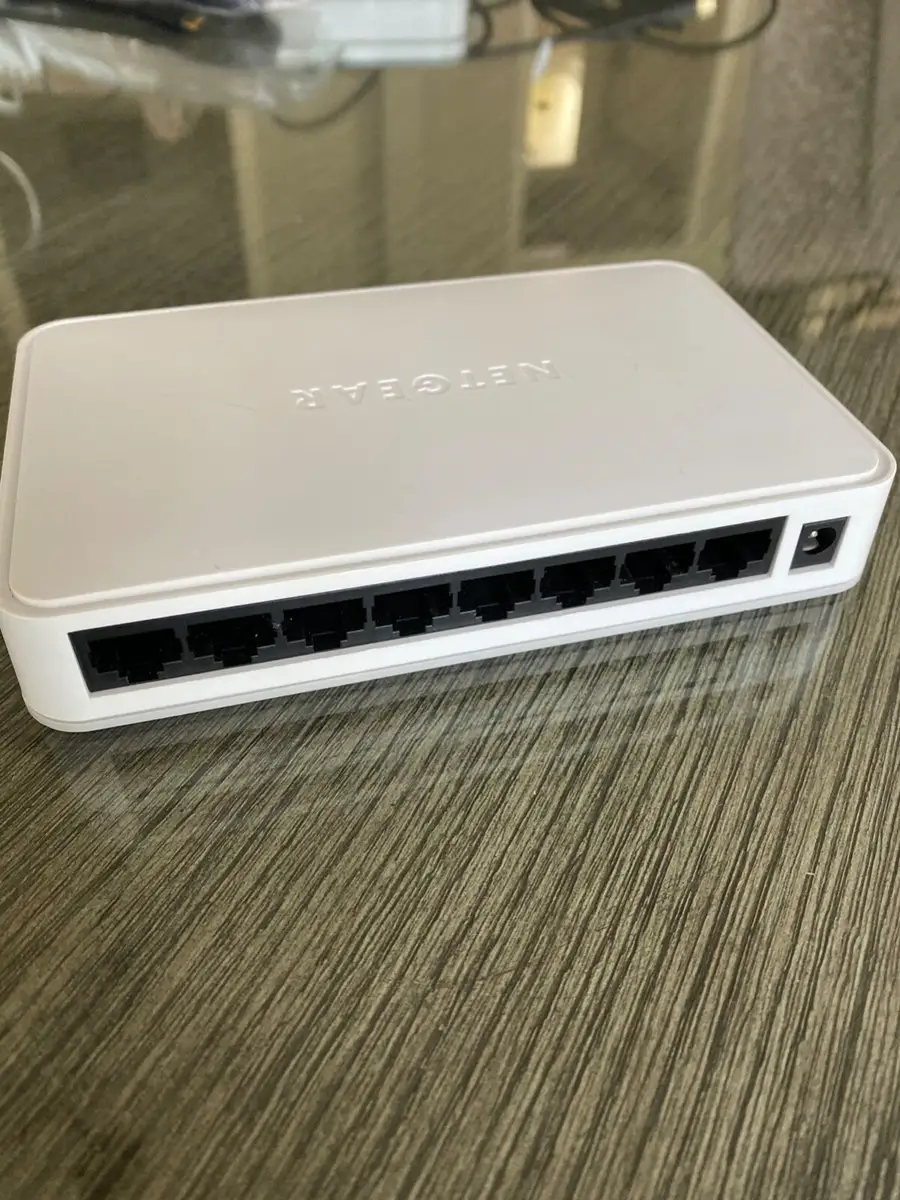
The form factor got praise for its compact footprint and clean aesthetic. While it’s plastic rather than metal, users appreciated that it blends unobtrusively into desk setups. One Amazon reviewer noted, “Very, very light… easily attached to desktop using double side foam tape.”
Gamers echoed the benefits of no‑lag connectivity. Trustpilot’s “mt lady” described how the GS208 let them hook up “all my gaming consoles with hassle‑free plug‑and‑play,” a critical need when avoiding Wi‑Fi latency.
Common Complaints
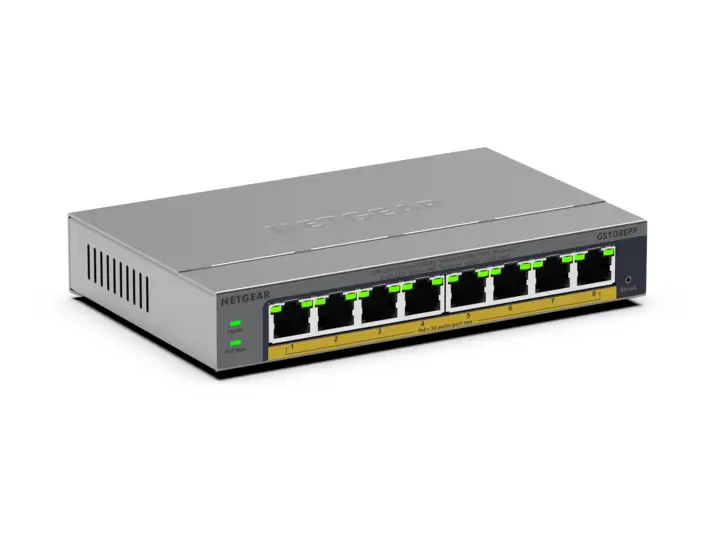
Brightness of the status LEDs was a surprising annoyance. “Indicator lights… brighter than I’d like for sleeping,” said Best Buy’s “john.” Several users wanted an option to dim or disable them, particularly for bedroom or media room usage.
The lack of mounting holes disappointed those wanting wall‑mounted setups. An Amazon reviewer mentioned having to resort to double‑sided tape. While this design choice keeps the switch sleek, it limits installation flexibility for tighter spaces.
Warranty length surfaced in discussions comparing GS208 to NETGEAR’s business-class GS108, which has a lifetime warranty. Reddit user “roger” debated paying extra for the GS108 largely for that coverage, noting GS208’s single‑year limit as a trade‑off.
There are rare but notable speed negotiation anomalies. One Twitter user documented a GS208 negotiating properly at 1Gbps on all devices, while their GS308 repeatedly linked at 100Mbps unless cable connection order was altered. Another Amazon 1‑star account describes ports “dying after a year and a half” and the switch eventually operating as “only a 100 Mbps switch.” While uncommon, these cases suggest that port health is worth monitoring in long-term deployments.
Divisive Features
Plastic vs. metal casing sparked debate, especially in Reddit’s GS108 vs GS208 thread. Business-class buyers prefer the GS108’s sturdier metal shell for harsher environments, while home and desk users deem GS208’s lightweight plastic adequate — and cheaper.
Jumbo frame and advanced buffer details remain unclear in spec sheets, leading some to question its suitability for highly specialized networking tasks. For everyday home and SMB use, most users didn’t seek those details, but pros found the lack of information limiting.
Trust & Reliability
On Trustpilot and Best Buy, long-term accounts are overwhelmingly positive. “I’ve had no trouble with it since I installed it… it continues to work as it should,” shared one Amazon reviewer who replaced an older Linksys switch. Many owners run them continuously for years without overheating or speed drop-offs.
However, reliability isn’t absolute. Some rare Amazon reviews detail gradual degradation — starting with fewer functional ports, then speed drops. The vendor replacement process wasn’t heavily documented in user reports, but reviewers advised monitoring performance periodically.
Reddit’s consensus is that GS208 is “the newer version of the GS608… with identical performance” but less expensive hardware. For most domestic environments, it holds up fine. Business users juggling many mission‑critical connections may still gravitate to lifetime‑warranty Prosafe lines.
Alternatives
The GS108 is often compared directly to the GS208. Both deliver gigabit speeds, but GS108 features a metal casing and a lifetime hardware warranty — at roughly double the price. Reddit contributors frame GS208 as “a cheaper hardware update” to the GS608, with identical performance in real‑world home office use.
If wall‑mounting or environmental durability are priorities, GS108 may be worth the extra cost. For those in environments with minimal physical wear‑and‑tear, GS208 delivers similar throughput at a lower upfront expense.
Price & Value
eBay listings show new GS208 units trending around $16.49 USD, underscoring its affordability for gigabit capability. This is significantly less than many competitors with similar port counts. Resale value holds moderately, especially for working units given NETGEAR’s brand reputation.
Community buying tips include erring on the side of more ports than you think you need — one Amazon reviewer emphasized that while GS208 has eight ports, “one… will connect it to your network,” leaving seven usable for devices. That distinction helps buyers choose between GS208, GS305, or GS108 based on expansion needs.
FAQ
Q: Does the GS208 work well for gaming?
A: Yes. Its gigabit ports support lag-free connections for consoles and PCs. Trustpilot’s “mt lady” praised how easily it connected all their gaming consoles without interference.
Q: Can this connect to an existing router?
A: Absolutely. It’s designed for straightforward expansion. Best Buy’s “lustertone” detailed plugging into their mesh router and instantly gaining 7 additional usable ports.
Q: Is it wall mountable?
A: No native mounting holes are included. Users resort to double-sided tape or desktop placement.
Q: Does it support jumbo frames?
A: Specs list up to 9720 bytes jumbo frames, but no advanced configuration options exist — it’s entirely unmanaged.
Q: How many ports can be used for devices?
A: Out of eight, one port will link to your existing network; the remaining seven can connect computers, consoles, printers, etc.
Final Verdict
Buy if you are a home office user, gamer, or small business seeking a quiet, power‑efficient, gigabit‑speed switch with painless setup. Avoid if you need metal casing, a lifetime warranty, or wall mounting without modifications.
Pro tip from the community: If you want to avoid rare port speed negotiation bugs, periodically check link status — and if issues arise, test with cable reconnection order or replace under warranty.





