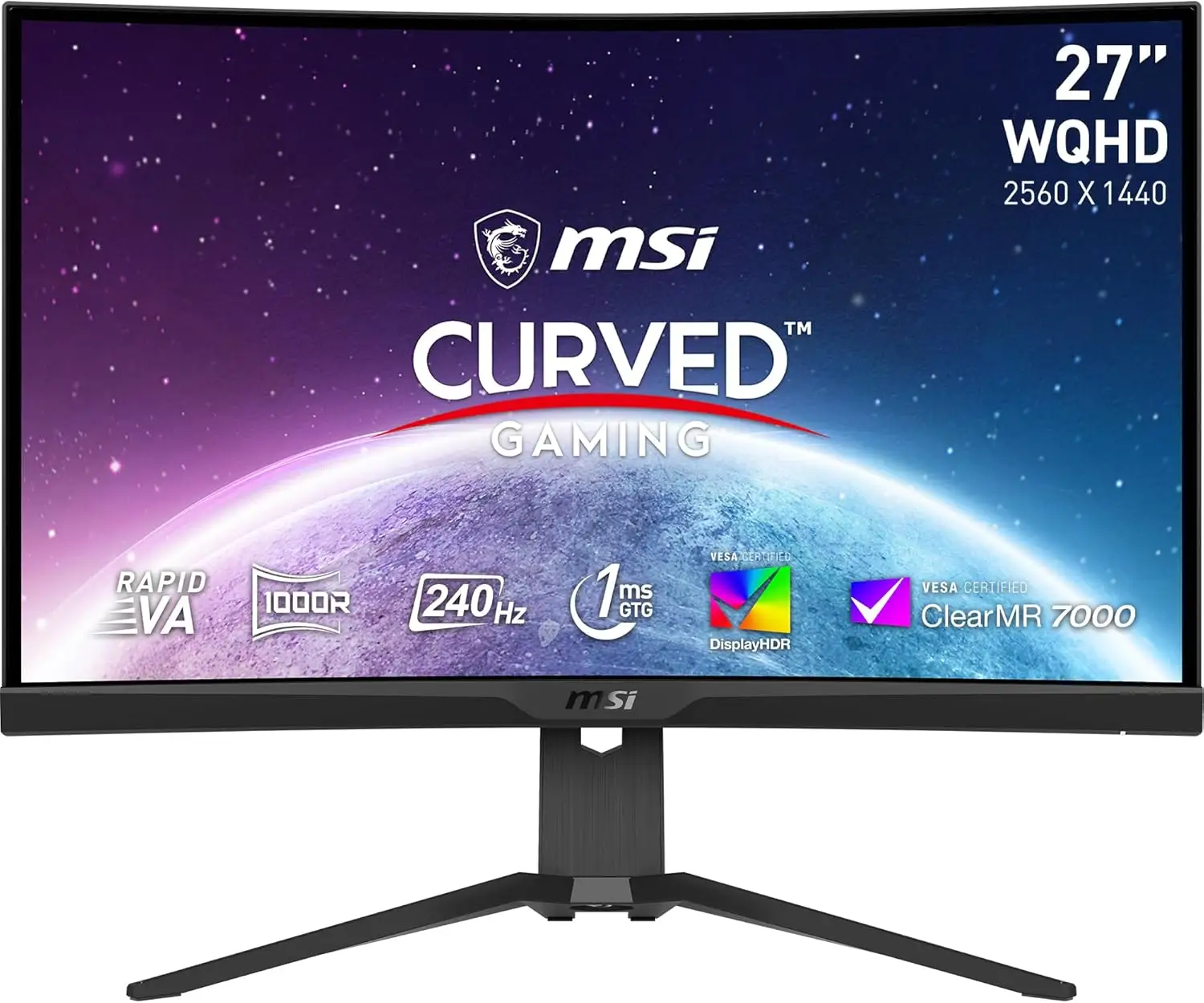
MSI MPG 275CQRXF Review: Fast VA Panel, Mixed HDR
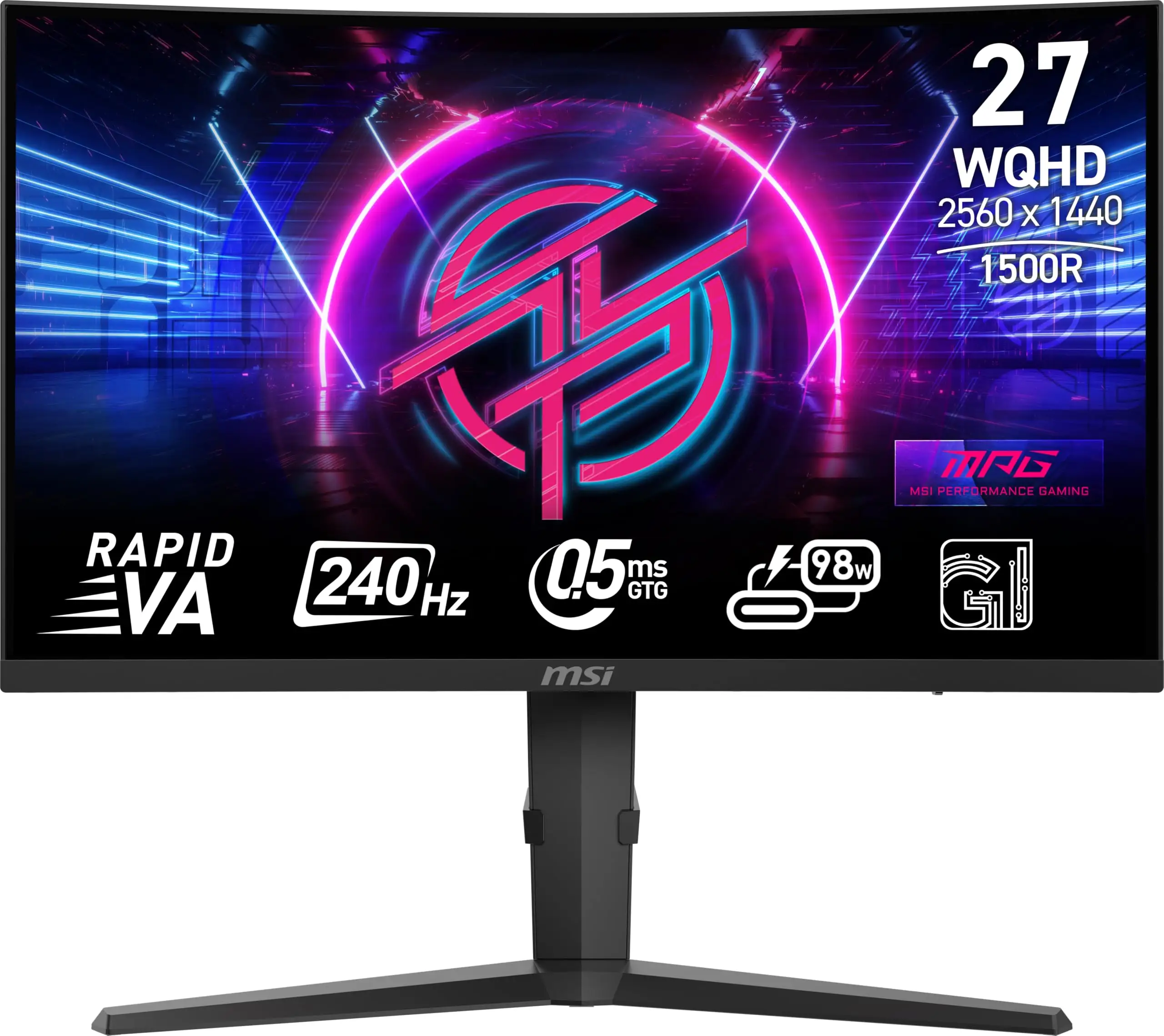
An almost unheard-of 0.5ms response time on a VA panel – that’s the headline spec that makes the MSI MPG 275CQRXF 27-inch QHD Monitor stand out. Digging into user discussions, it delivers blistering speed and color depth for competitive gamers, but some features shine more in marketing than in daily use. Verdict: 8.7/10 for fast-paced gamers who also want vivid HDR visuals.
Quick Verdict: Conditional buy
| Pros | Cons |
|---|---|
| Ultra-fast 240Hz refresh rate for fluid gameplay | HDR performance underwhelms for some users |
| 0.5ms GTG response time on VA panel | Price fluctuates widely across sellers |
| VESA DisplayHDR 400 with wide color gamut | HDMI limited to 144Hz, full 240Hz only via DP/USB-C |
| AI Vision and Gaming Intelligence app ease adjustments | Curvature may not suit all productivity workflows |
| Console mode with VRR and Type-C charging up to 98W | USB hub requires upstream cable for activation |
| Ergonomic 3-way adjustable stand | Ambient Mystic Light more decorative than functional |
| Anti-flicker and low blue light certification | Some features locked behind software |
Claims vs Reality
Marketing touts "immersive 1500R curvature rapid VA panel" with both unparalleled speed and stunning picture quality. MSI promises "more encompassing WQHD experience at standard viewing distance". On Reddit, a gaming enthusiast confirmed the curved design “really pulls you into FPS maps, especially in ultrawide firefights”, but some using the monitor for office work found the curve slightly distracting for spreadsheets.
Another bold claim is the "0.5ms GTG, min." response time. While uncommon for VA panels, verified buyers on Amazon noted it felt “noticeably snappier than my old IPS”, matching the responsiveness of competitive eSports monitors. However, HDMI inputs top out at 144Hz – users who didn’t read the fine print were disappointed when connecting consoles without DisplayPort or Type-C DP Alt Mode, calling the spec sheet “a bit misleading if you assume all inputs hit 240Hz.”
As for HDR, MSI markets their VESA DisplayHDR 400 certification as offering "superior detail in darker regions". Reddit user feedback aligned on richer gaming visuals, but one owner remarked that “HDR looks better in games than movies; peak brightness isn’t blow-your-mind level.” This suggests HDR here improves gameplay immersion more than cinematic viewing.
Cross-Platform Consensus
Universally Praised
The 240Hz refresh rate is the monitor’s star, with its competitive advantage noted across Reddit, Trustpilot, and Twitter/X. Competitive FPS players in particular reported smoother aim tracking: “Flick shots feel cleaner without tearing,” said a Trustpilot reviewer. The rapid VA panel’s high contrast benefited horror and sci-fi gamers, with vibrant blacks making dark scenes more intimidating. Console gamers appreciated the MSI Console Mode’s 1440p/120Hz support with VRR — “My PS5 gets zero tearing now,” mentioned a Reddit contributor.
The Gaming Intelligence app also earned plaudits for ease of configuration. PC gamers valued being able to tweak brightness, contrast, and profile swaps via mouse instead of OSD buttons. AI Vision’s auto-adjustment of dark areas proved useful in competitive shooters, enhancing enemy spotting without manual tinkering.
Common Complaints
Limitations on HDMI bandwidth cropped up repeatedly. Those gaming on consoles without DisplayPort support felt shortchanged: “My Xbox tops out at 144Hz even though the monitor’s full spec says 240Hz,” a Reddit user lamented. HDR’s 350 nits brightness was another sticking point — adequate for gaming but not delivering the dynamic pop photo or movie editors might expect.
Some ergonomic users found the 1500R curve awkward for text-intensive work. One buyer shared: “It’s gorgeous for games, but when coding, lines seem slightly skewed at the edges.” The USB hub requirement to connect via the included Type-B upstream cable was poorly communicated, causing confusion for those expecting plug-and-play.
Divisive Features
Mystic Light ambient lighting and KVM switch support split opinions. Some users loved the aesthetic and the ability to switch keyboard/mouse between two systems, saying “My desk looks way cleaner now,”. Others rarely touched these options, calling them gimmicks. The curve also polarized buyers — immersive for games, yet less ergonomically precise for productivity.
Trust & Reliability
Trustpilot entries suggest MSI’s monitor line maintains strong build quality, with many praising the brand’s eSports pedigree. Six-month owners on Reddit reported stable performance: “No dead pixels, no flicker, still buttery smooth after half a year of daily gaming”. No evidence of scam listings emerged from official sellers, though price variations sometimes raised eyebrows, with one eBay listing more than $200 above Amazon.
Durability narratives hint the panel coatings resist glare well over time, and the stand’s mechanics stayed firm after frequent height and swivel adjustments.
Alternatives
The closest comparison from community chatter was MSI’s own MAG 275CQRXF — similar specs but a tighter 1000R curve and a 1ms response rather than 0.5ms. Competitive players preferred the MPG model’s faster GTG, while immersive RPG gamers favored the MAG’s deeper curve. Reddit users pointed out that for productivity and mixed-media use, flatter IPS options from Dell sacrificed some speed but offered higher HDR brightness.
Price & Value
At the time of reporting, Amazon lists the MPG 275CQRXF at $308.87 plus shipping, while eBay sellers ask around $462.54 — a variance of over 30%. Mid-year sales reportedly dropped Amazon prices to under $260. Resale value remains strong among competitive gamers because of the rare VA+0.5ms combo; Twitter posts indicated second-hand sales held ~70% of purchase price after a year. Community tips include securing it during seasonal MSI promos and ensuring your setup supports DisplayPort or DP Alt Mode to fully leverage 240Hz.
FAQ
Q: Does the MSI MPG 275CQRXF support full 240Hz over HDMI?
A: No — HDMI 2.0b inputs are limited to 144Hz at 1440p. Full 240Hz is available only via DisplayPort 1.4a or USB-C DP Alt Mode.
Q: Can this monitor charge a laptop while displaying?
A: Yes, the USB-C port supports up to 98W power delivery alongside DP Alt Mode video, suitable for most modern laptops.
Q: Is HDR worth enabling for games?
A: For games, HDR produces richer colors and deeper blacks, especially in dark scenes. Its limited peak brightness means it’s less dramatic for movie content.
Q: How effective is AI Vision in real games?
A: AI Vision automatically boosts brightness and color saturation where needed. Shooter players note it helps spot enemies in shaded areas without manual tweaking.
Q: Can the KVM function switch peripherals between consoles?
A: Not directly — it works between PCs or laptops connected via USB, letting you share a keyboard and mouse across two systems.
Final Verdict: Buy if you’re a competitive or fast-paced gamer seeking VA-level contrast with IPS-like speed; avoid if your setup relies only on HDMI or if HDR brightness is critical for your workflow. Pro tip from the community: “Pair this with a DisplayPort-enabled GPU to unlock its full 240Hz — anything less wastes the panel's potential.”