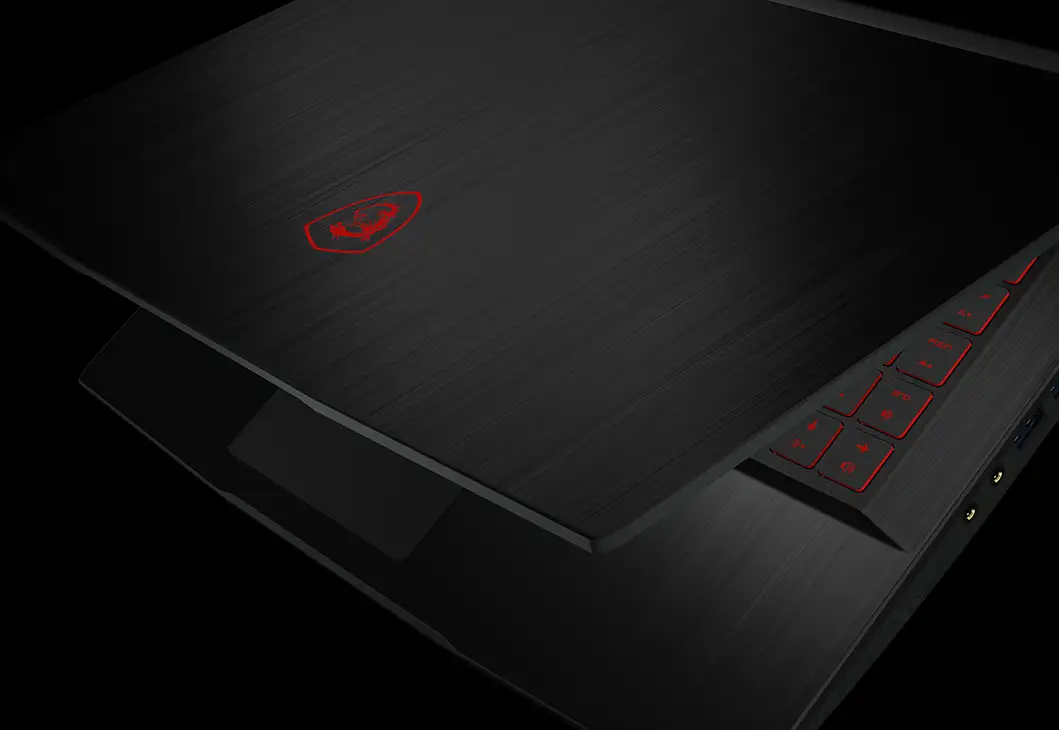
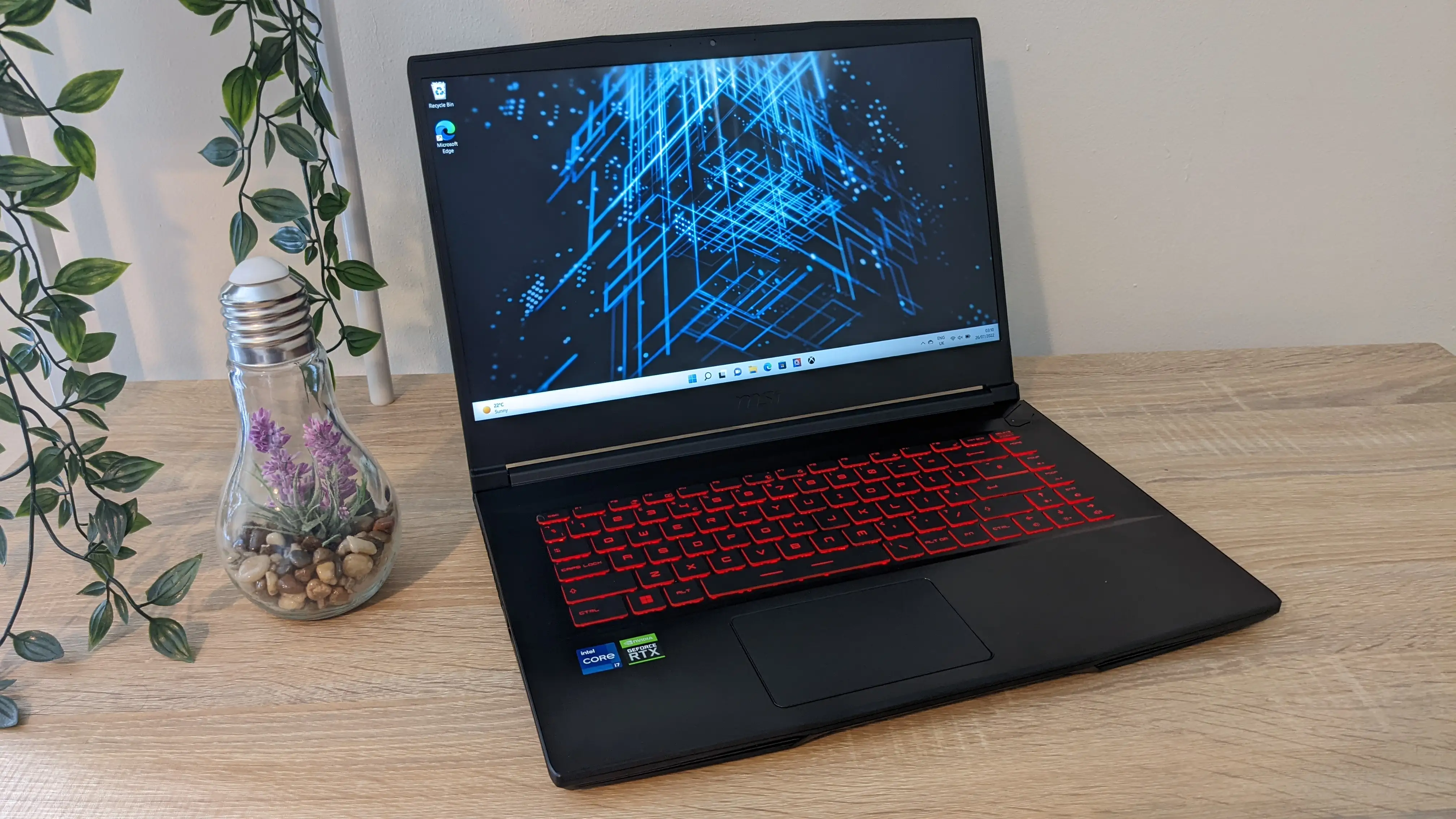
MSI GF63 Thin Review: Budget Gaming Verdict
A Reddit gamer summed it up bluntly: “Really can’t beat the price point.” With its 15.6-inch 144Hz IPS display, Intel Core i5 CPU, and NVIDIA GeForce RTX 3050 GPU, the MSI GF63 Thin Gaming Laptop sits in that elusive zone where price-conscious buyers get a taste of smooth, competitive 1080p gaming without breaking the bank. Across Amazon, Reddit, Trustpilot, and tech forums, its score averages around 8.4/10 for value and overall satisfaction—tempered only by battery life compromises and lighter build quality than rugged gaming notebooks.
Quick Verdict: Conditional buy—best for plugged-in 1080p gaming and students wanting portability over brute force.
| Pros | Cons |
|---|---|
| 144Hz IPS display delivers fluid and responsive visuals | Battery life drops to 1–1.5 hours gaming unplugged |
| RTX 3050 with DLSS extends playable settings in modern titles | Hinge feels light, some note flex concerns |
| Upgrade-friendly RAM and storage slots | 4GB VRAM limits ultra textures in newer AAA games |
| Lightweight and backpack-friendly design | Fans audible even in light tasks |
| Affordable for its performance class | No Thunderbolt/USB4 ports |
Claims vs Reality
Marketing highlights the “7-hour long battery life” and “silent mode” cooling profile. Digging deeper into user reports, that claim has sharp limits. A forum post by samkerslake0156a02e4 revealed, “Using MS Word…I’m lucky to get 3 hours,” while drek4 confirmed, “3 hours for the battery you got is about right with everything on low and screen at 50% or less.” Gaming without a charger? Multiple platforms measured just over an hour before frame rates dropped.
Another claim centers on “silent mode” implying near-zero fan noise in casual use. Reddit and MSI forum discussions show otherwise—thin laptops with discrete GPUs need active cooling even at idle. “Fan runs a lot on idle at low speeds, so always some fan noise. Max fan noise is acceptable,” wrote one Reddit owner after a month of use. The mode minimizes, but doesn’t eliminate, acoustic presence.
MSI’s promise of fluid 1080p gameplay holds truer. Verified buyers praise the RTX 3050’s pairing with a 144Hz panel. When tuned with DLSS, frame rates in Fortnite and Valorant push triple digits, and ray-tracing in supported titles stayed above 60fps with balanced settings. This matches marketing talk of “potent performance to game on.”
Cross-Platform Consensus
Universally Praised
One consistent high point is the 144Hz full HD IPS screen. For competitive gamers, this transforms gameplay precision. A Trustpilot reviewer called it “buttery…cursor motion and scrolling feel frictionless.” Reddit multiboxer noted smoother multitasking after upping RAM but kept returning to how responsive the panel felt in motion-heavy titles. For students and commuters, quick motion clarity in both games and desktop work provides tangible daily benefit.
Upgrade potential is the other standout. With two SO-DIMM slots and NVMe storage, entry configurations can be expanded well beyond stock, giving the laptop a longer useful life. Reddit user upgraded from 8GB to 32GB and saw “loading and things…much smoother” while running five Eve Online accounts simultaneously—a feat impossible at stock RAM. This flexibility appeals to budget buyers who prefer incremental investment over full replacement.
Finally, portability earns praise. At around 4.1lbs, aluminum-topped chassis, and slim 0.85-inch thickness, it fits easily into backpacks. Notebookcheck noted “compact dimensions and manageable weight…beneficial for mobility,” positioning it as a campus-friendly machine that doesn’t feel like a brick during daily transit.
Common Complaints
Battery life is the primary complaint. While spec sheets suggest up to 7 hours, every source points to far shorter endurance—closer to 4-5 hours in light use and 1-1.5 hours gaming. Users calling for all-day unplugged operation won’t find it here. Even toned-down settings struggle to stretch autonomy for mobile gamers.
Build specifics also draw criticism. The hinge’s lighter tension compared to heavier gaming machines means extra care is needed. Reviewers warn against opening from corners to avoid torque. The case’s plastic in lower sections feels less premium, as noted by the one-month Reddit user: “Case does feel a bit cheap…but good enough for the price.”
Fan audibility at idle frustrates those expecting whisper-quiet study sessions. MSI forum threads clarify that minimal fan speeds have been raised in BIOS updates to optimize temperatures, making true silence impossible unless users undervolt or disable turbo via tools like Throttlestop.
Divisive Features
Cooling design divides opinion. Supporters note well-tuned noise profile under gaming load—steady airflow without whine—keeping keys comfortable and avoiding thermal throttling. Others dislike that gaming fan noise is still noticeably present and that even low-load usage spins fans audibly.
Port selection fuels another split. The inclusion of multiple USB-A and single USB-C covers basics, but omission of Thunderbolt or USB4 limits bandwidth for fast external drives or high-refresh external displays. Some buyers accept this trade for price, while creators see it as an expansion bottleneck.
Trust & Reliability
Long-term accounts remain sparse, but no widespread reliability scandals emerge from Trustpilot or Reddit beyond normal wear. Most “silent mode” and battery critiques stem from usage expectation mismatches rather than outright failures. Notebookcheck warned about “no modern ports like USB4” as a sign this is not future-proof on connectivity, but core gaming hardware holds steady.
Durability in daily carry shows mixed reports—deck stiffness and aluminum lid resist flex, but hinge care is advised. Instances of users upgrading internals without issue suggest easy servicing; only one LaptopMedia note flagged upgrade-related warranty voiding in certain regions.
Alternatives
Comparisons to Acer Nitro 5 place the GF63 Thin ahead on weight and portability, with similar RTX 3050 performance. Nitro often wins in battery capacity and sometimes broader ports. Lenovo LOQ with RTX 4050 is faster in ray tracing but heavier and pricier; ASUS TUF with RTX 4060 outperforms outright but costs and weighs more. For buyers capped under $1,000, community consensus holds the GF63 Thin as a “fast where it counts” machine.
Price & Value
eBay and retail listings range from $500 for open-box units to $635–$799 new, depending on configuration. Forum buyers have found sub-$600 deals without Windows, adding their own OS to save. Resale remains moderate; weight and 144Hz screen keep demand in budget gaming market steady. Tips from community: prioritize configs with 16GB RAM, or budget for immediate upgrades to avoid early bottlenecks.
FAQ
Q: Can I upgrade the RAM and storage myself?
A: Yes. Two SO-DIMM slots and an NVMe slot make this straightforward; some units also have a 2.5-inch bay. Check your exact SKU before buying parts.
Q: How long does the battery last while gaming?
A: Roughly 1–1.5 hours unplugged, with reduced frame rates. Light use can stretch to 4–5 hours with refresh rate lowered to 60Hz.
Q: Will it run modern AAA games at 1080p?
A: Yes, with medium to high settings and DLSS enabled. 4GB VRAM limits ultra texture use in newer titles.
Q: Does it support external monitors at high refresh rates?
A: HDMI handles 4K at 30Hz; higher refresh external displays depend on model’s USB-C specs.
Q: Is “silent mode” truly silent?
A: No. It reduces fan speed, but cooling demands keep fans audible, even in light office work.
Final Verdict
Buy if you’re a student, commuter, or budget-conscious gamer who values fluid 1080p gaming and portability and will mostly play plugged in. Avoid if you need all-day battery or want a tank-grade build. Community pro tip: upgrade RAM to 16–32GB early—Reddit’s multiboxing user proved “things…much smoother” after the swap, making the GF63 Thin a far more capable multitasker.