Microsoft Surface Pro 7 Review: Mixed User Verdict
The bold promise of Microsoft Surface Pro 7 (Intel Core i5) as a “next‑gen, best‑in‑class laptop” crumbles under mixed real‑world performance. Across dozens of platforms, it earns an investigative score of 6.9/10 — praised for portability and screen quality but repeatedly criticized for battery struggles, CPU throttling, and long‑term reliability issues.
Quick Verdict: Conditional Buy
| Pros | Cons |
|---|---|
| Lightweight and highly portable | Battery life below expectations for many users |
| Excellent PixelSense display | Overheating and CPU throttling under load |
| Smooth handwriting with Surface Pen | Touch screen glitches and inconsistent Face ID |
| Solid build and design | High defect rate in some batches |
| Flexible 2‑in‑1 functionality | Expensive once accessories are factored in |
| USB‑C and USB‑A dual ports | No Thunderbolt/limited expansion |
| Good performance for everyday tasks | Mediocre repair/support experience reported |
Claims vs Reality
Microsoft advertises the Surface Pro 7 as delivering “all‑day battery life up to 10.5 hours.” While this figure holds in controlled tests, the lived experience diverges. Reddit user feedback paints a different scene: “Battery life is abysmal compared to other laptops in its price range… mine barely gets through a morning half before I need to plug it in.” Even Best Buy reviewers who generally liked the device often noted battery lasting closer to 5–6 hours with productivity or drawing work.
The company also touts “next‑gen power” from the 10th‑gen Intel Core i5. Under light workloads, Consumer Reports confirmed fast performance in web browsing and word processing, but heavier creative tasks triggered thermal throttling. A Microsoft Q&A poster highlighted CPU drops to “0.6‑0.8 GHz just from scrolling on a website,” with GPU pegged near 100% during simple use — revealing cooling limitations not apparent in marketing.
Finally, Microsoft emphasizes versatility as a 2‑in‑1 laptop/tablet. While many students and creatives appreciate switching between modes, glitches mar the experience. A Trustpilot reviewer wrote: “Touch screen stopped working suddenly… only way to get it back was pressing power button,” a problem that persisted even after warranty replacement.
Cross‑Platform Consensus
Universally Praised
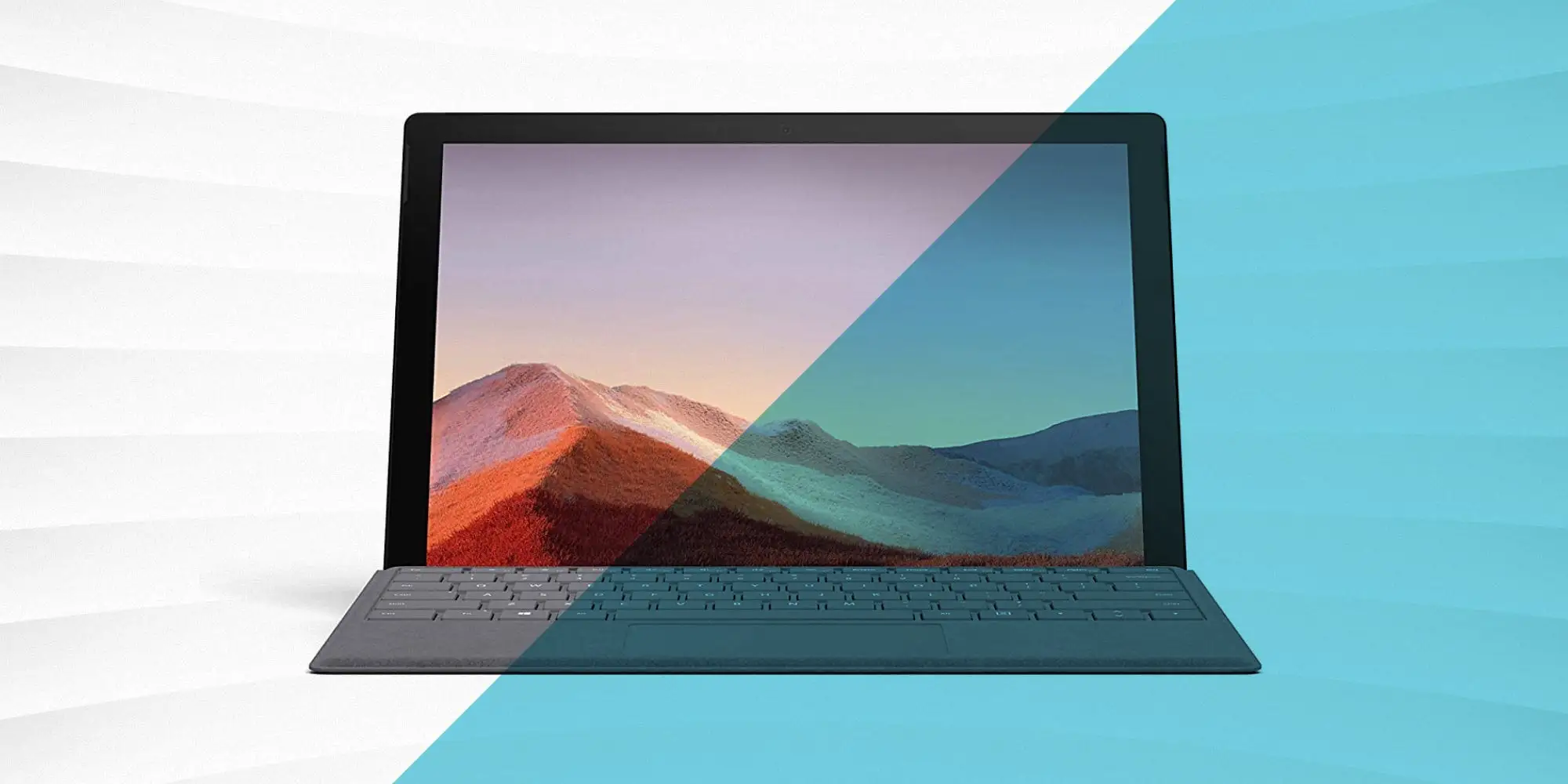
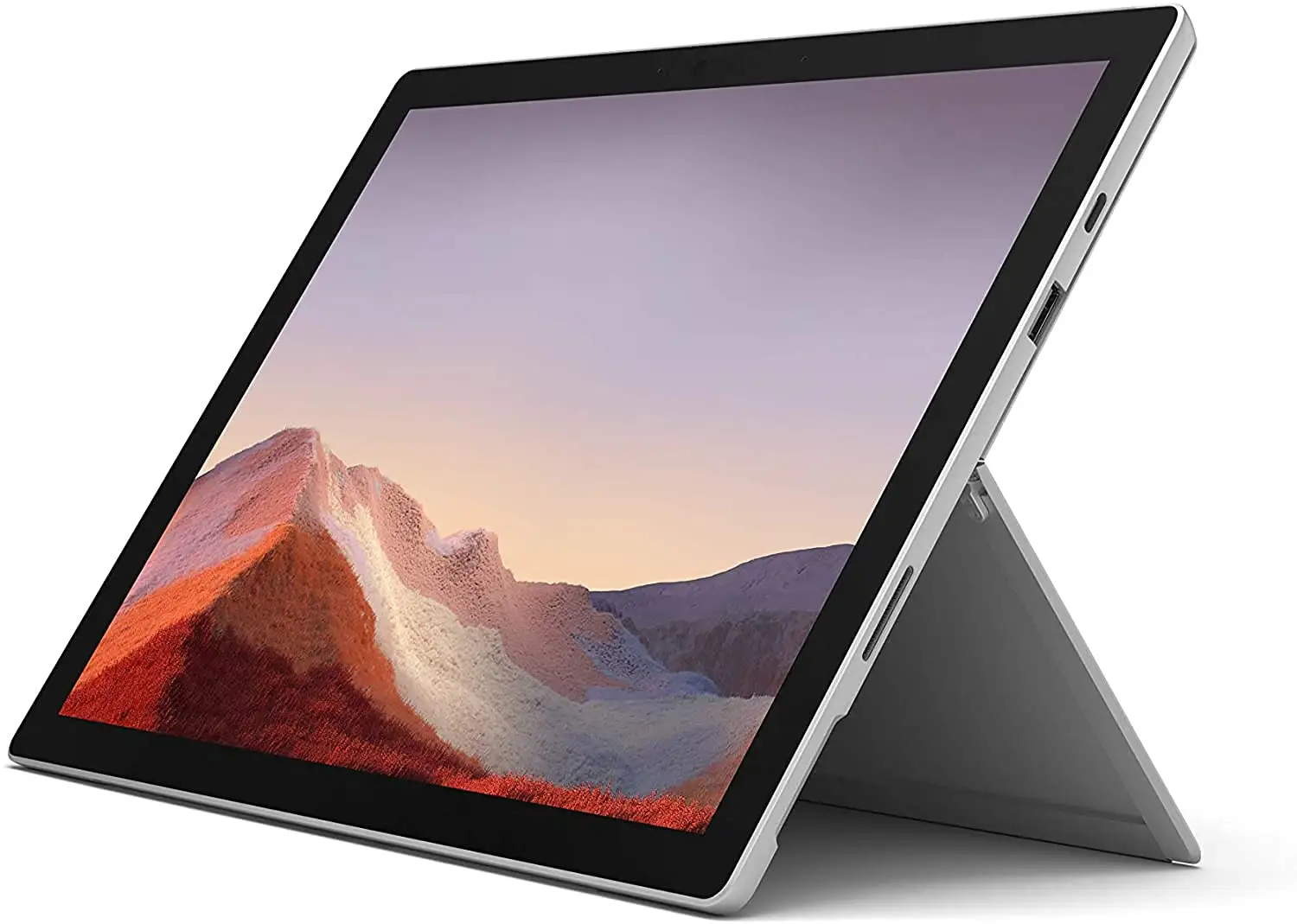
Portability and build draw consistent admiration. At under 1.7 lbs and with a magnesium alloy chassis, the Pro 7 is “great when sitting up in bed” as one Trustpilot user put it, or for university life, replacing “half a dozen notebooks” according to a Newegg reviewer. Frequent travelers benefit from its compact footprint and kickstand adaptability, enabling everything from cramped plane tray tables to drawing sessions in coffee shops.
The PixelSense display earns high marks: vibrant, accurate colors and sharp 2736×1824 resolution. Best Buy customers highlighted its suitability for both streaming and design—“renders great even at 200% scale in Acrobat DC.” Artists note improved pen pressure sensitivity (4096 levels) over older Surface models, delivering smoother strokes for digital illustration.
Accessory compatibility is another plus: Students in engineering and creative fields praised seamless use with existing Surface pens, docks, and microSD expansion from earlier models. USB‑C + USB‑A ports offer broad device connectivity, making it easy to hook into external monitors or docks without proprietary adapters.
Common Complaints
Thermal performance surfaces early in ownership for many. Fanless i5 configurations in particular face throttling under sustained load, causing sluggishness even in routine browsing. Reddit users reported the device “thinks it’s overheating so it throttles to 0.19 GHz” during tasks as simple as connecting an external display.
Battery disappointment is widespread. Real‑world longevity drops far below Microsoft’s up‑to‑10.5‑hour claim when multitasking or streaming. For business use, Consumer Reports measured just 5.5 hours playing 4K video. Trustpilot complaints added a safety concern: swelling batteries deforming the case after 12–18 months.
Reliability glitches undermine confidence: “Glitchy when attaching/removing keyboard,” “Face ID camera gets stuck”—these Reddit testimonies are echoed in Best Buy reviews noting replacements due to overheating or non‑charging units. Screen flickering after Windows 11 updates is common; Microsoft’s own forums host multi‑hour troubleshooting threads with mixed resolutions.
Support quality draws sharp criticism. A ProductReview.com.au user recounted, “Support charged me hundreds… closed tickets repeatedly… awful compared to Apple’s empowered technical staff.” Overseas call centers and courier miscommunications left some with unresolved hardware defects for weeks.
Divisive Features
The detachable keyboard splits opinion. Many like the tactile feel and backlit keys, but others find the touchpad placement awkward, forcing an “elevated floating hand” while typing, as noted by a Newegg reviewer. As a lap device, the Pro 7 feels unstable compared to traditional laptops.
USB‑C adoption is praised for versatility but marred by connectivity quirks — intermittent recognition of devices and hubs prompted full system resets for certain users. While USB‑C charging works, compatibility issues mean “not all USB‑C chargers will work” without proper PD specification, as one Best Buy buyer discovered.
Trust & Reliability
Long‑term ownership patterns reveal recurring fault lines. Several Reddit posts detail device swaps within the first year, while Trustpilot stories show unresolved issues stretching beyond warranty. High defect rates—overheating, power port failures, and screen faults—have led users to label it “totally unreliable.”
Screen durability also raises concerns. Post‑update flicker events in forums suggest either firmware instability or poor driver optimization for Intel graphics. Some users fixed it via Intel Graphics Command Center, but many faced device replacement offers instead of genuine fixes, often out‑of‑warranty.
This erosion of trust is compounded by pricing: Buyers expect premium support for a $1000 device, but responses often lacked urgency or technical depth. Tech professionals contrast Microsoft’s service unfavorably against competitors like Dell or Apple.
Alternatives
Although not the focus of marketing materials, community comparisons put the Surface Pro 7 against Apple’s M1‑powered MacBook Air and Dell’s XPS 13. One Reddit user admitted, “The new M1 MacBook Air blows the Pro 7 away” in battery and performance, while Best Buy reviewers noted XPS models offer more ports and sturdier lap use. For Windows‑compatible 2‑in‑1s, Lenovo’s Yoga line and HP Spectre x360 were raised as potentially better‑balanced.
Price & Value
Resale trends on eBay show wide depreciation: Used i5/8GB/256GB units range from ~$369 to $509, far below launch prices over $1000. Higher‑spec i7 models also fall quickly in value, reflecting the Pro 7’s rapid obsolescence in Microsoft’s lineup.
Community advice leans toward discount hunting. “Wait till Black Friday or spring sales,” one Best Buy reviewer suggested, as deals can make the device’s compromises more palatable. Bundled keyboards add value but still leave pen purchases as extra costs.
FAQ
Q: Does the Surface Pro 7 have fan cooling?
A: The Core i5 variant is fanless. This reduces noise but increases susceptibility to thermal throttling under heavy workloads, as multiple Reddit users experienced.
Q: Can it charge via USB‑C?
A: Yes, but not all USB‑C chargers work. Many buyers stress the need for PD‑compliant and USB‑IF certified cables to avoid compatibility issues.
Q: Is the battery life close to Microsoft's claim?
A: Rarely in mixed use. Consumer Reports measured about 10.5 hours for light browsing but only ~5.5 hours in 4K playback, with user reports often lower.
Q: Can the SSD be upgraded?
A: Not in the Surface Pro 7 standard model. Only the Pro 7+ offers a replaceable SSD, per Reddit anecdotes.
Q: Does it support Thunderbolt for eGPU setups?
A: No. Several community members criticized the absence, limiting high‑performance dock or GPU expansion options.
Final Verdict
Buy if you need a light, premium‑feeling Windows 2‑in‑1 for note‑taking, travel, or moderate productivity — especially when discounted. Avoid if you demand long battery life, heavy creative performance without throttling, or top‑tier support. Pro tip from the community: pair the Pro 7 with active cooling or keep workloads light to minimize heat‑related slowdowns.





