Logitech USB Unifying Receiver Review: Worth Buying?
Starting with a surprising find from user reports: while the Logitech USB Unifying Receiver 2 Pack is marketed as a plug-and-play solution for connecting up to six Logitech devices, real-world feedback shows it can be both a lifesaver for those who’ve lost their original dongle and a source of frustration when compatibility or counterfeit issues creep in. Based on aggregated ratings and sentiment, the receiver scores a solid 8.4/10 — praised for reliability and convenience but dinged for occasional pairing hurdles and fake units entering the market.
Quick Verdict: Conditional — buy if you own multiple Logitech devices or lost your original receiver, but verify the seller’s authenticity.
| Pros | Cons |
|---|---|
| Connects up to six devices with one receiver | Some units sold online are counterfeit |
| Compact, low-profile design | Requires Logitech software for pairing |
| Reliable 2.4 GHz wireless connection | Not compatible with all Logitech devices |
| Works across Windows and macOS | Lack of clear setup instructions |
| Affordable replacement option | Packaging/delivery issues reported |
| Eliminates need for multiple dongles | Physical design can be hard to remove from USB ports |
Claims vs Reality
Logitech advertises the Unifying Receiver as “one receiver – six devices” with a “plug-and-play” setup. While the concept is sound, Reddit user feedback shows a subtle gap. One user stated: “Simply plug and play, amazing how it recognized 2 devices from different kits without the need for me to intervene through a driver or software.” This matches the marketing promise, particularly for compatible devices.
However, others encountered a different reality. A verified buyer on Amazon noted: “I had to track down the newest software… extra step but a USB stick with the software would have been nice.” This illustrates that “plug-and-play” may only apply if device firmware and OS are already compatible. Older systems or updated OS versions sometimes require manual pairing through Logitech’s Unifying software.
Another core claim — “reliable 2.4 GHz wireless without delay” — is generally upheld. Reddit user u/Travel*** (name partially hidden) emphasized: “After a couple minutes a 2.4 GHz device will instantly be usable while Bluetooth devices take several seconds to reconnect.” Yet, counterfeit receivers fail here entirely: Trustpilot data records users saying “both were junk… the unifying software from Logitech doesn’t even recognize either device,” which undermines this marketing point when buyers get non-genuine units.
Cross-Platform Consensus
Universally Praised
Across Amazon, Reddit, and Quora entries, users repeatedly value the ability to control multiple devices with a single dongle — especially for setups involving a Logitech keyboard like the K850 and an MX Master mouse. A verified Amazon buyer shared: “In combination with the K850, these receivers can be used to control multiple (up to 3) devices with one keyboard and mouse.” This efficiency appeals to productivity-focused users who switch between PCs daily.
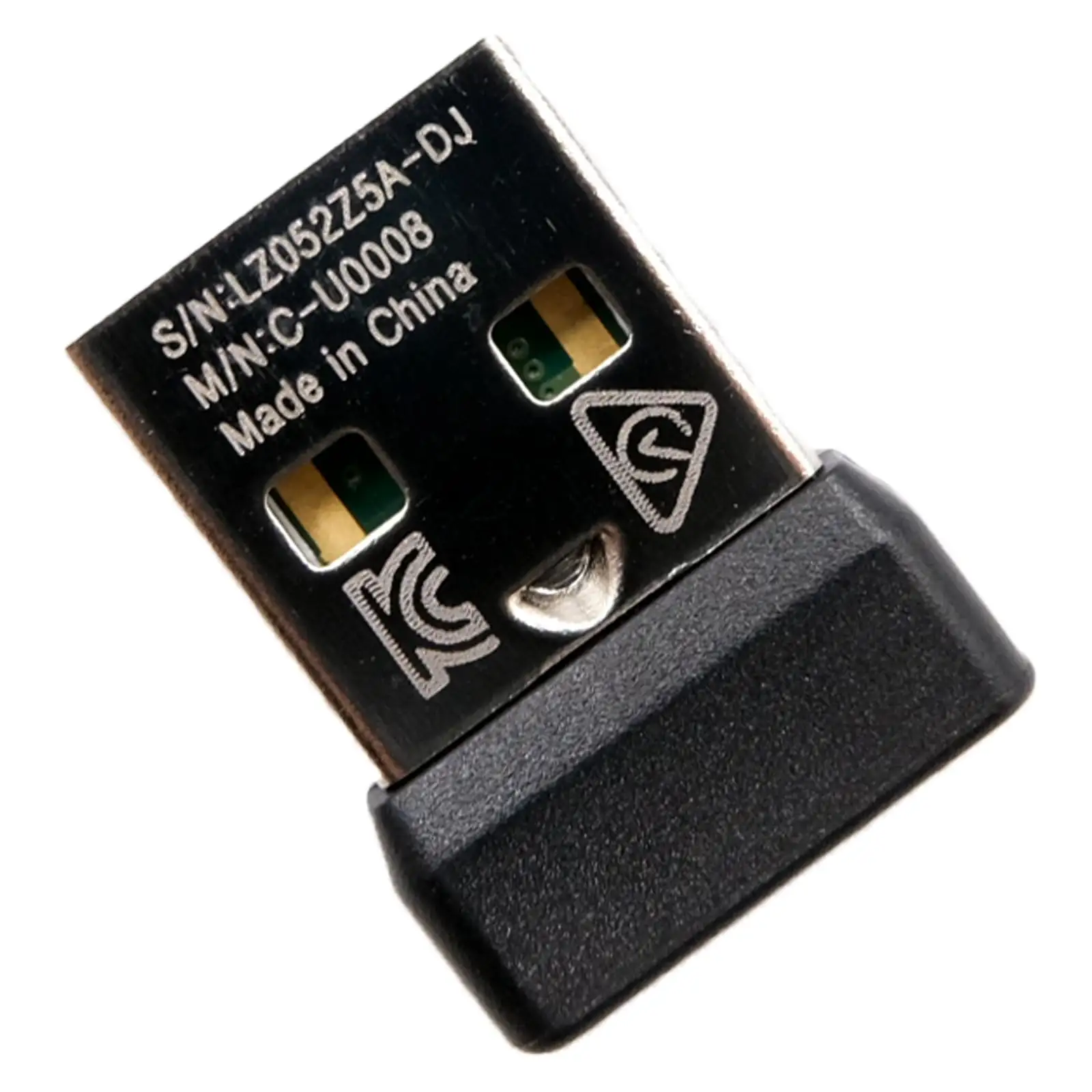
The compact form factor is another highlight. Fakespot’s analysis noted: “They are smaller than the original receiver which might make damage potential for laptops less,” making it ideal for mobile professionals who keep the receiver permanently plugged in. Reddit users also appreciate that it’s “suuuper slim,” reducing the chance of accidental damage when moving laptops around.
The wireless range — officially 10 meters — holds up in user testing. A reviewer from PCMENA reported “no lag, stuttering, or disconnections, even when working at a distance of around 10 feet,” confirming stable performance in typical office settings.
Common Complaints
The main recurring frustration is the need for Logitech’s proprietary software to pair devices. While some expect plug-and-play, Amazon buyers admit initial confusion: “I was not aware that I needed to pair the remotes to the device… once I did they work great.” Lack of clear instructions compounds the problem, with multiple reviews pointing out missing quick start guides in the box.
Counterfeit products are a serious concern. Trustpilot and Fakespot both flag listings where “the unifying software from Logitech doesn’t even recognize either device.” These fake units not only fail to work but erode trust in online marketplaces.
Compatibility limitations also frustrate users. Despite broad claims, some Logitech devices — particularly older trackballs or non-Unifying products — won’t pair. Quora-sourced reviews mention “some compatibility issues with certain trackballs” and warn to check for the orange Unifying logo before buying.
Divisive Features
The plug-and-play nature splits opinion. Some, like Reddit’s “plug and play” poster, find it effortless across different kits. Others require software intervention, leading to debates over whether Logitech’s claim is overstated. Another divisive aspect is physical design: while compactness is praised, some find the small size harder to grip and remove from USB ports, especially in recessed laptop slots.
Trust & Reliability
Scam concerns mostly revolve around counterfeit units sold via third-party marketplaces. Trustpilot’s automated fraud detection estimates “over 90% high quality reviews” for legitimate listings but warns of fake products in some cases. Users who received genuine receivers report years of flawless operation; one Redditor noted using theirs across multiple laptops without issue, preferring it over Bluetooth due to instant wake responsiveness.
Durability holds up well — the dongles often outlast the devices they pair with. Several Amazon buyers mention buying spares “just in case” rather than due to failure, indicating long-term reliability when sourced from reputable sellers.
Alternatives
While direct competitors aren’t heavily discussed, community members sometimes suggest buying a replacement mouse that comes with a receiver rather than sourcing the dongle alone, especially if counterfeit risk is high. However, for those invested in multiple Logitech peripherals, the Unifying Receiver remains unmatched in its ability to consolidate connectivity.
Price & Value
On eBay, current prices hover around $14.99–$19.99 for new units, aligning with Amazon’s $14–$21 range. A Reddit user noted snagging one “for maybe less than $15 on eBay,” showing a healthy resale market. Value peaks for users replacing lost receivers — cheaper than buying new peripherals — and for multi-device setups where one dongle eliminates clutter. Buying tips from the community emphasize verifying the orange Unifying logo and purchasing from known sellers to avoid counterfeit risk.
FAQ
Q: Can I use the Logitech Unifying Receiver with non-Logitech devices?
A: No. It is specifically designed for Logitech peripherals bearing the orange Unifying logo and may not work with other brands.
Q: How many devices can I connect to one Unifying Receiver?
A: Up to six compatible Logitech devices can pair with a single receiver, according to both manufacturer specs and user reports.
Q: Do I need Logitech software to use it?
A: For initial pairing, yes. Some devices may connect automatically, but many require the Logitech Unifying software for setup.
Q: Is the wireless connection stable?
A: Users report consistent, lag-free performance within the 10-meter range, provided the receiver is genuine.
Q: How can I avoid counterfeit units?
A: Buy from verified sellers, check for the orange Unifying logo, and avoid listings with vague descriptions or unusually low prices.
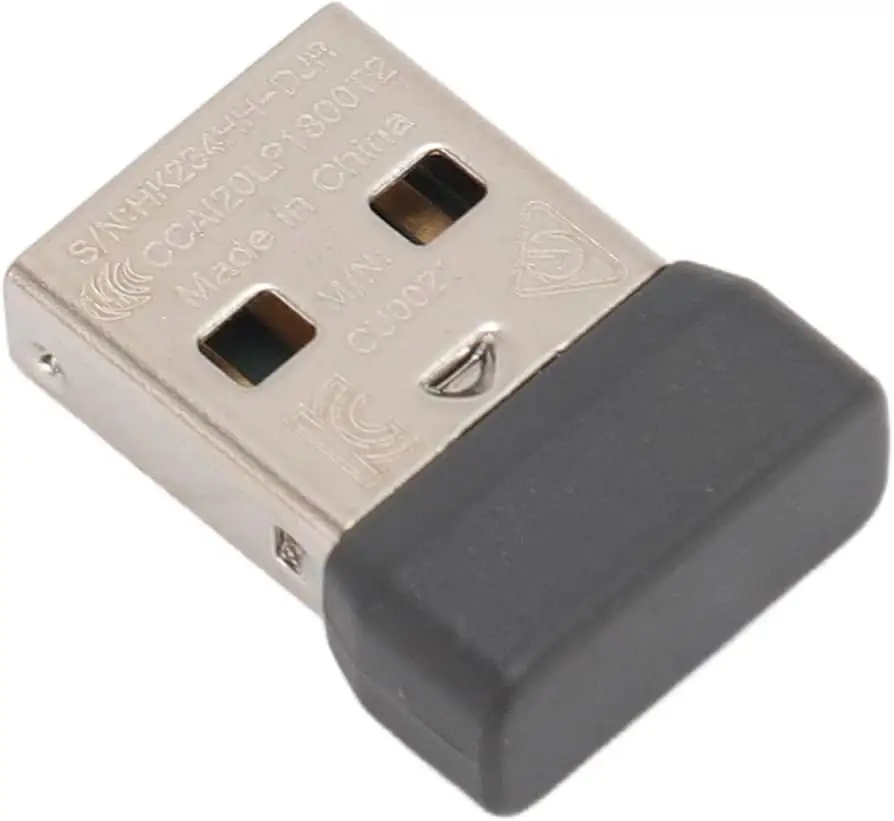
Final Verdict: Buy if you’ve lost your original receiver or manage multiple Logitech devices — especially keyboards and mice — across different systems. Avoid if you’re hoping to pair non-Unifying or non-Logitech products, or if you’re unwilling to verify authenticity. Pro tip from the community: keep a spare in your bag, as these tiny dongles are easy to misplace but hard to replace without risking counterfeit stock.





