Logitech MK540 Review: Comfort & Battery Life Verdict
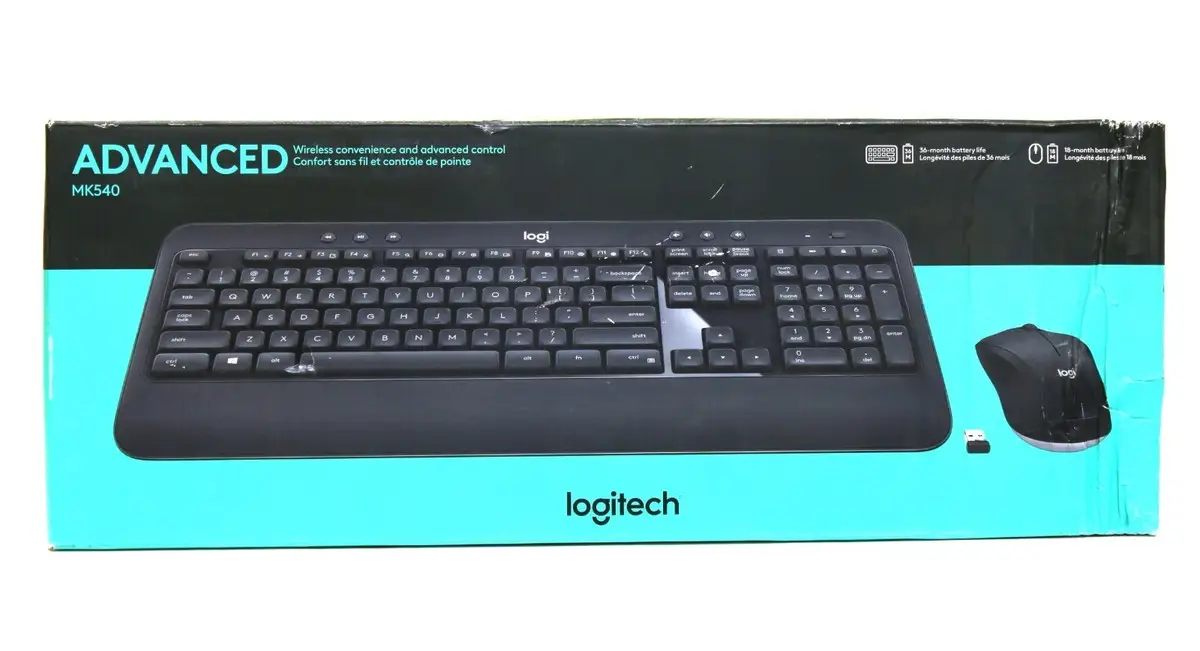
A Best Buy customer’s declaration that “I’ve only had to change the batteries one time in five years” sets the tone for the Logitech MK540 Wireless Keyboard and Mouse Combo — an office workhorse earning an 8.8/10 from cross-platform feedback. Praised for comfort, build quality, and exceptional battery life, it’s a go-to set for many, but range limitations and occasional connection hiccups keep it shy of perfection.
Quick Verdict: Conditional buy for desk workers seeking comfort and longevity, but not for long-distance remote control setups.
| Pros | Cons |
|---|---|
| Long battery life (keyboard up to 36 months, mouse up to 18 months) | Reported wireless range weaker than claimed |
| Comfortable key action with palm rest | No backlighting |
| Quiet keys, precise typing feel | Default F-key behavior may frustrate some |
| Unified receiver for both devices | Mouse feels small/cheap to some |
| Spill-resistant, durable key print | Occasional connection drops |
| Easy setup, reliable day-to-day use | No scroll lock key |
| Good value for price | Some lag with certain setups |
Claims vs Reality
Logitech markets the MK540’s “reliable — and encrypted — wireless connection up to 10 meters away with virtually no delays or dropouts.” While many buyers confirm stable performance at typical desk distances, a Reddit user’s home theater PC test found “it has no range!!! … wouldn’t allow use unless you were right up next to the computer/monitor.” This suggests the advertised 10m reach may vary dramatically based on environment.
The brand’s claim that the keyboard “won’t require new batteries for 36 months” matches long-term user stories. Best Buy reviewer millerc said: “I’ve only had to change the batteries 1 time in the entire life of my first one.” Even with daily use, this energy efficiency holds up.
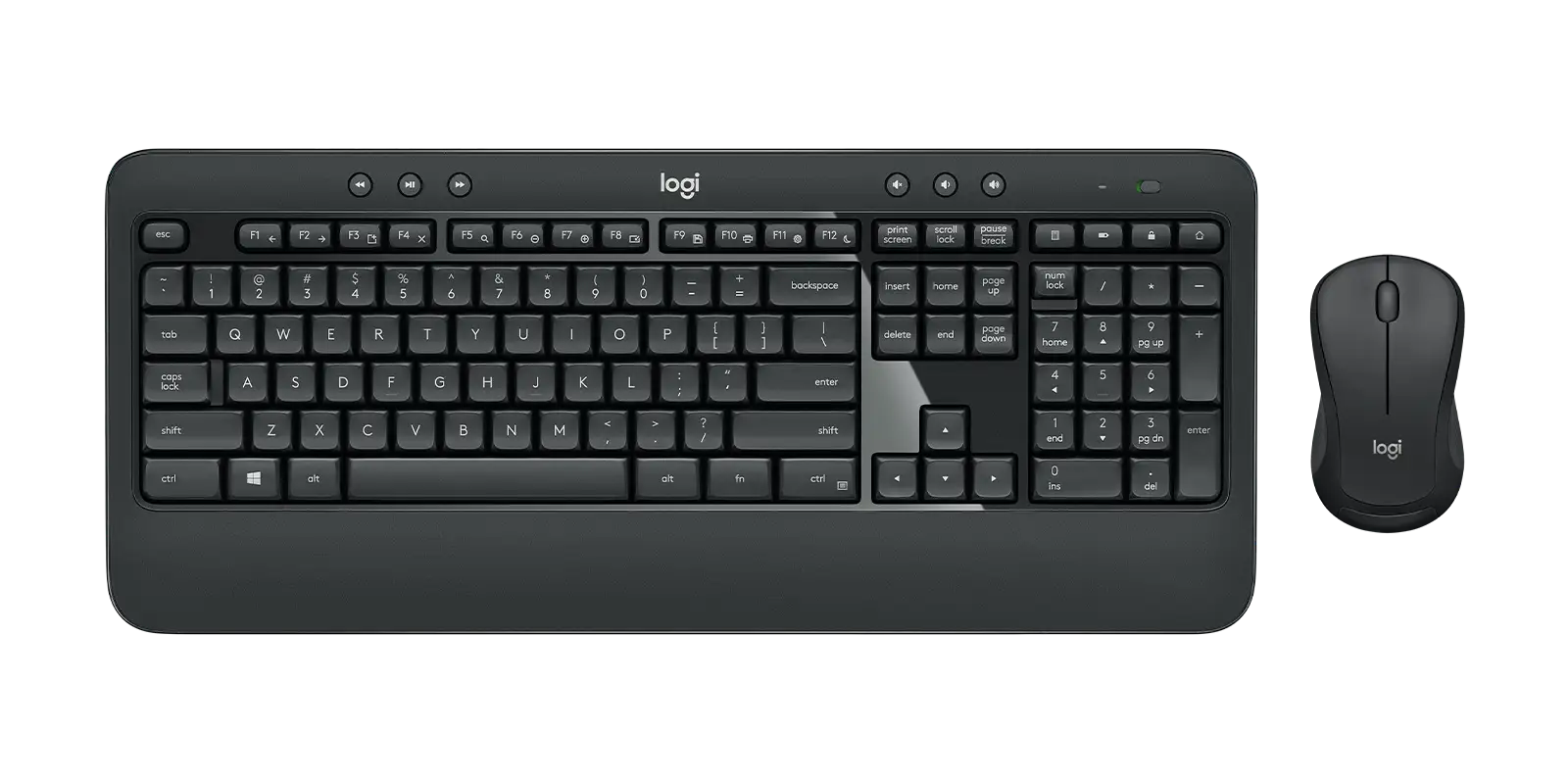
Marketing pushes “comfortable typing experience and contoured comfort mouse”—and here reality meets expectation. 3rd gen carpenter noted the “palm rest area … keeps sweaty palms from discoloring the top of our wooden desk” and appreciated the manual feel of the keys, while others called the included mouse “so-so,” replacing it with other Logitech models.
Cross-Platform Consensus
Universally Praised
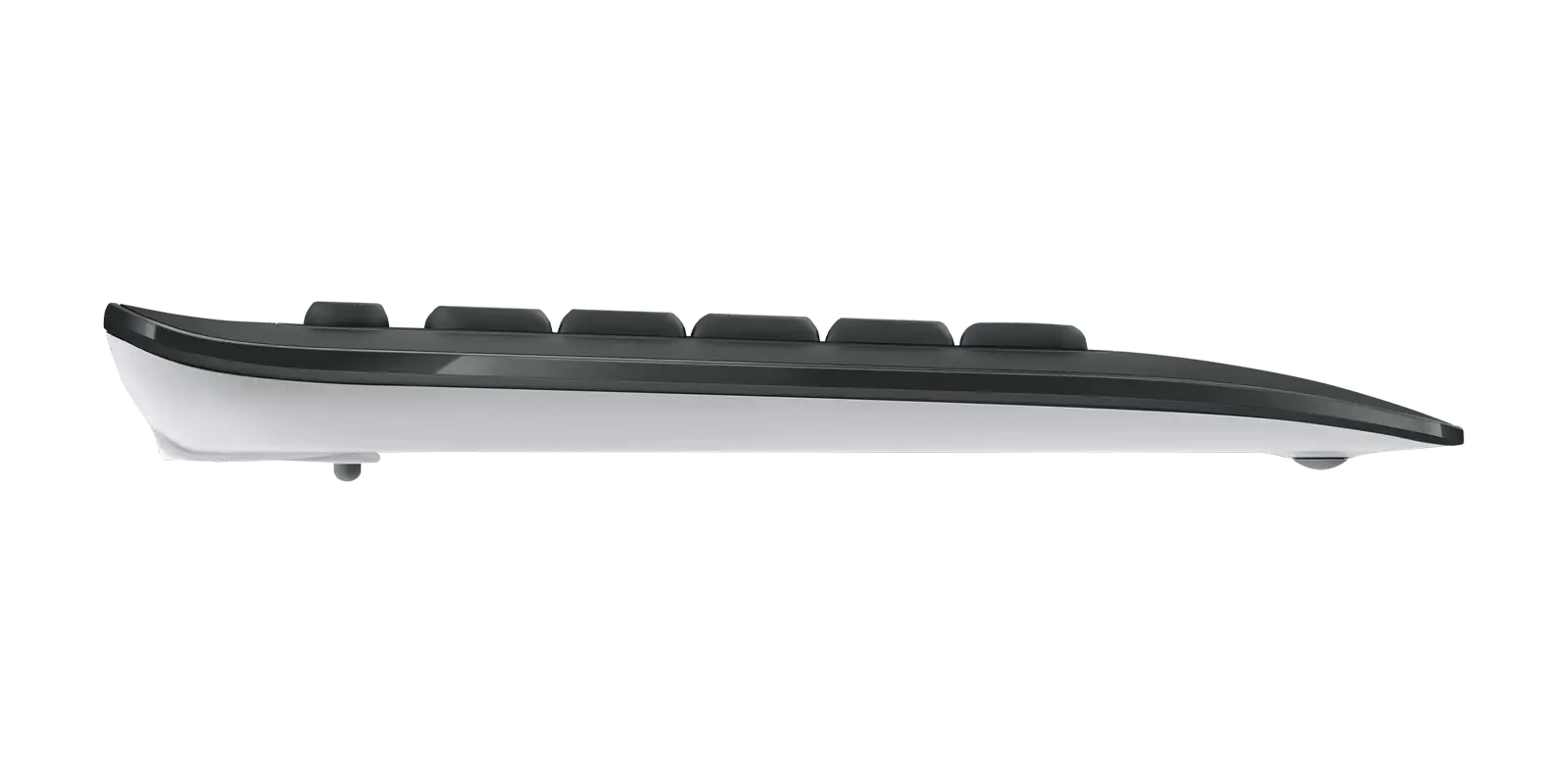
Comfort and typing feel top nearly every praise list. A Best Buy buyer shared: “Keys just feel good when typing… the value is unbeatable.” The palm rest and adjustable tilt legs cater to long sessions, whether for office work or home use. Reddit user Sick Fox 469 also appreciated “super soft and quiet” keystrokes, reducing fatigue.
Battery life emerges as a universal strength. Austinf summarized it simply: “Solid battery life. They’re all over the place at my office.” For those who dislike frequent battery swaps, this is a major plus, especially with the keyboard’s multi-year lifespan.
Durability gets repeated nods. Cmos called it “my favorite… won’t go back to the cheaper ones now” after years of daily use. Combined with spill resistance and abrasion-proof key print, it survives heavy office environments.
Common Complaints
Range and dropout issues affect certain setups — particularly when the USB receiver is tucked behind computer towers. Sick Fox 469 reduced disconnects dramatically by moving the dongle to a front-facing port.
Missing backlighting frustrates some nocturnal users, and the lack of a scroll lock key is a pain point for spreadsheet-heavy workflows. Default F-key behavior also annoys until reconfigured in Logitech Options+, as Mistered found.
The mouse draws more criticism than the keyboard. Newegg reviewers noted that in cheaper bundles, “the mice are often quite small, and feel somehow cheaper made compared to the keyboards.” This set is no exception for those preferring larger, ergonomic mice.
Divisive Features
Key travel sparks differing opinions. Some praise the deep-profile feel, while others call it “spongy.” The aesthetic — matte black with subtle contouring — is appreciated by many for its professional look, but gamers find it unremarkable compared to flashier options.
Trust & Reliability
No significant scam patterns emerged in Trustpilot-style reviews. On the contrary, seasoned buyers repeatedly attest to longevity. Millerc’s five-year story is echoed by Cmos, who “can’t remember when I changed them last.” Reliability holds in both home and office contexts, with minor drops mostly tied to receiver placement.
Alternatives
While no direct spec-for-spec competitors are heavily discussed alongside the MK540, several users replace its mouse with Logitech’s M510 for a larger grip. One Best Buy reviewer swapped to this without losing receiver compatibility, thanks to the unifying connection.
Price & Value
Current listings show new units around $40–$60 depending on market, with eBay prices dipping below $30 for refurbished. Given its multi-year lifespan, users see it as a better investment than cheaper, short-lived combos. Cherylw described it as “sleek… adds elegance to my workspace” and felt the quality justified the spend.
For buyers, the tip from Sick Fox 469 — place the unifying receiver in a front USB port — could be the difference between perfect connectivity and aggravation.
FAQ
Q: Is the MK540 compatible with macOS?
A: Yes. While the keyboard layout is Windows-based, it works with macOS and Chrome OS through the included unifying receiver.
Q: Can the function keys be set to standard F1–F12?
A: Yes, via Logitech’s Options+ software. Several users recommend doing this for workloads involving Excel or other specific shortcuts.
Q: How spill-resistant is the keyboard?
A: Tested to handle up to 60ml of liquid without damage, but it should never be submerged.
Q: Does the mouse support free scrolling?
A: No. User reports confirm it’s a click-to-click scroll style, which some prefer for precision but others find limiting.
Q: What is the real-world wireless range?
A: While rated for 10m, feedback indicates perfect performance within desk distance. Performance may degrade with obstacles or poor receiver placement.
Final Verdict
Buy if you’re a desk-bound worker or home office user who values quiet, comfortable typing and years-long battery life. Avoid if you need to control devices across large rooms — range complaints are real. Pro tip from veteran owners: pair with a front-mounted USB receiver and, if the included mouse feels lacking, swap it for a larger unifying-compatible model for the perfect office combo.





