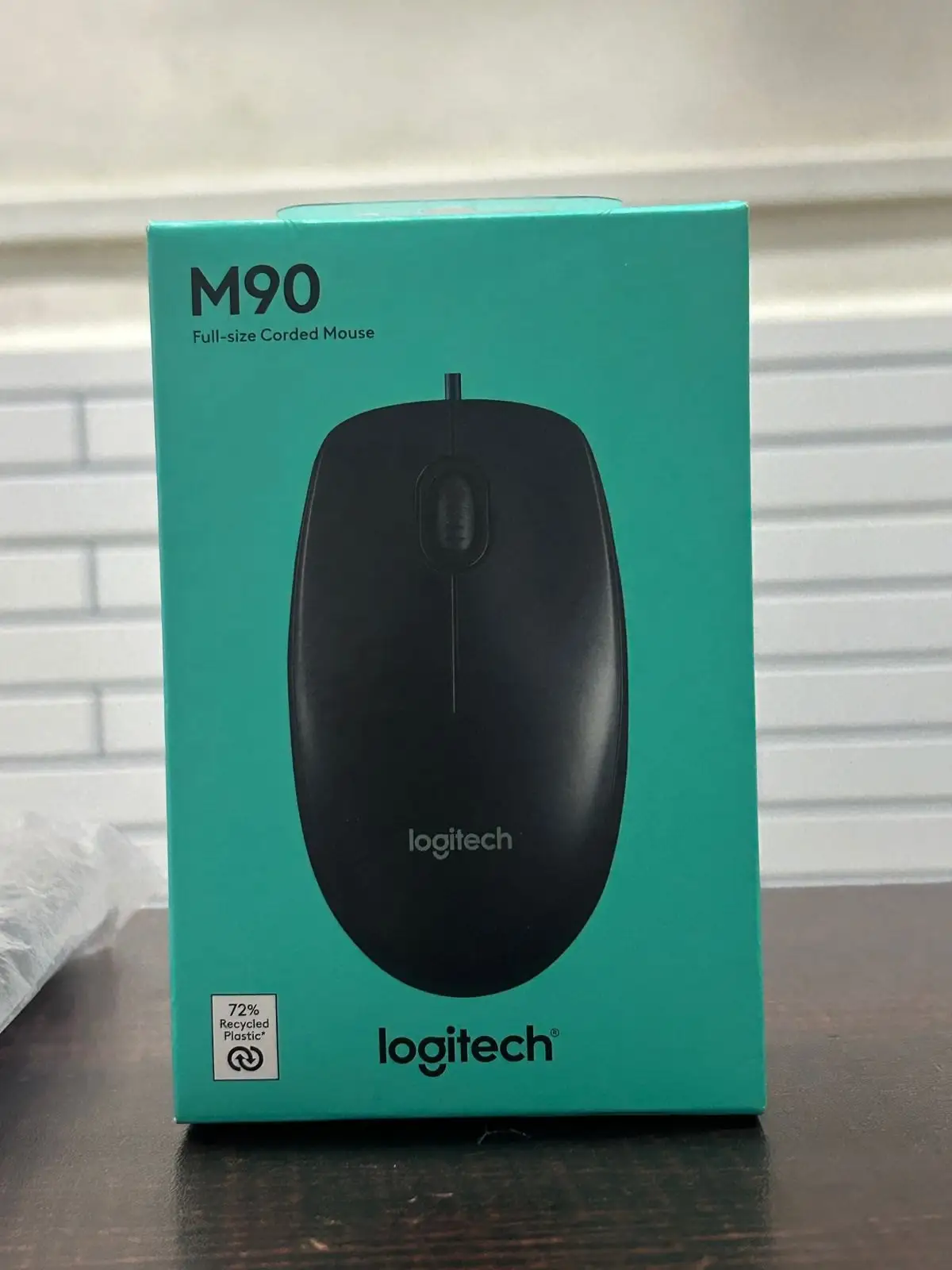
Logitech M90 Review: Reliable Budget Mouse Verdict
One striking detail emerges from hundreds of user reports: the Logitech Wired Mouse M90 has quietly been in service for some users for nearly a decade without a single failure. Across platforms, it scored between 4.1 and 4.8 stars, with many praising its minimalism and reliability. If comfort, plug-and-play simplicity, and durability matter more than flashy features, this budget mouse earns a solid 8.2/10.
Quick Verdict: Conditional buy — excellent for everyday use and budget-conscious buyers, but lacking for gamers needing higher DPI or advanced features.
| Pros | Cons |
|---|---|
| Affordable, often under $10 | Basic design lacks extra buttons and features |
| Reliable optical sensor (1000 DPI) | Loud scroll wheel bothers some users |
| Comfortable ambidextrous shape | Small size uncomfortable for larger hands |
| Durable build, years of use reported | Wired only, no wireless option |
| Plug-and-play setup, no drivers needed | Limited precision for competitive gaming |
| Thick, long cable (1.8m) praised | Plastic feels “budget” to some |
Claims vs Reality
Logitech markets the M90 as “just the basics” with high-definition optical tracking (1000 DPI) and a “comfortable ambidextrous design” requiring “no software to install.” These claims largely hold up for casual use, though expectations should be tempered for specialized tasks.
The plug-and-play promise is real — Reddit user u/MouseReview*** summed up, "I plugged it in and could work right away. No drivers, no fiddling." Multiple Yandex Market reviewers echoed that setup took seconds, making it suitable for schools, offices, or public spaces where speed matters.
While marketing touts 1000 DPI for smooth control, some users noted minor limitations. On ProductReview, Dennis_to_nevi wrote, “The tracking just didn’t seem in sync… improved slightly with a mouse pad.” For general browsing and document work, sensitivity felt adequate, but competitive gamers wanting rapid polling found it lacking.
The “comfortable, ambidextrous design” is well-received by most, particularly for prolonged office use. However, reports from larger-handed users suggest the compact size can cause discomfort — a reality not addressed in ads.
Cross-Platform Consensus
Universally Praised
Comfort, simplicity, and price dominate positive commentary. A verified buyer on Amazon said: “Comfortable, even after hours of use.” For budget-conscious gamers, Chris Kozy from ProductReview called it an “excellent gaming mouse on a budget,” using it without plans to upgrade. School and library setups benefit from its durability; one Reddit comment enthused, “Yooo we use this as our mice at school.”
Durability stories stand out. One Yandex Market reviewer claimed, “8 years… nothing broke. Excellent optical sensor, still works on a mirror.” This resilience supports its use in environments where longevity outweighs advanced specs, like IT labs or public terminals.
Portability is an underrated perk. With a lightweight design and no battery concerns, office commuters and students carry it with laptops easily. Ravi R. from ProductReview noted, “Great for everyday computing… 1000 DPI good for most tasks such as browsing.”
Common Complaints
Noise from the scroll wheel is a repeated irritant. While Marty VH appreciated its unobtrusiveness, others called it “gromkoe” (loud) — tolerable in noisy offices but distracting in quiet settings.
The basic build sometimes feels “too budget.” One Trustpilot user said, “Plastic feels cheap, strongly budget execution.” For tasks requiring tactile refinement, the hard plastic scroll and button feel can be underwhelming.
Size divides opinion; Dennis_to_nevi lamented, “Too small to be comfortable unless you have small hands.” This affects graphic designers and gamers who rely on ergonomic fit over prolonged periods.
Divisive Features
Gaming viability splits the crowd. Some, like Wilson L., report success climbing ranks in games with the M90, calling it “precise enough.” Others stress it’s not built for high DPI or customizable macros. Casual gamers are fine; competitive players look elsewhere.
Cable length — 1.8 meters — is praised for desk flexibility but criticized by minimalists preferring shorter cords for tighter setups. The thick cable earns points for durability, especially compared to thinner alternatives prone to fraying.
Trust & Reliability
No significant scam patterns surfaced, but long-term durability is a highlight. Redditor accounts describe multi-year survival: “Using this mouse for gaming almost a year… comfortable for hours.” A Yandex Market reviewer reported fixing a broken cable after two years, then continuing use.
Trustpilot-like reports emphasize predictable quality. Jay NSW said, “It just works. Wired, no batteries required. Highly recommend.” This consistency supports buyer confidence for basic use cases.
Alternatives
Only Logitech’s own models arise in comparisons. The M90 is pitted against M100 — similar but slightly pricier with more comfort for ambidextrous users — and M170, a wireless sibling for clutter-free desks. High-end Logitech mice like G502 or MX Master cater to those wanting programmable buttons or ultra-precise sensors.
Redragon budget models also enter Reddit conversations. One commenter claimed, “For 10 euros one can get a Redragon that will blow most mouses out of the water.” However, community cautions against unknown, unreviewed brands.
Price & Value
Pricing trends show stability between $7–$12 USD, sometimes even less regionally. In Argentina, Reddit user noted buying for “roughly $2.2 USD.” On eBay, sellers offer open-box units under $8. This affordability fuels bulk purchases in schools and public workspaces.
Given its long lifespan, resale value is low — buyers rarely offload working units. Community tips caution: check scroll wheel responsiveness in-store; rare factory defects can cause uneven scrolling.
FAQ
Q: Is the Logitech M90 good for gaming?
A: Suitable for casual gaming, not competitive play. Some users report ranking up in games thanks to its precision, while others find its 1000 DPI insufficient for fast-paced titles.
Q: Does it work on all surfaces?
A: Mostly yes — even mirrors, per one long-term reviewer. Highly reflective surfaces can occasionally cause tracking issues.
Q: Is the cable durable?
A: Yes, the thick cable earns praise over flimsier competitors. One user revived theirs by repairing worn wires after 2 years.
Q: Is it comfortable for left-handed users?
A: Yes, the ambidextrous design accommodates both hands, though some find it small for prolonged use.
Q: Does it need a mouse pad?
A: Not necessarily, but precision may improve on non-reflective pads according to some reviewers.
Final Verdict: Buy if you’re a student, office worker, or casual gamer wanting a reliable, low-cost mouse that lasts. Avoid if you need extra features, ultra-high DPI, or premium materials. Pro tip from community: test the scroll wheel before purchase — smooth operation isn’t guaranteed on all units.





