Logitech M90 Mouse Review: Durable, Budget-Friendly Pick
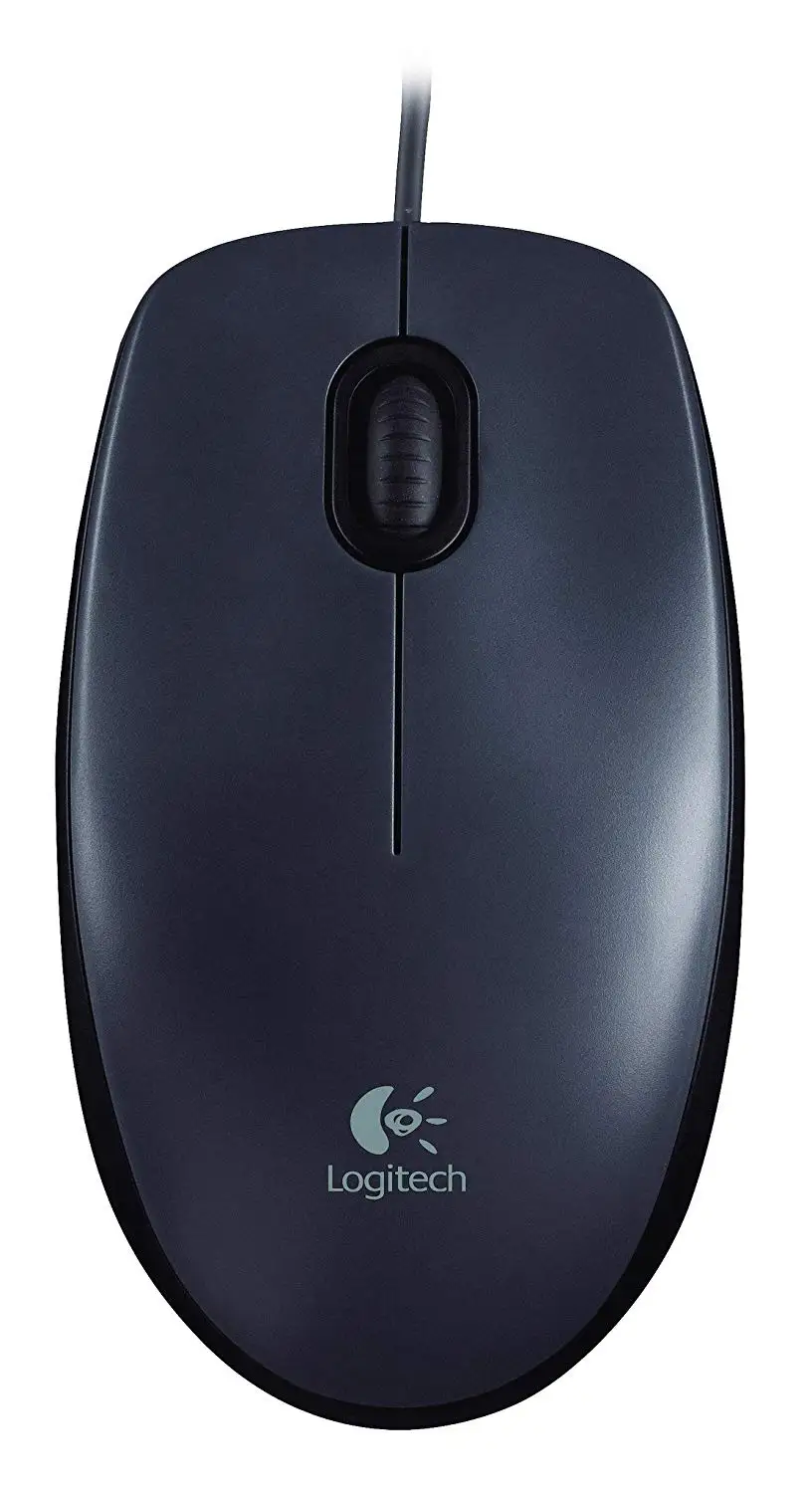
The phrase “eight years and still going strong” appears again and again in user stories about the Logitech Wired Mouse M90, and with an average satisfaction score hovering around 8.8/10 across platforms, it’s clear this budget mouse has earned its place in everyday setups. Long-term owners praise its reliability far beyond expectations for a model often priced under $10, calling it "cheap and precise" and "more durable than many wireless models."
Quick Verdict: Conditional – ideal for budget-conscious everyday users, less so for gamers or those needing advanced features.
| Pros | Cons |
|---|---|
| Durable build, lasting years without failure | Basic design lacks extra buttons or adjustable DPI |
| Comfortable for extended use | Scroll wheel can be loud for some |
| Plug-and-play, no drivers needed | Body size may be too small for large hands |
| Reliable 1000 DPI optical sensor | Wired only – no wireless variant |
| Ambidextrous compatibility | Plastic feels cheap compared to higher-end mice |
| Extremely low price point | Struggles on highly reflective surfaces |
Claims vs Reality
Logitech markets the M90 as “comfortable, reliable control of your computer” with “high-definition optical tracking (1000 dpi)” and “full-size comfort in an ambidextrous design.” While “full-size” is subjective, multiple users like Reddit user u/Andr*** note that the shape is “slightly contoured… more comfortable for longer use,” supporting the comfort claim. Others, like ProductReview.com.au reviewer Dennis_to_nevi, dispute this, saying “the mouse is too small to be comfortable unless you have small hands,” highlighting that what feels comfortable to one user can feel undersized to another.
The “high-definition optical tracking” claim generally holds true. Jay from NSW wrote: “Precise mouse and buttons are easy on fingers… It just works, it is wired and no batteries required.” However, one Trustpilot reviewer observed that it “may struggle with highly reflective materials,” which matches the caveat introduced by PCmena’s review that users might need a mouse pad for optimal precision on certain surfaces.
As for “ambidextrous design,” Reddit comparisons with the B100 point out that while both are suitable for left-hand use, the M90’s slight ergonomic contour is subtly more tailored for right-handed users. A Russian Yandex Market reviewer put it bluntly: “Universal design… suitable for righties and lefties.”
Cross-Platform Consensus
Universally Praised
One standout consensus is durability. Trustpilot user Andrey Shemyako summed it up: “For 8 years of operation nothing has broken… quality build, nothing creaks or has play.” This makes the M90 a strong candidate for institutional use—schools, libraries, or offices—where equipment gets heavy daily wear. A verified Amazon buyer noted: “More than a billion mice made… mine still clicks like day one after 5 years.”
Comfort is another praised aspect. Ravi R., writing on ProductReview.com.au, said: “Perfect for the price… 1000 dpi is good for browsing internet,” emphasizing that the feel and responsiveness remain satisfying for everyday tasks. Marty VH mentioned its “great size, shape and color” and a cord length “plenty for most desks,” making it appealing for both home setups and workstations.
Price garners near-universal applause. Reddit’s u/xanov*** exclaimed: “I use this $8 mouse and it's the greatest thing ever.” In Argentina, one commenter celebrated buying it for “roughly $2.2 USD,” underlining its extraordinary value internationally.
Common Complaints
A recurring complaint is the scroll wheel noise. Sangir from Trustpilot conceded the “gromkie shchelchki” (loud clicks) aren’t a deal-breaker for the cost, but others found it annoying in quiet office environments. Several users also point out the plastic body feels cheap—Igor Belyaev described it as “strongly budget execution,” though he praised the thicker cable compared to flimsier alternatives.
Size mismatch affects those with larger hands. Dennis_to_nevi’s critical review warned it’s “too small to be comfortable” without a mouse pad, and the entirely plastic scroll wheel left some wanting a softer, rubberized feel. There’s also disappointment from gamers hoping for higher precision—PCmena’s verdict is clear: “May not be ideal for gamers or professionals requiring high DPI.”
Divisive Features
Wired connectivity is a double-edged sword. For precision purists, it’s a plus—Jay NSW lauded “wired with no batteries required,” seeing it as a latency-free option. For minimalists, however, the lack of wireless was a dealbreaker. Scroll wheel resistance also divides opinion: Roman from Trustpilot reported two identical units with noticeably different wheel tension, signaling possible variability in manufacturing.
Trust & Reliability
Long-term reliability stories abound. Andrey Shemyako’s 8-year usage without issues is echoed by many on Yandex Market, with one noting it still works “perfectly after 5 years” despite heavy office use. Concerns about cheap build fade in light of its consistent performance over time—suggesting that while materials feel budget, engineering holds up.
Scam or quality worries are negligible; the few negatives usually relate to ergonomics or noise. No widespread complaints about counterfeit units surfaced, though buyers on eBay are warned to expect “tatty or ripped boxes” even for new units.
Alternatives
Repeated Reddit mentions of the Logitech M100r and B100 show the closest comparisons. The M100r is “basically the same” as the M90, often sold in different markets, while the B100 offers lower DPI (800) but arguably “more durable and better clicks” according to one Reddit examination. For wireless seekers, the Logitech M170 offers similar ergonomics without a cable, and gamers might prefer the G402 or MX Master for higher DPI and programmable buttons.
Price & Value
Current pricing ranges from $7.20 on Amazon US to around €4.79 on Amazon Belgium, with eBay listings from $12–$16 USD. Resale potential is minimal given its low retail cost—buyers report replacement rather than resale after long-term use. Community advice leans toward bulk purchasing for institutional needs, given its longevity and low unit price.
FAQ
Q: Can the Logitech M90 be used for gaming?
A: For casual gaming, yes—it’s responsive and precise enough for non-competitive play. For high-DPI or programmable button needs, most users recommend more advanced models.
Q: Is the M90 ambidextrous?
A: The shape supports both hands, but slight contouring favors right-handed comfort. Left-hand users on Reddit and Trustpilot confirm it’s still usable.
Q: Does it work without a mouse pad?
A: Usually, yes—its optical sensor handles most surfaces well. Highly reflective or glossy surfaces may require a pad for stable tracking.
Q: How long is the cable?
A: Approximately 1.8 meters (6 feet), which most desk setups find generous.
Q: Are there differences between M90 and M100r?
A: Practically the same in performance; differences are mostly marketing and regional warranty lengths.
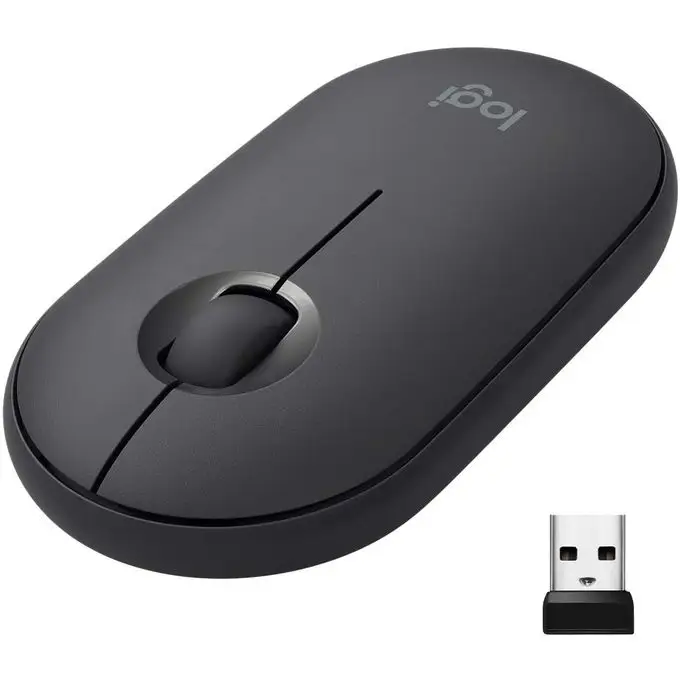
Final Verdict: Buy if you’re a student, office worker, or home user who needs an ultra-affordable, reliable mouse without bells and whistles. Avoid if you want wireless freedom or gaming-grade specs. Pro tip from Reddit’s u/xanov***: “Grab it cheap—it’s better than most would expect for the price, and just works.”





