Logitech F710 Wireless Gamepad Review: Comfort vs Wireless Issues
A Reddit user summed it up bluntly: “The Logitech F710 is basically the love child of an Xbox controller and a PS3 controller… and it just works.” Across dozens of reviews, the Logitech G F710 Wireless Gamepad earns solid marks for comfort, compatibility, and its versatile dual input modes, while frequent complaints target its spotty wireless performance and heavy AA battery usage. Based on aggregated feedback, the F710 scores a 7.6/10 overall.
Quick Verdict: Conditional buy — strong on ergonomics and compatibility, weaker on wireless stability and battery life.
| Pros | Cons |
|---|---|
| Comfortable, rubberized grip | Occasional wireless disconnects |
| Works in XInput and DirectInput | High battery drain with vibration |
| Programmable buttons via Logitech software | Heavy triggers for some users |
| Compatible with Windows, Chromebook, Android TV | 2.4 GHz dongle prone to interference |
| Reliable vibration feedback | No Bluetooth or rechargeable option |
| Compact “plug-and-forget” receiver | Stiff D-pad for some genres |
| Quality build materials | Loud button clicks |
Claims vs Reality
Logitech markets the F710 as a “lag-free” 2.4 GHz wireless controller with “virtually no delays, dropouts or interference.” While some owners backed this up, saying the connection was “rock solid” even in larger rooms, others faced a different reality. A verified Amazon buyer noted: “When plugged into my PC directly, the signal failed when I was 3 feet away. Using the extender fixed it, but interference is very real.” Many Reddit users echoed the need to use the included USB extender to keep the receiver away from other 2.4 GHz signals.
The company also sells the F710’s 4-switch D-pad as “more responsive and tactile” than pivot-based designs. In practice, reception was split. One Trustpilot user wrote, “Excellent D-pad — the best I’ve ever used,” while another found it “loose/unsensitive,” struggling with diagonal inputs in fighting games. This stiffness appears to improve over time for some, but remains divisive.
Battery efficiency is not heavily promoted, but in reality, it’s a sticking point. The controller’s AA cells can last weeks with vibration off, but Reddit user u/hoog1neer warned, “With vibration on, it can eat a pair of rechargeable batteries in 12 hours.” Trustpilot reviewers repeatedly suggested disabling rumble to extend life.
Cross-Platform Consensus
Universally Praised
Comfort and ergonomics dominate positive sentiment. The rubberized grips, smooth curves, and console-like layout make it a favorite for long sessions. A Trustpilot reviewer said, “Never slips, never feels awkward — even DualShock can’t match the way this fits my hand.” For Android TV or couch gaming, the shape allows relaxed play without strain. Steam Big Picture integration — launching games and navigating menus directly from the pad — was cited by multiple Reddit users as seamless.
Compatibility is another shared win. Switching between XInput for modern titles and DirectInput for retro or emulation is instant via the rear toggle. Reddit user u/kjellvb1979 praised it for emulating “everything up to PS3” and working in DOSBox “without hacks.” Chromebook certification and Android TV functionality expand use cases beyond PC gamers.
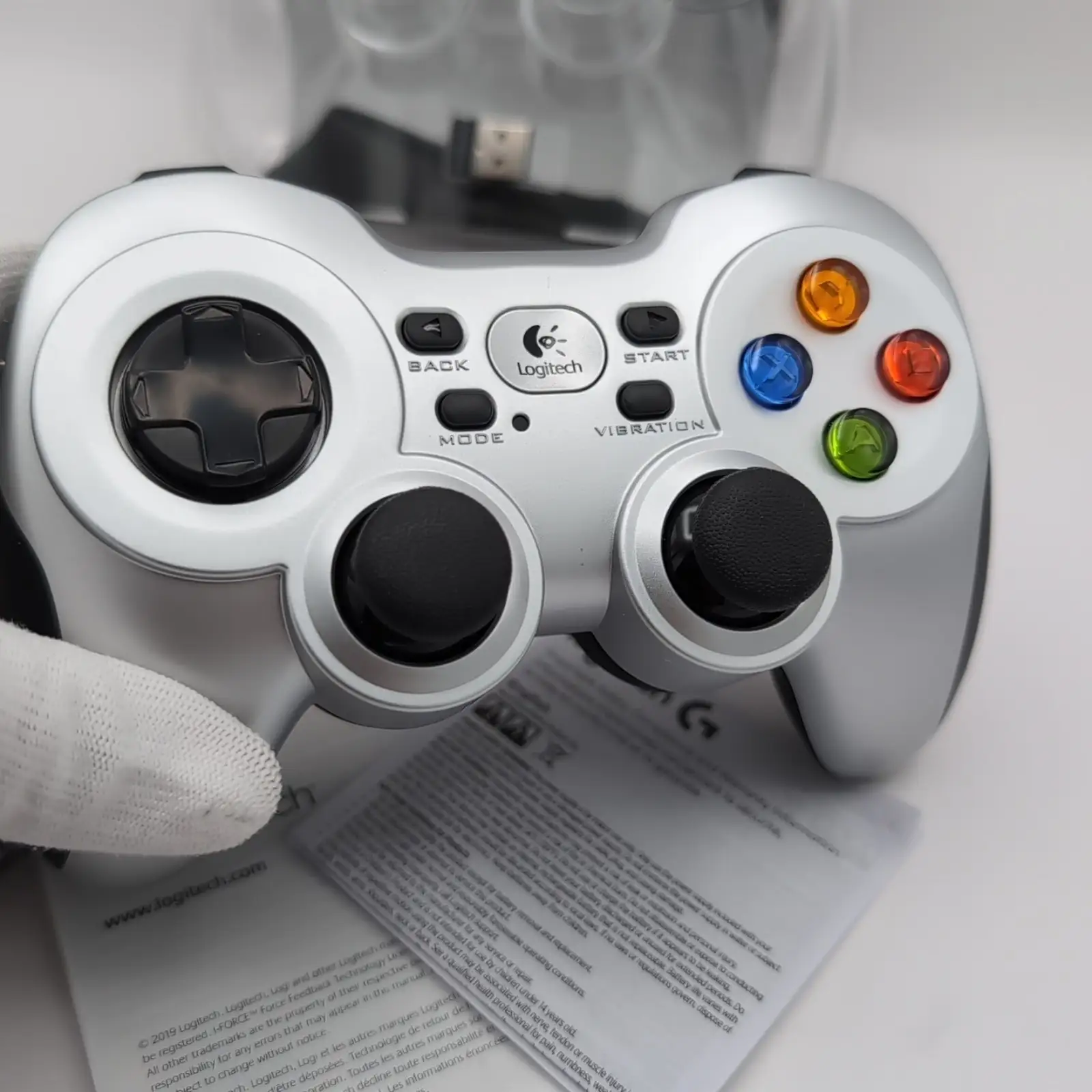
Build quality garners nods from multiple platforms — no creaking, solid button feel, and tight tolerances. Trustpilot users often emphasize the weight as a sign of durability, with one commenting, “Been using since 2011, still like new.”
Common Complaints
Wireless reliability is the most consistent issue. Interference from other devices on the 2.4 GHz band causes random disconnects and missed inputs. “Suddenly will start to see inputs missed or get stuck moving in a direction,” a Redditor warned. Trustpilot entries describe having to unplug the receiver and remove a battery to reset it when the signal drops. Range is serviceable only in line of sight — through furniture it degrades quickly unless the extender cable is deployed.
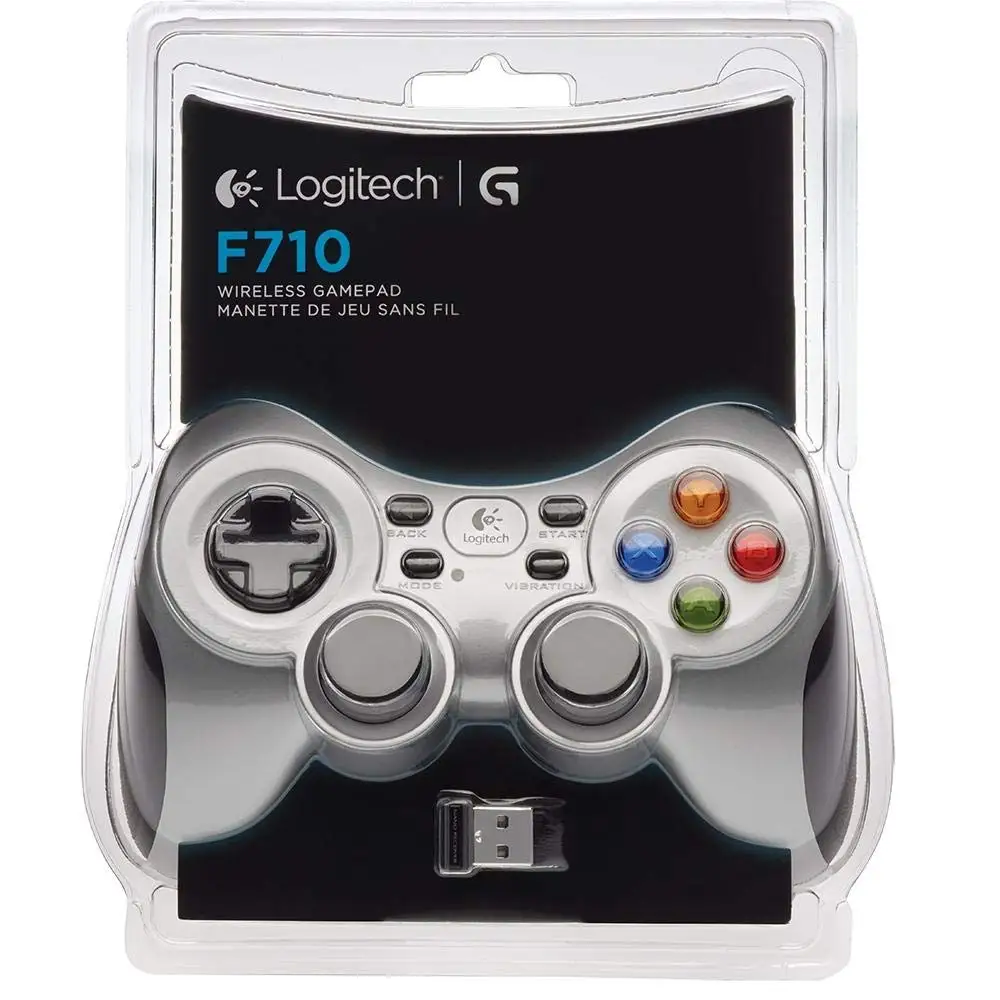
Power consumption frustrates heavy users. The lack of a rechargeable option forces reliance on AA cells, with vibration drastically accelerating drain. Some accept the trade-off for wireless freedom, but others, like Reddit user u/romanonariver, prefer the wired F310 for “no battery or signal hassles.”
Trigger stiffness splits opinion. Those using it for shooters or racing games sometimes complain that LT/RT require too much force, discouraging rapid presses. A Trustpilot reviewer comparing to PS4 noted, “So tight you don’t want to press them during play.”
Divisive Features
The D-pad is love-it-or-hate-it. Retro players often praise its independence of four switches, aiding precise inputs in old platformers and puzzle games. Others, especially fighting game fans, dislike the feel, calling it “soggy” or “overly stiff.”
Aesthetic appeal isn’t universal. Functional design and silver/grey color scheme are seen as dated, with one reviewer saying, “Looks ugly compared to PS4/Xbox pads.” Others value the understated look and focus on comfort.
Trust & Reliability
On Trustpilot, long-term owners report mixed durability. One reviewer from Russia said their unit lasted 5 years with only minor wear to rubber grips and a single trigger glitch. Reddit users also report multi-year use without electronic failures, provided signal issues are managed with the extender. However, there are cases of buttons failing early — L1/R1 and X button malfunctions within months — and sticky buttons forming after heavy use.
Scam concerns are minimal; most buyers stress sourcing from reputable outlets to avoid knockoffs, as fakes lacking proper drivers have been spotted on marketplaces. One Trustpilot contributor highlighted the danger of assuming it would work with Logitech’s Unifying Receiver — it does not, requiring its dedicated dongle.
Alternatives
Three primary competitors emerge from community discussions: the wired Logitech F310 for identical layout without wireless issues; the Xbox 360/One controllers for tighter triggers and superior wireless stability (especially with newer Bluetooth models); and the PS4 DualShock for lighter feel and preferred stick placement among PlayStation fans. Reddit’s u/technicalerrors described the F710 as “basically a 360 pad with DualShock layout analog sticks and a better D-pad,” while noting Xbox pads may be more future-proof.
Price & Value
On eBay, used F710 units average $29–$45 with dongle, while new stock ranges from $45–$91 depending on region. Sellers without dongles list as low as $9–$14 — useless without buying a receiver separately. Price stability is good; Trustpilot reports from 2011–2024 note similar retail brackets outside short promotional drops to $30.
Community buying tip: expect to pay more from official sources to avoid counterfeits and ensure warranty. Patience can score open-box units under $25 from credible sellers.
FAQ
Q: Can I use the F710 with Bluetooth?
A: No. It uses a proprietary 2.4 GHz USB nano-receiver, not Bluetooth. This means it requires a USB port and cannot pair with devices over standard Bluetooth protocols.
Q: Does the F710 work on macOS?
A: Limited. Some Trustpilot reviewers got it running via third-party drivers for Xbox controllers, but stability and input mapping issues make it less reliable than on Windows.
Q: How do I extend battery life?
A: Disable vibration feedback and use high-capacity rechargeable AAs. Several users report multi-week life with rumble off compared to a single day with rumble on during heavy play.
Q: Is the D-pad suitable for fighting games?
A: Opinions are split. Some praise the precise four-switch design, others find it stiff or awkward for rapid diagonals. Comfort improves with practice but may not match specialized fight pads.
Q: Can I replace the dongle if lost?
A: Yes, replacements are sold online, but ensure compatibility — only the F710’s specific receiver works, not Logitech’s Unifying dongle.
Final Verdict
Buy if you’re a PC or Android TV gamer who values comfort, dual input mode compatibility, and don’t mind managing AA batteries or using an extender to ensure signal stability. Avoid if you need flawless wireless performance in crowded 2.4 GHz environments or prefer ultra-light triggers. Pro tip from the community: keep the dongle on an extender in clear line of sight — it’s the simplest way to mitigate the F710’s biggest weakness.





