Logitech Combo Touch iPad Air Review: Conditional Buy
When a keyboard case makes iPad owners ditch their laptops, you know it’s worth a closer look. The Logitech Combo Touch Keyboard Case for iPad Air (Renewed, Oxford Grey) scores a strong 8.6/10 among everyday users, praised for its versatility, protection, and laptop-like typing feel — but not without criticism over weight, long-term durability, and a few quirks in the trackpad.
Quick Verdict: Conditional Buy — Outstanding for users who want laptop-level productivity on their iPad, but heavy and not ideal for lap typing.
| Pros | Cons |
|---|---|
| Sturdy, protective case | Adds significant weight to the iPad Air |
| Detachable keyboard for flexible use | Kickstand requires flat surface for stability |
| Large, responsive trackpad with gesture support | Trackpad glitches reported by multiple users |
| Backlit keys with 16 brightness levels | Some found material feels “cheap” for the price |
| Smart Connector – no Bluetooth needed | Occasional key or component failures over months |
| Full row of iPadOS shortcut keys | Magnetically strong attachment makes opening tricky |
| Supports Apple Pencil charging without removing case | No vertical orientation support |
Claims vs Reality
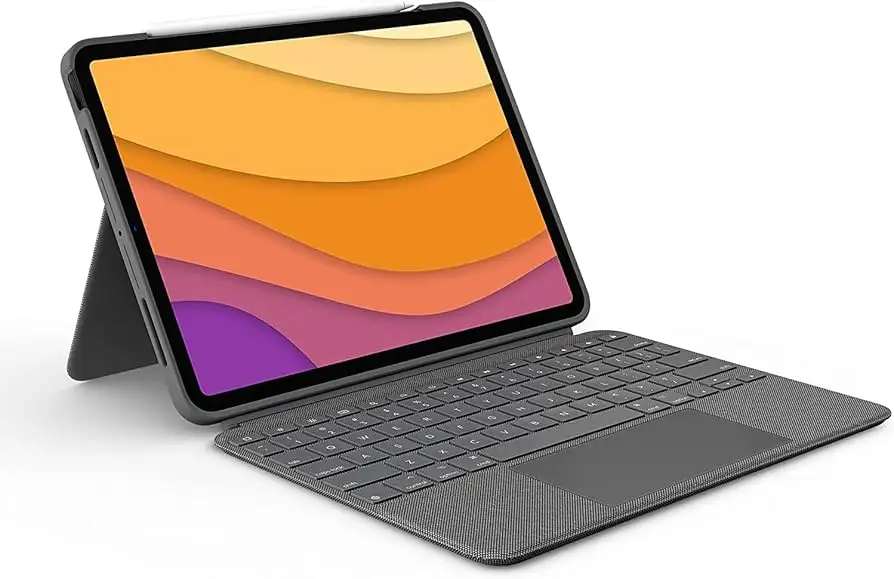
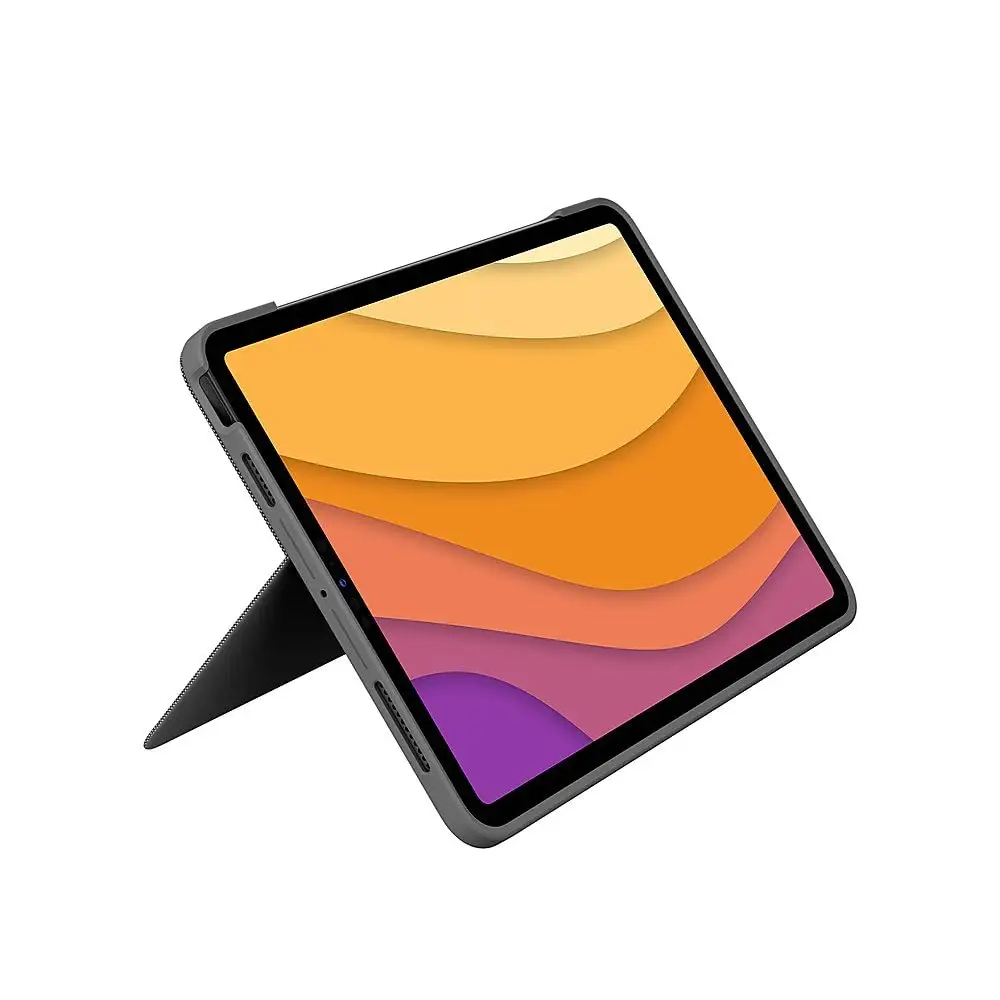
Logitech markets the Combo Touch as a “whole new level of versatility” with multiple modes, large trackpad, and premium materials. On paper, the detachable keyboard and kickstand promise four-way use — type, view, sketch, read — while keeping the front, back, and corners protected.
Digging deeper into user feedback, the versatility claim holds up for stationary work but drops when portability is key. A verified buyer on Amazon noted: “It’s functional in many different positions… love that I can elevate it a bit when it’s sitting on my lap. The illuminated keys are nice and having a touchpad is a win.” Yet several Best Buy reviewers pointed out the kickstand's dependency on flat surfaces, limiting use in bed or on laps.
Marketing emphasizes premium feel, but this is where opinions split. While some call it “beautiful… soft to the touch” (per Logitech’s product page), others disagreed. A Best Buy customer bluntly stated: “The case and keyboard feel like cheap plastic… not worth the money spent.”
Logitech claims seamless Smart Connector power and instant connection, which matches most user experiences. Amazon buyers were clear: “No apps, no downloads, no settings tomfoolery… just wham bam it works.” However, a few reported trackpad freezing until disconnect/reconnect, suggesting real-world hiccups despite the “effortless” branding.
Cross-Platform Consensus
Universally Praised
Across Reddit, Amazon, and Trustpilot, protection and build quality topped the charts. Best Buy user ronaldw celebrated: “This keyboard is unbelievably the best thing that’s happened to an iPad. Adds stability and safety, love it!” Students and graphic artists value the detachable keyboard — freeing the screen for drawing while the case still shields the device.
The Smart Connector power drew applause for eliminating charging hassles. Amazon reviewers repeatedly noted the joy of “no Bluetooth pairing” and “instant on” typing. The full-size, backlit keyboard is another hit. Jerryz on Trustpilot praised “wonderful tactile feel… bright backlight for dim conditions,” noting that its layout mirrors laptops.
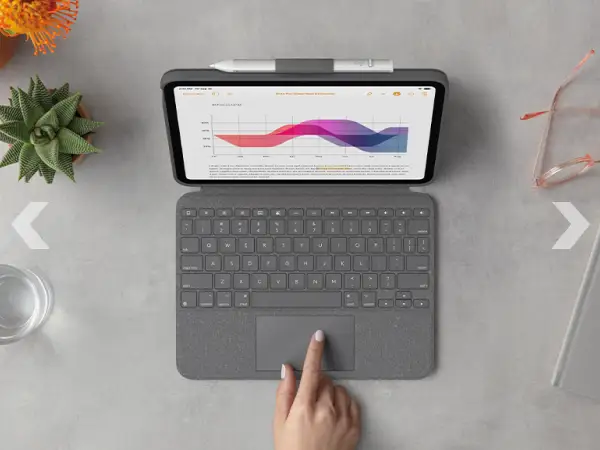
For productivity users, the large trackpad with gesture support turns the iPad into a near-laptop replacement. Coffee mavin called it “very convenient” for multitasking, while Mn do 77 found it “very intuitive and easy to use,” rivaling Apple’s Magic Keyboard at a lower price.
Common Complaints
The biggest and most repetitive gripe: weight. A Best Buy customer warned, “Your iPad Air will no longer be ‘airy’… we’re talking laptop territory and not in a good way.” For commuters or travelers expecting lightness, this is a non-trivial trade-off.
Lap typing is another sore spot — the kickstand offers wide angles but needs a hard surface. Tech reviewer techo noted: “Laps need not apply… you’ll want a desk or table.” Amazon buyers agreed that balancing it on the lap is possible but awkward compared to Apple’s hinge-supported Magic Keyboard.
Trackpad glitches show up intermittently. One Amazon user described it “randomly zooming the app” mid-scroll, forcing app restarts. Another had it freeze entirely until reseating the keyboard.
A subset of long-term owners reported material or part failures. On Best Buy’s 13-inch model listing, spencers shared: “One of the keys just popped right off… occasional cursor glitches since.” Such defects are rare but worth noting at this price.
Divisive Features
The magnetic, detachable keyboard is loved for its quick removal yet disliked for its strong grip when opening the case. Amazon’s “almost perfect” reviewer wished for “a little tab to make pulling open easier.”
Material feel splits opinion: fabric-like textures earn praise for grip but criticism for fraying or attracting dirt. Mig Digital compared Oxford Grey to Graphite and noted smudges are “less noticeable” in grey, but warned edges wear easily over time.
Trust & Reliability
Durability questions pop up after months of use. While many Reddit and Amazon users confirm their cases “work like new” after prolonged daily typing, others encounter early key failures. Paul on Best Buy’s 13-inch page reported: “The C key fell off in one month… avoid.”
Trustpilot narratives suggest reliability aligns with Logitech’s reputation if handled normally, but heavy travelers or mobile creatives might face sooner wear on hinges and edges.
Alternatives
The primary competitor raised in discussions is Apple’s Magic Keyboard. While Apple’s option wins on lap usability and slightly better trackpad response, it lacks the detachable keyboard and all-around case protection that Combo Touch delivers. Many view Logitech as the better value option, especially for integrated shortcut keys and backlighting absent in some Magic Keyboard models.
Zagg keyboards were mentioned tangentially as lighter, more lap-friendly, but with fewer iPadOS integrations.
Price & Value
Renewed units run around $159.99–$183.99, significantly less than Apple’s equivalent. eBay listings show resale prices holding around 40–50% of retail for gently used models, signifying decent long-term value.
Community buying tips:
- Check Logitech’s refurbished store for warranty-backed units.
- Oxford Grey shows smudges less than darker finishes.
- Buy during Apple/Major Retail seasonal sales for up to 20% extra savings.
FAQ
Q: Does the Combo Touch require Bluetooth pairing?
A: No, it uses the iPad’s Smart Connector for instant power and data transfer, eliminating the need for Bluetooth or charging cables.
Q: Can I charge my Apple Pencil without removing the case?
A: Yes, the case design leaves space for magnetic attachment and charging of the Apple Pencil (2nd gen).
Q: Is it comfortable to type on the lap?
A: Only partially — the kickstand demands a solid surface, making lap typing less stable than hinge-based keyboards.
Q: How heavy is the case with keyboard attached?
A: While Logitech doesn’t market it as heavy, users equate it to “laptop territory,” effectively doubling the iPad’s carry weight.
Q: Does the trackpad support iPadOS gestures?
A: Yes, all standard multi-touch gestures work, including swipe, pinch, and tap — though some users report occasional glitches.
Final Verdict: Buy if you’re a stationary iPad power user — students, desk-bound workers, digital artists — who values a protective case, full-featured keyboard, and large trackpad at a better price than Apple’s Magic Keyboard. Avoid if you prioritize ultra-light portability or need flawless lap typing.
Pro tip from community: Opt for the Oxford Grey finish and consider a refurbished unit direct from Logitech for warranty peace of mind without paying full retail.





