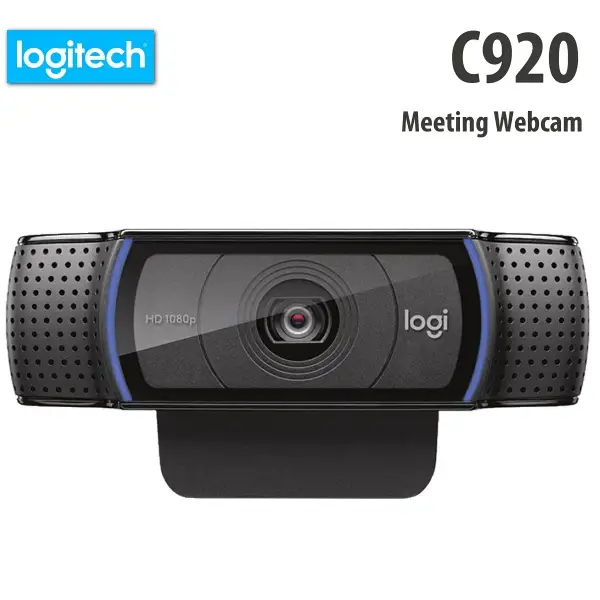
Logitech C920S HD Pro Webcam Review: Solid but Limited
The Logitech C920S HD Pro Webcam has built a reputation as one of the most dependable mid-range webcams, widely adopted for work-from-home meetings, streaming, and casual content creation. Based on cross-platform feedback, it earns a solid 8.6/10. While praised for its sharp 1080p image quality, reliable autofocus, and dual-mic setup, recurring reports highlight limitations in frame rate and occasional software quirks.
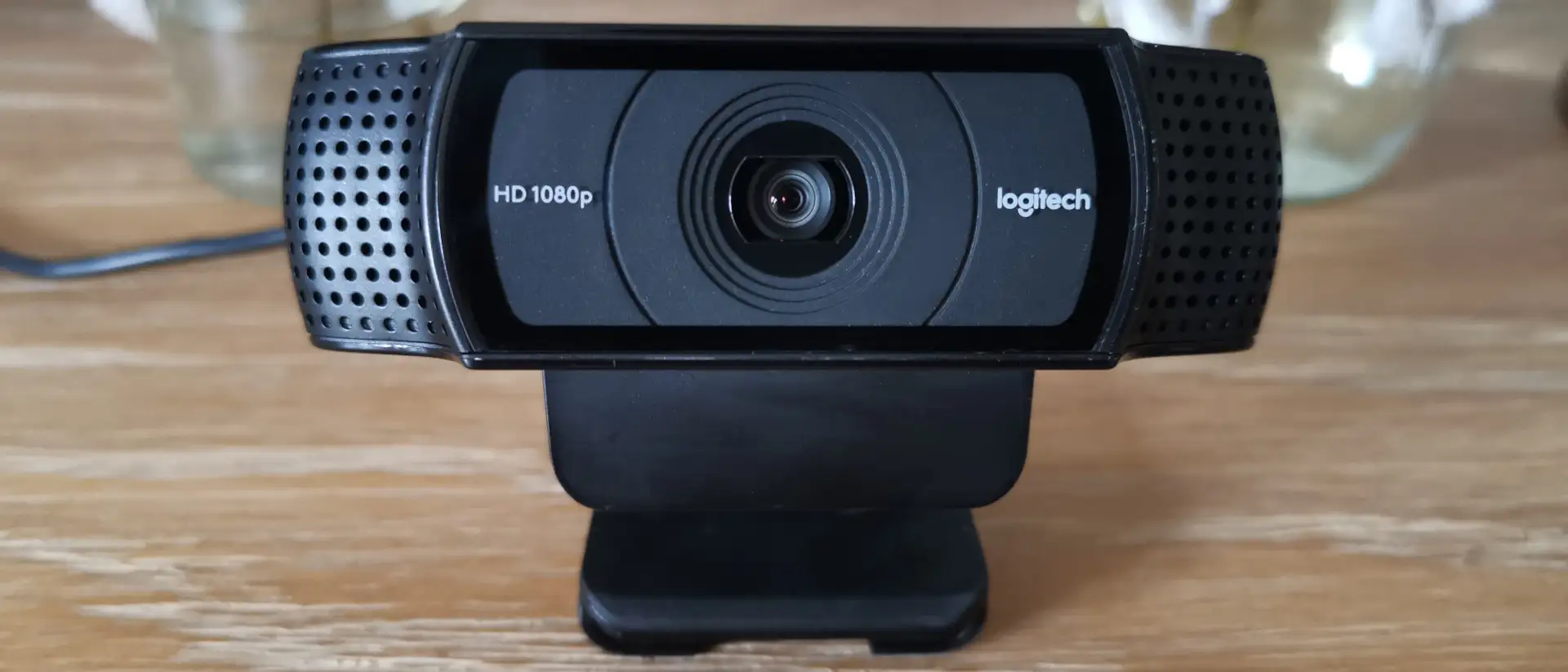
Quick Verdict: Conditional Buy — Ideal for users prioritizing plug-and-play convenience and solid video calls, but not for those needing high frame rates or advanced driver support.
| Pros | Cons |
|---|---|
| Crisp 1080p video at 30fps with good color accuracy | No native 60fps at 720p on newer units |
| Reliable autofocus and light correction | Privacy cover feels flimsy |
| Dual stereo mics capture clear audio | Limited driver support for zoom/pan/tilt in some apps |
| Easy setup across Windows, macOS, and Chrome OS | Price fluctuations and pandemic-era markups |
| Wide 78° field of view suits group calls | Built-in mic sensitive to background noise |
| Solid build with adjustable mounting clip | Logitech software issues on macOS M1 |
| Compatible with most video calling apps | Cable length could be longer for certain setups |
Claims vs Reality
Logitech’s marketing emphasizes “razor-sharp full HD video at 30fps” and “automatic HD light correction.” Across Reddit, Trustpilot, and Amazon, this claim largely holds up. A verified buyer on Amazon noted: “Worked immediately upon plugging in and the picture looks great, even when lighting is low.” Users repeatedly confirm the camera adapts well to mixed lighting, though several admit that correct setup of external lights is key. Reddit user feedback underscores this: “Lighting makes the biggest difference… even phone cameras struggle in low light.”
However, the brand’s implied versatility in frame rates doesn’t match reality. A Twitter/X review warns: “This does not do 720p @ 60fps… you have to go down to 640x480 to get 60fps.” Older models supported higher frame rates at 720p, but firmware changes removed this option, frustrating streamers who prioritize smooth motion.
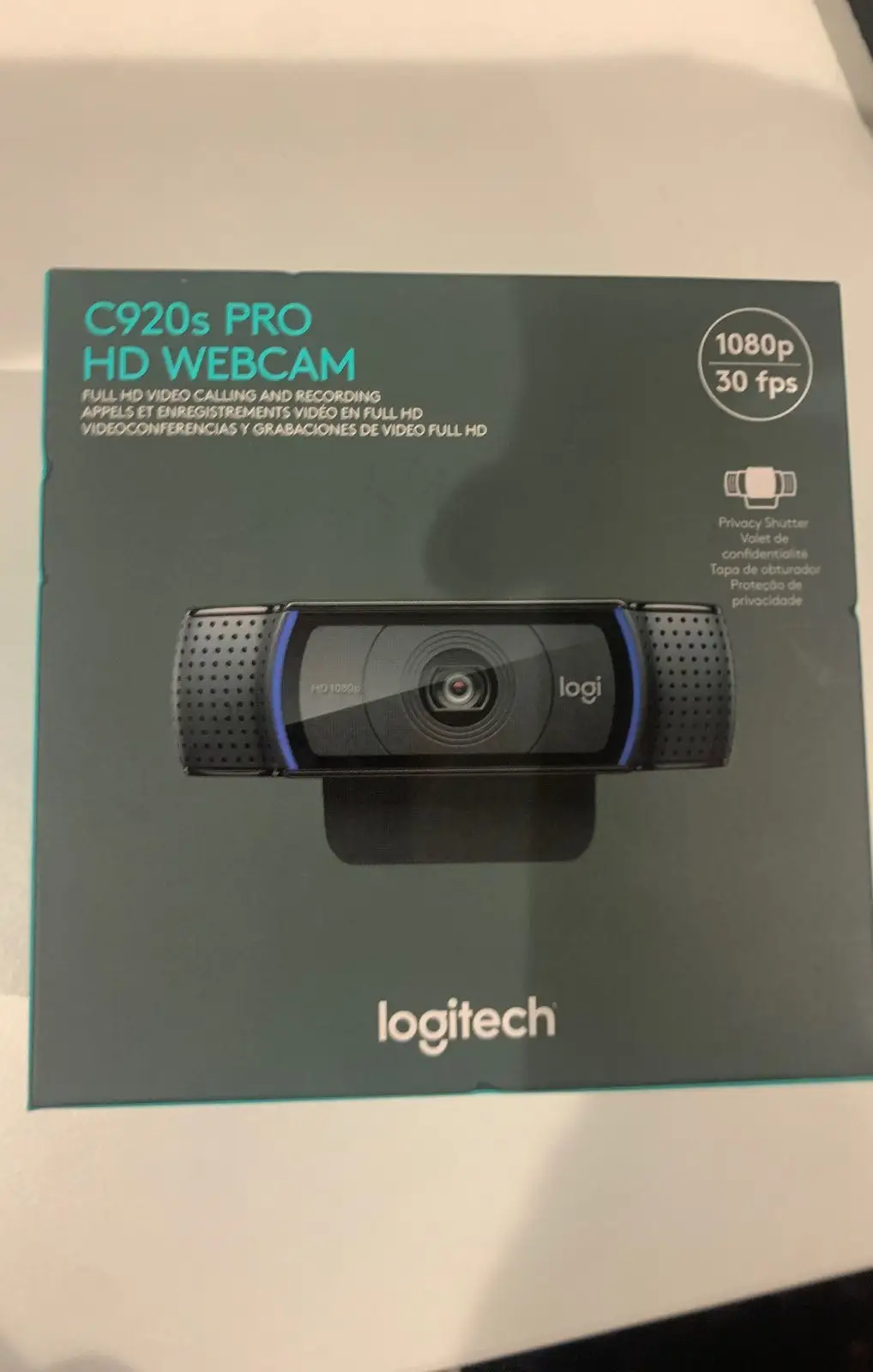
Logitech also promotes the privacy shutter as a standout feature. While functional, Insider’s review calls it “a welcome, if somewhat flimsy, addition.” Multiple Trustpilot comments echo this, describing the shutter as easy to knock off accidentally.
Cross-Platform Consensus
Universally Praised
One of the most consistent points of praise is the image quality. From Reddit streamers to Trustpilot business users, the 1080p clarity and color reproduction are frequently highlighted. A Trustpilot reviewer described: “Funciona de maravilla… calidad estupenda en full HD y gestiona muy bien la luz.” This benefits remote workers who want professional-looking calls without investing in DSLR setups. Amazon buyers note that even in default settings, “everyone I call comments on the excellent picture quality,” making it a standout for plug-and-play simplicity.
The autofocus and light correction also receive near-universal approval. Logitech’s RightLight 2 technology adjusts brightness and contrast in mixed lighting. One Reddit content creator shared: “Sometimes it wants to be too bright and you have to manually adjust, but otherwise it’s good enough if you have lighting figured out.” For educators or live presenters, this means fewer interruptions during sessions.
Dual stereo microphones add another layer of utility. While not a replacement for studio mics, they perform reliably for casual streaming and calls. An Amazon reviewer stated: “Callers reported I was coming through loud and clear, even with background noise from kids and cats.” This helps in shared home environments.
Common Complaints
The most prevalent frustration is limited frame rate support. Streamers who rely on smoother video have criticized the lack of 60fps at 720p. Twitter/X feedback explicitly points to firmware changes as the cause, leading some to seek alternatives like the Logitech C922 or Razer Kiyo.
Software and driver limitations also hinder advanced users. Several Trustpilot reviewers report that zoom, pan, and tilt functions don’t work with Windows 10’s default UVC drivers in conferencing apps, unless using Logitech Capture’s virtual webcam mode—which isn’t always recognized by all software. MacOS M1 users have faced detection issues, losing custom settings between sessions.
Another recurring issue is price volatility. Pandemic-era shortages caused spikes, with Reddit users reporting prices tripling temporarily. A Trustpilot comment noted: “La buena relación calidad-precio cuando está de oferta… su precio cuando no está rebajada.” Savvy buyers recommend monitoring deals.
Divisive Features
The privacy shutter splits opinion. Some appreciate the peace of mind—“You can never be too safe these days” wrote one Reddit user—while others find it cheaply made and prone to detachment. Similarly, while the built-in mics are adequate for casual use, professionals often replace them with dedicated audio hardware due to sensitivity to ambient noise.
Trust & Reliability
Long-term durability is a strong point. Amazon reviewers report multi-year use without degradation: “I bought this a few years ago and I’m still using it!” Reddit streamers confirm consistent performance over 12+ months of regular broadcasting.
However, Trustpilot feedback reveals regional support gaps—Logitech Spain reportedly offers no fix for driver-related feature loss. While most units perform flawlessly out of the box, advanced feature seekers may feel constrained. Fakespot analysis warns of “high deception” in some online reviews, advising caution when buying from third-party sellers.
Alternatives
Community comparisons most often mention the Logitech C922 Pro HD, which offers 60fps at 720p and is aimed at streamers needing smoother video. The Razer Kiyo is another cited option, with a built-in ring light and similar frame rate advantages. For future-proofing, some recommend the Logitech Brio, capable of 4K/30fps and HDR, but at a significantly higher price.
Price & Value
On eBay, new or sealed units of the C920S often list between $30–$45 USD, with refurbished models slightly cheaper. During sales, Amazon prices dip to $59–$69 USD, which Trustpilot users call “a good investment” at that range. Resale values remain stable due to ongoing demand, making it a relatively safe purchase for those who may upgrade later.
FAQ
Q: Does the Logitech C920S support 60fps at 720p?
A: Not on newer models—firmware changes removed native 60fps at 720p, requiring a drop to 640x480 for that frame rate.
Q: Is the privacy shutter durable?
A: Functional but often described as flimsy; it can detach easily if bumped, though it does provide basic privacy protection.
Q: How well does it work in low light?
A: Automatic light correction performs decently, but users recommend external lighting for best results.
Q: Is it compatible with macOS M1?
A: Yes, but some users report software quirks—settings may reset, and Logitech’s G Hub can fail to detect the webcam intermittently.
Q: Can I use zoom, pan, and tilt in Zoom or Skype?
A: Only via Logitech Capture’s virtual webcam mode; default Windows drivers don’t support these controls in most conferencing apps.
Final Verdict: Buy if you’re a remote worker, casual streamer, or educator needing dependable 1080p video and easy setup. Avoid if high frame rates or advanced driver functions are critical to your workflow. Pro tip from community: wait for sales to avoid overpaying, and pair the webcam with a good lighting setup to maximize image quality.