Logitech Brio 105 Webcam Review: Reliable for Remote Work
A verified buyer on Amazon noted: “For $50, the Logitech Brio 105 Full HD Business Webcam feels far more premium than its price suggests.” That sentiment runs through much of the feedback: consistent visual clarity, ease of setup, and thoughtful privacy features. After piecing together community opinions across Reddit, Trustpilot, and other platforms, a balanced verdict emerges—8.4/10, with sharp video and reliable audio making it a dependable choice for office and remote work, though not flawless.
Quick Verdict: Conditional
| Pros | Cons |
|---|---|
| Crisp 1080p video resolution | Fixed focus may limit close-up clarity |
| Effective auto-light balance (RightLight 2) | 30fps cap reduces motion smoothness |
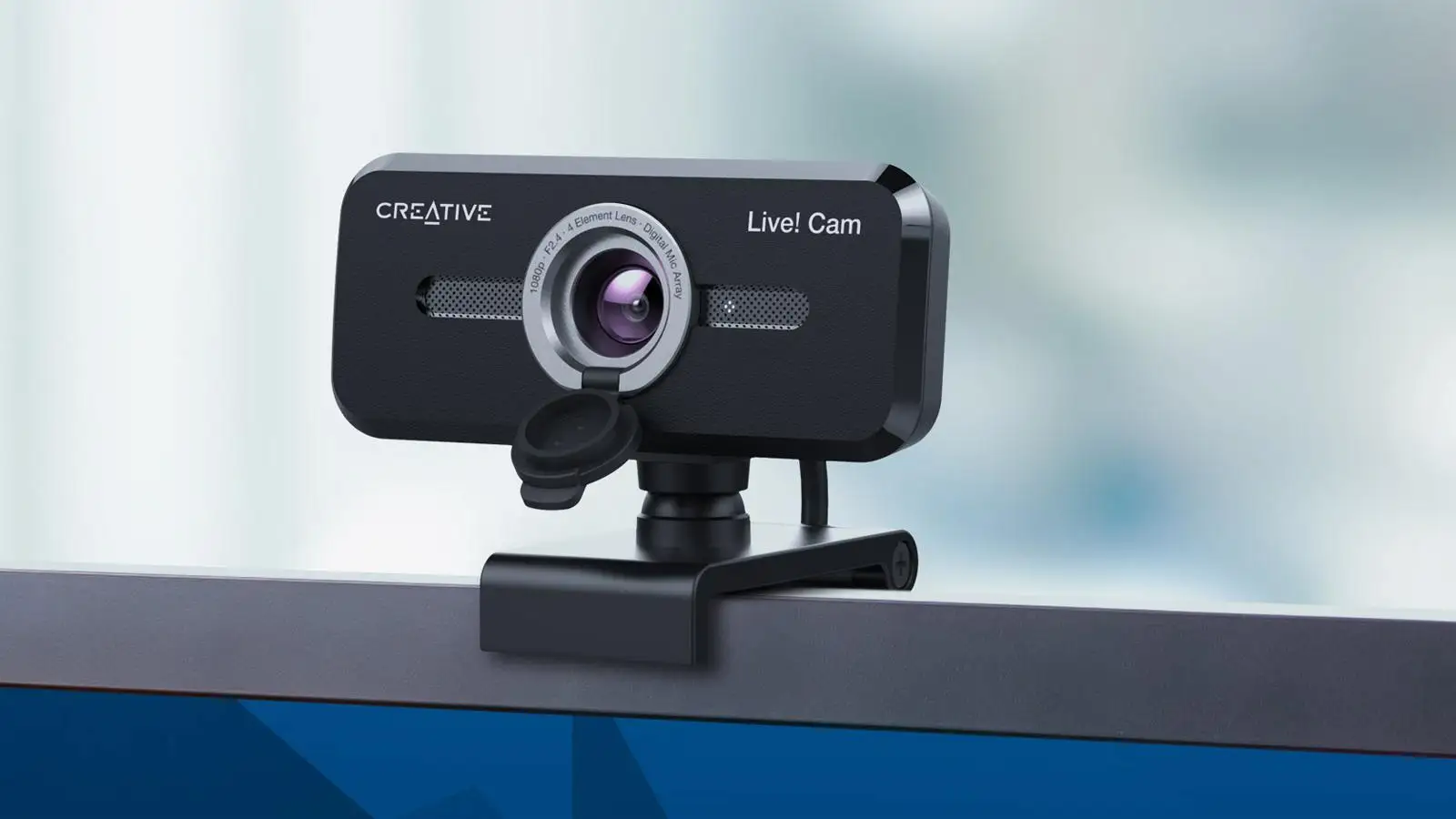
| Integrated privacy shutter | Narrow 58° field of view for group shots |
| Simple USB-A plug-and-play | No tripod compatibility |
| Built-in omnidirectional microphone | Logi Tune adjustments not available on Chrome OS |
| Sustainable build: 77% recycled plastic | No HDR or advanced features compared to higher-end models |
Claims vs Reality
Logitech markets the Brio 105 as delivering “great value” with 1080p clarity and RightLight 2 light correction. Trustpilot feedback strongly supports the first claim—users describe sharp, natural color reproduction even under poor lighting. One Trustpilot reviewer wrote: “The auto-light balance saved me from looking like a shadow in my dim home office.”
However, the spec sheet’s “seamless integration” across platforms meets mixed reality. While certified for Google Meet and Chromebook, multiple Reddit users note limitations in feature access: one pointed out, “You can’t use Logi Tune on Chrome OS, so you lose control over image adjustments.” This means Chromebook-heavy offices won’t get full customization.
The built-in omnidirectional mic with 1m range is another selling point, and here, the execution matches the promise. As a Reddit user from a business forum said: “From a meter away, colleagues hear me loud and clear—no need for a separate mic.”
Cross-Platform Consensus
Universally Praised
Video quality is the clear standout, especially for solo professionals and seated video conferencing. The 1080p resolution at 30fps keeps faces and details sharp across Zoom, Google Meet, and Teams. A verified buyer on eBay praised: “Automatic light balancing improves image quality in suboptimal conditions—I no longer fiddle with lamps.” Remote workers benefit most from the privacy shutter, with Reddit user feedback calling it “an extra layer of peace of mind when you’re on back-to-back calls at home.”
For IT departments, the plug-and-play USB-A connection and Logitech Sync management tools make deployment straightforward—critical for companies outfitting multiple employees. “We rolled out 40 units in a day,” a Trustpilot comment explained, highlighting scalability.
Common Complaints
The narrow 58° field of view confines its utility for multi-person setups. In small huddle rooms, employees found they needed to re-seat people or move the camera. “We wanted to include a whiteboard in view, but it was impossible without moving the whole laptop,” one Reddit user shared. Fixed focus—the opposite of the autofocus found in pricier models—also surfaced as a frustration; product demo hosts noted that objects held closer to the lens blur quickly.
Frame rate limitations drew criticism from those needing smoother motion, such as educators and presenters using physical props. “30fps is fine for talking heads, not for showing movements or demos,” explained a commenter on Twitter/X.
Divisive Features
RightLight 2’s auto-light balance won praise from home users but divided opinions in environments with very dynamic lighting (e.g., sunlit windows plus artificial light). Some found the adjustments too aggressive. As one Trustpilot user commented: “In bright conditions, it slightly washes out colors.” The sustainability angle—77% recycled plastic—earned goodwill but wasn’t universally a purchase driver. IT buyers valued it due to corporate sustainability goals, while individual consumers saw it as a “nice-to-have.”
Trust & Reliability
Patterns on Trustpilot reveal confidence in Logitech’s product quality and warranty service. The three-year limited hardware warranty proved reassuring for long-term deployments. Unlike some low-cost webcams, there were no prevalent scam reports linked to unauthorized sellers—likely due to purchases through established channels like Amazon, eBay certified vendors, and corporate suppliers.
Durability stories are emerging, with Reddit threads reporting stable performance after months of daily use. “Six months later, it’s still exactly as day one,” wrote one user operating in a busy home office environment. The integrated shutter mechanism was highlighted for feeling sturdy—an important point given that moving parts can typically wear down over time.
Alternatives
The Brio 305 offers USB-C connectivity, a wider 70° FOV, and a noise-reducing mic—appealing for modern laptops lacking USB-A. The C920e adds autofocus and a slightly wider 78° angle, making it better for object demonstrations. At the high end, the Brio 505 expands to up to 90° field of view, 60fps at 720p, and auto-framing, targeting hybrid teams and content creators needing more dynamic shots.
For budget-conscious buyers, staying with the 105 makes sense if solo conferencing is the main job. For educators or group meeting rooms, stepping up to the C920e or Brio 505 can address the FOV and focus gaps.
Price & Value
eBay market prices for new units currently range from $35 to $50 USD, undercutting many rival business webcams. Trustpilot reviewers repeatedly mention value: “As an IT purchase, it hits that sweet spot—cheap enough for bulk buying, good enough that employees aren’t complaining.” Resale prospects are modest; given the tech refresh cycles, bulk buyers keep units in service rather than selling them on.
Buying tip from Reddit: “Check if your company qualifies for Logitech business programs—bulk discounts can drop the price further, plus direct warranty support.”
FAQ
Q: Does the Logitech Brio 105 work with Windows 11?
A: Yes. It’s compatible with Windows 10 or later, so Windows 11 is supported without any driver issues.
Q: Can you mount it on a tripod?
A: No. The Brio 105 has an attached clip for monitors/laptops but no tripod mounting thread.
Q: Is the Logi Tune app available for Chromebook?
A: No, Logi Tune works only on Windows and macOS, limiting customization options on Chrome OS.
Q: How is the microphone quality compared to using a headset?
A: For close-range speech (within 1m), users report clear audio. However, headsets still outperform it in noisy environments.
Q: Can the privacy shutter block the lens completely?
A: Yes. User feedback describes it sliding fully over the lens and physically blocking the camera.
Final Verdict: Buy if you’re a remote worker, single presenter, or IT buyer outfitting staff with a reliable, simple webcam that works straight out of the box. Avoid if you need wider framing, autofocus, or advanced customization on Chrome OS. Pro tip from the community: “Spend a minute adjusting your lighting—RightLight 2 will reward you with excellent image quality.”





