Logitech Bolt USB-A Receiver Review: Mixed Verdict
The Logitech Bolt USB-A Receiver has provoked sharply divided reactions among long-term Logitech users. While marketed as a secure, high-performance solution for connecting multiple devices, real-world feedback paints a more nuanced picture. Across Reddit, Best Buy, and Trustpilot, many praise its stability and BIOS compatibility, but others—particularly on macOS—report lag, stuttering, and connection dropouts. Based on aggregated user sentiment, it scores 7.6/10.
Quick Verdict: Conditional buy — great for multi-device workflows and BIOS access, but macOS users and those with older Logitech gear may face compatibility or performance frustrations.
| Pros | Cons |
|---|---|
| Stable, low-latency connection in Windows/Linux | macOS users report frame skips and poor wake-from-sleep reconnection |
| Pairs up to 6 devices via one receiver | Not backwards compatible with Unifying receiver devices |
| Works in BIOS/UEFI environments | Requires Logi Options+ software; minimal instructions provided |
| Strong performance in congested wireless environments | Some desktop tower users need USB extension cables for stable use |
| Quick pairing with supported keyboards/mice | Occasional shipping/delivery delays reported |
| Carbon-neutral certified packaging | Price feels high to some, given it’s essential for certain expensive Logitech devices |
Claims vs Reality
Logitech claims the Bolt receiver delivers a “strong and secure, no drop-off connection for up to 10 meters” and is “ideal for multi-computer workflows.” On paper, this sounds like a universal upgrade from the older Unifying receiver. However, Reddit user rockatanescu described a different reality: “I have been having issues with the mouse cursor stuttering and key presses not registering… the only ‘fix’ was to connect the bolt receiver via a USB extension cable.” This contradicts the plug-and-forget convenience marketed by Logitech.
Another major selling point is BIOS compatibility. Here, user feedback aligns with the claim. A Best Buy reviewer named michael noted: “If you have MX Keys Mini and need to use it with BIOS/UEFI/Windows installation, buy this… does not work in BIOS with Bluetooth.” For tech professionals and dual-boot users, this capability is a clear win.
Finally, the multi-device pairing feature—up to six Bolt-compatible devices per receiver—works as advertised for some. A verified Trustpilot buyer explained: “Ein zuverlässiger USB-Empfänger… ermöglicht es, mehrere Geräte gleichzeitig zu nutzen. Einfache Einrichtung & nahtlose Verbindung.” Yet, others warn that “great idea doesn’t work with all Logitech keyboards and mice when it’s supposed to,” highlighting a mismatch between compatibility lists and user expectations.
Cross-Platform Consensus
Universally Praised
One standout strength is the receiver’s ability to function in environments where Bluetooth fails—such as BIOS screens or during OS installation. This is particularly valued by IT professionals and system builders. A Best Buy customer, daniel, reported using it for both gaming and work: “I’ve had no issues while playing FPS games nor MMOs… the Bolt does seem more responsive in some situations.”
Linux users also find it indispensable. On Trustpilot, a buyer shared: “Achete pour rationaliser un setup en dual boot… mon clavier est maintenant disponible immédiatement sous Windows et Linux sans aucune manipulation.” For them, eliminating the quirks of Bluetooth identity mismatches between OSes was critical.
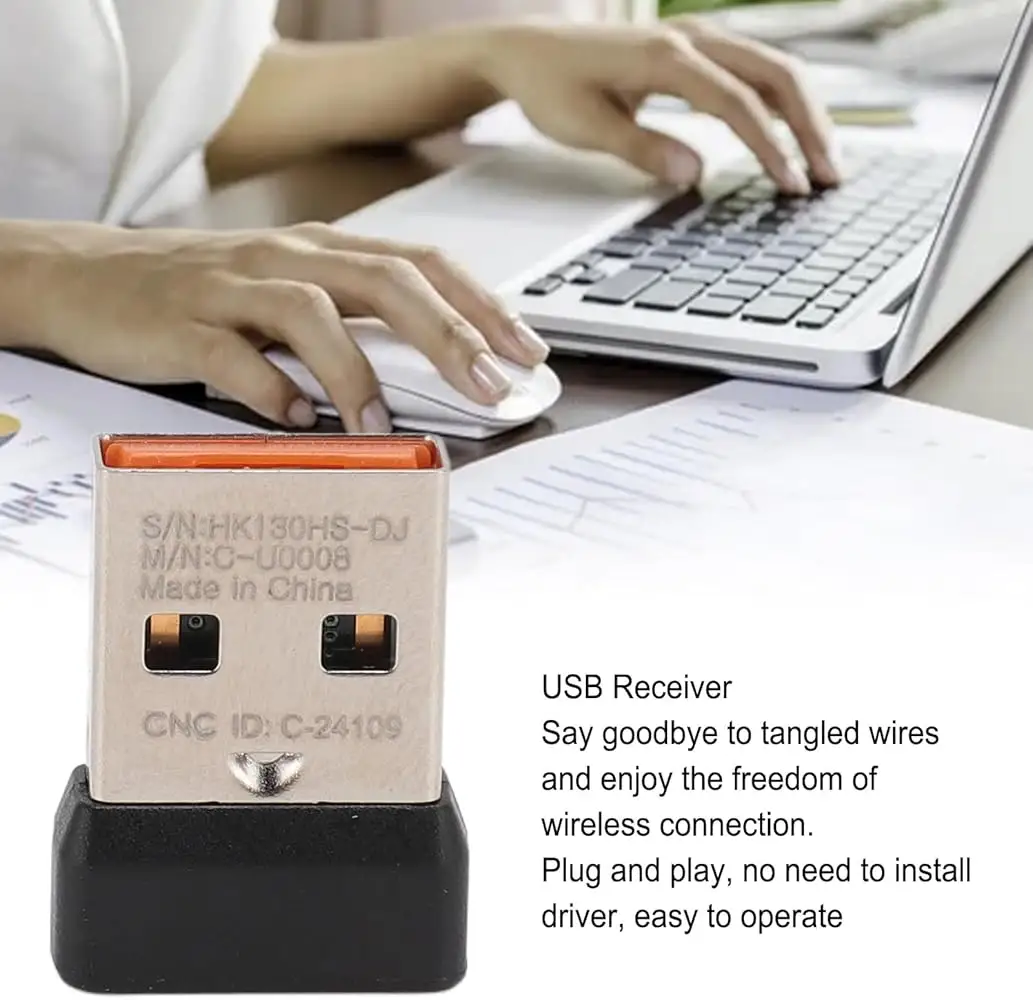
Another consistent praise point is the ability to consolidate multiple devices to one receiver, minimizing clutter and freeing up USB ports. eBay sellers emphasize this in listings, with one noting: “One Bolt receiver can connect 6 Bolt mouse/keyboard… can only work with Bolt devices that have Bolt logo.”
Common Complaints
The most frequent frustration arises from macOS performance issues. According to Fakespot’s analysis, “On macOS X, this receiver is slow, skips frames and has a hard time reconnecting when the computer goes back from sleep.” Several users noted needing to uninstall and reinstall Logi Options+ for detection—undermining the “plug-and-play” narrative.
Compatibility limitations are another sore point. The Bolt receiver is not backwards compatible with devices using the Unifying receiver. This caught some buyers off guard, as one reviewer cautioned: “Please be aware that you cannot use this for devices that don’t support it; it’s not backwards compatible with older Logitech devices.”
Desktop PC users, especially those with tower cases under desks, report signal instability unless the receiver is placed via an extension cable. As Reddit user rockatanescu found, “This seems to be the recommended way… if you read the Logi Bolt white paper.”
Divisive Features
Security and performance claims split opinion. Windows and Linux users often find Bolt more responsive than Bluetooth, while macOS users sometimes experience degraded performance. The pairing process itself—requiring Logi Options+—is seen by some as a safeguard, while others consider it an unnecessary hurdle. One Best Buy reviewer admitted, “Instructions on finding the software needed for pairing would have been very useful.”
Even sustainability messaging triggers mixed reactions: some appreciate the FSC-certified packaging and carbon-neutral certification; others see it as irrelevant compared to core performance concerns.
Trust & Reliability
Trustpilot reviews show generally high satisfaction, with a 4.5/5 rating across hundreds of verified buyers. The product’s reliability over months of use is praised—Best Buy user leone lp wrote after 7 months: “Mouse has no lag now. Worth getting.” However, Reddit threads reveal lingering doubts among longtime Logitech fans who view Bolt as a “downgrade from the Unifying receiver” in certain setups.
Shipping and delivery issues occasionally surface. One Fakespot-cited buyer complained the “item was not shipped on time… and USPS never made an attempt to deliver on the day.” While these are logistical rather than technical problems, they contribute to overall user experience.
Alternatives
The most direct alternative mentioned in community discussions is Logitech’s older Unifying receiver. Many appreciate its broader device compatibility and simpler operation. Reddit user rockatanescu contrasted it with Bolt: “It just works… doesn’t care if I connected it to the same USB port or used the USB switch in my display.” However, Unifying lacks the advanced security protocols and BIOS access that Bolt offers.
Price & Value
Prices vary widely depending on source: Amazon lists around $15.99, eBay sellers range from $11.96 (open box) to $51.98 (imported). Some buyers resent paying extra for a device they feel should be bundled with high-end Logitech peripherals. Fakespot notes: “Logitech devices need to include this without requiring any extra $18… not bad, but not great.”
Resale value appears modest—open-box units resell for under $12, suggesting limited long-term market demand outside niche compatibility needs.
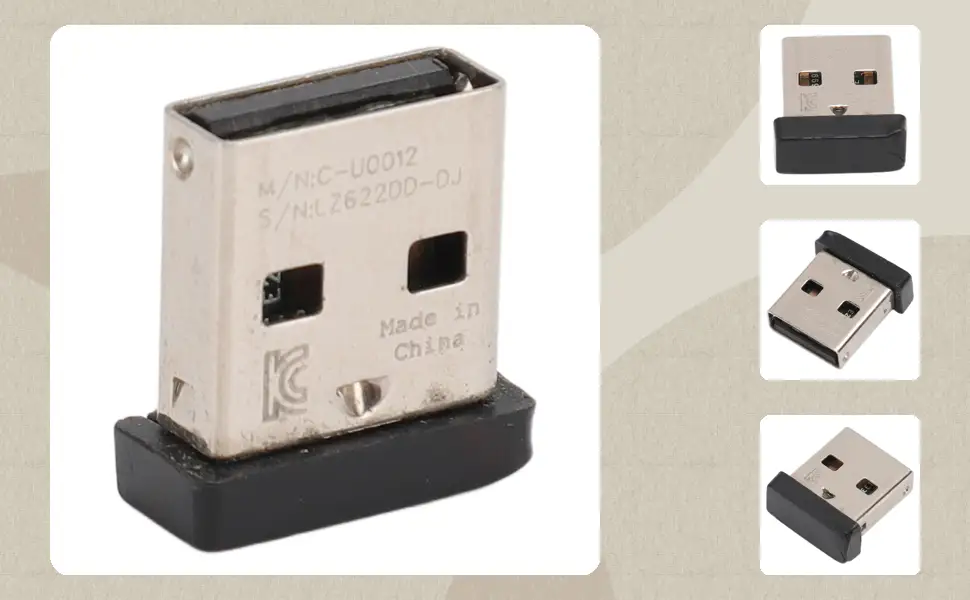
Buying tips from the community emphasize checking device compatibility before purchase, as Bolt will not pair with older Logitech models. Additionally, tower PC users should budget for a USB extension cable to avoid reception issues.
FAQ
Q: Does the Bolt receiver work with all Logitech devices?
A: No. Users repeatedly stress it’s not backwards compatible with older Unifying receiver devices. You must check for the Bolt logo on your mouse/keyboard before buying.
Q: Is it better than Bluetooth for gaming?
A: For many Windows users, yes. Several gamers report lower latency and more reliable connections, especially in FPS and MMO titles, compared to Bluetooth.
Q: Can it connect multiple devices at once?
A: Yes, up to six Bolt-compatible devices per receiver. This is a major selling point for multi-workspace setups.
Q: Does it work in BIOS?
A: Yes. This is one of its strongest advantages over Bluetooth. Multiple buyers highlight its ability to function before OS drivers load.
Q: Are there macOS issues?
A: Some macOS users experience lag, frame skips, and unreliable wake-from-sleep reconnection, requiring workarounds like reinstalling Logi Options+.
Final Verdict: Buy if you’re a Windows/Linux user needing BIOS access, multi-device pairing, and stable wireless in congested environments. Avoid if you’re on macOS or rely on older Unifying receiver peripherals. Pro tip from community: For tower PCs, use a USB extension cable to ensure optimal stability.





