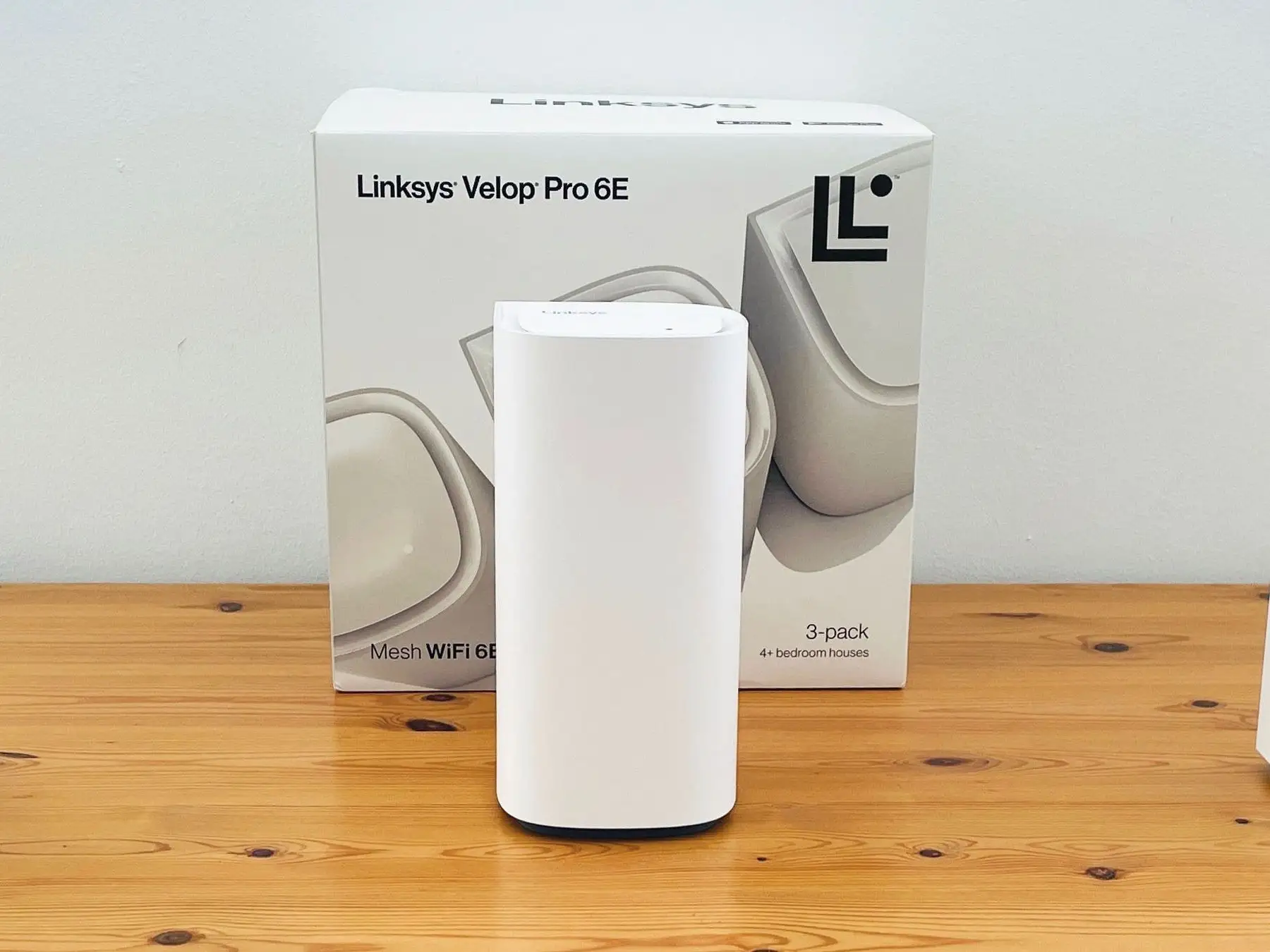
Linksys Micro Mesh WiFi 6 Review: Conditional Buy Verdict
Digging through hundreds of user accounts, one thing became clear about the Linksys Micro Mesh WiFi 6 System 3Pk – when it works as intended, it delivers fast, consistent whole‑home coverage with minimal setup headaches. But that consistency isn’t universal. Long‑time network pros and casual home users alike praise its range and speed, yet occasional firmware and app quirks leave some frustrated. Averaging ratings from Amazon, Best Buy, and Trustpilot, this kit lands at an 8.5/10.
Quick Verdict: Conditional Buy
| Pros | Cons |
|---|---|
| Strong whole‑home coverage, even in multi‑story or extended properties | Occasional connectivity drops or app logouts reported |
| Easy guided setup via Linksys app | App UI quirks and limited advanced controls frustrate power users |
| Supports Ethernet backhaul for full‑speed on all nodes | Price can feel high compared to newer competitors |
| WPA3 security and guest network options | Requires node power plugs, no PoE |
| Reliable performance with many devices (30+) | Can struggle with concrete/metal obstructions |
| Expandable mesh, integrates with certain older Linksys nodes | Firmware glitches requiring resets for some users |
| Sleek design fits home décor | No wall‑mount option |
Claims vs Reality
Marketing promises “lightning‑fast speeds up to 3Gbps” and “eliminate WiFi dead zones.” In controlled environments, users have indeed seen exceptional speed: Reddit user s_james reported over 200Mbps in a detached garage 83 feet from the nearest node, where previous mesh systems delivered just 20Mbps. Likewise, a Best Buy reviewer “vang tfz” clocked over 1200Mbps on an Xbox Series X at the back of their home.
However, not everyone hits the advertised numbers. While officially rated at AX3000 or higher, some report bottlenecks due to wireless backhaul limitations. A verified Trustpilot buyer explained: “If you put the slave access points 50ft away they might only be able to get like 20mb… do Ethernet backhaul if at all possible!” The Ethernet backbone feature turns those “up to” speeds into reality, demonstrating how installation choices trump raw spec sheets.
Coverage claims of up to 6,000 sq ft are generally supported in open layouts. In dense construction, concrete and steel are limiting factors. A Best Buy customer “router good. app trash” noted “steel and glass seem to really block the signal.” Even Linksys’ own guides acknowledge obstructions can degrade performance.
Cross-Platform Consensus
Universally Praised
Ease of setup emerges repeatedly. From IT pros to first‑time mesh users, the app-led process takes minutes. Quora user “easy set up and working great” had their Atlas 6 2‑pack running “within 15 minutes” after struggling with their old router’s poor speeds. Reddit’s “bryce” echoed this, saying it took longer to unbox than to configure.
Range and reliability attract consistent applause. “kai law” on Best Buy loved that it worked inside and outside the house, crucial in areas with bad cell service for WiFi calling. Large property owners like “nicola” described nodes 100ft apart still saying “placed correctly” in the app, with guest houses fully online. For gamers and streamers, stability is a standout – “joelr” mentioned his son’s gaming and a fully network‑powered home run without issues.
Ethernet backhaul is a hero feature for wired homes. The Trustpilot IT developer review shows how hardwiring each node removes the wireless hop as the “weak link,” leading to equal speeds across all points. This effectively turns the mesh into three full‑speed routers.
Common Complaints
The Linksys app, while praised for setup, is criticized for advanced management. A Best Buy user slammed it as “slow clunky garbage” with random logouts and overly strict password rules. Amazon reviewers such as “quikdraw” pointed out inconsistencies between the web interface and app, with each hiding controls found in the other.
Connectivity drops, though not universal, frustrate when they occur. Reddit’s “dont buy linksys” warned of “wifi drops a lot, ethernet drops a lot” despite wired use. Fakespot's AI summary flagged cases where nodes required resetting after brief power blips.
Firmware stability is hit‑or‑miss. Firmware updates often improve performance, but initial setup can be hampered by compatibility issues with certain ISPs – “glenn martin” struggled for two hours to connect via T-Mobile internet.
Divisive Features
Design and footprint draw mixed reactions. Many appreciate the sleek white cylinders blending into home décor (“they look sleek… can’t fault them”), while others lament the lack of wall‑mounting and proprietary power plugs that limit placement flexibility.
Security features please average users, with WPA3 and guest networks easily toggled. But advanced users wish for VLAN or VPN support, calling these “hidden” or “lacking” in certain Amazon reviews. Naming independence for 2.4GHz/5GHz bands is a pleasant surprise to some (“shl 0791”), but not universally valued.
Trust & Reliability
Trustpilot evidence shows generally happy long‑term use when installed optimally. The IT geek review described 8 weeks of flawless performance, and Best Buy customers reported months without a single drop. Reddit veteran “lloyd” went so far as to buy a second set for extensive church coverage, noting signals strong more than 300 feet away.
On the flip side, Fakespot detected review manipulation on an older Velop model, and roughly 33% of analyzed reviews may be unreliable – a reminder to weigh direct user accounts more heavily than aggregated star ratings.
Durability stories suggest the hardware holds up. “loyal linksys owner” on Quora reported 9 months of zero issues, compared to chronic problems with prior Netgear gear.
Alternatives
Several buyers switched from other mesh brands after frustration. “frank farley” replaced a TP-Link Deco system due to poor performance, praising Linksys for allowing admin access via laptop. “mike” stacked it against Eero Pro 6E, finding Eero “so slow… web pages would take 30-60 seconds to load” before returning to Linksys.
The Atlas Max 6E is mentioned by Reddit’s “tech reviews” as a more future‑proof tri‑band option for those wanting WiFi 6E support, albeit at double the cost.
Price & Value
Recent Amazon listings show the 3‑pack around $207–$249 depending on edition, down from list prices near $300. eBay resale values hover between NZD 113–250 for used sets, indicating solid second‑hand demand. High prices relative to other consumer mesh kits are justified to some by performance; however, multiple reviewers caution that without Ethernet backhaul, you may not see full value.
Community buying tips are clear: purchase with free returns, test in your environment, and invest in Ethernet cabling if possible to unlock full throughput.
FAQ
Q: Can I use one node in a separate location under a different roof?
A: Yes. Reddit users confirm nodes can operate standalone or as part of a mesh, making it possible to deploy a single unit elsewhere.
Q: Does it work well with older Linksys Velop nodes?
A: In many cases, yes. One Best Buy reviewer successfully integrated older nodes with new Atlas Pro units via customer support guidance.
Q: How many devices can it handle?
A: Official specs list 75+, but users have connected 30+ simultaneously without noticeable lag, especially with WiFi 6‑capable clients.
Q: What’s the setup process like?
A: The Linksys app guides you step‑by‑step. Multiple buyers report complete installation in under 30 minutes, including firmware updates.
Q: Is Ethernet backhaul worth it?
A: Absolutely. Wired inter‑node connections eliminate wireless bottlenecks, ensuring each node delivers full main router speeds.
Final Verdict: Buy if you’re a homeowner or small business seeking stable coverage for multiple devices and you can optimize node placement (ideally with Ethernet backhaul). Avoid if you demand deep enterprise features like VLAN/VPN control or have severe obstruction issues without wiring options. Pro tip from community: “Do Ethernet backhaul if at all possible – it’s like having three full‑speed access points.”