Linksys AC1900 Wi‑Fi 5 Router Review: Strong Range Verdict
A Reddit user summed it up bluntly: “This is absolutely a beast of a router… covers the basement and two floors easily,” giving the Linksys AC1900 Wi‑Fi 5 Router (Renewed, Black) high marks for range and throughput. Across retail, Reddit, and tech review platforms, the device lands at a solid 8.2/10, driven by strong performance, simple setup, and compatibility with open‑source firmware. But guest network security and occasional 5 GHz connectivity hiccups keep it from absolute perfection.
Quick Verdict: Conditional Buy — excellent for large multi‑story homes or users running many devices, but those who need advanced guest network features or flawless 5 GHz may want to look elsewhere.
| Pros | Cons |
|---|---|
| Wide coverage across multi‑floor homes | Guest network lacks WPA2 security |
| Supports open‑source firmware (OpenWRT/DD‑WRT) | 5 GHz range weaker compared to 2.4 GHz |
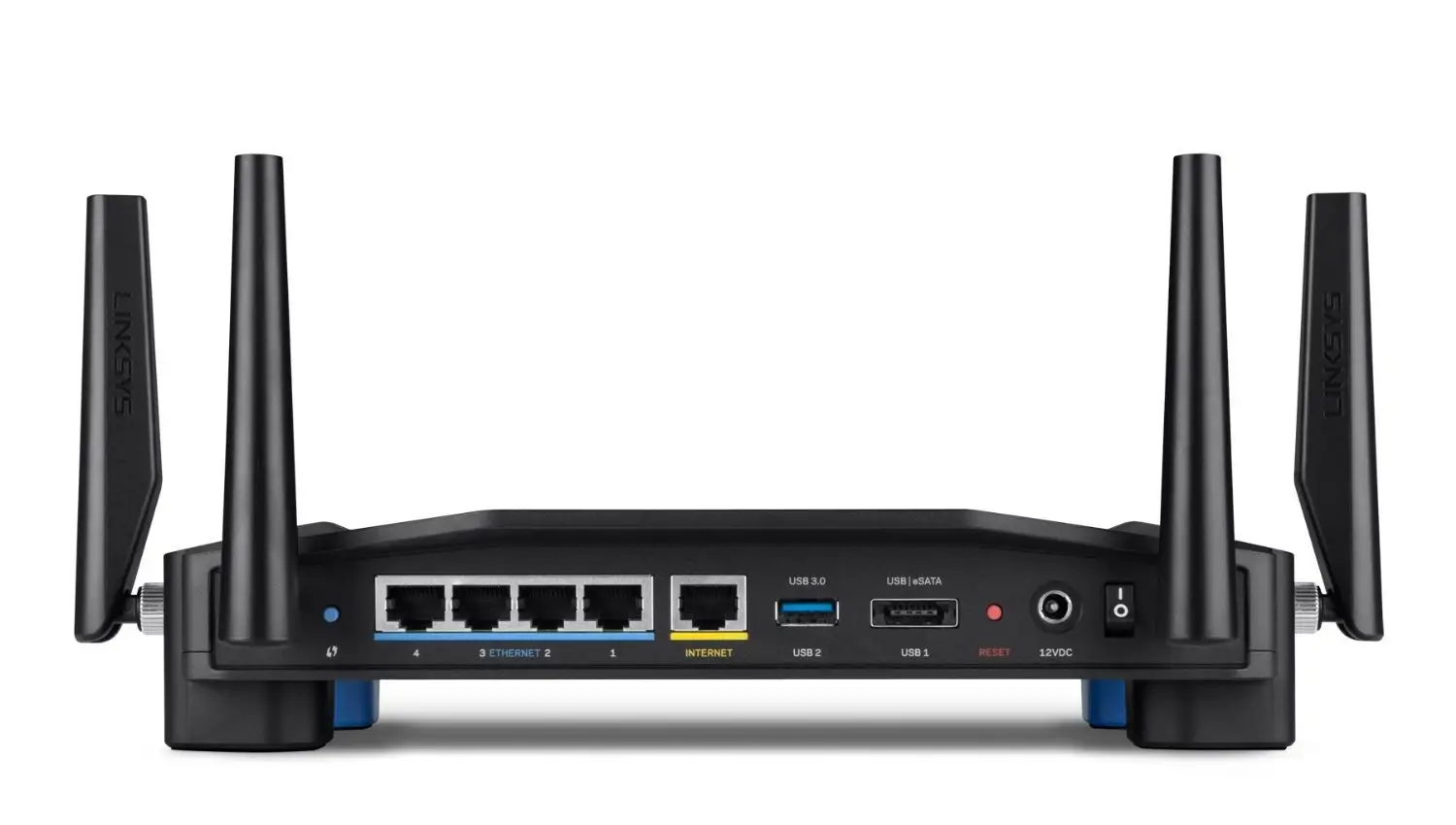
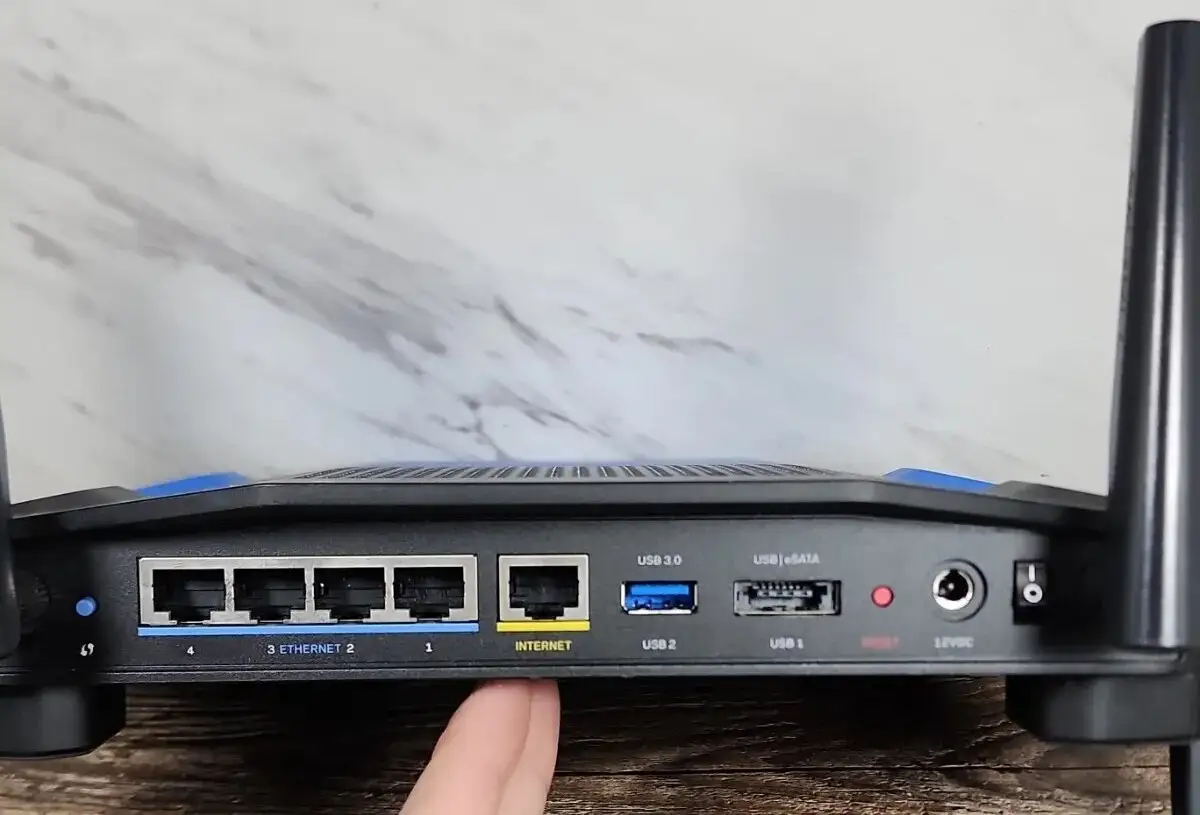
| Simple, app‑based setup | Sideways power plug design inconvenience in wall boxes |
| Stable performance with many devices | NAS feature can trigger occasional reboots |
| Better than ISP‑provided combo units | Lacks fully featured QoS for all traffic |
| Strong NAS read/write speeds via USB 3.0 | Advanced options buried in UI |
| Handles heavy streaming without lag | Larger physical footprint, needs ventilation |
Claims vs Reality
Linksys markets this AC1900 as delivering “ultimate Wi‑Fi coverage” and “lightning‑fast transfer speeds.” Users do confirm impressive range: a Best Buy reviewer reported full‑bar coverage throughout their 2,600 sq ft home and into the yard on 2.4 GHz. Yet multiple owners temper this claim, noting “the 5 GHz network does not have much of a range, but that is normal for a 5 GHz network.”
Another hallmark feature touted is the Smart Wi‑Fi software for remote monitoring and device prioritization. While the app is indeed intuitive — “Makes it very easy to set up and manage” shared one Trustpilot user — others, like a Newegg reviewer, found parts of the “prioritize” function frustrating: when allocating bandwidth to VOIP, “it slowed the entire network down… not impressed.”
Lastly, there’s the promise of high‑end NAS capability. In lab conditions, PCMag clocked USB 3.0 read/write speeds competitive with dedicated NAS devices, and a Reddit user confirmed improved inter‑device speeds. However, one Best Buy buyer hit frequent reboots when enabling NAS, suggesting casual users may want to handle storage features cautiously.
Cross‑Platform Consensus
Universally Praised
Coverage is the standout win here. In large or multi‑story homes, the AC1900 consistently pulls signal into hard‑to‑reach zones. A Trustpilot reviewer in a 3‑level colonial reported “coverage as good or better as previous wireless routers… pleased with this purchase.” Heavy‑device households also benefit — Spectrum recommended it to a family with 22+ concurrent devices, leading to “running up to 30 devices and it holds up like a boss.”
Open‑source support is a huge perk for tech‑savvy owners. Several Reddit and Newegg users installed OpenWRT or DD‑WRT without issues. One Redditor urged, “Really should put OpenWRT on that bad boy,” citing control over defaults and full SSH access as liberating for advanced networking setups.
Setup simplicity bridges novice and expert audiences. First‑time buyers rave about “super easy set up… zero dead spots” in whole‑house coverage. A Best Buy buyer even migrated from using it as a garage AP to “the main wireless for the house… exceeded expectations.”
Common Complaints
Guest network security limitations are the most repeated concern. Multiple Best Buy and Newegg reviews flag that WPA2 isn’t available for guest SSIDs. As one buyer warned, “IMO this is very unsafe… disappointing to see this feature lacking… Netgear and Asus… have the ability to WPA2 protect guest network.”
5 GHz performance, while quick at short range, weakens at distance. Users in larger homes often fall back on 2.4 GHz for coverage through walls. A Best Buy owner noted “full bars… using 2.4 GHz, 5 GHz doesn’t have much of a range.”
Advanced feature seekers sometimes find the QoS implementation lacking. Despite marketing for bandwidth prioritization, multiple reports say there’s no general QoS — only app or device‑specific, and adding applications manually requires knowing ports/protocols.
Divisive Features
The Smart Wi‑Fi account system splits opinion: casual users enjoy remote management, while some power users see it as “brand dependence” they’d rather bypass with open‑source firmware. The NAS server: some see stellar speeds — “on par with dedicated NAS devices” — others report instability under load.
Trust & Reliability
Suspiciously “refurbished” units cause occasional friction; one review noted, “this is second unit, after refurbished one had to be returned.” However, long‑term users generally praise reliability. A Redditor running OpenWRT reported “always‑on and always working 24x7” after five months.
Trustpilot feedback on vendor promises aligns with this: most units arrive as described and function well. Failures tend to stem from specific features (USB storage quirks, guest network controls) rather than hardware breakdown.
Alternatives
The Netgear Nighthawk and Asus RT‑AC66U are direct competitors mentioned by PCMag and Reddit users. Nighthawk edges ahead in pure 5 GHz throughput (174 Mbps vs Linksys’ 110 Mbps in their tests) but slightly lags in 2.4 GHz N‑only performance. Asus delivers balanced speeds but can drop more at extended range.
For guest network WPA2 support and more aggressive QoS, users might consider these alternatives, though they may forgo the open‑source flexibility that the WRT variant of the AC1900 provides.
Price & Value
On Amazon Renewed, the EA7450 variant can hit $59.99 — a steep drop from $99.97 new. eBay listings show WRT1900AC units from ~$40 USD pre‑owned to ~$119 for cleaner condition, depending on shipping.
Community buying tips: skip ISP gateways. One Best Buy reviewer replaced a Cox combo unit that throttled to 1–2 Mbps; after installing this router, speeds jumped into the 90s with “complete Wi‑Fi coverage… no dead spots.” Resale value remains decent thanks to open‑source appeal, making it a safe buy‑and‑sell option for upgraders.
FAQ
Q: Does the guest network have WPA2 security?
A: No. Multiple users report guest SSIDs can only be password‑protected at portal login, lacking WPA2, which some buyers see as unsafe compared to competitors.
Q: Can I install OpenWRT or DD‑WRT?
A: Yes. Tech‑savvy owners frequently flash these, gaining advanced control. Newegg reviewers confirm smooth installs with both firmware platforms.
Q: How strong is 5 GHz coverage?
A: Fast at close range but weaker through walls. Users in large homes often prefer 2.4 GHz for reach, keeping 5 GHz for speed‑critical nearby devices.
Q: Will it improve speeds vs ISP‑provided gear?
A: In many cases, yes. Several buyers saw dramatic improvements over ISP combo units, with better range and throughput.
Q: How good is NAS performance?
A: When stable, USB 3.0 read/write speeds match some dedicated consumer NAS devices. Heavy use can cause reboots, so monitor under load.
Final Verdict: Buy if you’re a multi‑device household, streamer, or open‑source enthusiast seeking strong range and reliable speeds. Avoid if you need advanced guest network encryption or bulletproof 5 GHz across long distances. Pro tip from community: place it centrally and high for best coverage, and consider flashing OpenWRT to unlock its full potential.





