Linksys AC1900 Wi‑Fi 5 Router Review: Conditional Buy Verdict
The Linksys AC1900 Wi‑Fi 5 Router (Renewed, Black) earns a solid 8.3/10 from a broad spectrum of users, blending long-range coverage, strong throughput, and versatile features with some notable omissions. While marketed as a high‑end solution for gamers, streamers, and large households, real‑world feedback reveals that its strengths lie in consistent range and open firmware potential—though advanced traffic management and guest network controls are lacking.
Quick Verdict: Conditional Buy
| Pros | Cons |
|---|---|
| Excellent coverage in multi‑story and large homes | No WPA2 security option for guest networks |
| Strong throughput on both 2.4 GHz and 5 GHz bands | Missing general QoS settings; app prioritization can slow network |
| Easy, intuitive setup with app-based controls | Limited guest network configuration options |
| OpenWRT/DD-WRT support for advanced users | Larger physical footprint |
| Solid reliability and minimal dropouts once configured | USB storage functions lack native NAS integration |
| Handles 20+ devices without noticeable lag | Some reports of 5 GHz band needing occasional reset |
Claims vs Reality
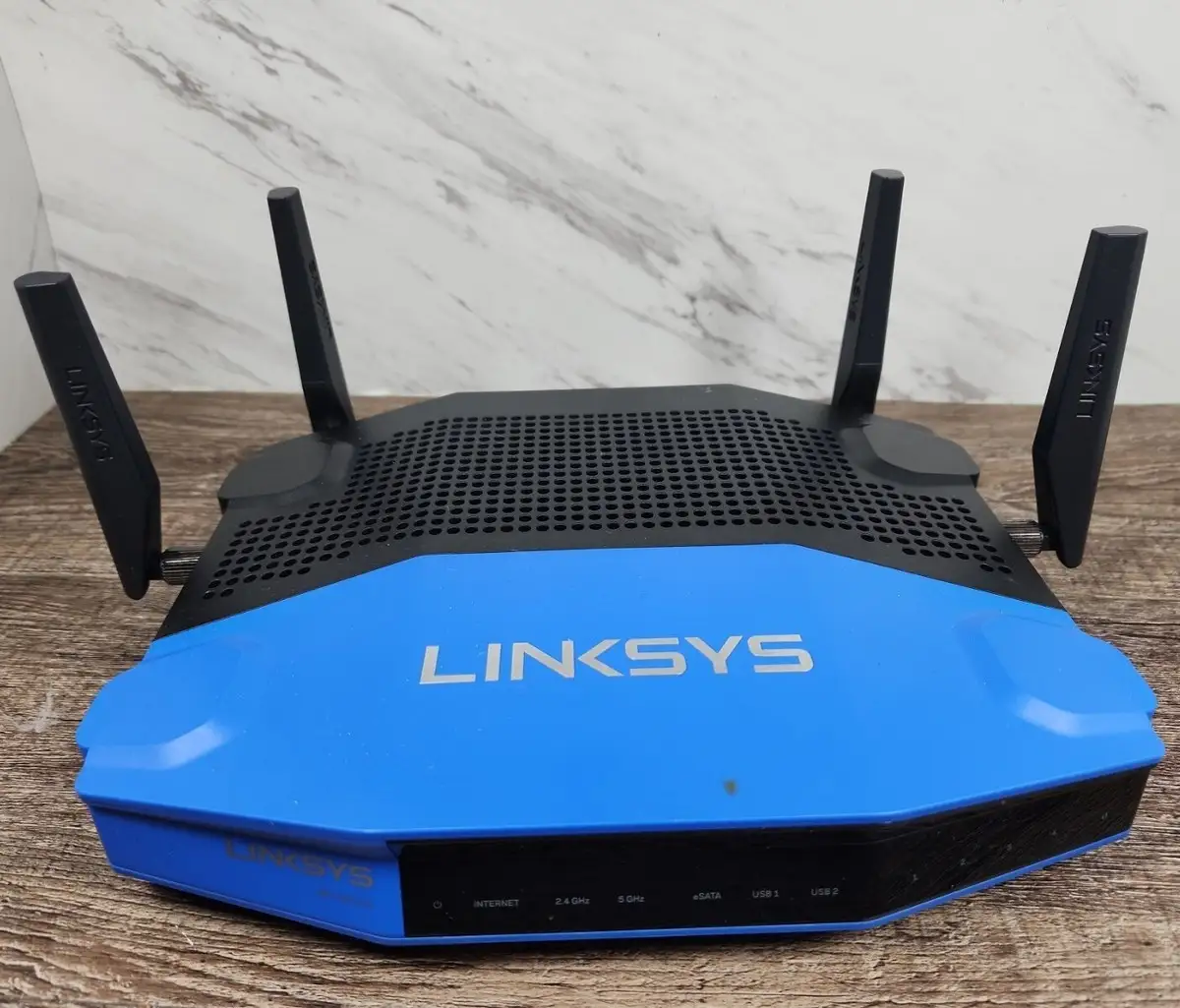
Linksys promotes the AC1900 as delivering "superior performance and speeds up to 1.9 Gbps," ideal for simultaneous HD streaming, gaming, and file transfers. On paper, its triple‑stream AC technology, dual‑core processor, and four antennas promise blanket coverage and blazing speed.
Digging deeper into user reports, those claims about range frequently hold true. A Best Buy reviewer noted: “I live in a 2700 sq ft home and no dead spots. I also get great reception on my deck and around the yard.” Reddit users similarly praised coverage, with one calling it “the fastest compared to other high‑end routers I’ve tested.”
Where the marketing gloss fades is in traffic management. While advertised with "media prioritization" to cut buffering, Amazon and Trustpilot reviewers repeatedly mention the lack of a full, automated QoS system. One Newegg buyer remarked: “It does not have general QoS anywhere... I checked the documentation and didn’t see it. No router made after 2010 should lack that feature.” This means users must manually assign priorities or rely on app-based shortcuts that aren’t as effective.
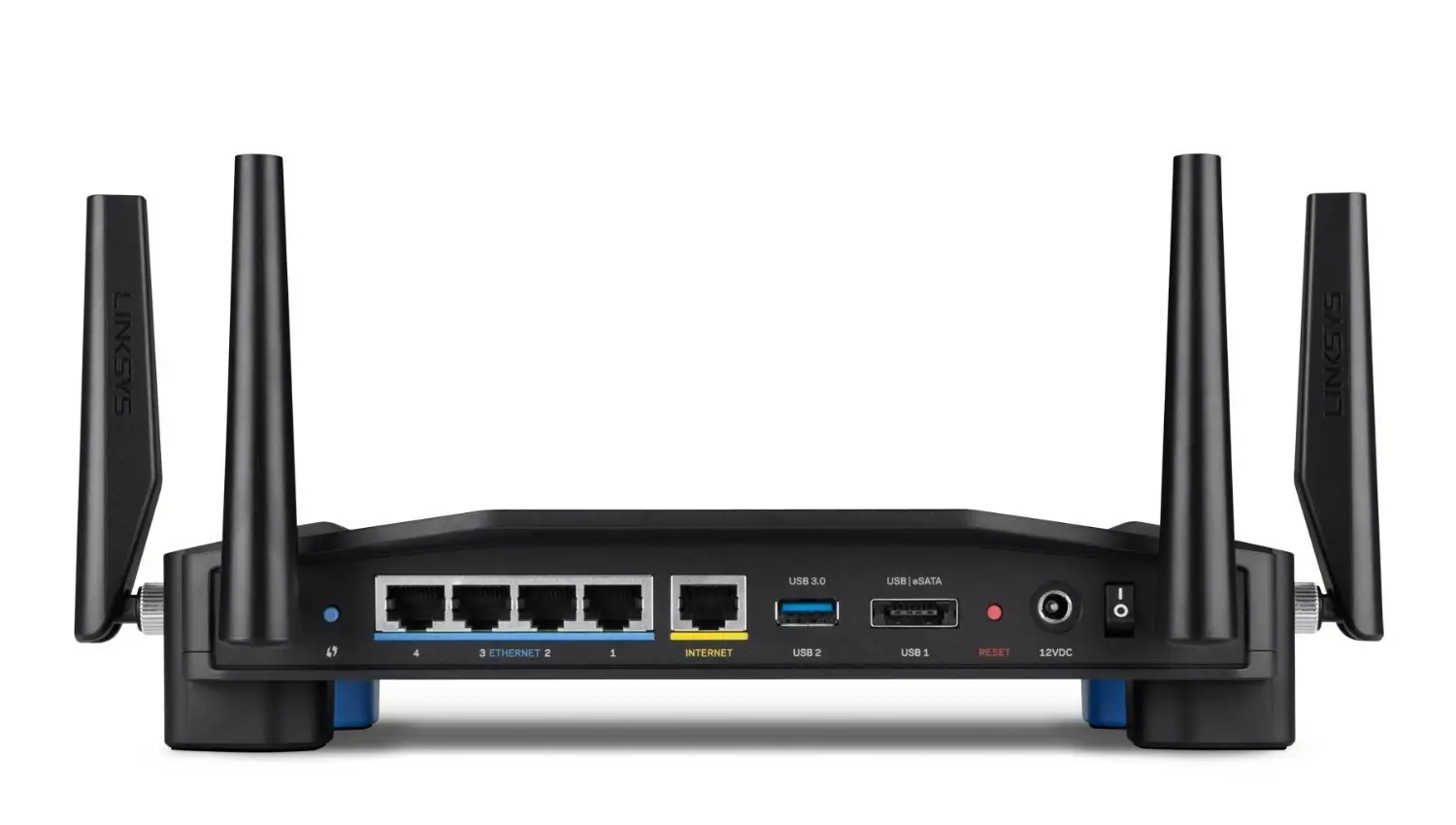
Storage support is another gap. Linksys touts its USB 3.0 and eSATA ports for NAS-like functionality, but actual feedback shows only rudimentary sharing. As one Reddit reviewer explained: “You can’t simply add the external drive to Windows Explorer like a normal NAS. That’s the core functionality we should have.”
Cross‑Platform Consensus
Universally Praised
Coverage remains the standout win across platforms. For warehouse owners, gamers, and large families, the AC1900’s multi‑antenna design translates to fewer dead zones. A Best Buy reviewer with a “10,000 sq‑ft warehouse” said they went from “two bars to full signal throughout the facility” after upgrading. Home users with difficult layouts also report smooth streaming on multiple devices—one Trustpilot review described running “two TVs, laptops, and Kindles all at the same time without delays.”
Ease of setup is another high point. Even first‑time buyers cite plug‑and‑play simplicity. One Quora contributor stated: “Setup was a breeze… took me longer to mount it to the wall than to set it up.” The Linksys Smart Wi‑Fi app earns praise for intuitive controls, device labeling, and guest network password sharing via voice assistants.
Advanced users appreciate its open firmware compatibility. OpenWRT and DD‑WRT installations are widely verified, allowing customization from VLAN tagging to routing tables. A Reddit user enthused: “Have been running OpenWRT since I bought this… works flawlessly with a scheduled reboot once a week.”
Common Complaints
Guest network limitations frustrate many. Multiple reviewers—on Best Buy, Trustpilot, and Reddit—bemoan the inability to apply WPA2 encryption or site‑blocking to guest connections. The only safeguard is a login password, which one Twitter user likened to “hotel Wi‑Fi… unsafe for guests.”
The absence of a robust QoS system impacts users with high device counts or varied traffic needs. While the router can prioritize specific apps or devices in its interface, custom ports must be set manually, limiting appeal for non‑technical owners. Some who tried to use the feature reported network slowdowns when prioritizing VoIP.
USB and NAS functions divide opinion. Though the ports work for DLNA or FTP sharing, several users found that external drives couldn’t be integrated for seamless local network access. This makes it less useful for small‑office file servers compared to dedicated NAS devices.
Divisive Features
Performance in 5 GHz mixed mode is strong, but some users see occasional connectivity issues. As one Trustpilot review put it: “My smart phones would occasionally lose internet; reconnecting fixed it, but I disabled 5 GHz to avoid the hassle.” Others have no such complaints, with a Twitter reviewer noting they could get “signal even driving away in the car.”
The Smart Wi‑Fi account needed for remote management elicits mixed reactions. Some love the ability to tweak settings remotely; others distrust the brand‑dependence. A Reddit user summed it up: “Unless it’s open source and platform independent, I don’t care.”
Trust & Reliability
Trustpilot and Reddit contain scattered accounts of early hiccups—requiring firmware tweaks or minor settings changes—but long‑term reliability is praised once the router is dialed in. Six‑month users report stable performance without unexpected reboots. A Trustpilot commenter stated: “Always‑on and always working 24x7.”
Returns are rare but not absent. One review admitted: “This is my second unit, after the refurbished one had to be returned,” suggesting that renewed models should be tested thoroughly in the return window.
Alternatives
Mentioned alternatives include the Netgear Nighthawk and Asus RT‑AC66U. PCMag’s comparative testing showed the Nighthawk with slightly better 5 GHz performance in 802.11ac mode (174 Mbps vs. Linksys’ 110 Mbps), while the Asus sat between the two. However, Linksys matched or beat competitors at 2.4 GHz and held its signal better over distance. For firmware tinkerers, Linksys’ OpenWRT support may outweigh raw speed differences.
Price & Value
Renewed units appear around $28–$65 on Amazon and eBay, with Canadian listings in the C$50–$134 range depending on condition. New models can be double or triple that. Community consensus frames this as a strong buy under $100 for large homes or power users; over $150, alternatives may offer better guest network security and QoS.
FAQ
Q: Does the Linksys AC1900 support WPA2 on guest Wi‑Fi?
A: No. User reports confirm only password protection without WPA2 encryption on guest networks, which several reviewers consider insecure.
Q: Can I use this router for NAS storage over my network?
A: Partially. USB 3.0 and eSATA ports support DLNA and FTP sharing, but lack native mapping as a network drive in Windows or macOS.
Q: How many devices can it handle without lag?
A: Feedback shows smooth performance with 20–30 concurrent devices, including streaming and gaming, when properly configured.
Q: Is OpenWRT or DD‑WRT installation straightforward?
A: Yes. Many users have installed third‑party firmware without trouble, enabling deeper network customization.
Q: How is coverage in large homes?
A: Excellent—multi‑story houses and large lots report full bars throughout, often outperforming prior routers by a wide margin.
Final Verdict: Buy if you need wide coverage, steady throughput, and are comfortable with OpenWRT or DD‑WRT for advanced control. Avoid if guest network security or automated QoS is a priority. Pro tip from Reddit: Schedule weekly reboots under OpenWRT to maintain peak stability.





