Linksys AC1900 Wi-Fi Router Review: Conditional Verdict
A surprising number of buyers describe the Linksys AC1900 Wi-Fi Router (Renewed, Black) in almost heroic terms, with one verified Amazon customer calling it "absolutely a beast of a router… industrial‑strength capability and reliability." But beyond the headlines, ratings vary from a stellar 4.6/5 on Best Buy to a more reserved 3.6/5 for certain refurbished WRT1900AC units, hinting at inconsistencies in user experience.
Quick Verdict: Conditional
| Pros | Cons |
|---|---|
| Strong range and coverage, even in multi‑story homes | Guest network lacks robust security features |
| Easy setup via app or manual gateway access | 5GHz range shorter than users expect |
| Supports multiple devices without lag | Some refurbished units arrive with incorrect firmware |
| Open source firmware compatibility for advanced users | Intermittent Wi‑Fi drops reported in select cases |
| Solid build and industrial styling | Divisive QOS/“media prioritization” performance |
Claims vs Reality
Marketing for this router often touts AC1900 dual‑band speeds and superior coverage for large households. Official specs promise “up to N600 + AC1300 Mbps” with simultaneous dual‑band and beamforming to extend range.
Digging into actual reports, coverage praise is widespread: Best Buy buyers mention moving from Comcast rentals to this unit in three‑level homes, achieving full coverage and eliminating dead spots. One Trustpilot reviewer noted: “Coverage is as good or better as previous wireless routers in this 3‑level colonial… pleased with this purchase.” This matches the claim, especially on the 2.4 GHz band.
Where reality diverges is in 5GHz performance at longer distances. An Amazon reviewer explained, “2.4 GHz radio performance is bad but 5 GHz performance was superb… at 70 feet, performance on 2.4 dropped from 35 Mbps to 1 Mbps intermittently.” The shorter effective range of 5 GHz—marketed as a speed advantage—can frustrate users in large or multi‑level homes when devices stray too far.
Another marketing highlight is the “guest network” feature. While officially supporting both 2.4 GHz and 5 GHz guest bands with password protection, numerous Best Buy users expressed concern. One wrote: “The main network allows WPA‑2… the guest network does not allow you to use anything… IMO this is very unsafe.” Functionally, it works for casual sharing, but security expectations aren’t met for customers comparing with Netgear or ASUS offerings.
Cross-Platform Consensus
Universally Praised
Coverage from a central location seems to be this router’s strongest suit. Multiple Best Buy customers in 2,600–3,000 sq ft homes reported full bars throughout. Amazon’s “beast” reviewer specified coverage “in the basement and two floors easily” without extenders. For streaming households, Reddit user feedback confirms handling “up to 30 devices” simultaneously without lag—valuable for families with gaming consoles, smart TVs, and phones all online.
Ease of setup is another universally appreciated feature. Both tech‑savvy and first‑time buyers describe installation as fast. A Best Buy customer recounted, “It took me longer to mount it to the wall than to set it up.” Others point to the Linksys Smart Wi‑Fi app, which aids with device prioritization and even voice command integration via Echo Dot.
For power users, open source firmware compatibility is a major draw. Newegg reviewers and Amazon customers mention quick success flashing DD‑WRT or OpenWrt to unlock advanced networking features like VLAN tagging, dynamic routing, and custom firewall rules. Users running stores or home labs benefit most from this upgrade path.
Common Complaints
The guest network’s lack of WPA2 encryption is the most frequently cited flaw, especially among buyers accustomed to stronger isolation features on other brands. In environments where visitors use sensitive devices, this is a potential deterrent.
Refurbished unit inconsistencies are another sore point. Some Amazon buyers received routers with third‑party VPN firmware pre‑installed, requiring a manual reflash of Linksys stock firmware before use. One complained, “Certified refurbished my eye!” after finding mismatched documentation and cosmetic wear.
Intermittent Wi‑Fi drops—sometimes daily—are reported, especially when using certain NAS functions. These issues often require a reboot to resolve. A Best Buy buyer pointed out, “Had one hiccup where the router needed a reboot… wish it would show the IP address of the upstream cable modem.” In larger homes, performance on lower bands can also lag behind expectations compared to premium rivals.
Divisive Features
Linksys’ “media prioritization” replaces traditional QOS, letting users boost specific devices or apps. While convenient, some found it slowed the entire network: “Slowing the entire network down when I only needed 64 kb allocation for VoIP.” Others value it for managing multiple simultaneous streams without buffer.
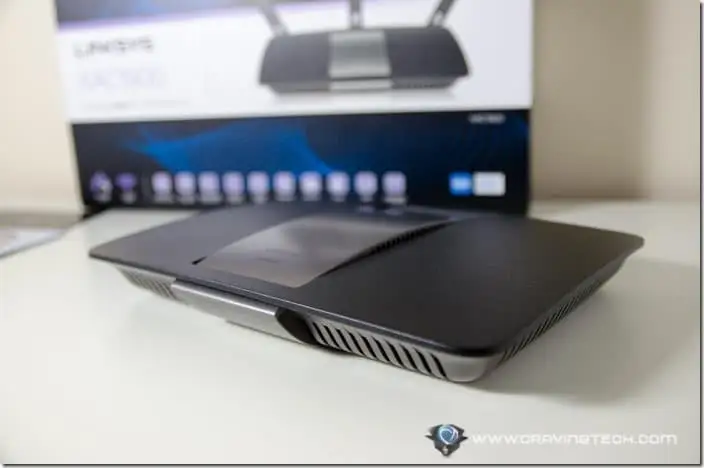
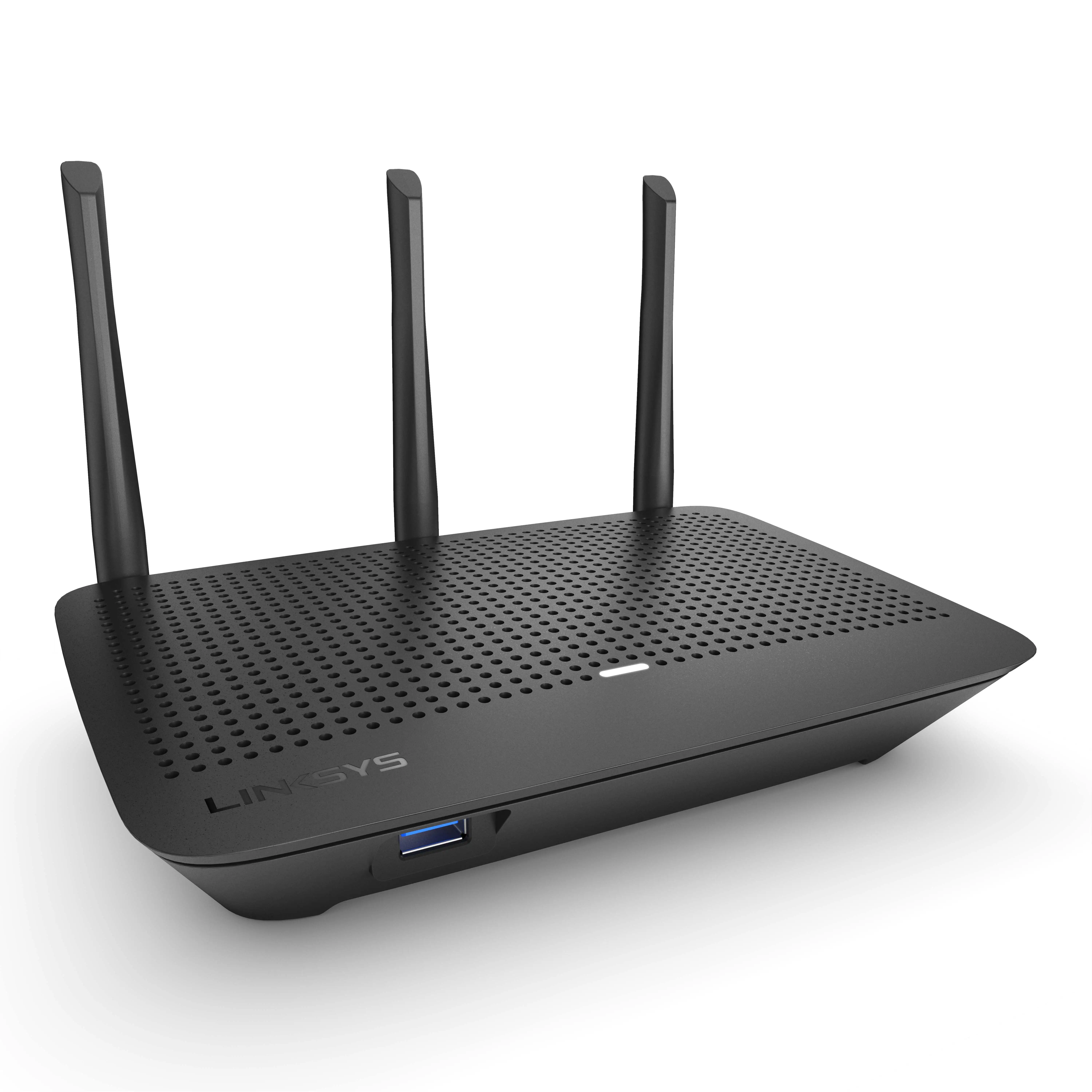
The industrial styling garners mixed feelings. Some appreciate the iconic WRT aesthetic—a nod to older Linksys workhorses—while others find it bulky compared to modern minimalistic designs.
Trust & Reliability
While there’s occasional frustration over refurb quality control, most long‑term owners on Amazon report stability over years of use. The standout “beast” reviewer updated after four years that the router was “still running as strong and reliably as new,” even after relocation between states.
Trustpilot‑sourced Best Buy reviews reinforce the impression that once a solid unit is in place, uptime is excellent. However, refurb-specific risks—wrong firmware, missing accessories—mean buyers should ensure return options or consider reputable sellers.
Alternatives
Competing routers mentioned include the Netgear Nighthawk X8, praised for “night and day” performance increases in large homes, and ASUS RT‑AC3200, noted in a Newegg review as slightly behind in signal strength compared to the WRT1900AC. Users seeking higher long‑distance throughput on 5 GHz might lean Nighthawk, while Linksys retains appeal for its open source ecosystem and value pricing in renewals.
Price & Value
Current listings show wide variation: $25–$65 for used units on eBay, ~$59.99 for renewed models on Amazon (down from $99.97 new). The low resale value makes this a budget‑friendly pick for buyers who understand the quirks, especially if they plan to flash custom firmware. Community advice leans toward grabbing refurb deals only from sellers with solid return policies, given occasional firmware mismatches.
FAQ
Q: Does the Linksys AC1900 support guest networks on both bands?
A: Yes, it can broadcast 2.4 GHz and 5 GHz guest SSIDs, but users note it lacks WPA2 encryption, relying solely on password‑based browser authentication.
Q: How is the 5 GHz range compared to 2.4 GHz?
A: It’s faster but shorter‑ranged. Multiple users report strong speeds nearby but considerable drop‑off through walls or floors.
Q: Can I install DD‑WRT or OpenWrt on this router?
A: Yes. Many advanced users successfully flash open source firmware to enable VLANs, advanced routing, and better QOS control.
Q: Is setup easy for non‑tech users?
A: Most say yes; the Smart Wi‑Fi app simplifies installation, and manual access via 192.168.1.1 is straightforward.
Q: Should I worry about refurbished quality?
A: Some units arrive with unexpected firmware or wear. Buy from sources with clear return policies.
Final Verdict: Buy if you’re a tech‑enthusiast or household with many simultaneous devices needing broad coverage on a budget. Avoid if guest network security is a priority or if you need maximum 5 GHz range in large, obstructed spaces. Pro tip from community: consider flashing OpenWrt or DD‑WRT for enhanced control and stability.





