Linksys AC1900 Wi-Fi 5 Router Review: Strong But Flawed
A Reddit user described being “sort of shocked at how good” the Linksys AC1900 Wi-Fi 5 Router was after upgrading from a previous model, finding it powerful enough to ditch wired connections for gaming. With an aggregated score of 8.5/10, this refurbished dual‑band router delivers coverage, stability, and speed that many users say surpasses their expectations—though not without some pointed criticisms about guest network security and occasional hiccups.
Quick Verdict: Conditional buy
| Pros | Cons |
|---|---|
| Strong, stable signal over large areas | Guest network lacks WPA2 security |
| Easy setup via app or manual controls | Occasional need for manual reboot |
| Handles 20–30+ devices simultaneously | Limited QoS/media prioritization settings |
| Compatible with custom firmware (OpenWRT/DD‑WRT) | Short power cable and awkward mounting hole placement |
| Fast speeds for gaming and HD streaming | USB storage compatibility issues reported |
| Good resale value for refurbished units | 5 GHz band range weaker than 2.4 GHz |
Claims vs Reality
Linksys promotes the AC1900 as delivering speeds “up to 1.9 Gbps” with superior coverage. Digging into user reports, the performance claim generally holds in day‑to‑day scenarios. One Best Buy reviewer wrote about achieving “signal even driving away in the car” and running an Xbox One “on wifi on everything now” without noticeable latency. They credited a combination of the router’s range and a 300 Mbps ISP connection.
The app‑managed setup is another advertised perk. While many agree it’s “super easy to set up” and intuitive—especially for first‑time buyers in small apartments—several users noted pitfalls. One pointed out that “if you click the wrong button at initial setup, you have to do a factory reset,” which could frustrate less‑technical owners.
Finally, Linksys touts secure multi‑network options. Here, reality is more mixed: while the main networks support WPA2, a Reddit feedback source warned that “the guest network does not allow you to use anything” beyond a password‑only hotel‑style login, calling it “very unsafe” compared to competitors with full WPA2 guest protection.
Cross-Platform Consensus
Universally Praised
One standout theme is range and stability. In a 2‑story brick home, a Trustpilot‑cited buyer reported “whole house with zero dead spots” and no extender needed. For large households, Reddit users praised running “up to 30 devices” without crashes—critical for families with smart TVs, consoles, and streaming sticks. Open‑source firmware fans on Newegg also rated it “a beast of a router” with VLAN, routing tables, and scheduleable wireless.
Gamers and streamers consistently found speed more than sufficient. A Reddit commenter using the 5 GHz band “maxed out my 110 meg connection,” while another on Best Buy shared that parental device‑priority settings let them stream live sports and HD video “with no lag or buffering between any devices.”
Ease of setup appeals both to novices and tinkerers. eBay buyers described it as “excellent router” in like‑new condition, while open‑source advocates enjoy the quick switch to DD‑WRT or OpenWRT for advanced control. For travel‑light techies, Amazon’s renewed pricing offers “great bang for the buck” without sacrificing reliability.
Common Complaints
Guest network security is the most persistent gripe. As one quoted reviewer remarked, it was “disappointing to see this feature lacking” in a router at this price point, especially from a reputable brand. USB file‑sharing also proved inconsistent—some flash drives wouldn’t mount, though seagate hard disks worked fine.
Certain users faced intermittent connection drops; a Reddit customer recalled the router regularly “dropping wifi for a minute or three, like three or four times an hour” before firmware adjustments. Hardware quirks like a sideways power plug or poorly placed wall‑mount holes limited installation options. For rural customers, expectations of flawless 4K streaming weren’t met—not because of router limitations, but underperforming broadband speeds.
Divisive Features
Media prioritization/QoS dividing opinions: while casual users appreciated being able to prioritize one or two devices, others argued its replacement for traditional QoS “was a lame” and slowed the entire network when incorrectly apportioned. Open‑source firmware compatibility delighted enthusiasts, but those sticking to Linksys’ stock interface found advanced settings “hard to find, not where you might think.”
The 5 GHz band’s shorter range resulted in varied satisfaction. Within 700 sq ft apartments, it’s flawless; across 2,600 sq ft homes, performance tapers off in distant rooms. Whether that’s a deal‑breaker depends on layout and device placement.
Trust & Reliability
Durability stories track positively. A Reddit post confirmed months of “always‑on and always working 24 x 7” service, even in homes crammed with connected devices. Newegg buyers reported “industrial‑strength capability” lasting years without signal fatigue. The open‑source support, despite corporate ownership changes, bolstered trust among networking enthusiasts.
However, refurbished units sometimes carry mismatched documentation or require firmware updates out of the box. One Trustpilot‑summary noted returning a first unit before getting a reliable replacement. For cautious buyers, sourcing from sellers with clear return policies and Amazon’s 90‑day renewed guarantee helps mitigate risk.
Alternatives
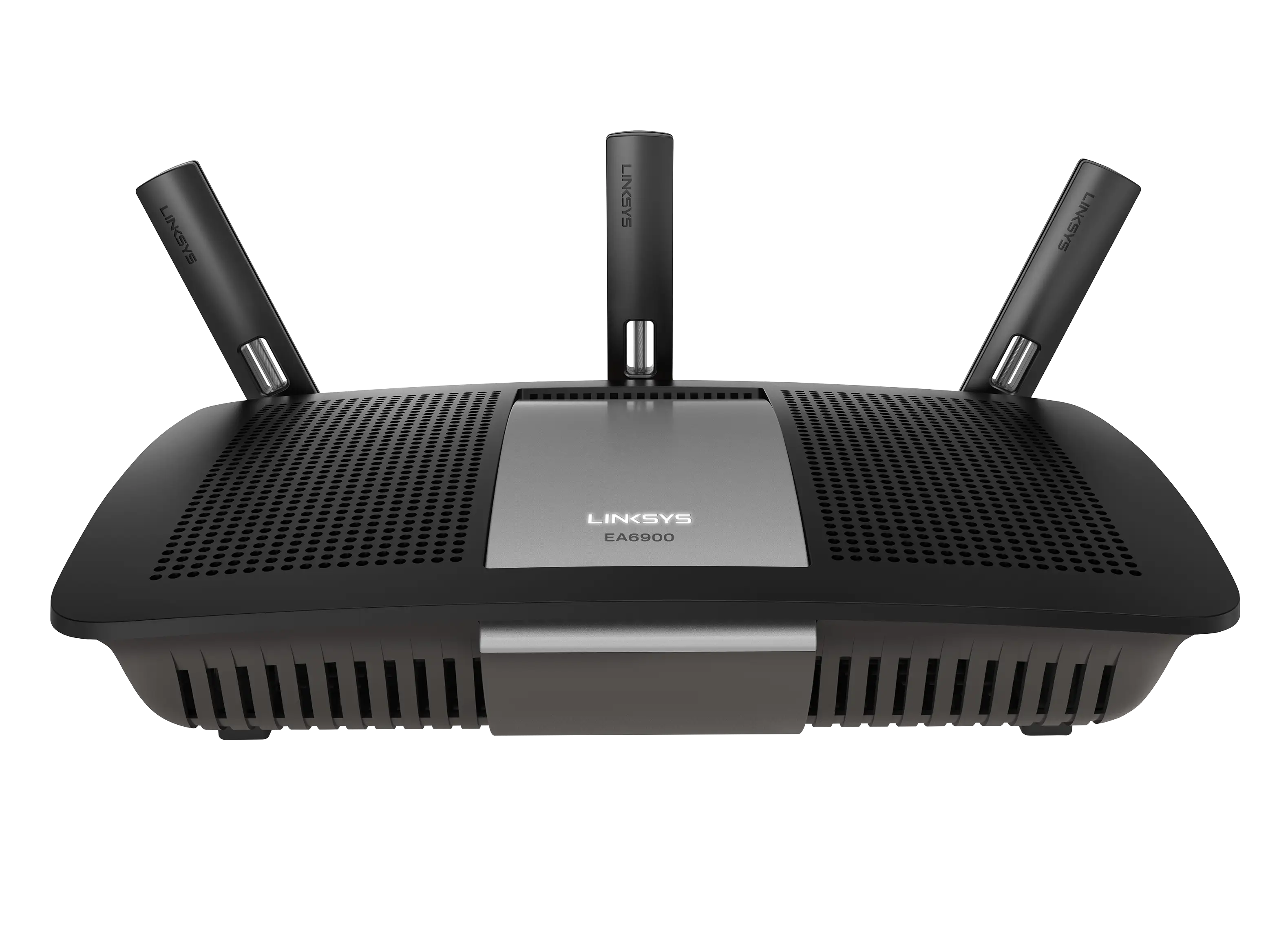
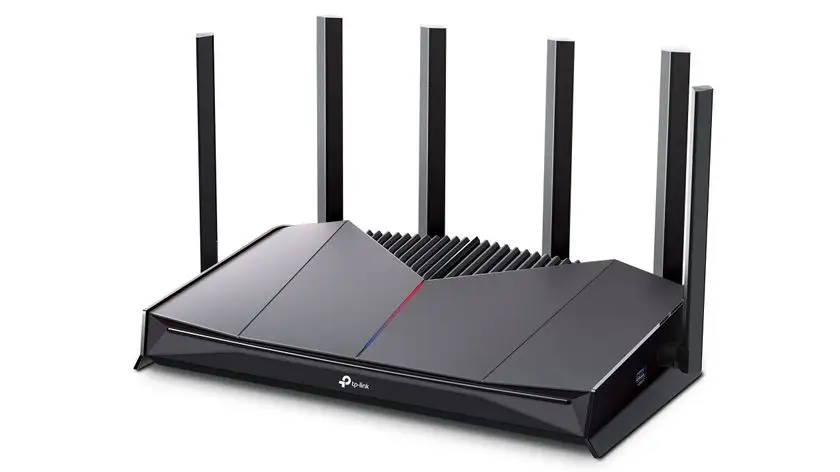
Those comparing within Linksys’ own stable looked at the EA6900 and newer Max‑Stream lines, often opting for the AC1900 for better range and open‑source friendliness. Competitors like Netgear’s Nighthawk series offer more granular QoS and guest network encryption, attracting security‑sensitive households. Asus routers similarly compete on customization, with some reviewers acknowledging better guest protections.
As a Reddit hardware thread noted, spending $90 more on the WRT1900ACS variant yields a faster CPU and potentially stronger throughput for high‑load scenarios. Conversely, budget shoppers might choose TP‑Link variants with AV powerline extenders instead.
Price & Value
Amazon Renewed listings place the AC1900 EA7500 around $28–$60 USD, with Canadian resale often between C$52 and C$132 depending on condition. eBay auctions demonstrate stable demand, with pre‑owned units fetching above $65 plus shipping.
Experienced buyers suggest this router is “worth it” for large households under budget—especially when replacing ISP‑provided equipment. A Best Buy review emphasized “great basic router” performance for parents upgrading from “garbage” rental units. Sellers on eBay market it as “excellent like new condition,” commanding premiums among firmware hackers seeking WRT‑capable gear.
FAQ
Q: Does the Linksys AC1900 support custom firmware?
A: Yes. Multiple Newegg and Reddit users successfully run DD‑WRT or OpenWRT for enhanced control, routing features, and NAS options.
Q: How is the range on the 5 GHz band compared to 2.4 GHz?
A: The 5 GHz band offers faster speeds but less coverage. Owners of larger homes reported weaker range in far rooms, which is typical for that frequency.
Q: Is the guest network secure?
A: Only partially. While the main network supports WPA2, the guest network uses password‑only login without full encryption, which some consider unsafe.
Q: Can it handle many connected devices at once?
A: Yes. Reviewers mention stable performance with 20–30+ devices, making it suitable for tech‑heavy households.
Q: Are there known compatibility issues with USB drives?
A: Yes. Some flash drives fail to mount, though external HDDs often work. Checking drive format before use can help.
Final Verdict
Buy if you need strong coverage for a multi‑device household, enjoy tweaking firmware, or want affordable open‑source‑friendly hardware. Avoid if guest network encryption is critical or your environment demands flawless 5 GHz coverage through multiple walls. As a community‑shared pro tip: place the router centrally and elevated for maximum range—the AC1900’s strengths in signal stability and multi‑device handling shine brightest when optimally positioned.





