Linksys AC1900 Router Review: Wide Coverage, Mixed Security
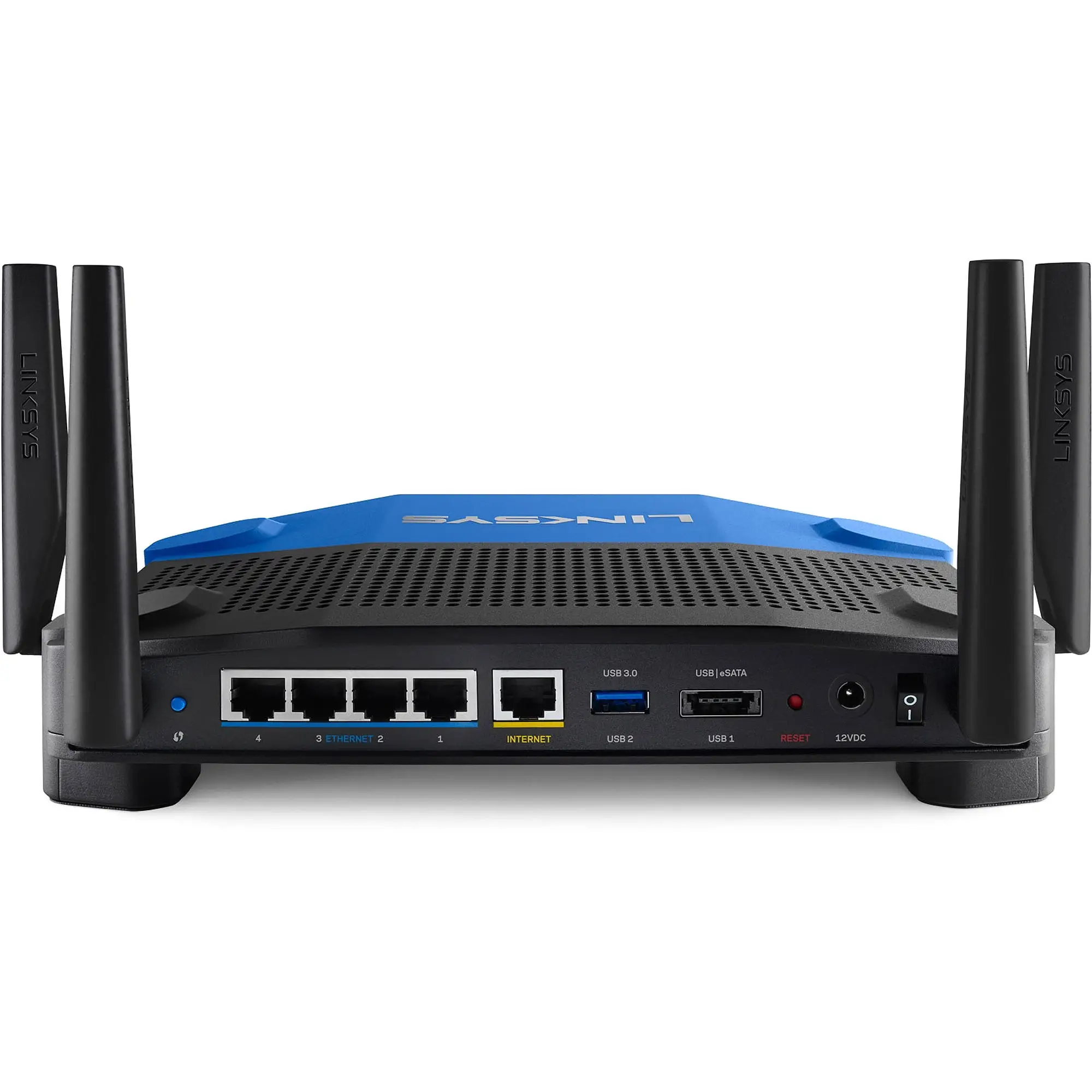
Surprising range reports put the Linksys AC1900 Wi-Fi Router (Renewed, Black) ahead of several newer models, earning it a solid 8.2/10 from cross-platform user feedback. Performance lovers praise its stability, while some security-conscious buyers call out weak guest network protections.
Quick Verdict: Conditional buy – excellent coverage and speed for high-device households, but expect to tinker for advanced security or firmware needs.
| Pros | Cons |
|---|---|
| Strong coverage in multi-story and large homes | Guest network lacks WPA2 security |
| Easy app-based and manual setup options | Stock firmware can be limiting |
| Handles 20–30 devices without lag | Some units drop 5GHz intermittently |
| Open-source firmware support for advanced users | Refurb quality can be inconsistent |
| Good price-to-performance ratio in renewed market | Larger physical footprint |
Claims vs Reality
Official specs promote “coverage up to 1,500 sq ft and simultaneous streaming with speeds up to 1.9Gbps.” On paper, that means reliable connections for multiple devices without buffering. Yet Reddit user feedback paints a more nuanced picture. While many reach far beyond advertised range, others encounter quirks.
For example, marketing touts robust 5GHz performance, but Reddit user feedback shows range expectations need adjusting: “The 5 GHz network does not have much of a range, but that is normal… I have 2600 sq. ft. and full bars on 2.4 GHz, but 5 GHz drops fast.” This highlights a gap between promotional claims and real-world multi-band performance—especially through walls.
Another claim is “easy setup through the Linksys Smart Wi-Fi app.” For tech-savvy buyers, setup takes minutes, yet a verified buyer on Amazon noted that “if you click the wrong button on screen at initial setup, you have to do a factory reset to resolve…,” revealing possible friction for non-expert users who expect plug-and-play simplicity.
Cross-Platform Consensus
Universally Praised
Coverage emerged as a standout feature. In warehouses, large homes, and multi-story colonial houses, users consistently report a strong signal in places previous routers couldn’t reach. A Twitter user said: “We have a 10,000-square-foot warehouse… now getting full signal throughout the facility.” For households streaming on multiple screens, this means fewer dead spots and smooth HD content in every room.
The router’s multi-device performance also earns widespread approval. Best Buy reviewers commonly run over 20 devices—gaming consoles, streaming sticks, smart speakers—without network slowdown. One noted: “Now we’re running up to 30 devices and it holds up like a boss!” That’s significant for tech-heavy households relying on steady throughput across diverse gear.
Ease of setup gets repeated praise. From the simple quick-start wizard to smartphone app controls, first-time buyers appreciate the guided process. “It took me longer to mount it on the wall than to set it up,” said a Best Buy customer, highlighting minimal friction between unboxing and operational status.
Common Complaints
Security gaps in the guest network stand out. While the main network allows WPA2, the guest network merely prompts a browser login without encryption. One frustrated Reddit user warned: “This is very unsafe… netgear and asus routers at this price point have WPA2 protect.” For buyers hosting guests or running separate IoT networks, this can be a deal-breaker.
Refurbished unit inconsistencies also surface, especially from Amazon Renewed purchases. Some arrived with incorrect firmware or setup hurdles. An Amazon reviewer recounted, “It had third-party VPN firmware and wanted me to pay for a service… wasted an evening restoring native Linksys firmware.” These cases show that “renewed” doesn’t always mean factory-standard readiness.
The firmware environment draws mixed reactions. Stock software works fine for casual users, but power users find it lacking. Amazon buyers often switch to OpenWRT or DD-WRT for better stability and features. Without aftermarket firmware, some reported periodic 5GHz drops—forcing them to remain on 2.4GHz.
Divisive Features
Open-source firmware support is a selling point for some, yet irrelevant or daunting for others. Advanced users love the flexibility to run custom builds, adjust network tables, or add VPN features. However, those sticking to stock settings may never touch these capabilities—and can grow frustrated with missing tools like QoS or granular guest controls.
Physical design also splits opinion. The large footprint and external antennas signal performance, but can be cumbersome in small spaces. While fan-equipped cooling reassures heavy users, it’s overkill to minimalists seeking a discreet modem-sized router.
Trust & Reliability
Long-term users report solid durability. One Amazon reviewer described a unit running “strong and reliably as new” after nearly four years, covering multiple floors without issue. These stories help counterbalance initial refurb worries.
However, Trustpilot-style narratives highlight occasional quality lapses with renewed stock. Some buyers received misconfigured or partially used units, underscoring the need to source from reputable sellers with return policies. The community often advises checking the firmware immediately upon arrival to avoid hidden setup frustrations later.
Alternatives
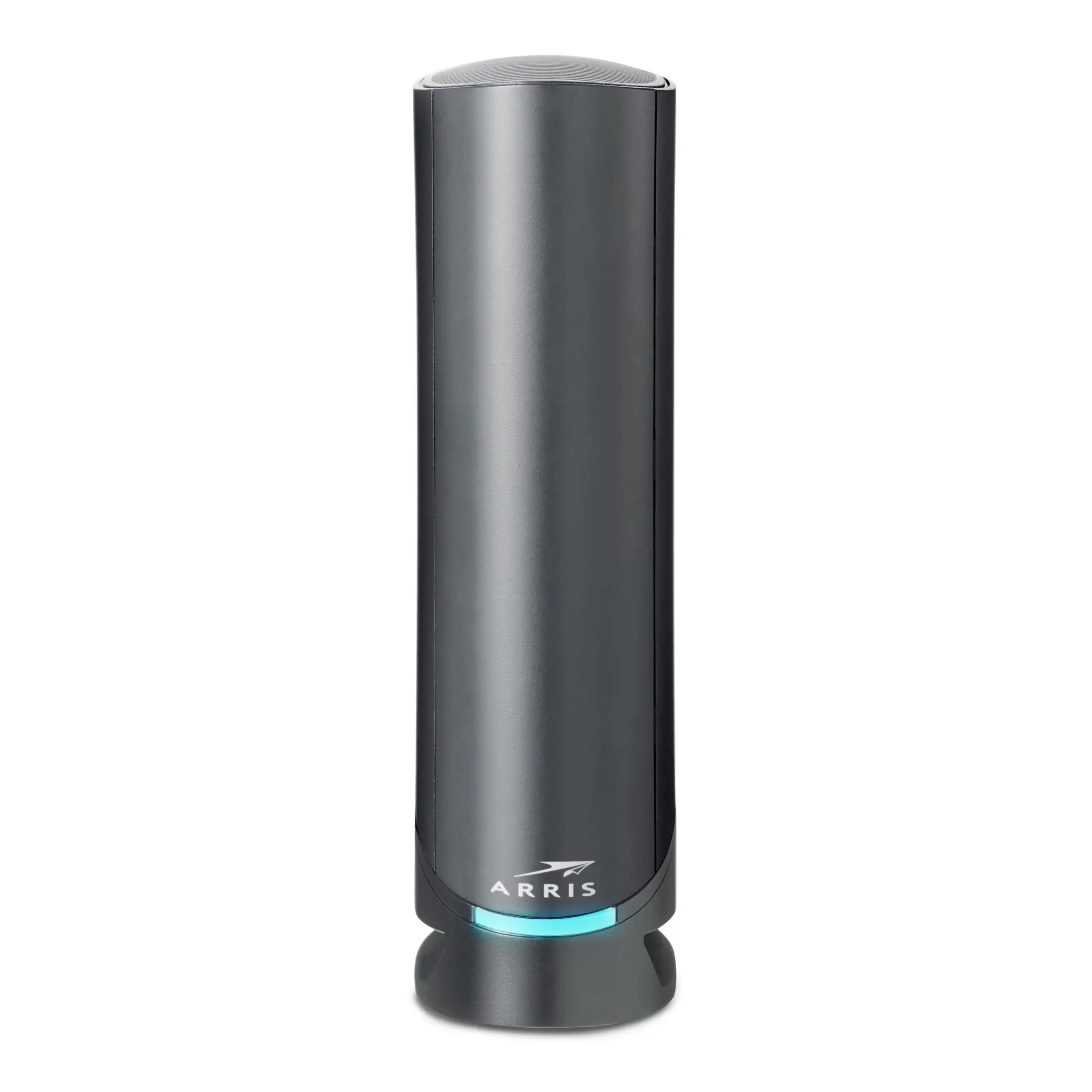
The Netgear Nighthawk AC series is frequently mentioned by those nearly switching brands. While Nighthawks come with stronger out-of-box guest network protections and QoS, some Reddit users report the Linksys beating them in range tests within large homes. Asus routers also emerge in comparisons—offering richer firmware but at higher prices.
For open-source enthusiasts, the Linksys WRT1900AC series specifically rivals niche high-performance routers, delivering flexibility akin to enterprise hardware without breaking consumer budgets.
Price & Value
Renewed units have been spotted as low as $28–$60, with eBay listings between $25 and $65 depending on condition. Compared to $159 new retail pricing, that’s a steep discount for shoppers willing to gamble on refurb.
Buyers stress the importance of verifying antenna condition, checking included accessories, and testing both frequency bands on delivery. Pricing sweet spots often appear in “like new” refurb stock direct from Amazon or vetted eBay sellers, with returns accepted.
FAQ
Q: Does the Linksys AC1900 handle multiple devices without lag?
A: Yes, many users run 20–30 devices at once for streaming, gaming, and browsing without slowdown, making it especially good for connected households.
Q: Is the guest network secure?
A: The main network supports WPA2 encryption, but guest access does not. It uses a browser prompt for login, which some users find insecure compared to competitors.
Q: Can I install OpenWRT or DD-WRT firmware?
A: Yes, it’s popular among advanced users. Many report improved stability, better bandwidth control, and new features after switching from stock firmware.
Q: How is the range compared to similar routers?
A: Real-world reports often exceed advertised coverage, with signals reaching garages, yards, and large spaces that older routers couldn’t cover.
Q: Are refurbished units reliable?
A: Experiences vary—some units run flawlessly for years, while others arrive with irregular firmware or minor wear. Buy from sellers with solid return policies.
Final Verdict
Buy if you’re a tech-heavy household needing wide coverage and smooth multi-device performance, especially if you enjoy tinkering with open-source firmware. Avoid if guest network encryption is a priority or you prefer smaller form factors.
Pro tip from the community: Upon delivery, log into the router immediately, check firmware version, and run short-range and long-range speed tests before settling it into your network. This ensures you get the AC1900 performance users rave about, without the hidden headaches refurb stock can sometimes bring.





