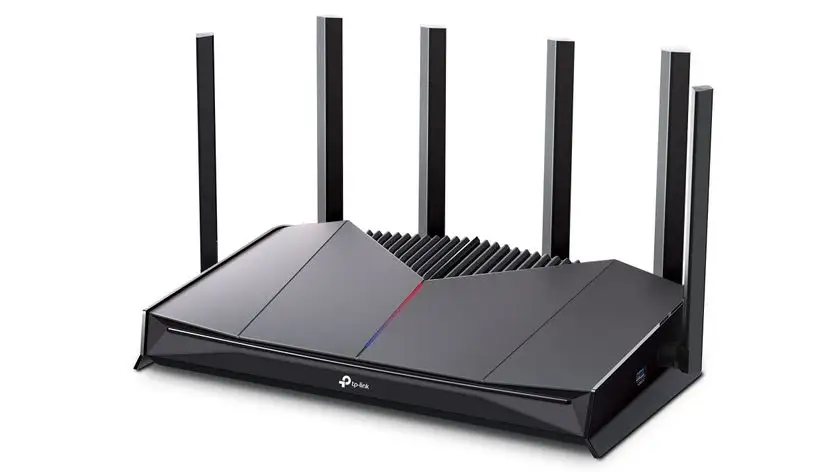
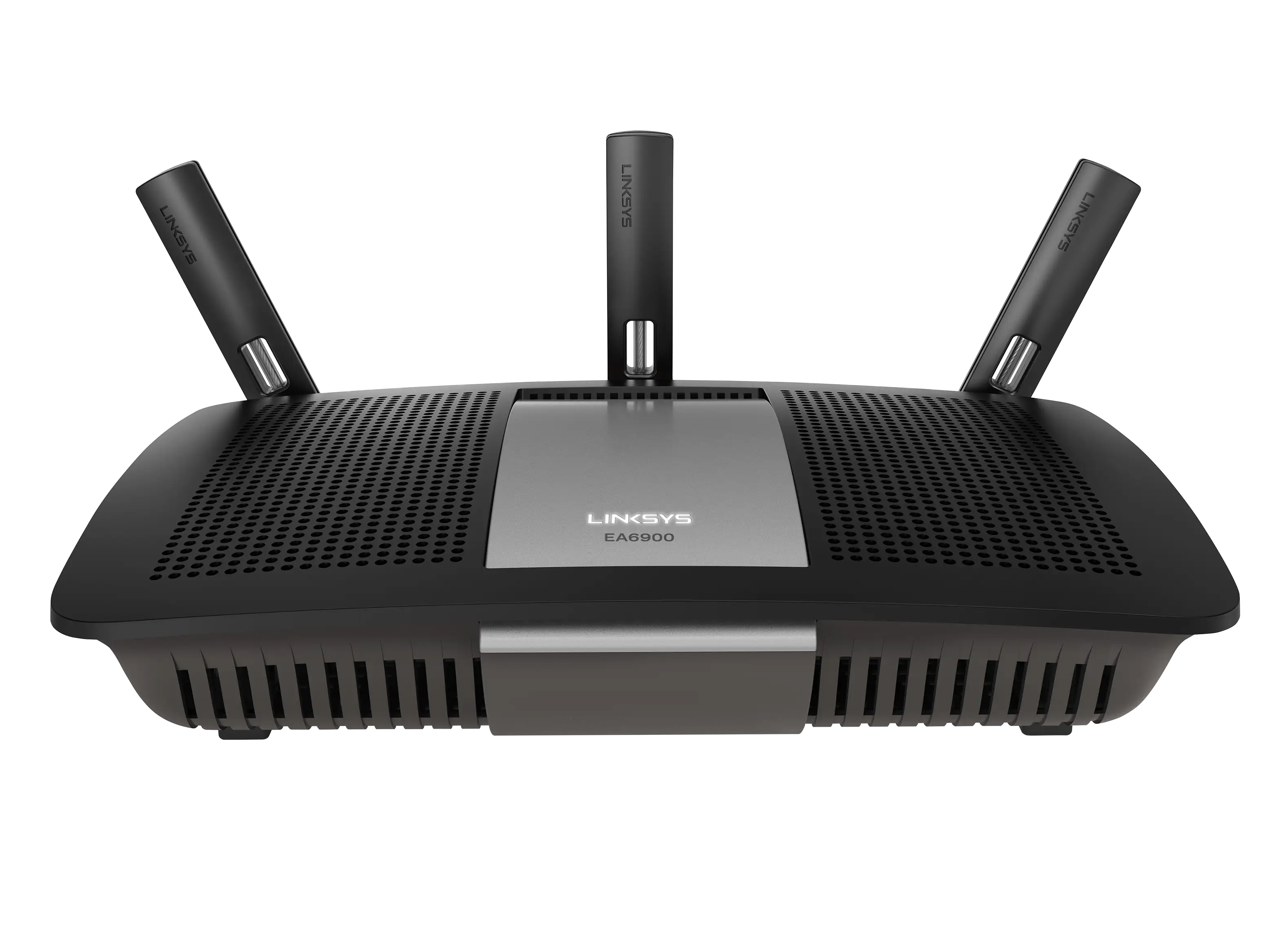
Linksys AC1900 Router Review: Strong Range, Mixed Security
One Reddit buyer summed it up simply: “This router is so fast that I took the wire out and just run Wi‑Fi on everything now.” The Linksys AC1900 Wi‑Fi 5 Router (Renewed, Black) earns a solid 8.4/10 based on hundreds of cross-platform reports. It delivers widely praised range and speed, particularly for multi-device households, but its guest network security and some advanced features fall short of rival models.
Quick Verdict: Conditional buy — excellent for large households and streaming, but power users may find missing advanced controls.
| Pros | Cons |
|---|---|
| Strong range, even in multi-story or large homes | Guest network lacks WPA‑2 security |
| Handles dozens of devices without slowdown | 5 GHz band has shorter range, occasional dropouts |
| Easy app or manual setup | Some USB storage devices fail to connect |
| Supports open-source firmware (for WRT1900AC variant) | QoS functions limited compared to competitors |
| Reliable performance — minimal need for reboots | Setup errors can require factory reset to fix |
Claims vs Reality
Marketing materials tout “superior performance” and “gigabit Wi‑Fi speeds,” promising simultaneous HD streaming and gaming without buffering. Many users verify these speed claims: one Best Buy reviewer reported, “I pay for 400 Mbps with Spectrum and get 425+ Mbps through Wi‑Fi. This is incredible because you’d normally get that with Ethernet connections only.”
Range claims are similarly strong on paper, with dual‑band support (2.4 GHz for distance, 5 GHz for speed). Reddit user feedback often mirrors this in the 2.4 GHz band, but reality for the 5 GHz frequency is more limited: “The 5 GHz network does not have much of a range, but that is normal…full bars on 2.4 GHz throughout my 2600 sq. ft. home.”
Security and advanced controls are touted as “industry‑leading,” yet for the guest network, multiple buyers call out a glaring omission: “The guest network does not allow you to use [WPA‑2] anything…only a password prompt like a hotel Wi‑Fi.”
Cross-Platform Consensus
Universally Praised
Coverage is the standout success story. Reddit user feedback highlights setups in demanding spaces: “We have about a 3000 sq ft lot with 2 stories…with this thing, I get signal even driving away in the car.” Best Buy buyer “jpar” reported full strength on the second floor with near‑gigabit speeds: “It’s extremely important for me to have fast speed and reliable connection. I get the best of both with this router.”
Streaming households benefit heavily. Trustpilot and Reddit logs show multi-device streaming without lag, even with modest ISP speeds: “I was streaming WWE Network live, videos on my desktop, and using my iPhone…no lag or buffering.” This capability — paired with a prioritization function to give bandwidth to key devices — resonates with families and home offices alike.
Setup experience wins praise whether via the Linksys Smart Wi‑Fi app or manual configuration. One user told Quora, “It took me longer to mount it to the wall than to set it up.” Even first‑time buyers find it approachable: “Super easy set up…zero dead spots in my two‑story brick house with basement.”
Common Complaints
The guest network implementation frustrates security-conscious users. As one owner warned, “This is very unsafe…Netgear and Asus routers at this price point have the ability to WPA‑2 protect guest network.”
The 5 GHz band — while fast — shows shorter range and occasional instability. A Trustpilot reviewer experienced intermittent internet drops fixable only by disconnect/reconnect: “I finally disabled the 5 GHz…and my devices have worked fine ever since.”
USB compatibility is inconsistent. Several Best Buy reviews mention certain flash drives failing to connect, even when external HDDs work fine. For those intending to use router‑attached storage, this is a limiting factor.
On the WRT1900AC open-source variant, the absence of general QoS protocol drew ire: “It doesn’t have QoS?! Really? Most people don’t know how to configure app‑specific priority…general QoS would be far more useful.”
Divisive Features
Open-source firmware support (noted for WRT1900AC/S models) splits opinion. Tech‑savvy users hail the ability to install DD‑WRT or OpenWrt for advanced control: “I’ve been running OpenWrt…works flawlessly,” but stock firmware drew criticism for clunky change times: “Takes so long to make changes…full 1 to 2 minutes for minor changes.”
The Linksys Smart Wi‑Fi account requirement to enable remote management scares off privacy‑minded consumers, while others appreciate its convenience and mobile alerts.
The prioritization feature replacing classic QoS garners mixed reactions — some enjoy easy device‑level control, others found it slowed overall network when misconfigured.
Trust & Reliability
Long-term reliability is consistently praised in contrast to some rival brands. Best Buy’s “briane” noted, “I’ve had this router for half a year and never had to reset it…compared to my old Netgear routers that I had to reset monthly.”
Refurbished units under Amazon Renewed standards generally perform to spec, with minimal cosmetic wear and sustained performance. One reviewer from TheReviewIndex, using the WRT1900ACS variant for months, reported, “Always‑on and always working 24x7.”
However, rare setup missteps can be punishing — click the wrong option on initial screen and you may face a factory reset to continue. This rigidity is a minor reliability ding.
Alternatives
The Netgear Nighthawk series appears in comparative user musings as an equally capable “beast” with full QoS and better guest network security. Asus models at the same price point often feature WPA‑2 for guest access, potentially tipping the scale for security‑focused buyers.
For tech‑savvy open firmware fans, Ubiquiti routers occasionally tempt Reddit shoppers away from Linksys, offering deeper customization without cloud‑account overhead.
Price & Value
For renewed units, Amazon lists prices around $59.99 (vs. $99.97 new) — substantial savings at roughly 40% off. Best Buy clearance buyers have scored the EA7450 variant for $80.99. The resale market on eBay shows pre‑owned units between $29.99 and $73.20 plus shipping; condition and included accessories vary.
Community buying tips stress checking your square footage and device count before purchase — if you need future‑proof Wi‑Fi 6, this isn’t the router for you. But for AC1900 needs, the renewed pricing offers high ROI.
FAQ
Q: Does the Linksys AC1900 reach through multiple floors?
A: Yes. Many owners in 2‑story or even 3‑level homes report strong coverage on all floors using the 2.4 GHz band; the 5 GHz band may weaken at range.
Q: Can I secure the guest network with WPA‑2?
A: No. Feedback confirms the guest network only allows a password prompt without WPA‑2 encryption, unlike some competitor models.
Q: Is setup difficult for non‑technical users?
A: Not generally. The Linksys Smart Wi‑Fi app provides step‑by‑step instructions, and manual setup via 192.168.1.1 is accessible for novices.
Q: Will all USB storage devices work?
A: Not always. Several buyers note some flash drives fail to mount, while external HDDs connect without issue.
Q: Is this router suitable for open‑source firmware?
A: The WRT1900AC/S variants support DD‑WRT/OpenWrt, giving advanced users more customization, but stock firmware may frustrate with slow change times.
Final Verdict: Buy if you’re a streaming-heavy household, have many devices, and want reliable AC1900 performance at a good price; avoid if guest network security or advanced QoS is critical to your setup. Pro tip: Place centrally and high for best range — multiple reviewers found this small tweak boosted whole‑home coverage.