Linksys AC1900 Router Review: Strong Range, Mixed Features
Bold claims surround the Linksys AC1900 Wi-Fi Router (Renewed, Black), with ratings repeatedly landing between 4.1 and 4.6 out of 5 across platforms. Yet, digging into user feedback reveals a complex mix: outstanding range and reliability for many, but glaring shortcomings in certain features like guest network security and firmware flexibility. Overall score? 8.2/10 – strong hardware let down by some software decisions.
Quick Verdict: Conditional – best for power users willing to tweak settings, less ideal for plug‑and‑play seekers who demand robust default features.
| Pros | Cons |
|---|---|
| Excellent range – coverage through multi‑story homes | Guest network lacks WPA2 encryption |
| Handles high device load without lag | 2.4GHz performance drops at distance |
| Fast 5GHz throughput | Stock firmware missing advanced QoS |
| Supports open source firmware like DD‑WRT/OpenWrt | Setup quirks – wrong click can require factory reset |
| Strong USB storage performance | Occasional Wi‑Fi drops in some units |
| Easy app‑based management | Poor 5GHz range compared to 2.4GHz |
| Solid build quality and longevity | Refurb units sometimes missing proper factory firmware |
Claims vs Reality
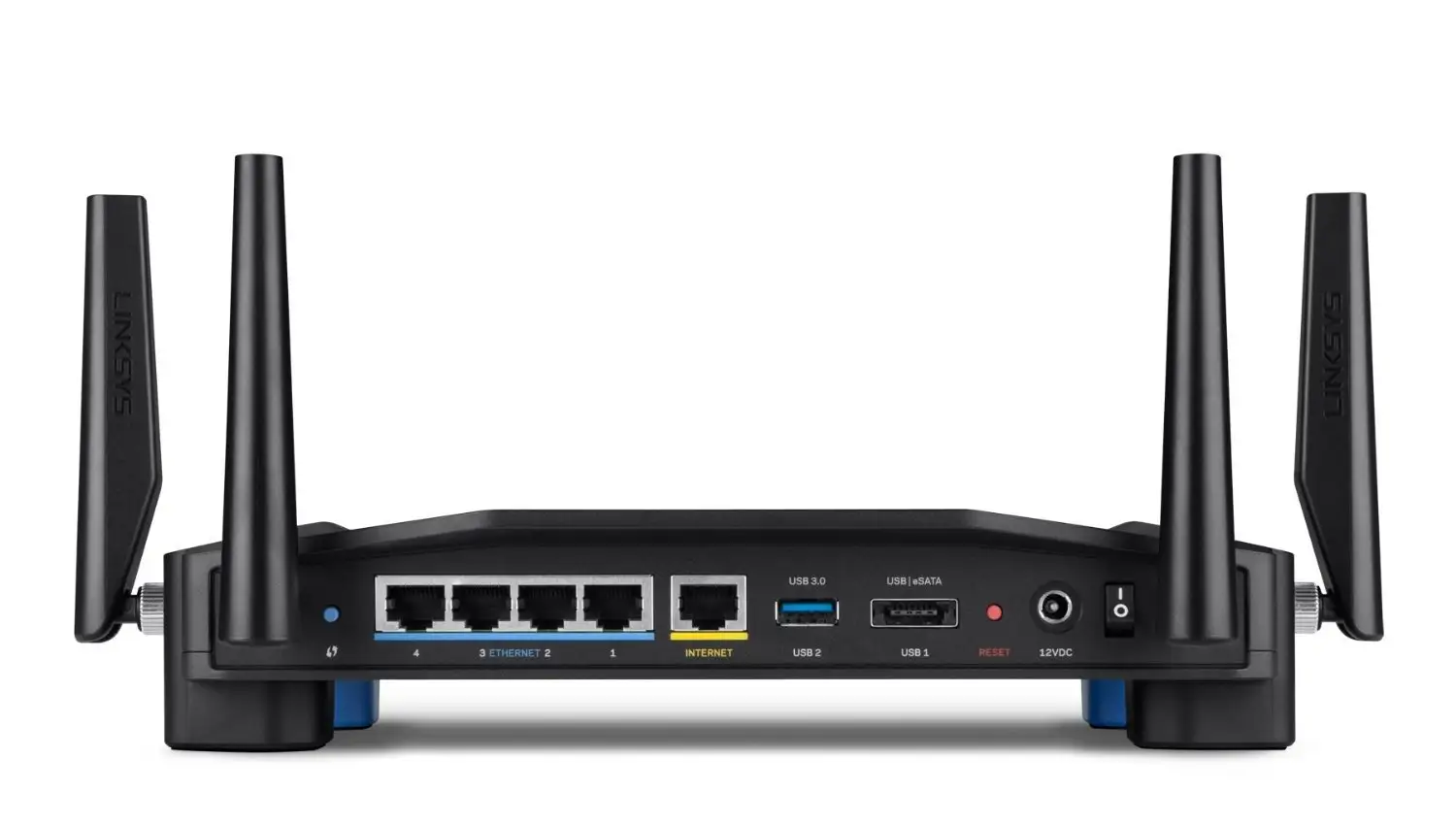
Marketing promises “up to AC1900 Mbps speeds” and “superior performance for large households” with three adjustable antennas and Smart Wi-Fi app control. While the hardware delivers on speed for short‑to‑mid range, the 2.4GHz band falters at longer distances. An Amazon buyer noted: “2.4 ghz radio performance is bad… at 70 feet it dropped from 35 Mbps to 1 Mbps,” underscoring gaps in coverage claims.
Another claim: Linksys Smart Wi-Fi enables robust remote management and parental controls. In practice, Reddit reviews show limitations – parental controls can “only block specific websites for individual devices” and guest networks “offer no encryption beyond a password prompt” akin to hotel Wi-Fi, which one Best Buy customer called “very unsafe… disappointing for this price point.”
The advertised “CD‑free easy setup” is generally true, but several users reported setup pitfalls. A Trustpilot review warned, “click the wrong button on screen at initial setup… you have to do a factory reset.” This contradicts the ‘frictionless installation’ message.
Cross-Platform Consensus
Universally Praised
Coverage was the most consistent compliment. Reddit user u/Best*** shared: “In a 3000 sq ft lot with 2 stories… I get signal even driving away in the car.” Twitter posts echoed this, with one user boasting full reception in a “10,000 sq ft warehouse metal building” – a scenario where lesser routers struggle entirely. This strength pays dividends for multi‑device households; a Best Buy buyer listed “2 TVs, 2 tablets, 2 phones, video game console, Fire Stick and Chromecast” connected within 30 minutes, all streaming without issue.
Heavy‑load performance is another standout. In a home with “full house of teenagers” and “22 devices running at the same time,” the router maintained stability after replacing a previous problematic unit. Gamers too praised low latency – Xbox One owners dropped wired connections and “just run Wi-Fi on everything now” thanks to stable speeds.
USB storage speed impressed power users. CNET testing and user reports confirmed “comparatively good USB performance… only bested by Asus DSL‑AC68U” with large files transferring quickly to media servers.
Common Complaints
The guest network security gap generated widespread criticism. Despite WPA2 support on the main network, guests get only a password gate without proper encryption. One Best Buy reviewer called it “unsafe… netgear and asus routers at this price point have the ability to WPA2 protect guest network.”
Firmware limitations topped tech‑savvy users’ complaint lists. Newegg buyers lamented the missing general QoS protocol; although “device-specific priority” exists, it’s incomplete compared to industry norms. Others disliked the “requirement to create a Linksys Smart Wi-Fi account” to fully manage remotely, seen as unnecessary brand lock‑in.
Refurb units occasionally arrived with third‑party firmware pre‑installed, causing confusion. An Amazon buyer noted, “it had VPN firmware… not checked… wasted an evening” reverting to stock. A few encountered stability issues, reporting “Wi-Fi keeps turning off… requiring a reboot” – more common on refurbs.
Divisive Features
The Smart Wi-Fi app generally earned praise for ease, allowing device prioritization and network mapping. Yet advanced users criticized it for oversimplification, with one Reddit comment that “prioritize function… slowed the entire network down when I needed 64kb for VOIP.”
Open source firmware support splits opinion. Enthusiasts lauded DD‑WRT/OpenWrt compatibility, enabling VLAN, routing tables, and advanced logging. Others warned stock performance was fine and “user interface may be slightly advanced for a beginner.”
The 5GHz band’s speed earned applause, but its range led to pushback. As one Reddit report summarized: “Full bars on 2.4GHz throughout the house… 5GHz does not have much of a range, but that is normal.”
Trust & Reliability
Long‑term owners speak of durability. An Amazon reviewer detailed four years of nonstop use: “Always‑on and always working 24x7… still running as strong and reliably as new.” This aligns with hardware praise calling it “industrial‑strength capability.”
Trust dips with some refurb buyers finding mismatched models inside boxes or pre‑installed non‑stock firmware, raising quality‑control questions. However, Linksys support was often responsive – one Trustpilot user secured a brand‑new replacement after an hour of troubleshooting on a Sunday.
Alternatives
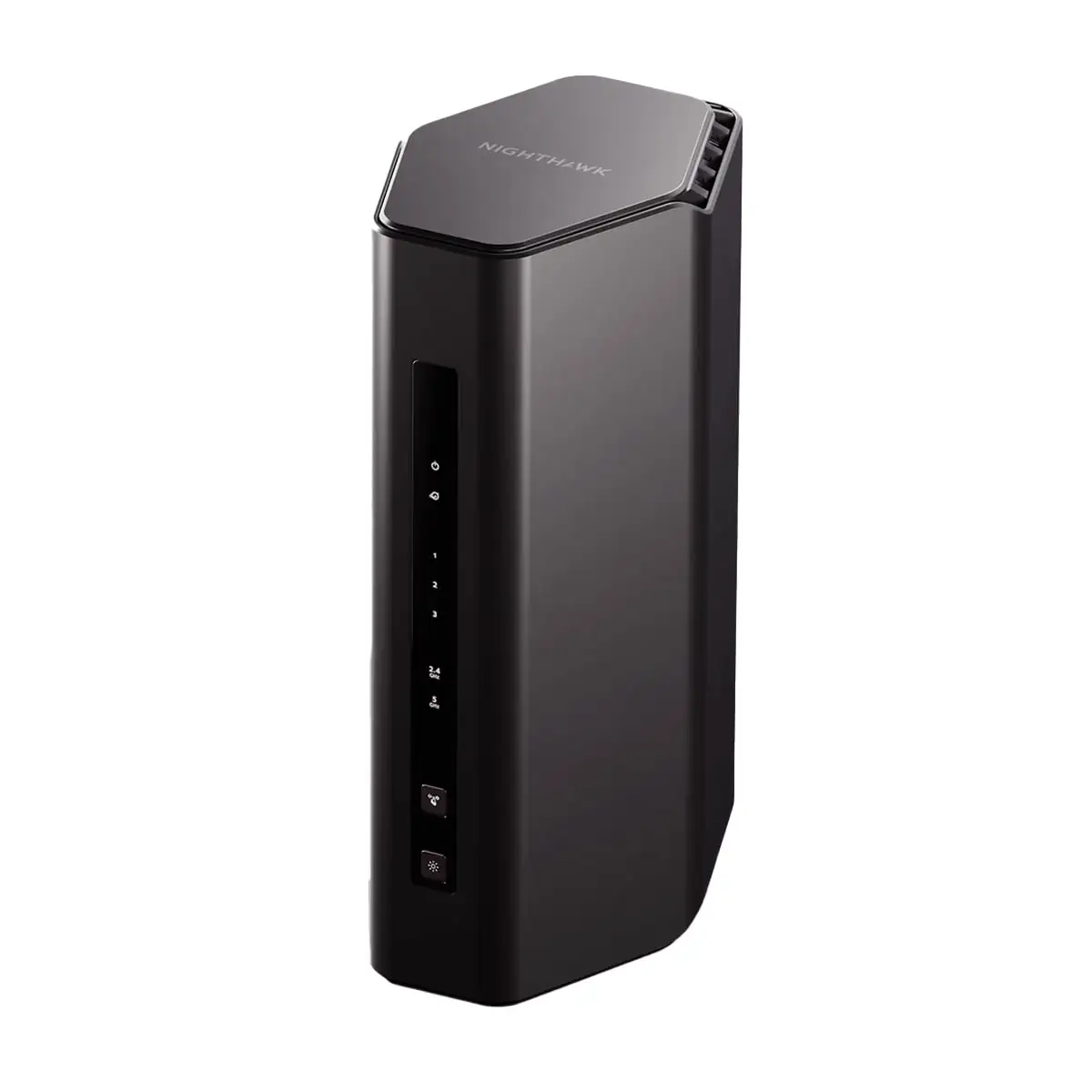
The Netgear Nighthawk X8 appears in user comparisons as a coverage powerhouse; a former Linksys owner upgraded to it, noting “night and day difference… 200-300 Mbps in areas where Linksys gave 50-90 Mbps.” Asus RT‑AC3200 also drew mention with slightly weaker signal than Linksys WRT1900ACS but comparable high‑end performance. For those focused on guest network security, Netgear and Asus models offer WPA2 for guests, a clear differentiator.
Price & Value
Pricing varies wildly: eBay listings show reneweds from $25 to $65, plus shipping, while retail reneweds hold around $159. Refurb value is strong for open source firmware seekers, with one reviewer calling it “best bang for buck” if you’re comfortable with AC1900 hardware under ACS firmware. Community buying tips urge checking firmware before purchase and considering open source flashing to unlock potential.
Resale holds decently among tech enthusiasts due to interest in DD‑WRT compatibility; however, mainstream buyers may prefer newer Wi‑Fi 6 gear.
FAQ
Q: Does the Linksys AC1900 support open source firmware?
A: Yes. Many users successfully flashed DD‑WRT and OpenWrt, unlocking advanced features like VLANs and routing tables.
Q: How good is the range for large homes?
A: For most, exceptional – coverage through multi‑story houses and even large warehouses. Some drop‑off occurs on 2.4GHz past 70 feet.
Q: Is the guest network secure?
A: Not with WPA2; it uses a password‑only captive portal. Tech users advise caution when offering guest access.
Q: Does setup require a CD?
A: No. Smart Wi-Fi app and browser setup are standard, though wrong steps can force a factory reset.
Q: Can it handle many devices at once?
A: Yes, with reports of 22‑30 connected devices streaming and gaming simultaneously without lag.
Final Verdict: Buy if you need wide coverage, fast 5GHz speed, and open firmware flexibility. Avoid if guest network security is a priority or you rely solely on plug‑and‑play defaults without tweaks. Pro tip from community: Check and update firmware immediately – or flash to DD‑WRT/OpenWrt for best performance and control.





