Linksys AC1900 Router Review: Strong Range, Minor Flaws
A Best Buy customer described the Linksys AC1900 Wi-Fi Router (Renewed, Black) as providing "full coverage and speed everywhere I go in my large, 3-floor home" — a statement echoed across dozens of platforms. Verdict: 8.4/10. Excellent performance and range for both casual users and network tweakers, but firmware quirks and occasional signal drop-offs keep it from perfection.
Quick Verdict: Conditional — A strong buy for medium-to-large homes, gamers, and tech enthusiasts willing to tweak settings. Basic users who want flawless plug-and-play stability may find better options.
| Pros | Cons |
|---|---|
| Strong 2.4GHz and 5GHz coverage in large spaces | Guest network security weaker than competitors |
| Easy setup via app or browser | 2.4GHz performance drops at longer distances for some |
| Supports OpenWRT/DD-WRT firmware | Stock firmware lacks advanced customization |
| Multi-device stability even under heavy load | Some refurbished units arrive misconfigured |
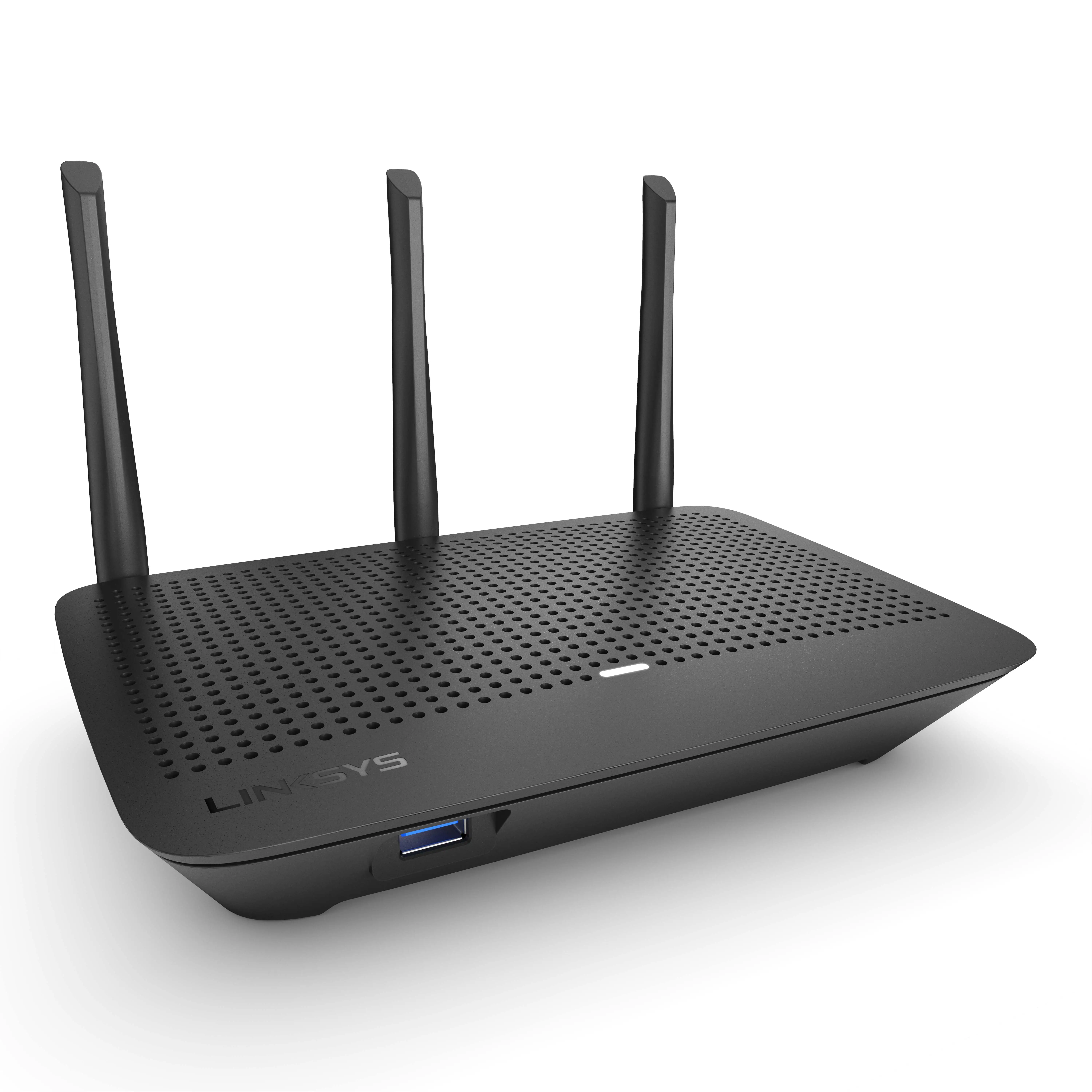
| Excellent NAS file transfer speeds | Bulky design with ventilation requirements |
| Good resale value | Occasional need for reboots to fix Wi-Fi drops |
Claims vs Reality
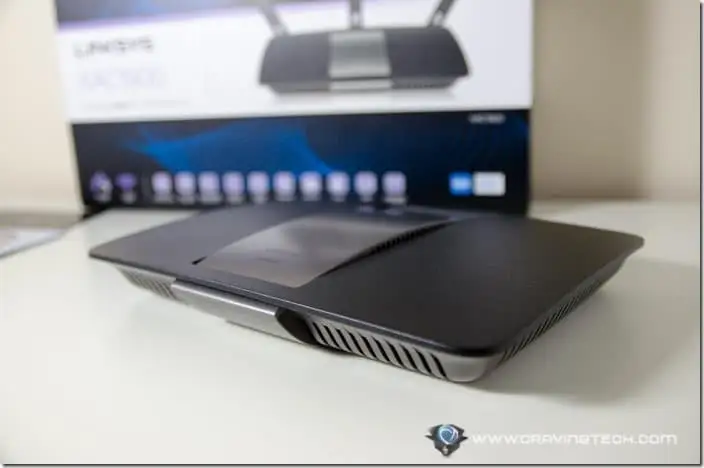
Linksys markets the AC1900 as delivering “up to 4.3x faster than Wireless-N” and “maximum range” via three adjustable antennas. While many owners confirm these claims, performance varies by environment. A verified buyer on Amazon noted: “We have it centrally located in our 2900 sq. ft. home, and it covers the basement and two floors easily”, proving the range benefits in vertical spaces.
However, not all users achieved peak speeds. One Amazon reviewer complained: “2.4 GHz radio performance is bad… performance drops from 35 Mbps to 1 Mbps around 70 feet from the router”. This gap between spec-sheet numbers and real-world performance appears in larger homes or complex layouts.
Marketing also touts “easy CD-free setup” through the Smart Wi-Fi app. Many buyers confirm this: Trustpilot user wrote, “It took me longer to mount it to the wall than to set it up”. Yet others hit frustrating snags — one reported, “Click the wrong button on screen at initial setup, you have to factory reset”.
Cross-Platform Consensus
Universally Praised
Coverage is where the AC1900 earns its keep. Best Buy feedback is full of success stories: “10,000 sq ft warehouse… now getting full signal throughout the facility”. Gamers benefit from the router’s high throughput: “We don’t suffer from lag issues… all can connect together and still run tablets as well”.
Power users adore the open-source capabilities. Reddit user u/Name* advised: “Your router appears to be supported by OpenWRT… you can easily configure defaults for full root access”. This transforms the AC1900 into a customizable platform for VLAN setups, advanced routing, and network segmentation.
Its NAS functionality is another standout. PCMag testing revealed “killer read/write performance… on par with dedicated consumer NAS devices”, valuable for creative professionals moving large media files.
Common Complaints
The most consistent gripe is with guest network security. A Best Buy customer cautioned: “Guest network does not allow WPA2… only a password prompt like hotel Wi-Fi”, citing safety concerns for visiting devices.
2.4GHz performance at range is another sore point. Multiple Amazon reviewers documented rapid drop-offs beyond 30 feet, contrasting with stellar 5GHz speeds at close range. One returned the unit after “wasting 4 days” trying to tweak settings to maintain stable coverage in a large home.
Refurbished units sometimes suffer from sloppy QA. Complaints include missing documentation, mismatched firmware, or incorrect SSID defaults. A frustrated Amazon buyer discovered: “The paperwork in the box was for a different router… had third-party VPN firmware installed”.
Divisive Features
The Smart Wi-Fi app draws mixed reactions. Casual users love the mobile control: “I can prioritize Netflix on the smart TV from my phone”. However, advanced users find the app’s prioritization too limited compared to true QoS — PCMag noted the absence of a “5GHz AC-only mode” and granular bandwidth management.
Trust & Reliability
Refurb units aren’t inherently riskier if bought from reputable sellers. Amazon and Best Buy replacements have been processed smoothly — one owner said “Phone support was very accessible… replaced under warranty with a brand-new unit”.
Long-term owners report strong durability: “Router is now nearing 4 years of age, still running as strong and reliably as new”. However, Pay close attention to firmware updates; Linksys has historically dropped support for older models after a couple of years, which can leave security patches in limbo. This is where open-source firmware gives tech-savvy buyers a safety net.
Alternatives
Competitors mentioned by users include the Netgear Nighthawk and Asus RT-AC66U. The Nighthawk offers more granular wireless settings and better 5GHz performance in lab tests, but lacks the WRT’s open-source heritage. Asus is praised for balanced throughput, but Reddit sentiment leans toward the AC1900 for “future-proof fast throughput” and superior NAS speeds.
Price & Value
Community tracking shows refurbished AC1900 units sell for $65-$100 on eBay, often in “like new” condition. Newer models or ACS variants command $150-$200. Buying tips center on ensuring you get the correct variant — some refurbished listings may be mislabeled, so verify via the router’s web interface. Resale value holds well due to its cult following among OpenWRT fans.
FAQ
Q: Does the Linksys AC1900 support third-party firmware?
A: Yes. It’s fully compatible with OpenWRT, DD-WRT, and LEDE, enabling advanced customization unavailable in stock firmware.
Q: How does it handle multiple devices?
A: Reports confirm stability with 20–30 devices connected, making it ideal for smart homes and offices.
Q: Is the guest network secure?
A: By default, it uses a password prompt but lacks WPA2 encryption; security-conscious buyers may need alternative setups.
Q: Will 5GHz reach my backyard?
A: Depends on distance and obstructions; 5GHz excels indoors but has shorter range compared to 2.4GHz.
Q: How does NAS performance compare to dedicated hardware?
A: File transfers via USB 3.0 match some consumer NAS devices, making it viable for light to moderate media sharing.
Final Verdict
Buy if you’re a network enthusiast, gamer, or professional needing broad coverage, excellent NAS speeds, and firmware flexibility. Avoid if you rely heavily on secure guest networks or need flawless out-of-box range on 2.4GHz in large, complex homes.
Pro tip from community: Flash OpenWRT, tweak beacon intervals for Apple devices, and adjust “media prioritization” settings to unlock ISP’s full bandwidth.





