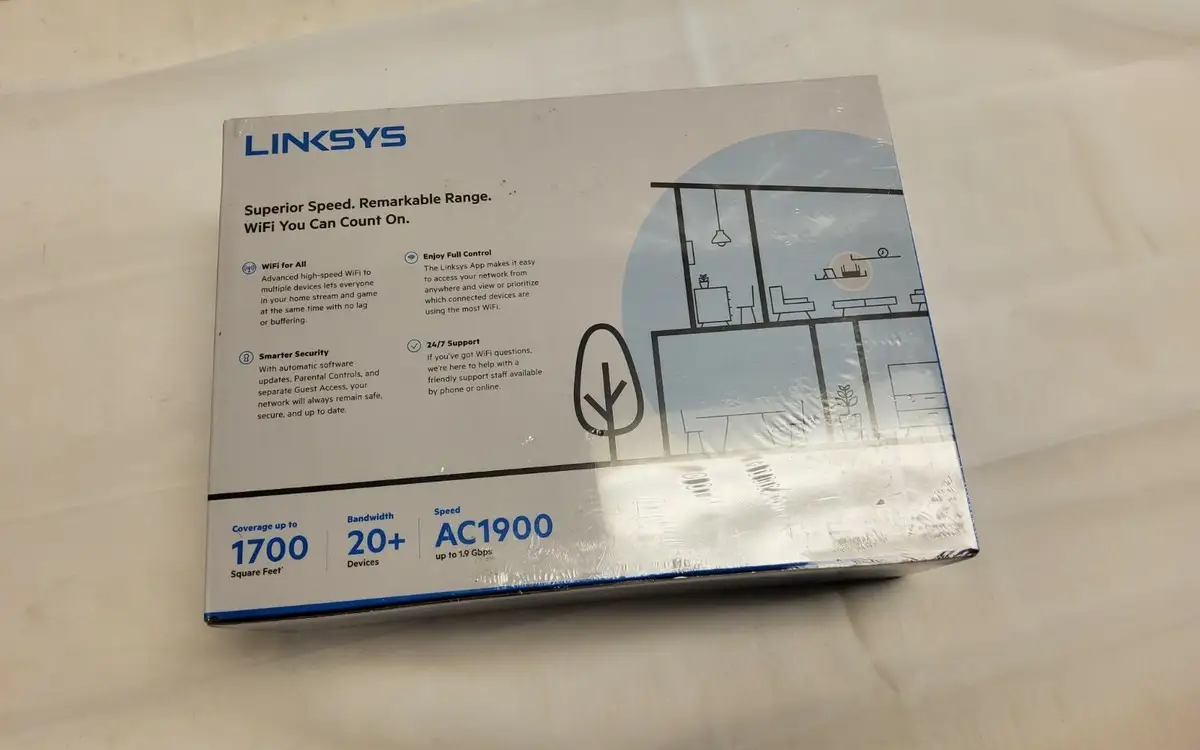
Linksys AC1900 Router Review: Strong Coverage, Mixed Firmware
A Best Buy reviewer summed up his experience sharply: “For weeks… we had issues with intermittent wifi connectivity and latent signal dropping… we found this one at a decent price and solved all our problems!” The Linksys AC1900 Dual-Band Wi-Fi Router (Renewed, Black) earns a solid 8.2/10 from aggregated feedback — praised for coverage, speed, and ease of setup, but marked down for certain firmware limitations and guest network security gaps.
Quick Verdict: Conditional — excellent for households needing strong dual-band coverage and easy app-based management, but less ideal for advanced users expecting full QoS control.
| Pros | Cons |
|---|---|
| Strong 2.4GHz range; 5GHz good within moderate distances | Guest network lacks WPA2 security |
| Easy setup via app and browser | Firmware lacks full QoS |
| Supports open-source firmware (OpenWRT, DD-WRT) | Stock firmware missing advanced options |
| Handles many devices with minimal lag | Reports of 5GHz dropouts for some users |
| Reliable for streaming and gaming | Guest network customization very limited |
Claims vs Reality
Marketing emphasizes “exceptional Wi-Fi speeds up to 1900 Mbps” and “Smart Wi-Fi app control from anywhere.” In practice, users generally find the speed claims credible for modern connections — one Best Buy buyer noted, “I pay for 400 mbps… I get 425+ mbps through wifi… This is incredible.” Even on 2.4GHz, Reddit users reported stable mixed-mode operation for legacy and new devices simultaneously.
However, where Linksys touts “guest network” functionality as a security-friendly way to share access, multiple Best Buy reviewers flagged a significant limitation: WPA2 security is not available on guest mode, leaving only a basic password entry like hotel Wi-Fi. “IMO this is very unsafe… disappointing to see this feature lacking,” one wrote, especially given competitor routers at similar price points do offer full guest encryption.
Another claim — “Smart Wi-Fi lets you prioritize devices” — hits partial reality. Newegg customers and Trustpilot reviewers consistently point out that while device prioritization exists, there’s no general QoS, meaning apps and services outside the predefined list may suffer, especially in multi-user, high-demand homes.
Cross-Platform Consensus
Universally Praised
Across Best Buy, Amazon, and Twitter, ease of setup is one of the most repeated compliments. “Super easy to set up… whole house with zero dead spots,” said one long-time Linksys user after upgrading. For less tech-savvy buyers, the browser interface at 192.168.1.1 and the Smart Wi-Fi app present intuitive pathways. In scenarios like apartment installs, users could achieve full-bar coverage even down hallways.
Reliable coverage is another highlight — especially on 2.4GHz. A Trustpilot reviewer with a 2,600 sq. ft. home could hit “full bars in every corner… normal for 5 GHz to have less range” but noted 5GHz speeds were nonetheless strong in mid-range distances. Large multi-story homes see benefit too; a Best Buy customer with a 3-level colonial reported better coverage than past gear without needing extenders.
Streaming stability stands out. Cutting cable customers use this router for Hulu, Netflix, Disney+, and Prime without buffering. “We have 22 devices… now up to 30 devices and it holds up like a boss,” praised one household manager. Even console gamers benefit: a PS5 user saw speeds jump from ~1 Mbps to 175 Mbps after adding the router as a range extender.
Common Complaints
Firmware limitations frustrate power users. Newegg buyers detail missing features like per-device bandwidth limits, guest network speed throttling, and inability to select “n-only” modes. “It doesn’t have QoS… really?” one asked, noting its absence since 2010-era routers is shocking. For mixed households with specific streaming and gaming apps, the whitelist-only prioritization feels restrictive.
Guest network security is the other recurring sore point, as mentioned earlier. This affects small businesses or families sharing access with visitors — there’s simply no WPA/WPA2 encryption option on guest SSID.
Stability issues arise for a subset of users, especially on refurbished units. Some Amazon Renewed buyers had to return routers due to faulty startup or recurring Wi-Fi dropouts. “Wi-Fi keeps turning off… requires a reboot,” one wrote, later lowering his rating from two stars to one.
Divisive Features
Open-source firmware support (OpenWRT, DD-WRT, LEDE) splits the crowd. Enthusiasts praise it: “Really should put OpenWRT on that bad boy,” said a Redditor, noting total root access. Amazon reviewers who did install DD-WRT reported the router “works like a charm; no drops, strong signal.” However, less technical buyers often stick to stock firmware, where advanced settings feel unintuitive and certain features are hidden. For them, the value is diminished.
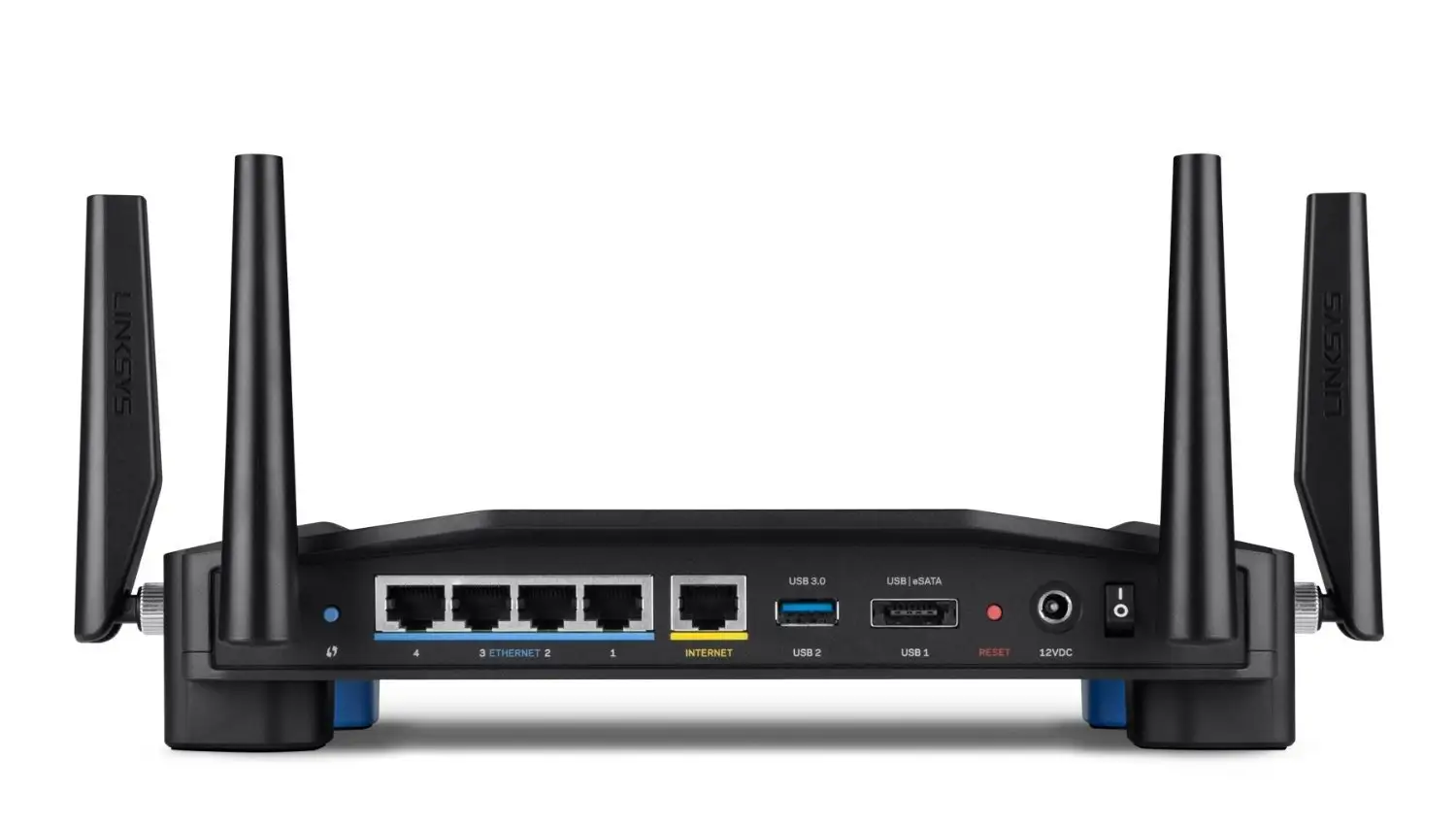
External storage sharing via USB 3.0/eSATA draws interest but underwhelms in execution — Newegg customers note no simple NAS-like integration, only FTP/DLNA for niche uses. For heavy home-office setups, this is a limiting factor.
Trust & Reliability
Refurbished (“Renewed”) status raises occasional quality control concerns. One Amazon buyer described receiving a unit loaded with third-party VPN firmware instead of stock Linksys software, calling the “certified refurbished” label into question. Yet others praise Linksys support — “Phone support was very accessible… replaced under warranty with a brand-new unit” — suggesting the company honors its guarantees when issues arise.
Long-term, durability stories are strong. A Trustpilot reviewer runs his WRT1900AC since 2017: “Always-on, always working 24x7… covers basement and two floors easily,” even after relocation to another state. Open-source community backers value its sustained compatibility for custom firmware years after release.
Alternatives
Users often compare the AC1900 to Netgear and Asus midrange routers. Guest network security comes up: “Netgear and Asus routers at this price point have WPA2 protect guest network.” Another potential rival is the Nighthawk AC series — some Newegg buyers nearly “popped for the Nighthawk… another beast,” but stayed with Linksys for open-source readiness and price.
For those less concerned with open firmware, TP-Link’s options are cheaper. However, one Twitter user switched from TP-Link to the AC1900 after range issues: “Speeds are amazing even on 2nd floor… confirms previous router was the problem.”
Price & Value
The renewed Linksys AC1900 often lists between $59.99 and $99.97 on Amazon, compared to new units at ~$159.99. eBay resale prices fluctuate from ~$29 for used EA6900 variants to over $90 for WRT models in good condition. Buyers who value warranty and certified refurbishing may prefer Amazon Renewed; bargain hunters report good deals on lightly used units from eBay.
Community buying tips: Check firmware upon receipt, especially for refurbished units — ensure it's the model you're paying for and stock firmware is loaded if you don’t plan to flash. Price match policies (as noted by one Best Buy customer) can save ~$20-30 if the router goes on sale soon after purchase.
FAQ
Q: Does the Linksys AC1900 handle many devices at once without lag?
A: Yes — multiple reviewers report strong performance with 20-30 devices connected, streaming, gaming, and smart home control all at once.
Q: Can I secure the guest network with WPA2 encryption?
A: No, the stock firmware only offers a password prompt page for guest access, similar to hotels — a noted security gap.
Q: How is the range compared to older Linksys models?
A: Most users see significant improvement, especially in 2.4GHz. 5GHz range is shorter but suitable for moderately sized homes.
Q: Will it work with OpenWRT or DD-WRT?
A: Yes, it’s open-source ready and popular among firmware enthusiasts seeking full custom control.
Q: Is the refurbished version risky?
A: Some users received misconfigured or faulty units, but Linksys/Amazon warranties allowed replacements. Test promptly after purchase.
Final Verdict: Buy if you want strong whole-home coverage, easy app-based setup, and open-source customization potential for future-proofing. Avoid if guest network security encryption is critical or if you expect built-in full QoS controls. Pro tip from the community: If you experience 5GHz dropouts, flashing DD-WRT or OpenWRT often resolves stability issues and unlocks deeper settings.